POE Security Cameras: Expert Buying Guide
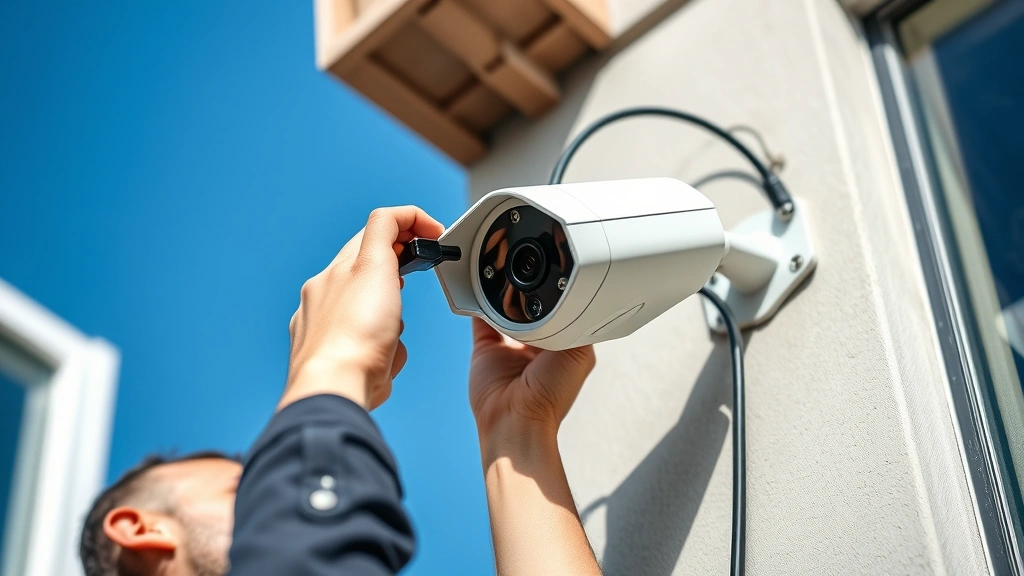
Power over Ethernet (POE) security camera systems have revolutionized modern surveillance infrastructure by combining video transmission and electrical power through a single network cable. This technological advancement eliminates the need for separate power lines, reducing installation complexity and costs while improving system reliability and scalability. Whether you’re protecting a residential property, small business, or enterprise facility, understanding POE security camera technology is essential for making informed purchasing decisions.
POE systems have become the industry standard for professional surveillance deployments because they offer superior flexibility, easier maintenance, and centralized power management. Unlike traditional analog cameras that require dedicated power supplies at each location, POE cameras draw power directly from network switches equipped with POE capabilities, streamlining your entire infrastructure and reducing potential points of failure.
Understanding POE Technology and Standards
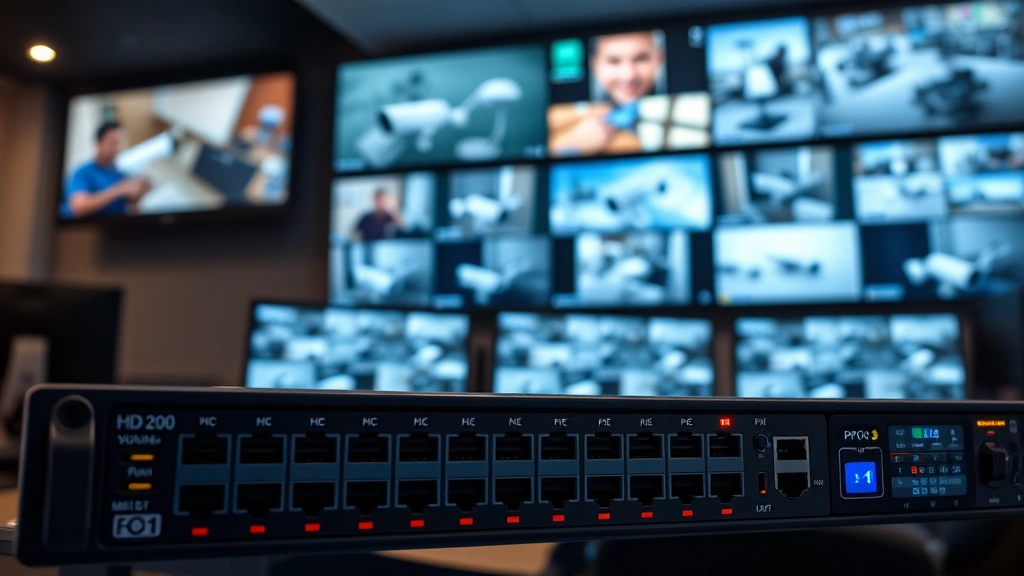
Power over Ethernet operates through standardized protocols defined by the IEEE 802.3 specification, which establishes safe power delivery methods across network cables. The technology uses unused wire pairs in standard Cat5e or Cat6 cabling to transmit DC power while simultaneously carrying data signals, enabling efficient single-cable installations that reduce clutter and installation expenses.
Several POE standards exist, each with different power delivery capabilities. POE (standard) provides up to 15.4 watts per port, suitable for basic fixed cameras. POE+ (High Power) delivers up to 30 watts, supporting pan-tilt-zoom (PTZ) cameras and advanced features. POE++ (High Power Plus) provides up to 60 watts for demanding applications. Understanding these distinctions helps you select the best POE security camera system that matches your specific power requirements and functionality needs.
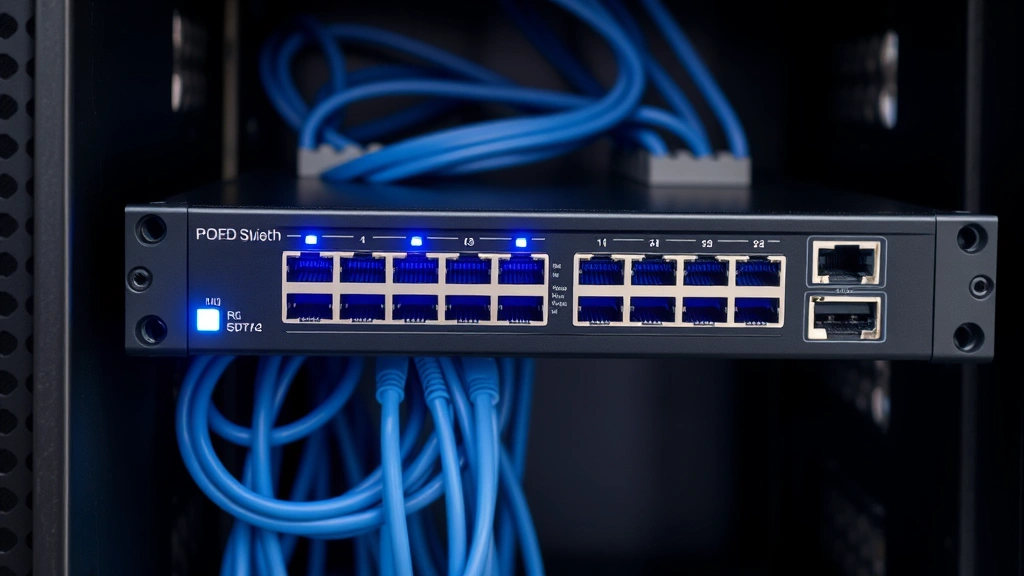
The injector or switch powering your cameras must support the appropriate standard. A POE+ switch can power standard POE cameras but provides additional headroom for future upgrades. Enterprise deployments typically benefit from redundant power supplies and managed POE switches that offer remote monitoring and control capabilities through network management platforms.
Key Features to Evaluate
When evaluating POE security cameras, several critical features determine system performance and reliability. Resolution and image quality directly impact your ability to identify details during incident investigations. Modern cameras range from 1080p to 4K and beyond, with higher resolutions providing superior detail but requiring increased bandwidth and storage capacity.
Look for cameras with low-light performance capabilities, including infrared (IR) illumination, wide dynamic range (WDR), and advanced image processing. These features ensure usable video during nighttime hours and in challenging lighting conditions. Starlight technology and ultra-low-light sensors enable surveillance in environments with minimal ambient illumination.
Additional important specifications include:
- Lens options: Fixed focal length lenses provide cost-effective solutions, while varifocal lenses offer flexibility for different viewing angles and zoom capabilities
- Field of view: Wide-angle lenses (3-6mm) cover larger areas, while telephoto lenses (8-25mm+) provide detail at distance
- Frame rate: 30fps provides smooth video for most applications; higher frame rates improve motion clarity
- Video compression: H.265 (HEVC) provides superior compression compared to H.264, reducing bandwidth and storage requirements by 30-50%
- Weatherproofing: IP67 rating ensures operation in rain, snow, and extreme temperatures for outdoor deployments
- Smart features: Motion detection, line-crossing detection, and intrusion detection reduce false alerts and improve operational efficiency
Advanced analytics capabilities, including people detection, vehicle detection, and facial recognition, add significant value for security-focused installations. These AI-powered features minimize false positives from weather conditions and moving objects while enabling proactive threat identification.
Top Camera Types and Specifications
The diverse POE camera market offers specialized options for different deployment scenarios. Bullet cameras feature compact, cylindrical designs ideal for perimeter monitoring and long-distance surveillance. Their streamlined form factor makes them less obtrusive while providing excellent optical performance. Turret cameras offer similar functionality with improved cable management and wider viewing angles.
Dome cameras provide aesthetic appeal and vandalism resistance through their protective housing, making them suitable for interior environments and facilities where appearance matters. Fisheye cameras deliver 360-degree coverage from a single unit, reducing the number of cameras required for complete area coverage. Panoramic cameras combine multiple sensors to create ultra-wide views spanning 180-360 degrees.
PTZ (pan-tilt-zoom) cameras deliver active surveillance capabilities, allowing operators to track moving subjects and zoom into areas of interest. These motors-equipped cameras require POE+ or higher power standards but provide unmatched flexibility for monitoring large areas with minimal camera units.
Thermal imaging cameras detect heat signatures rather than visible light, enabling surveillance through fog, smoke, and complete darkness. These specialized cameras excel in perimeter security, wildfire detection, and search-and-rescue applications. Their premium pricing reflects their unique capabilities and specialized use cases.
When selecting cameras, consult CISA infrastructure security guidelines for critical facility recommendations. Organizations should also review NIST security controls documentation for compliance requirements in regulated industries.
System Integration and Network Requirements
Successful POE camera deployments require robust network infrastructure capable of handling video streams without degradation. Calculate total bandwidth requirements by multiplying the number of cameras by their individual bitrate consumption. A 4MP camera at 30fps typically consumes 4-8 Mbps depending on compression settings, while 4K cameras demand 8-16 Mbps or higher.
Your network switch must provide sufficient POE ports with appropriate power budgets. A 48-port POE+ switch typically delivers 740 watts total power, limiting simultaneous operation of high-power devices. Enterprise deployments often employ multiple switches with redundant connections and backup power supplies to ensure continuous operation during electrical failures.
Network architecture should implement VLAN segmentation to isolate camera traffic from critical business systems. This security practice prevents compromised cameras from accessing sensitive data networks. Quality of Service (QoS) settings prioritize video streams, ensuring consistent performance even during peak network usage.
Storage solutions must accommodate continuous video recording across all cameras. Network-attached storage (NAS) systems designed for surveillance provide optimized performance and reliability. Calculate storage requirements by multiplying cameras × bitrate × recording duration × 3,600 seconds. A system with eight 4MP cameras recording continuously for 30 days requires approximately 10-15 TB of storage.
Management software integrates cameras into unified dashboards, enabling centralized monitoring, recording, and analytics. Enterprise solutions offer advanced features including user authentication, audit logging, and role-based access controls. Ensure your chosen platform supports industry-standard protocols like ONVIF (Open Network Video Interface Forum) for vendor flexibility and future-proofing.
Installation and Deployment Considerations
Proper installation directly impacts system performance and longevity. Begin with comprehensive site surveys identifying optimal camera locations for maximum coverage with minimal blind spots. Consider sun position, seasonal changes, and vegetation growth when planning field-of-view coverage.
Cable routing requires careful planning to avoid interference and physical damage. Use conduit protection in high-traffic areas and maintain proper cable bend radius specifications. Cat6A cabling supports longer distances (up to 100 meters) and provides superior performance compared to Cat5e, particularly for high-resolution cameras and future upgrades.
Weatherproofing outdoor installations involves proper cable sealing, surge protection, and environmental considerations. Install cameras on stable mounting hardware rated for wind loads and vibration. Use protective housings and sunshields to prevent glare and thermal stress on sensors.
Power distribution should include uninterruptible power supply (UPS) backup for critical cameras and network equipment. Even brief power interruptions can compromise security during critical events. Backup batteries ensure continued operation for 4-8 hours, allowing graceful shutdown or alternative power activation.
Proper grounding prevents electrical damage from lightning strikes and electrical surges. Use surge protectors specifically designed for POE applications, which protect both data and power lines. Bonding all metal components to a common ground reference eliminates potential shock hazards and improves system reliability.
Security Best Practices
POE camera systems represent valuable network assets requiring robust security measures. Change all default credentials immediately upon deployment, using strong, unique passwords for each device. Many security breaches exploit unchanged factory credentials, making this fundamental step essential.
Enable encryption for all video streams using HTTPS/TLS protocols. Unencrypted video transmissions can be intercepted and viewed by unauthorized parties, compromising privacy and security. Firmware updates should be applied promptly when available, as manufacturers regularly release patches addressing discovered vulnerabilities.
Implement network access controls limiting camera communication to authorized management stations. Restrict administrative access to management interfaces through VPN connections and multi-factor authentication. Monitor camera logs for suspicious activity, unusual access patterns, or failed authentication attempts.
Consult NIST Cybersecurity Framework guidelines for comprehensive security assessment methodologies. Organizations handling sensitive data should engage qualified security professionals to audit camera deployments against threat models relevant to their industry.
Physical security complements cybersecurity measures. Protect network cables from tampering through conduit routing and access control. Secure PoE switches and network equipment in locked cabinets with restricted access. Document all system modifications and maintain audit trails of configuration changes.
Regular testing validates system functionality and identifies weaknesses before actual incidents occur. Conduct quarterly security assessments checking for firmware vulnerabilities, configuration drift, and unauthorized devices on your camera network. Simulate failure scenarios to verify backup systems and ensure rapid recovery capabilities.
Privacy considerations require careful attention, particularly when cameras monitor employee areas or residential spaces. Establish clear policies regarding video retention, access permissions, and incident investigation procedures. Comply with applicable privacy regulations including GDPR, CCPA, and local surveillance laws that may restrict monitoring in certain areas.
FAQ
What is the maximum cable distance for POE cameras?
Standard POE operates effectively over Cat5e cabling for distances up to 100 meters (328 feet). Cat6A cabling extends this to 100+ meters while supporting higher power delivery standards. Beyond 100 meters, signal degradation and power loss become problematic. Use POE extenders or additional switches to overcome distance limitations in large facilities.
Can I mix different camera brands in a POE system?
Yes, ONVIF-compliant cameras from different manufacturers can coexist on the same network and be managed through compatible software platforms. However, mixing brands complicates support relationships and may limit integrated features. Most deployments benefit from standardizing on single manufacturers for consistent performance, easier troubleshooting, and streamlined maintenance.
How much bandwidth do 4K POE cameras actually consume?
4K cameras typically consume 8-20 Mbps depending on frame rate, compression settings, and video complexity. Static scenes compress more efficiently than dynamic environments with significant motion. Test actual bandwidth consumption in your specific environment rather than relying on manufacturer specifications, which often represent worst-case scenarios.
What’s the difference between POE and POE+?
POE (standard) provides 15.4 watts per port, suitable for fixed cameras without power-hungry features. POE+ delivers 30 watts, supporting PTZ cameras, heaters, and advanced analytics. POE++ provides up to 60 watts for extremely demanding applications. Verify your switch supports the power standard required by your cameras before deployment.
Do POE cameras work during power outages?
POE cameras require continuous electrical power and cease operating during outages unless backed by UPS systems. Install UPS batteries protecting your POE switch and critical cameras to maintain surveillance during power failures. Calculate battery capacity based on total camera power consumption and desired backup duration.
How often should POE camera firmware be updated?
Check for firmware updates monthly and apply security patches immediately upon release. Manufacturers typically address discovered vulnerabilities within weeks of disclosure. Establish formal update procedures including testing on non-critical cameras before production deployment, ensuring updates don’t introduce compatibility issues.


