Protect Your iPad Screen: Expert Recommendations for Maximum Device Security and Durability
Your iPad is more than just a device—it’s a gateway to your digital life, containing sensitive personal and professional information. The screen represents one of the most vulnerable components of your tablet, facing constant threats from physical damage, accidental drops, and digital security vulnerabilities. Understanding comprehensive protection strategies goes beyond simple screen protectors; it encompasses physical safeguards, software security measures, and behavioral practices that collectively shield your device from harm.
In an increasingly connected world where tablets serve as productivity tools, entertainment platforms, and financial devices, protecting your iPad screen has become a critical aspect of personal cybersecurity. This guide explores expert-recommended approaches to safeguard your device’s display while maintaining optimal functionality and security.
Understanding iPad Screen Vulnerabilities
iPad screens face multifaceted vulnerabilities that extend beyond visible cracks and scratches. The Liquid Retina and Liquid Retina XDR displays found in modern iPads utilize advanced technology that, while offering exceptional visual quality, introduces specific security and durability concerns. Physical impacts can damage the touchscreen digitizer, rendering your device partially or completely unusable.
Beyond physical threats, your screen serves as the interface through which cyber threats can manifest. When you’re viewing banking applications, entering passwords, or accessing confidential work documents on your iPad, screen security becomes intertwined with data security. Unauthorized individuals gaining physical access to your device could potentially view sensitive information displayed on your screen, making privacy protection equally important as physical durability.
The iPad’s high resolution and brightness capabilities, while beneficial for content consumption and productivity, can also make your device an attractive target for theft. Protecting your screen means protecting the entire ecosystem of information accessible through your tablet.
Physical Protection Solutions
Protective Cases and Covers
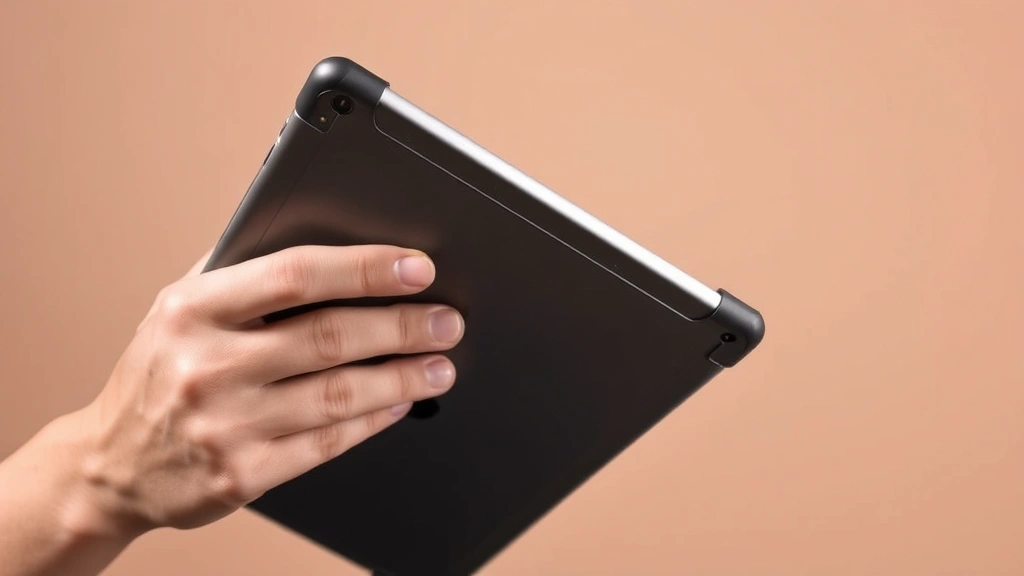
The foundation of any comprehensive screen protection strategy begins with a quality protective case. Expert recommendations consistently emphasize that cases serve as the primary defense against accidental drops, impacts, and environmental hazards. Premium cases designed for iPads incorporate shock-absorbing materials, reinforced corners, and raised bezels that protect your screen from direct contact with surfaces.
Look for cases featuring:
- Military-grade drop protection rated for multiple feet of fall distance
- Reinforced corner technology that disperses impact force
- Raised screen edges (typically 2-3mm) that prevent direct surface contact
- Durable materials like thermoplastic polyurethane (TPU) or polycarbonate composites
- Compatibility with your specific iPad model to ensure proper fit and protection
When selecting a case, consider your primary usage patterns. If you frequently use your iPad in professional environments, a slim protective case maintains portability. For outdoor or rugged use, thicker cases with additional cushioning provide superior protection.
Screen Protectors and Tempered Glass
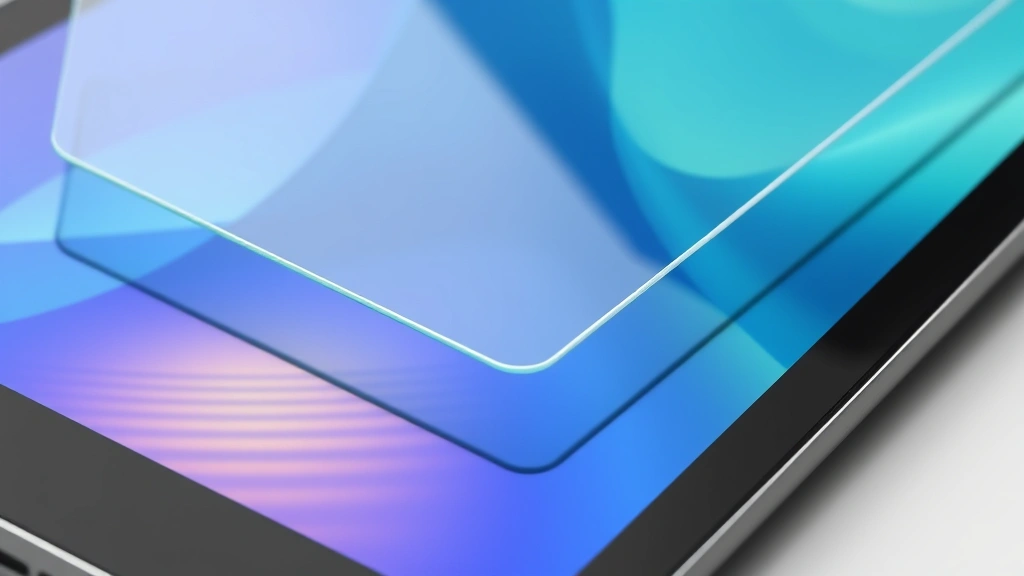
Modern screen protection technologies have evolved significantly from early plastic films. Tempered glass screen protectors offer hardness ratings comparable to your iPad’s actual screen while providing superior scratch resistance. These protectors typically feature:
- 9H hardness rating on the Mohs scale, resisting scratches from daily objects
- Anti-fingerprint oleophobic coatings that maintain screen clarity
- High transparency (typically 99%) preserving display quality
- Impact absorption capabilities that distribute force across a wider area
Privacy screen protectors represent an additional consideration for security-conscious users. These specialized protectors limit viewing angles, preventing unauthorized individuals from observing your screen content when using your iPad in public spaces. While they reduce brightness and color vibrancy slightly, the security trade-off proves worthwhile for professionals handling sensitive information.
Screen Protector Technologies
Understanding the technological differences between various screen protection options enables informed decision-making aligned with your security and usability requirements.
Tempered Glass Protectors
Tempered glass represents the gold standard for screen protection, offering exceptional durability without compromising display quality. The manufacturing process involves heating glass to extreme temperatures, then rapid cooling, creating a material that’s significantly harder than standard glass. When tempered glass breaks, it shatters into small, relatively harmless granules rather than sharp shards, protecting your hands and potentially preventing damage to the underlying screen.
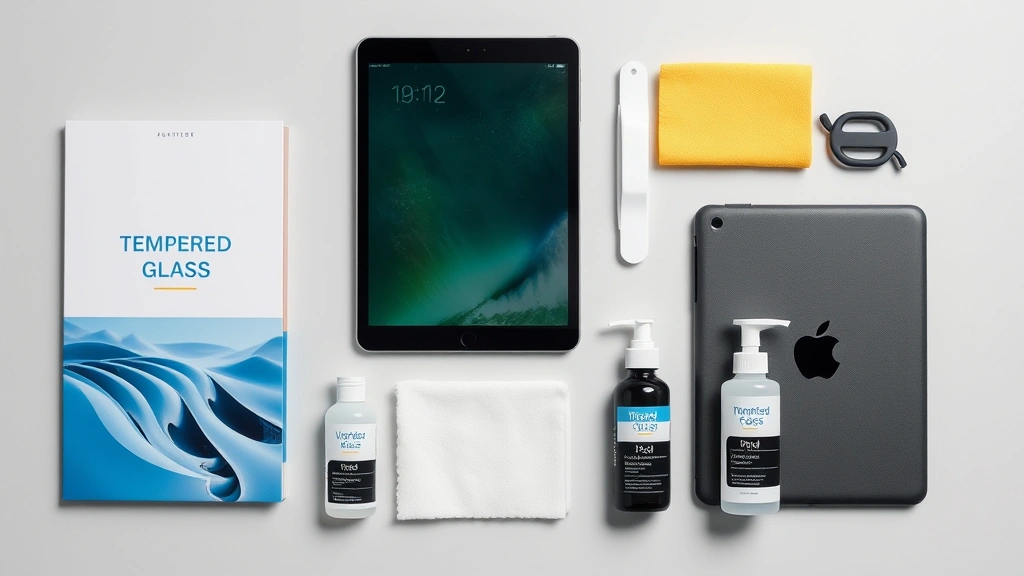
Expert recommendations favor tempered glass protectors from established manufacturers known for quality control and proper iPad compatibility. Installation requires careful attention to eliminate dust particles and air bubbles, as these imperfections compromise both protection effectiveness and display clarity. Many quality protectors include installation kits with dust removal stickers and squeegees.
Liquid Glass Coatings
Liquid glass technology represents an emerging protection solution that applies nano-coating directly to your screen surface. These coatings create a microscopic protective layer that:
- Hardens to approximately 9H hardness rating
- Provides invisible protection without affecting display quality
- Offers hydrophobic and oleophobic properties
- Maintains the original touchscreen sensitivity
- Requires professional application for optimal results
While liquid glass coatings don’t protect against catastrophic impacts like tempered glass, they excel at preventing scratches and maintaining screen clarity during daily use.
Film-Based Protectors
Traditional plastic film protectors, while more affordable than tempered glass, offer minimal impact protection. However, they excel in specific scenarios:
- Anti-glare films reduce reflections for outdoor use
- Privacy films limit viewing angles for confidential work
- Anti-bacterial films incorporate antimicrobial properties
- Matte finish films reduce fingerprint visibility
Film-based protectors work best as supplementary protection layered with other solutions rather than standalone defense mechanisms.
Digital Security Measures
Screen protection encompasses more than physical safeguards; digital security practices directly impact what information appears on your display and who can access it.
Display Privacy Protection
Your iPad screen frequently displays sensitive information including passwords, financial data, and confidential communications. Implementing privacy measures ensures unauthorized observers cannot access this information:
- Enable Face ID or Touch ID to restrict unauthorized screen access
- Configure auto-lock settings to disable screen access after brief inactivity periods (30 seconds to 2 minutes)
- Use privacy screen protectors that restrict viewing angles to direct observation only
- Avoid using your iPad in public spaces when displaying sensitive information
- Enable Guided Access to restrict app functionality during shared viewing sessions
According to CISA (Cybersecurity and Infrastructure Security Agency), physical device security directly correlates with data protection effectiveness. Implementing comprehensive privacy measures ensures your screen-based information remains confidential.
Screen Recording and Screenshot Protection
Modern threats include malicious applications attempting to capture screen content without authorization. Protect against these vulnerabilities by:
- Restricting app permissions for screen recording capabilities
- Reviewing app permissions regularly through Settings
- Avoiding installation of applications from untrusted sources
- Enabling Limit Adult Content and Apps restrictions to prevent unauthorized app installation
Check your Apple Privacy settings regularly to ensure only authorized applications possess screen-related permissions.
Software and Operating System Protection
Your iPad’s operating system serves as the fundamental security layer protecting your device and the information displayed on your screen. Maintaining optimal software security requires consistent attention and proactive measures.
iOS/iPadOS Updates
Apple releases regular security updates addressing newly discovered vulnerabilities and threats. These updates directly impact screen security by:
- Patching vulnerabilities in display drivers and touchscreen interfaces
- Improving facial recognition accuracy and security for Face ID
- Enhancing encryption of displayed information
- Addressing malware threats that could compromise screen content
Enable automatic updates in Settings to ensure your device receives security patches immediately upon release. Organizations like NIST recommend maintaining current operating systems as a critical cybersecurity practice.
Password and Biometric Security
Screen access control represents the first line of defense against unauthorized device use. Implement:
- Complex passcodes (minimum 6 characters, preferably alphanumeric)
- Face ID or Touch ID with spoofing-resistant features
- Regular passcode updates (every 90 days for high-security environments)
- Disabling USB Restricted Mode to prevent unauthorized forensic access
Your passcode and biometric authentication directly protect the information visible on your screen by preventing unauthorized device access.
Best Practices for Daily Use
Expert recommendations emphasize that consistent behavioral practices provide foundation-level protection regardless of physical accessories or software configurations.
Handling and Transportation
Proper device handling significantly reduces accidental damage risk:
- Always transport your iPad in a protective case within a padded bag
- Avoid placing your iPad in bags with sharp objects or heavy items
- Never leave your iPad unsecured in vehicles or public spaces
- Use both hands when holding your device to minimize drop risk
- Maintain a clear work surface when using your iPad to prevent accidental displacement
Environmental Awareness
Your iPad’s screen faces threats from environmental factors requiring proactive management:
- Moisture exposure: Keep your device away from water, humidity, and rain
- Extreme temperatures: Avoid storing or using your iPad in excessively hot or cold environments
- Direct sunlight: Extended sun exposure can damage screen components and increase glare
- Dust and particles: Keep your screen clean and free from abrasive materials
- Magnetic interference: Avoid prolonged exposure to strong magnetic fields that could affect touchscreen functionality
When using your iPad outdoors, position yourself to minimize glare and screen visibility to unauthorized observers, simultaneously improving visibility and protecting privacy.
Maintenance and Care Routines
Consistent maintenance extends your screen’s lifespan while preserving security and functionality. Establish regular care routines incorporating these expert-recommended practices.
Cleaning Procedures
Proper cleaning maintains display clarity while preventing damage:
- Use microfiber cloths exclusively—avoid paper towels or rough materials that scratch glass
- Apply distilled water or specialized screen cleaning solutions to the cloth, never directly to the screen
- Gently wipe in circular motions, avoiding excessive pressure
- Clean your screen daily to remove fingerprints, dust, and oils that accumulate during use
- Never use alcohol, acetone, or harsh chemicals that damage protective coatings
Clean your screen before applying or reapplying screen protectors to eliminate dust particles that compromise protection effectiveness. For additional information about maintaining your device’s display quality, consult Apple’s official support documentation.
Regular Inspection
Monthly inspections identify emerging damage early, enabling prompt intervention:
- Examine screen edges for cracks or separation from the device frame
- Test touchscreen responsiveness across the entire display surface
- Check protective case condition for wear or damage
- Verify screen protector adhesion and integrity
- Review Face ID functionality to detect potential screen or sensor damage
Address any identified issues promptly to prevent minor damage from escalating into major problems requiring expensive repairs.
Professional Maintenance
Certain maintenance tasks benefit from professional expertise:
- Screen protector replacement: Professional installation ensures optimal adhesion and eliminates air bubbles
- Damage assessment: Apple technicians can evaluate internal display damage invisible to casual inspection
- Calibration services: Professional calibration optimizes color accuracy and brightness settings
- Repair services: Authorized Apple service providers offer quality repairs using genuine parts
Budget for professional maintenance approximately annually, or immediately following accidental damage or performance degradation.
Frequently Asked Questions
Does a screen protector affect iPad display quality?
Quality tempered glass protectors maintain 99% display transparency, producing negligible quality reduction. However, matte film protectors and privacy screens intentionally reduce clarity to provide specific benefits. Premium protectors minimize color shift and maintain brightness levels, while cheaper alternatives may noticeably affect display quality. Test protectors when possible before committing to installation.
What’s the difference between tempered glass and regular glass screen protectors?
Tempered glass undergoes heat treatment creating significantly greater hardness and impact resistance compared to standard glass. When damaged, tempered glass shatters into small granules rather than sharp shards. Regular glass protectors offer less protection and produce dangerous sharp fragments when broken. Tempered glass represents the superior choice for comprehensive screen protection.
Can I use my iPad with a screen protector and still use Apple Pencil?
Most quality screen protectors maintain full Apple Pencil compatibility, though some matte protectors may slightly reduce pressure sensitivity. Before purchasing, verify compatibility with your specific iPad model and Apple Pencil generation. Premium protectors specifically designed for stylus use provide optimal performance and responsiveness.
How often should I replace my screen protector?
Replace tempered glass protectors when visible cracks, chips, or significant wear appear—typically 1-3 years depending on usage intensity. Film-based protectors may require more frequent replacement as they accumulate scratches and lose adhesion over time. Monthly inspections help determine replacement timing based on your specific usage patterns.
Are privacy screen protectors worth the investment?
Privacy protectors prove essential for professionals handling sensitive information in public spaces, limiting screen visibility to angles directly in front of the device. For personal entertainment use, privacy protectors offer minimal benefit. Evaluate your usage patterns and information sensitivity to determine whether privacy protection justifies the slight brightness reduction and cost.
What should I do if my iPad screen cracks despite protection?
Immediately cease using your device to prevent further damage or injury from glass fragments. Contact Apple Support or visit an authorized service provider for professional assessment and repair. Attempting repairs yourself risks additional damage and potential safety hazards. Document damage with photographs for insurance purposes if applicable.
How does screen security relate to overall device security?
Your screen serves as the primary interface for accessing sensitive information and performing secure transactions. Screen protection—both physical and digital—directly impacts your ability to safely use banking apps, email, messaging services, and other sensitive applications. Comprehensive screen protection represents a critical component of overall device security. Visit US-CERT for additional guidance on mobile device security best practices.
Can I apply a screen protector myself or should I use a professional service?
Quality screen protectors include installation kits enabling successful self-application if you carefully follow instructions. Professional installation ensures optimal adhesion, eliminates air bubbles, and guarantees satisfaction. For valuable devices or if you’re uncomfortable with self-installation, professional services typically cost $15-30 and provide peace of mind. When exploring entertainment options on your protected device, check best movies on Netflix for quality content recommendations.


