Top Security Cameras for Apartments: Expert Picks and Installation Guide
Apartment living presents unique security challenges that differ significantly from traditional home setups. Renters face restrictions on permanent installations, shared spaces require monitoring without infringing on neighbors’ privacy, and landlord approval often complicates camera placement decisions. Whether you’re concerned about package theft, unauthorized entry, or simply want peace of mind while away, selecting the right security camera system is essential for protecting your living space and personal belongings.
Modern apartment security cameras have evolved dramatically, offering wireless options, cloud storage, and intelligent features that don’t require drilling holes or running cables through walls. This comprehensive guide explores the best security camera solutions specifically designed for apartment dwellers, evaluating factors like ease of installation, video quality, privacy compliance, and integration with smart home ecosystems. We’ll help you navigate the crowded marketplace and find the perfect system that balances security needs with rental restrictions.
Why Apartments Need Specialized Security Solutions
Apartment security differs fundamentally from house security due to shared walls, common areas, and landlord restrictions. Unlike homeowners who can mount permanent fixtures and run cables through walls, apartment residents need flexible, removable solutions that don’t damage property or violate lease agreements. The proximity to neighbors also introduces privacy concerns—you must monitor your entry points without inadvertently capturing footage of hallways or adjacent units.
Apartment dwellings experience higher rates of package theft, unauthorized entry through common doors, and opportunistic crimes. According to security research, apartment residents are more vulnerable to targeted burglaries because criminals can case multiple units in a single building. A visible security camera system acts as a powerful deterrent, often preventing crimes before they occur. Modern wireless cameras provide this protection without requiring professional installation or landlord permission in most cases.
The best security camera for apartment use combines portability with reliability. It should integrate seamlessly with your existing smart home setup, offer high-definition video quality, and provide accessible cloud storage for evidence. Temperature-resistant designs matter in apartments with balconies or exterior walls. Battery life and wireless connectivity become critical factors when you can’t hardwire power sources.
Key Features to Prioritize in Apartment Cameras
When evaluating apartment security cameras, focus on specific technical specifications that matter most in residential settings. Resolution and night vision form the foundation of effective monitoring. Look for cameras offering at least 1080p resolution, with 2K or 4K options providing superior detail for identifying faces and license plates. Night vision capability is essential—most crimes occur after dark, making infrared or enhanced low-light performance non-negotiable.
Field of view (FOV) directly impacts how much of your space you can monitor. Standard cameras offer 90-110 degrees, while wide-angle models provide 130-180 degrees. For apartment entryways, wider FOV helps capture approaching visitors and packages. However, extremely wide angles introduce distortion that can make facial recognition difficult.
Motion detection with intelligent filtering prevents alert fatigue. Advanced systems distinguish between human movement, animals, and environmental changes like swaying trees or passing cars. This feature proves invaluable in apartments where you might not want notifications for every shadow or passing neighbor.
Two-way audio enables communication without opening your door—critical for apartment security. You can speak to delivery personnel, warn off potential intruders, or check on visitors remotely. Look for clear audio in both directions with minimal lag.
Cloud storage and local backup options provide redundancy. Some cameras store footage locally on SD cards while simultaneously uploading to cloud servers, protecting against theft or device damage. Check encryption standards to ensure your video data remains secure during transmission and storage.
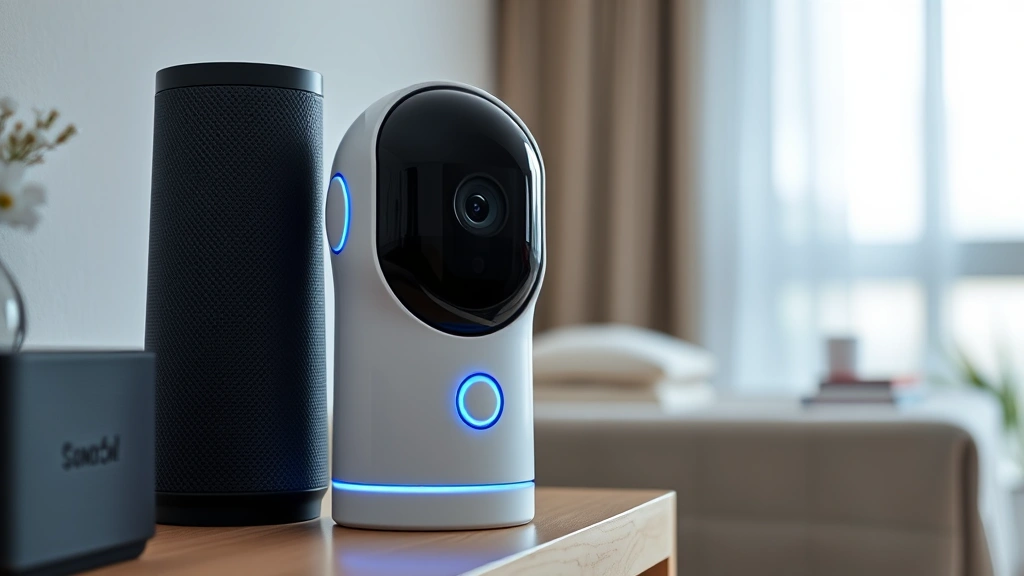
Smart home integration amplifies your security system’s effectiveness. Cameras that work with popular platforms like smart home ecosystems allow automated triggers—lights turning on when motion is detected, or alerts sent to multiple devices simultaneously.
” alt=”Modern apartment security camera mounted above doorway in contemporary living space with professional installation”/>
Best Wireless Security Cameras for Apartments
Wyze Cam v3 dominates the budget wireless market with impressive specifications. This compact camera delivers 1080p video, color night vision, and two-way audio at an exceptionally low price point. Its weatherproof design suits balcony mounting, while the magnetic base provides flexible placement. The 14-day cloud storage and local recording options give you backup options. Integration with Alexa and Google Home makes it perfect for apartment dwellers building smart ecosystems.
Logitech Circle View Wired offers premium features without subscription costs. The 180-degree ultra-wide field of view captures your entire entryway in a single frame. Intelligent video analysis identifies people, animals, and vehicles separately, reducing false alerts. While requiring a power outlet, the wired design ensures consistent operation without battery concerns. Its compact form factor fits apartment aesthetics without appearing intrusive.
Nest Cam provides Google’s ecosystem integration for seamless apartment automation. The camera offers 24/7 recording with intelligent alerts that notify you of people, animals, and vehicles specifically. Night vision performs exceptionally well, and the sleek design won’t dominate your apartment’s appearance. Nest’s integration with door locks and lights creates comprehensive security automation.
Arlo Essential Indoor/Outdoor delivers wire-free convenience with rechargeable batteries lasting months between charges. The 130-degree field of view balances coverage with clarity. Advanced motion detection algorithms reduce false alerts caused by pets or lighting changes. The weatherproof rating allows balcony or exterior mounting, while the compact design maintains aesthetic appeal.
Reolink E1 Outdoor Pro combines affordability with professional-grade features. The 4K resolution captures exceptional detail, while dual-band WiFi ensures stable connectivity even in apartments with interference-prone networks. The camera’s aggressive night vision and spotlight feature illuminate dark entryways automatically. Its PoE (Power over Ethernet) option eliminates battery concerns for permanently wired setups.
Budget-Friendly Options Without Compromising Quality
You don’t need premium pricing to achieve effective apartment security. The Wyze Cam v3 remains the gold standard for budget-conscious renters, offering features typically found in cameras costing three times as much. Its color night vision technology—rare at this price point—provides usable video in low-light conditions without the typical infrared’s washed-out appearance.
Eufy Indoor Cam 2K provides excellent value with 2K resolution, improving upon standard 1080p offerings. The camera includes three months of free cloud storage, helping you evaluate the service before committing. No subscriptions are required for basic functionality, though advanced features require optional paid plans. Its compact design suits apartment spaces where aesthetics matter.
Imou Ranger 2 delivers 2K resolution with intelligent person detection and two-way audio at a mid-range price. The camera’s efficient battery management extends operation between charges. Cloud storage options provide flexibility, and the intuitive app makes reviewing footage straightforward even for less tech-savvy users.
Budget cameras often force compromises on storage or features. Prioritize local backup options that store footage on SD cards—this ensures critical video remains accessible even if cloud services fail or your account is compromised. Look for cameras offering at least 7-14 days of free cloud storage rather than just hours.
Installation and Privacy Considerations
Apartment camera installation must respect lease agreements and local regulations. Before purchasing, review your lease for restrictions on mounting hardware, camera placement, or landlord notification requirements. Most leases prohibit permanent modifications, making adhesive mounts and removable hardware essential. Magnetic bases and adjustable stands allow repositioning without damaging walls.
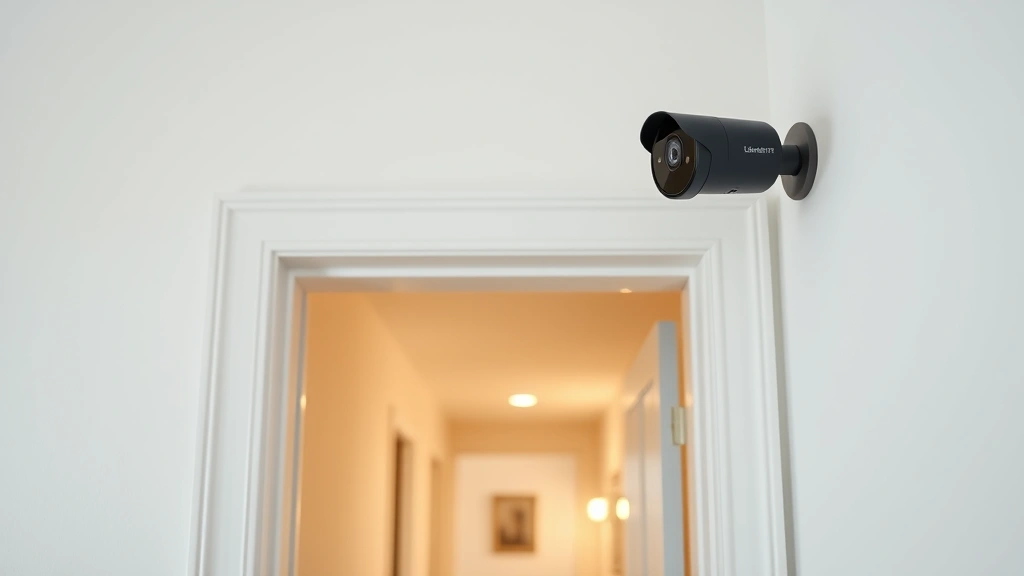
Placement strategy maximizes security while respecting privacy. Mount cameras above doorways to capture visitors and packages clearly. Avoid positioning cameras to view neighboring units, shared hallways excessively, or areas where residents expect privacy. Focus on your private entry points—doors, windows, and balconies within your unit’s boundaries.
Inform neighbors of your camera installation, especially if it faces shared spaces. Many privacy disputes arise from misunderstandings rather than actual violations. A simple conversation explaining your security concerns often prevents complaints and builds community goodwill. Document your installation with photos for your landlord, demonstrating the non-invasive, removable setup.
Network security becomes critical when connecting cameras to your apartment WiFi. Use strong, unique passwords for your camera accounts—avoid default credentials that remain unchanged. Enable two-factor authentication on cloud storage accounts. Keep camera firmware updated to patch security vulnerabilities. Consider a separate guest network for IoT devices, isolating them from computers containing sensitive information.
Review your camera’s privacy settings carefully. Disable features you don’t need—if you don’t require audio recording, disable it. Check what data the manufacturer collects and how it’s used. Reputable companies like CISA provide guidelines for securing connected devices in residential settings.
Smart Integration and Cloud Storage Solutions
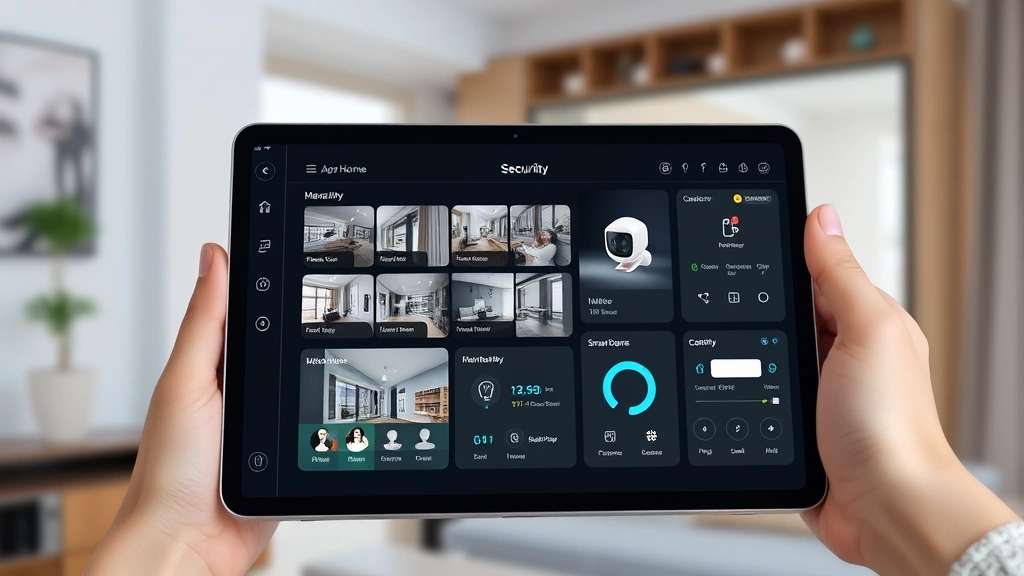
Modern apartment security cameras integrate with broader smart home ecosystems, automating responses to detected threats. When your camera detects motion at 2 AM, it can automatically turn on hallway lights, send alerts to your phone, and unlock your smart door lock if you’re away. This integration creates layers of security that discourage opportunistic criminals.
Cloud storage options range from free limited services to comprehensive paid plans. Free tiers typically offer 24-48 hours of rolling storage—sufficient for quickly reviewing recent incidents but inadequate for evidence preservation. Paid plans costing $3-10 monthly extend retention to 30-90 days, ensuring you maintain usable video for insurance claims or police reports.
Evaluate local storage alternatives for privacy-conscious residents. SD card recording stores footage on your device rather than external servers, giving you complete control over your video data. However, this requires manual backup and monitoring of card capacity. Hybrid approaches combining local and cloud storage provide optimal flexibility—recent footage stores locally for quick access while older files upload to cloud backup.
Encryption standards protect your video during transmission and storage. Look for AES-256 encryption, the standard for government and financial institutions. Verify that your camera provider uses HTTPS connections and doesn’t store unencrypted footage on servers. NIST cybersecurity frameworks outline industry best practices for IoT device security.
Consider redundancy in storage strategies. If your primary cloud account is compromised, local backup ensures you haven’t lost critical evidence. Regularly download important footage—incidents involving crime, accidents, or disputes warrant permanent archival beyond cloud retention periods.
” alt=”Close-up of apartment security system with multiple monitoring devices and smart home integration displayed on tablet”/>
Legal and Neighbor Concerns
Apartment security cameras operate within specific legal frameworks that vary by jurisdiction. Most U.S. states allow video recording in your private rental space, but audio recording introduces additional restrictions. Two-party consent states require all parties to agree before recording conversations. Check your state’s laws before enabling audio features on cameras in common areas.
Recording your neighbors without consent, even accidentally, creates legal liability. If your camera’s field of view includes their windows, door, or balcony, you’re potentially violating privacy laws. Adjust camera angles to capture only your entry points. Use privacy masking features—many modern cameras allow you to black out specific zones in the video feed, preventing recording of protected areas while maintaining coverage of your spaces.
Landlord notification should occur before installation. While most leases don’t explicitly prohibit security cameras, informing your landlord demonstrates good faith and prevents disputes. Some landlords appreciate the added security; others may have specific requirements about mounting methods or placement. Getting approval in writing protects both parties.
Document your installation thoroughly. Take photos showing the camera’s position, angle, and coverage area. Keep receipts and warranty information. If disputes arise with neighbors or your landlord, this documentation proves your camera operates within reasonable parameters and respects privacy boundaries.
Homeowners insurance may offer discounts for documented security systems. Some policies reduce premiums by 5-15% when you maintain active camera monitoring. Report security incidents promptly to your insurance company, ensuring your claim includes video evidence from your cameras.
If you experience break-ins or theft, provide video evidence to police immediately. Security footage significantly increases investigation success rates and prosecution likelihood. Law enforcement agencies can often enhance video quality and extract additional details for evidence purposes.
FAQ
Can I install security cameras in my apartment without landlord permission?
Most jurisdictions allow renters to install non-permanent security cameras without explicit landlord approval, provided they don’t damage the property. However, checking your lease agreement and notifying your landlord demonstrates professionalism and prevents disputes. Permanent installations like drilling or running cables typically require permission.
What’s the best location for apartment security cameras?
Mount cameras above entry doors to capture visitors and packages clearly. For balconies, position them to monitor your private space without viewing neighbors’ areas. Ensure cameras aren’t obstructed by plants, decorations, or furniture. Test different angles before finalizing placement to confirm adequate coverage of vulnerable entry points.
Do apartment security cameras require WiFi?
Most modern wireless cameras require WiFi for cloud uploads and remote viewing. However, some models offer local recording on SD cards without internet connectivity. For optimal functionality, ensure your apartment WiFi network reaches your camera’s intended location. Consider WiFi extenders if signal strength is weak.
How much does apartment security camera monitoring cost?
Basic cameras range from $30-150 for hardware. Cloud storage subscriptions cost $0-10 monthly depending on retention periods and features. Professional monitoring services add $15-30 monthly. Budget-conscious apartments can achieve effective security with one wireless camera and free cloud storage, upgrading features as needed.
Can neighbors legally object to my security camera?
Neighbors can object if your camera records their private spaces without consent. However, cameras capturing only your entry points and common areas within reasonable boundaries are generally legal. If disputes arise, adjust your camera angle to exclude their windows or doors. Most neighbor conflicts resolve through communication and compromise.
What should I do if my apartment security camera is stolen?
Report the theft to police and your landlord immediately. Check if your homeowners or renters insurance covers the loss. Review your cloud footage to identify the thief if possible, providing this evidence to authorities. Consider replacing the camera with a more secure model mounted in higher or less accessible locations.
How do I secure my apartment camera network?
Use strong, unique passwords combining uppercase, lowercase, numbers, and symbols. Enable two-factor authentication on all accounts. Keep firmware updated by checking manufacturer websites monthly. Use separate WiFi networks for IoT devices if possible. Disable unnecessary features like cloud uploads if you only need local recording. CISA provides specific guidance for securing connected home devices.
What resolution do I need for apartment security cameras?
1080p resolution provides adequate detail for identifying faces and packages at typical apartment entry distances. 2K offers noticeable improvements for facial recognition and license plate identification. 4K provides exceptional detail but requires more storage and bandwidth. For most apartments, 1080p-2K balances quality with practical storage needs.


