
Best Battery Powered Outdoor Security Cameras: Expert Security Analysis
Battery powered outdoor security cameras have revolutionized how homeowners and businesses protect their properties without relying on complex wiring infrastructure. These wireless surveillance systems offer flexibility, easy installation, and reliable monitoring capabilities that traditional wired systems cannot match. As a cybersecurity professional, I’ve evaluated countless camera models to identify which ones deliver both robust security features and dependable performance in real-world conditions.
The shift toward battery powered solutions reflects a broader trend in residential and commercial security. Property owners increasingly demand systems that can be deployed quickly, relocated easily, and maintained without professional installation services. However, selecting the right battery powered outdoor security camera requires understanding not just the hardware capabilities, but also the cybersecurity implications, firmware update mechanisms, and data protection standards each manufacturer implements.
This comprehensive guide explores the critical factors security experts consider when evaluating battery cameras, examines leading products currently dominating the market, and provides actionable recommendations for protecting your surveillance infrastructure against emerging cyber threats.
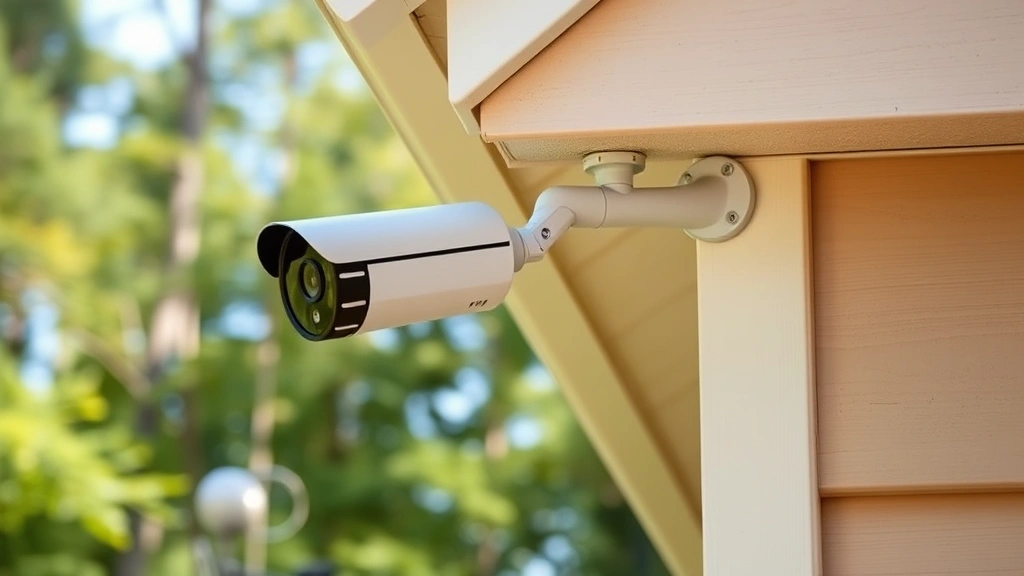
Why Battery Powered Cameras Matter for Modern Security
Battery powered outdoor security cameras address a fundamental challenge in property protection: the need for surveillance coverage in areas where running electrical lines is impractical, expensive, or impossible. Remote property corners, backyard perimeters, gate entrances, and seasonal monitoring locations all benefit from wireless deployment capabilities.
From a cybersecurity perspective, battery powered systems present unique vulnerabilities that differ from traditional wired infrastructure. The wireless communication protocols these devices use—primarily WiFi and proprietary mesh networks—introduce potential attack vectors that security professionals must understand and mitigate. Additionally, the reliance on cloud connectivity for many modern camera systems creates data privacy considerations that extend beyond physical security concerns.
Security experts emphasize that battery powered cameras should be evaluated not as standalone devices but as components within a comprehensive security infrastructure. This means considering how cameras integrate with your broader smart home ecosystem, whether they comply with industry security standards, and how manufacturer support addresses emerging threats.
The convenience of wireless installation must never compromise security protocols. Many property owners make critical mistakes during setup that expose their surveillance systems to unauthorized access, data interception, or footage manipulation. Understanding these risks upfront allows you to implement protective measures before deploying cameras on your property.
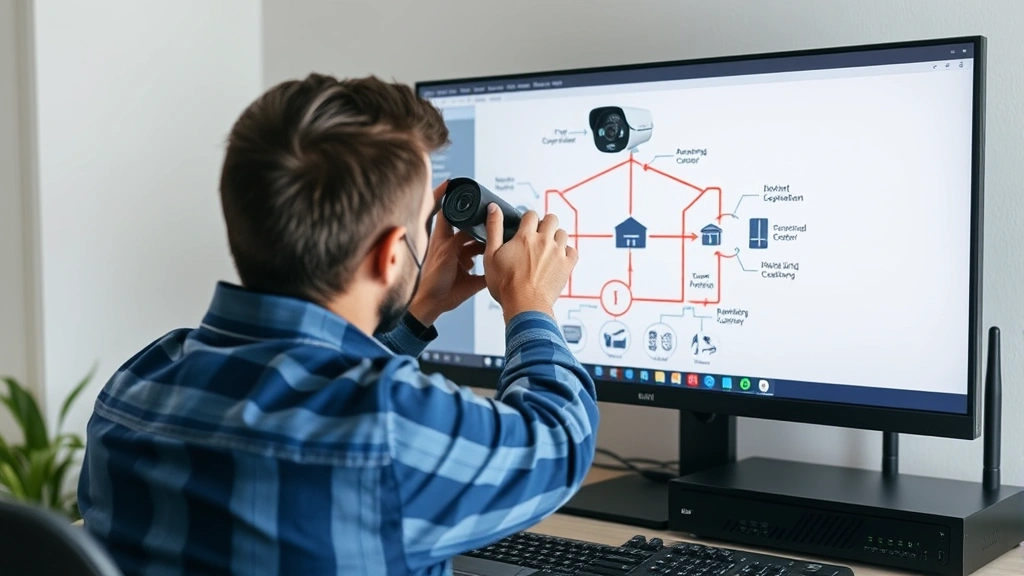
Critical Security Features to Evaluate
When evaluating battery powered outdoor security cameras, cybersecurity experts prioritize specific technical features that directly impact your system’s resilience against attacks. These features extend beyond basic video quality and encompass encryption standards, authentication mechanisms, and firmware update capabilities.
End-to-End Encryption stands as the foundational security requirement for any connected camera system. This encryption protocol ensures that video footage remains unreadable to unauthorized parties as it travels from your camera to cloud servers or local storage. Cameras implementing AES-256 encryption or equivalent standards provide substantially better protection than systems using older encryption methods. Verify that manufacturers publish their encryption specifications and allow third-party security audits of their protocols.
Two-Factor Authentication (2FA) prevents unauthorized account access even if attackers obtain your login credentials. Modern battery cameras should support 2FA through authenticator apps, SMS codes, or hardware security keys. Cameras lacking 2FA implementation represent a significant security gap, as compromised accounts grant attackers full access to your surveillance footage and system settings.
Regular Firmware Updates demonstrate a manufacturer’s commitment to addressing newly discovered vulnerabilities. Security-conscious camera producers release updates quarterly or more frequently, fixing exploits before they can be weaponized at scale. Before purchasing any camera system, research the manufacturer’s update history and verify they provide automatic update options that don’t require manual intervention.
ONVIF Compliance (Open Network Video Interface Forum) ensures your camera operates according to industry-standard protocols rather than proprietary systems that may obscure security practices. ONVIF-compliant cameras offer better interoperability with third-party security software and provide transparency regarding data transmission methods.
Additional security features include local storage options that reduce cloud dependency, password complexity requirements that prevent weak credentials, and activity logging that tracks all system access attempts. Cameras with these features provide defenders with better visibility into potential security incidents and reduce reliance on manufacturer infrastructure that could be compromised.
Top Battery Camera Models Reviewed
The battery powered outdoor security camera market includes several standout products that balance performance, security, and practical usability. Security experts consistently recommend models that demonstrate transparent security practices and responsive vulnerability management.
Reolink Argus 3 Pro represents an excellent choice for security-conscious property owners seeking local storage options. This camera stores footage on microSD cards or network-attached storage, eliminating mandatory cloud dependency. The device supports ONVIF standards, features IP67 weather resistance, and includes two-way audio for active deterrence. Battery life typically extends 3-4 months under normal usage conditions, with solar panel options available for extended deployment periods. The camera’s local storage approach significantly reduces data privacy concerns associated with cloud-based systems.
Wyze Cam v3 offers an affordable entry point for property owners new to wireless surveillance. While primarily cloud-dependent, Wyze has improved its security posture through regular firmware updates and support for local recording via microSD cards. The camera includes night vision, person detection algorithms, and integration with popular smart home platforms. However, security researchers note that Wyze’s history includes several vulnerabilities, emphasizing the importance of maintaining current firmware versions.
Arlo Pro 4 delivers premium features including 4K resolution, advanced AI-powered detection, and encrypted local storage capabilities. Arlo’s subscription service provides 24/7 professional monitoring options and cloud backup for critical footage. The system supports integration with major smart home ecosystems and includes robust two-factor authentication. Battery life extends approximately 4-6 months depending on activity levels and environmental conditions.
Eufy SoloCam L40 emphasizes privacy protection through local processing and on-device AI analysis. This camera performs person, vehicle, and animal detection without transmitting raw video to cloud servers for analysis. The solar charging panel ensures indefinite operation in most climates, and the system supports local storage via microSD cards. Eufy’s approach appeals particularly to privacy-focused users concerned about surveillance footage being analyzed by third parties.
Each model presents distinct advantages and tradeoffs. Security-conscious users should prioritize cameras offering local storage, transparent encryption practices, and demonstrated commitment to firmware security updates over models emphasizing convenience features at the expense of privacy protection.
Battery Life and Performance Considerations
Battery capacity directly impacts the practical effectiveness of wireless security cameras. Understanding realistic battery life expectations prevents installation failures and ensures consistent protection throughout deployment periods.
Typical battery powered outdoor security cameras operate for 2-6 months on a single charge, with significant variation based on environmental factors and usage patterns. Cold weather reduces battery efficiency by 20-40%, meaning winter deployments typically require more frequent charging than summer installations. High activity areas with frequent motion detection events drain batteries faster than low-activity zones.
Manufacturers often publish optimistic battery life estimates based on ideal conditions that rarely occur in real-world deployments. Security professionals recommend adding 30-50% to manufacturer claims when planning maintenance schedules. A camera rated for 4 months should be scheduled for charging every 2.5-3 months to prevent unexpected outages during critical protection periods.
Solar charging panels extend operational periods significantly, though they require proper positioning and regular cleaning to maintain effectiveness. In northern climates with limited winter sunlight, solar panels may prove insufficient as primary power sources but can meaningfully extend intervals between manual charging. NIST guidelines emphasize that security systems should maintain redundancy, suggesting that solar-supplemented batteries provide better resilience than either approach alone.
Video resolution settings impact battery consumption substantially. Recording at 4K resolution consumes 25-40% more power than 1080p, while continuous recording drains batteries far faster than motion-triggered recording. Configuring cameras to record only during motion events can extend battery life by 60-80% compared to continuous recording modes, provided motion detection sensitivity is properly calibrated to avoid false triggers.
Protecting Your Camera System from Cyber Threats
Deployment of battery powered cameras creates new security responsibilities for property owners. The wireless connectivity that provides convenience also introduces potential vulnerabilities requiring active defense measures.
Network segmentation represents the most effective protection strategy for connected camera systems. Placing cameras on a separate WiFi network isolated from computers containing sensitive personal or financial information prevents attackers who compromise camera systems from accessing more valuable assets. Most modern routers support guest networks or VLAN configurations enabling this isolation without requiring expensive additional equipment.
Changing default credentials immediately upon installation prevents automated attacks targeting factory-set passwords. Attackers maintain databases of default passwords for popular camera models and use automated scanning tools to identify devices with unchanged credentials. Creating strong, unique passwords (16+ characters combining uppercase, lowercase, numbers, and symbols) for camera accounts substantially reduces compromise risk.
Disabling unnecessary features and services reduces attack surface area. Many cameras include features like cloud backup, remote access, or cloud analytics that property owners never utilize. Disabling these features during initial setup removes potential vulnerability points without sacrificing core security functionality. Review your camera’s settings monthly to identify and disable any features that remain unused.
The Cybersecurity and Infrastructure Security Agency (CISA) publishes regular alerts regarding vulnerabilities affecting popular camera systems. Subscribing to manufacturer security mailing lists and CISA alerts ensures you receive notification of newly discovered threats and recommended patches before attackers actively exploit them. Implementing patches within 30 days of release provides reasonable protection against known vulnerabilities.
Installation Best Practices for Wireless Cameras
Proper installation procedures prevent common security misconfigurations that expose camera systems to compromise. Security professionals recommend following systematic installation protocols rather than rushing to activate cameras immediately.
Begin by selecting optimal camera placement that balances coverage requirements with signal strength. Position cameras within 30 feet of your WiFi access point whenever possible, as weak signals increase connection instability and create opportunities for signal interception. Test signal strength at proposed locations using your smartphone’s WiFi analyzer before mounting cameras permanently.
Establish a dedicated camera network using WPA3 encryption if your router supports it, or WPA2 as a minimum standard. WEP and open networks provide virtually no protection against unauthorized access. Configure your network with a strong passphrase (20+ characters) distinct from your personal device network password. This approach prevents compromised devices from accessing your main network while maintaining camera functionality.
During initial setup, connect cameras only to your secure home network, never to public WiFi or guest networks. Firmware updates should be performed immediately after installation and regularly thereafter. Most manufacturers offer automatic update options that should be enabled to ensure patches are applied without manual intervention.
Document all camera passwords, access codes, and recovery information in a secure password manager rather than writing them on paper or storing them in unencrypted files. Password managers encrypt sensitive information and allow secure sharing with authorized household members or security professionals if needed.
Test all camera functionality including night vision, motion detection, and alert notifications before considering installation complete. Many security breaches occur because property owners discover camera malfunctions weeks or months after installation, leaving properties unprotected during critical periods.
Comparing Cloud Storage and Local Storage Options
The choice between cloud storage and local storage significantly impacts both security and privacy characteristics of your camera system. Understanding the tradeoffs enables informed decisions aligned with your specific security requirements and privacy preferences.
Cloud Storage Benefits include automatic backup preventing footage loss from device theft or malfunction, accessibility from any location enabling remote monitoring, and integration with AI-powered analysis tools that identify suspicious activity patterns. Cloud storage also eliminates concerns about local storage device capacity limitations. However, cloud storage introduces dependencies on manufacturer infrastructure and third-party access to your footage.
Cloud Storage Risks involve potential data breaches exposing footage to unauthorized parties, manufacturer policy changes that could reduce privacy protections, and the requirement to trust companies with sensitive video recordings of your property and family members. Recent high-profile breaches affecting major camera manufacturers demonstrate that cloud storage introduces real vulnerability risks requiring careful consideration.
Local Storage Benefits provide complete control over your footage without reliance on manufacturer infrastructure or internet connectivity. MicroSD cards and network-attached storage devices remain under your physical control, preventing unauthorized access unless attackers physically compromise your property. Local storage also eliminates bandwidth limitations that sometimes cause cloud systems to drop frames or reduce resolution during high activity periods.
Local Storage Limitations include manual management requirements, vulnerability to theft or damage if storage devices are not physically secured, and inability to access footage remotely if your internet connection fails. Local storage also requires larger storage capacity planning, as high-resolution video consumes significant space (approximately 500GB-1TB per camera monthly at 1080p resolution).
Security experts recommend hybrid approaches combining cloud and local storage. This strategy maintains automatic cloud backup for critical footage while using local storage as the primary access method. Hybrid configurations provide redundancy ensuring footage survives device failures, theft, or cloud service outages while maintaining privacy by keeping most footage under local control.
FAQ
What battery powered outdoor security camera offers the best security features?
Reolink Argus 3 Pro consistently ranks highest among security experts due to its local storage options, ONVIF compliance, and transparent security practices. The camera’s ability to function independently from cloud services significantly reduces privacy and security risks compared to alternatives requiring mandatory cloud connectivity. However, the best camera ultimately depends on your specific requirements regarding privacy preferences, budget constraints, and desired feature set.
How often do I need to charge battery powered security cameras?
Most modern battery powered cameras require charging every 2-4 months under typical usage conditions. Actual intervals depend on resolution settings, motion detection frequency, environmental temperature, and night vision usage. Cold weather reduces battery efficiency by 20-40%, requiring more frequent charging. Solar panel supplements can extend intervals significantly, though they require proper positioning and regular cleaning for optimal effectiveness.
Can hackers access my battery powered security camera footage?
Yes, security vulnerabilities can expose camera footage to unauthorized access if systems are improperly configured. However, implementing strong passwords, enabling two-factor authentication, applying firmware updates promptly, and using local storage options significantly reduces compromise risk. Network segmentation isolating cameras from devices containing sensitive information prevents attackers who compromise cameras from accessing more valuable assets.
Should I use cloud storage or local storage for camera footage?
Security professionals recommend hybrid approaches combining both options. Local storage provides privacy and control by keeping footage on devices you physically own, while cloud backup ensures critical footage survives device theft or malfunction. This strategy balances privacy protection with the redundancy necessary for reliable security systems. Pure cloud solutions offer convenience but introduce dependencies on manufacturer infrastructure and third-party access to sensitive video.
What makes a battery powered outdoor security camera secure?
Secure cameras implement end-to-end encryption, support two-factor authentication, release firmware updates regularly addressing newly discovered vulnerabilities, comply with industry standards like ONVIF, and provide local storage options reducing cloud dependencies. Manufacturers should publish transparent security documentation, respond promptly to reported vulnerabilities, and maintain active security research programs. Before purchasing, verify the manufacturer’s security track record and review independent security audits when available.
How do I protect my camera system from cyber attacks?
Implement network segmentation isolating cameras on separate networks from computers containing sensitive information. Change default credentials immediately upon installation using strong, unique passwords. Disable unnecessary features and services reducing attack surface. Apply firmware updates within 30 days of release. Monitor your system regularly for unauthorized access attempts, and subscribe to manufacturer security alerts ensuring prompt notification of newly discovered threats. Review CISA security alerts regularly for updates affecting your specific camera models.
Can battery powered cameras work without WiFi?
Most modern battery powered cameras require WiFi for functionality, though some models support cellular connectivity as an alternative. A few specialized cameras can operate independently in offline modes, storing footage locally without internet access. However, offline operation prevents remote monitoring and cloud backup features. If internet connectivity is unavailable at your location, consider cellular-enabled cameras or hybrid systems combining local storage with optional cloud backup when connectivity becomes available.
What resolution should I choose for battery powered cameras?
1080p resolution provides adequate detail for most residential security applications while consuming significantly less battery power than 4K alternatives. 2K or 1440p offers a reasonable middle ground between detail and power consumption. 4K resolution delivers superior image quality useful for identifying specific details but reduces battery life by 25-40% compared to 1080p. Consider your specific surveillance requirements—identifying intruder faces requires higher resolution than simply detecting unauthorized property access.


