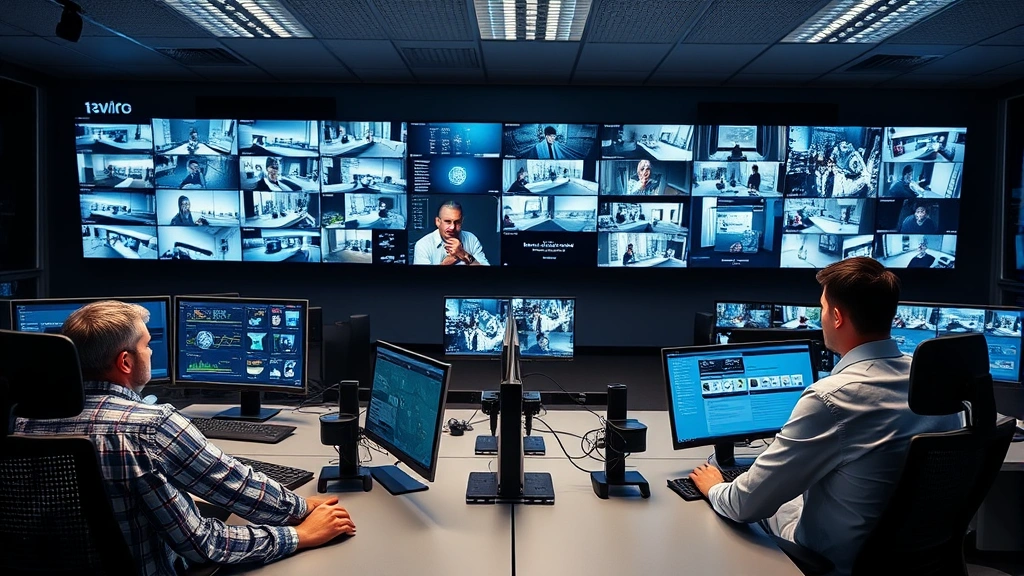
Top Security Cameras? Business Owner Insights on Choosing the Best System
Selecting the right security camera system for your business is one of the most critical decisions you’ll make to protect your assets, employees, and customers. With cyber threats evolving rapidly and physical security becoming increasingly integrated with digital infrastructure, understanding what makes a security camera system effective has never been more important. Modern business security extends far beyond simple video recording—it encompasses network protection, data encryption, access controls, and threat detection capabilities that safeguard your entire operation from both physical and digital vulnerabilities.
The landscape of business security has transformed dramatically over the past five years. What once meant installing a few analog cameras in hallways has evolved into sophisticated networked systems that require the same cybersecurity rigor as your IT infrastructure. Business owners must now consider not only video quality and coverage but also how these systems integrate with your overall security posture, comply with regulations, and protect against sophisticated cyber attacks targeting surveillance networks.
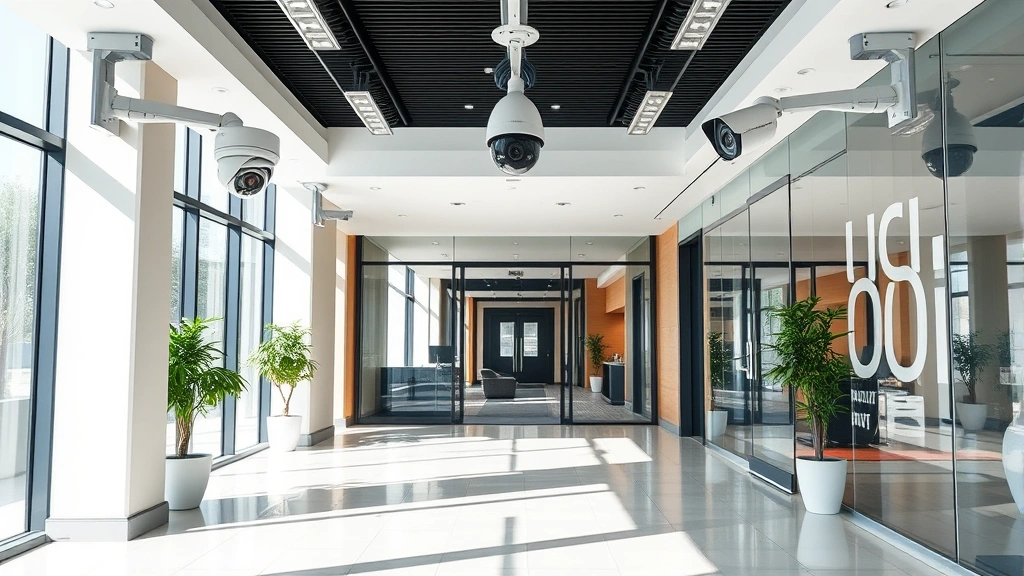
Understanding Modern Business Security Camera Systems
Business security cameras today operate within a complex ecosystem of interconnected technologies. Unlike consumer systems, enterprise-grade surveillance requires redundancy, reliability, and integration capabilities that can scale across multiple locations. The best systems combine high-definition video capture with intelligent analytics, real-time alerting, and forensic capabilities that help security teams respond to incidents faster and more effectively.
When evaluating security camera systems for business, you’re not simply choosing a camera—you’re selecting a comprehensive platform that will interact with your network infrastructure, data storage systems, and security operations. This means understanding how the system communicates across your network, where video data is stored, who can access it, and how it’s protected from unauthorized access or tampering.
Professional business systems typically fall into three categories: IP-based networked systems, hybrid systems combining IP and analog components, and cloud-based solutions. IP cameras transmit video over your network infrastructure, offering superior scalability and integration but requiring robust network security measures. Hybrid systems provide flexibility for businesses transitioning from legacy analog systems. Cloud-based solutions offer accessibility and reduced on-premises infrastructure requirements but introduce considerations around data residency and internet dependency.
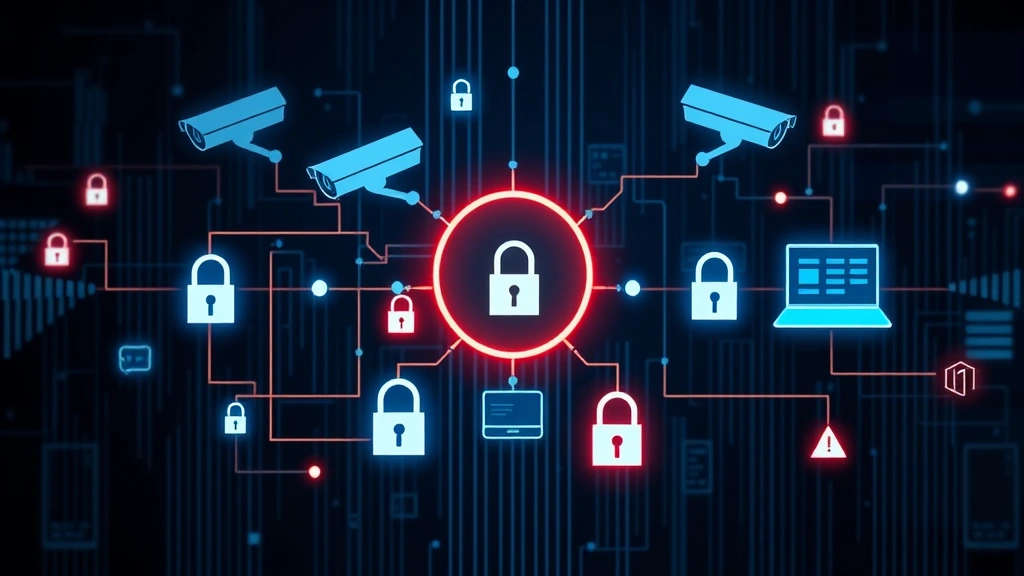
Key Features Every Business System Must Have
The foundation of any effective business security camera system includes several non-negotiable features that separate professional-grade solutions from consumer alternatives. These features directly impact your ability to detect threats, respond to incidents, and maintain compliance with industry regulations.
High-resolution imaging is fundamental. Modern business systems should support at least 2-megapixel resolution for general surveillance, with 4-megapixel or higher for areas requiring facial recognition or detailed identification. Some applications, such as monitoring point-of-sale terminals or entry points, may benefit from 5-megapixel or 8-megapixel cameras that capture fine details necessary for investigations.
Wide dynamic range (WDR) technology ensures your cameras perform effectively in challenging lighting conditions—a critical requirement for businesses with glass storefronts, loading docks, or areas with significant backlighting. WDR allows cameras to simultaneously capture detail in bright and dark areas of the same scene, preventing the loss of crucial evidence due to overexposure or underexposure.
Low-light performance and infrared capability extend surveillance effectiveness across all hours of operation. Businesses operating 24/7 or with exterior perimeters need cameras capable of producing usable video in complete darkness. Modern infrared (IR) technology provides effective nighttime coverage without requiring visible light that might alert potential intruders.
Video analytics and intelligent detection transform passive recording into active threat detection. Modern systems offer motion detection, line-crossing detection, intrusion detection, and behavioral analytics that can automatically alert security personnel when suspicious activity occurs. These capabilities significantly improve incident response times and reduce the burden on human operators monitoring multiple camera feeds.
Pan-tilt-zoom (PTZ) capabilities provide flexibility in monitoring dynamic environments. PTZ cameras allow security personnel to follow activity, zoom in on suspicious behavior, and adjust coverage as needed. For businesses with large open areas or perimeters, PTZ cameras offer cost-effective coverage expansion compared to installing fixed cameras at every potential point of interest.
Network Security and Cyber Protection Considerations
This is where many business owners overlook critical vulnerabilities. Security cameras connected to your network represent potential entry points for cyber attacks if not properly secured. CISA (Cybersecurity and Infrastructure Security Agency) has documented numerous cases where unsecured surveillance systems served as the initial compromise point for broader network intrusions.
Your security camera system should incorporate encryption for data in transit and at rest. Video streams transmitted across your network should use secure protocols like RTSP over TLS or proprietary encrypted connections. Stored video data should be encrypted using industry-standard algorithms, protecting against unauthorized access even if physical storage devices are stolen or compromised.
Strong authentication mechanisms are essential. Every user accessing the system should authenticate using unique credentials, and administrative access should require multi-factor authentication. Default credentials must be changed immediately upon installation—a disturbingly common vulnerability that makes systems vulnerable to trivial compromise.
Network segmentation isolates your surveillance system from critical business systems. Surveillance networks should operate on separate VLANs with restricted access to other network segments. This containment strategy prevents a compromised camera from becoming a pivot point for attacks against your financial systems, customer databases, or operational technology infrastructure.
Firmware update management requires disciplined processes. Camera manufacturers regularly release security patches addressing discovered vulnerabilities. Your security team should establish procedures for testing and deploying firmware updates across all cameras and recording devices, ensuring your system remains protected against known exploits.
Consider engaging with NIST guidelines for cybersecurity frameworks when designing your surveillance infrastructure. These guidelines provide structured approaches to identifying, protecting against, detecting, responding to, and recovering from cyber attacks affecting any connected system, including cameras.
Resolution, Storage, and Performance Metrics
Storage requirements represent a significant operational consideration for business security systems. High-resolution video consumes substantial bandwidth and storage capacity, necessitating careful planning around retention policies and infrastructure investment.
Bandwidth requirements vary dramatically based on resolution, frame rate, and compression. A single 4-megapixel camera recording at 30 frames per second can consume 5-15 megabits per second depending on compression algorithms and video quality settings. A business with 50 cameras could require 250-750 megabits per second of sustained network capacity—a requirement that demands separate network infrastructure from your operational systems.
Storage capacity planning depends on your retention requirements and local regulations. A business storing 30 days of high-resolution video from 20 cameras might require 20-50 terabytes of storage. This could be deployed as on-premises NAS (network-attached storage) systems, dedicated DVR/NVR (digital/network video recorder) appliances, or cloud-based storage solutions. Each approach presents different security, cost, and accessibility trade-offs.
Redundancy and failover capabilities ensure continuous recording even during component failures. RAID storage configurations protect against single drive failures. Dual recording to both local and remote storage ensures video availability even if on-premises equipment is damaged, stolen, or compromised. Some businesses implement geographic redundancy, with video backed up to secure facilities in different locations.
Performance under load matters significantly. How does your system perform when all cameras record simultaneously at maximum resolution during peak activity periods? Inadequate performance might result in dropped frames, delayed alerts, or system lockups precisely when you need the system most.
Integration with Access Control and Incident Response
The most effective business security systems integrate surveillance with access control systems and incident response procedures. When a security event triggers—unauthorized door access, motion detection in restricted areas, or manual alerts from security personnel—the system should automatically capture and correlate video from relevant cameras.
Integration with access control provides context for security investigations. If an employee’s badge is used to enter a restricted area at an unusual time, automatic video capture from that location provides immediate visual confirmation. This integration dramatically accelerates incident investigation and helps distinguish legitimate access from unauthorized intrusions.
Incident response workflows should define how security personnel respond to different types of alerts. Automated alerts should route to appropriate personnel based on severity and location. The system should provide one-click access to relevant video, historical footage, and access logs. Well-designed workflows reduce response times from minutes to seconds, making the difference between preventing loss and merely documenting it.
Chain of custody procedures ensure video evidence remains admissible in legal proceedings. Your system must support secure video export with cryptographic verification that footage hasn’t been altered. Audit logs should track all access to recorded video, showing who viewed what footage and when. These procedures protect your organization legally while maintaining the integrity of security investigations.
Compliance, Privacy, and Legal Requirements
Business surveillance operates within a complex regulatory landscape that varies by jurisdiction, industry, and data types involved. Understanding these requirements before implementing your system prevents costly compliance violations and legal exposure.
Employee privacy regulations vary significantly by location. Some jurisdictions require explicit notice to employees that surveillance is occurring. Others restrict audio recording or surveillance in areas where privacy is reasonably expected. Your security camera system must respect these boundaries while still providing necessary protection.
Customer privacy considerations apply especially in retail environments. Video surveillance in dressing rooms or bathrooms violates privacy laws in virtually all jurisdictions. Even general customer surveillance should be balanced against privacy expectations and local regulations. Clear signage informing customers of surveillance demonstrates transparency and respect for privacy rights.
Data protection regulations like GDPR in Europe impose strict requirements on how video data is collected, stored, and accessed. Personal data must be protected with appropriate security measures. Retention periods should be limited to what’s necessary for stated purposes. Individuals may have rights to access or deletion of their video data. Your system design must accommodate these requirements from the outset.
Industry-specific compliance may apply based on your business sector. Healthcare facilities must comply with HIPAA privacy requirements when surveillance might capture protected health information. Financial institutions face PCI-DSS requirements for systems protecting payment card data. Manufacturing facilities in regulated industries must ensure surveillance doesn’t compromise proprietary information visible on camera.
Evaluating Vendors and Implementation Partners
Selecting the right vendor and implementation partner is as important as selecting the technology itself. The best camera system becomes a liability if poorly installed, inadequately configured, or deployed without proper security hardening.
Vendor track record and security posture should be thoroughly evaluated. Does the vendor have a history of promptly addressing security vulnerabilities? Do they publish security advisories and maintain transparent communication about threats affecting their products? Research independent security assessments and threat intelligence reports about their systems. Organizations like Security Research Labs conduct independent evaluations of surveillance systems and publish findings about vulnerabilities and security practices.
Implementation partner qualifications matter significantly. Your partner should understand not just camera installation but network security, access control integration, and incident response procedures. Verify they follow industry best practices for system hardening, including changing default credentials, configuring secure protocols, implementing network segmentation, and establishing update procedures.
Support and maintenance agreements should address both technical support and security updates. What’s the vendor’s commitment to patching vulnerabilities? How quickly do security updates reach your system? What support does your implementation partner provide for ongoing maintenance and optimization?
Future scalability and technology evolution should influence your selection. Your business may expand, requiring additional cameras and storage. Your system should accommodate growth without requiring complete replacement. Consider whether the vendor’s technology roadmap aligns with your long-term business direction and security requirements.
When evaluating specific products, consult Gartner Magic Quadrant reports for physical security integration and surveillance systems. These independent analyses evaluate vendors across multiple dimensions including product capability, execution, and strategic vision. Additionally, review Forrester Research reports on security and risk management to understand how surveillance systems fit within broader organizational security strategies.
FAQ
What resolution should business security cameras have?
Most businesses should deploy cameras with at least 2-4 megapixel resolution for general surveillance. High-traffic areas, entry points, and locations requiring facial recognition benefit from 4-8 megapixel cameras. Higher resolution captures more detail for investigations but requires more storage and bandwidth.
How long should businesses retain security footage?
Retention periods depend on your industry and local regulations. Many businesses retain 30-90 days of footage. High-risk areas or locations subject to regulatory requirements might retain 1-2 years. Consult your legal team and industry guidelines to determine appropriate retention periods.
Can security cameras be hacked?
Yes, poorly secured cameras represent real cyber security risks. Cameras connected to unsecured networks, using default credentials, or running unpatched firmware can be compromised by attackers. Proper network segmentation, strong authentication, encryption, and regular updates significantly reduce these risks.
Should we use cloud-based or on-premises storage?
Both approaches have merits. Cloud storage offers accessibility and reduces on-premises infrastructure but depends on internet connectivity and introduces data residency considerations. On-premises storage provides control and doesn’t rely on internet connectivity but requires more infrastructure investment. Many businesses use hybrid approaches with local recording and cloud backup.
How much bandwidth does a security camera system require?
Bandwidth requirements vary based on resolution, frame rate, and compression. A single 4-megapixel camera typically requires 5-15 megabits per second. A 20-camera system might require 100-300 megabits per second sustained. Plan for peak usage periods when all cameras record simultaneously.
What’s the difference between IP and analog cameras?
IP cameras connect directly to your network and transmit video digitally, offering superior quality, scalability, and integration capabilities. Analog cameras require separate cabling and DVR equipment but can be more cost-effective for small systems. Most modern business systems use IP cameras exclusively.
Do we need video analytics?
Video analytics dramatically improve security effectiveness by detecting suspicious behavior and alerting personnel automatically. Rather than monitoring continuous feeds passively, analytics enable active threat detection. For most businesses, analytics are worth the additional investment.


