Best Outdoor Security Camera System: Comprehensive Tech Review 2023
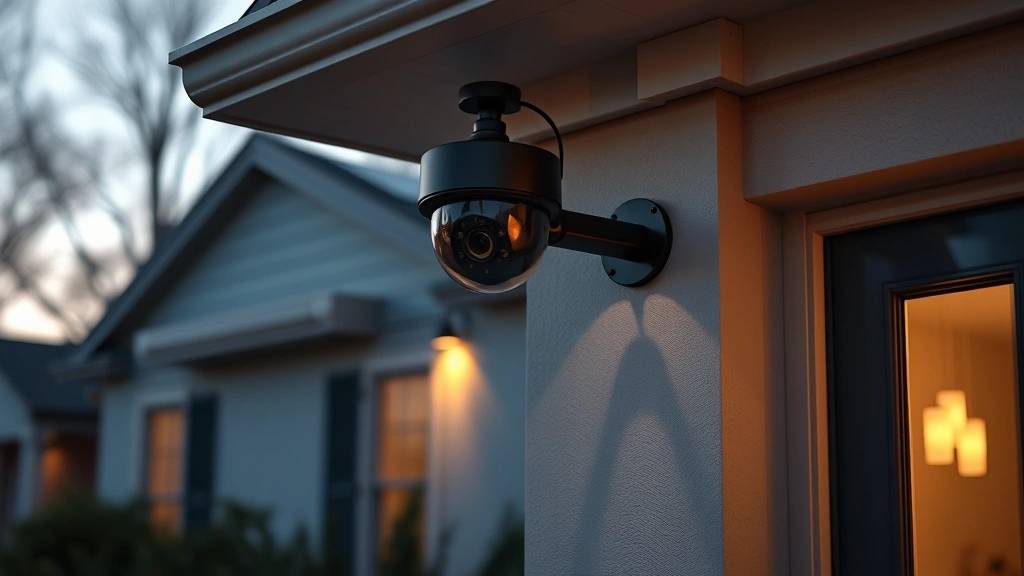
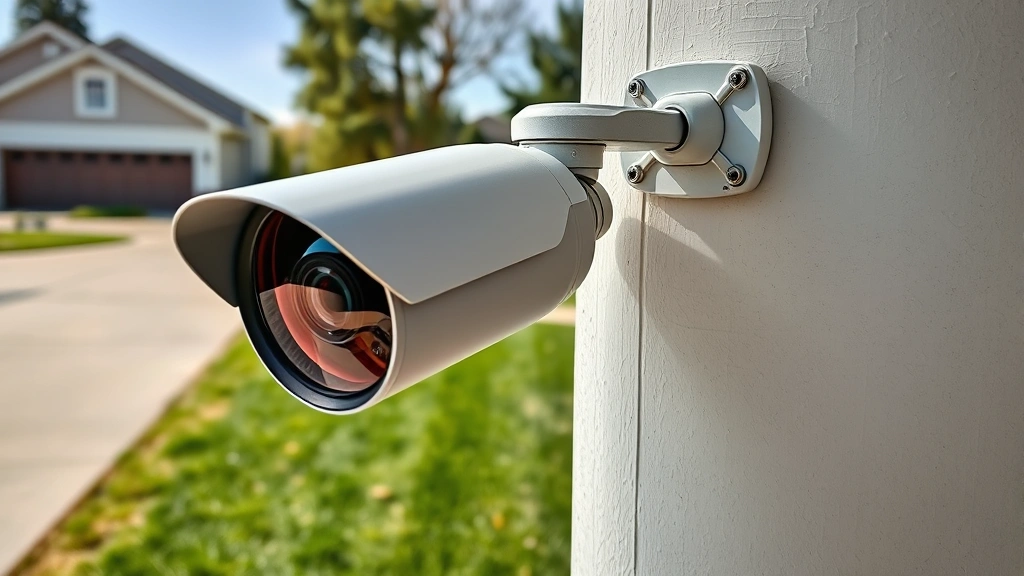
Home security has evolved dramatically over the past decade, with outdoor security cameras becoming essential components of modern residential protection strategies. As cyber threats increasingly target smart home devices, understanding which systems offer both robust physical surveillance and strong cybersecurity protections is critical for homeowners. This comprehensive review examines the top outdoor security camera systems available in 2023, analyzing their features, security capabilities, and real-world performance.
The outdoor security camera market has exploded with options ranging from budget-friendly doorbell cameras to enterprise-grade systems with professional monitoring. However, not all systems prioritize cybersecurity equally. With the rise of IoT device compromises and botnet attacks targeting poorly secured cameras, selecting a system that balances surveillance capability with strong encryption, regular firmware updates, and robust authentication mechanisms is more important than ever. This guide helps you navigate the landscape of best outdoor security camera systems while maintaining awareness of potential security vulnerabilities.
Understanding Outdoor Camera Security Fundamentals
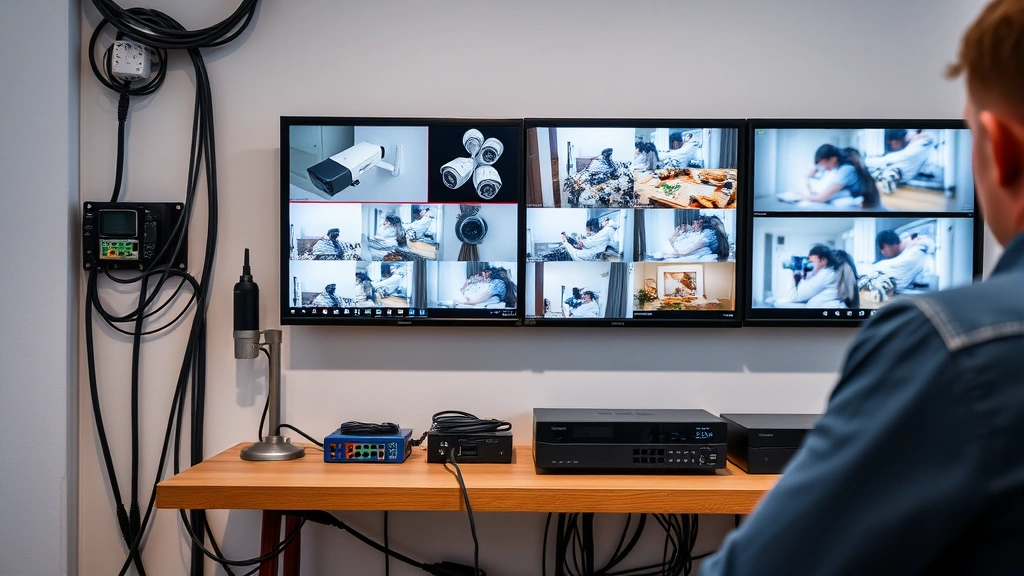
Before selecting a best outdoor security camera system, homeowners must understand the fundamental security architecture that protects their surveillance infrastructure. Modern outdoor cameras operate across multiple layers of technology: physical hardware, wireless transmission protocols, cloud infrastructure, and mobile applications. Each layer presents potential vulnerability points that malicious actors exploit.
The foundation of camera security rests on encryption protocols. Industry-standard systems use TLS/SSL encryption for data transmission between cameras and cloud servers, protecting footage from interception during upload. However, many budget systems implement weak encryption or transmit unencrypted video streams over local networks, creating opportunities for man-in-the-middle attacks. According to CISA (Cybersecurity and Infrastructure Security Agency), IoT device vulnerabilities remain among the most exploited attack vectors in residential environments.
Authentication mechanisms determine who accesses your camera feeds and recorded footage. Two-factor authentication (2FA) has become standard in premium systems, requiring both passwords and secondary verification methods like biometric scanning or one-time codes. Systems lacking 2FA allow attackers to access accounts through credential stuffing attacks, where compromised passwords from other services are tested against camera platforms.
Firmware update frequency directly impacts long-term security posture. Manufacturers discovering vulnerabilities must push patches quickly. Systems receiving updates monthly or quarterly maintain stronger security than those with infrequent or manual update processes. NIST cybersecurity guidelines recommend automatic, mandatory firmware updates for connected devices.
Top-Rated Systems Reviewed
Logitech Circle View Wired emerges as a premium choice for homeowners prioritizing security architecture. This system features end-to-end encryption for all video transmission, automatic daily firmware updates, and HomeKit Secure Video integration that processes footage on local hubs rather than cloud servers. The wired power design eliminates battery replacement cycles, ensuring consistent operation without vulnerable wireless charging protocols.
Reolink RLK8-810B4-GL provides enterprise-grade surveillance with local NVR (Network Video Recorder) storage, eliminating cloud dependency. This approach significantly reduces exposure to cloud infrastructure breaches. The system supports ONVIF standards, enabling integration with third-party security platforms. Reolink’s commitment to regular firmware updates and transparent security practices makes it attractive for security-conscious installations. The local storage architecture means your footage never traverses the internet unless explicitly configured.
Wyze Cam Outdoor offers exceptional value despite budget positioning. Recent security improvements include mandatory password complexity requirements, automatic 2FA enrollment, and enhanced encryption protocols. The system supports local network access without cloud connectivity for basic functionality, though cloud features require internet. Wyze’s responsive security team publishes vulnerability disclosures through proper channels rather than ignoring reported issues.
Hikvision DS-2CD2T47G2-L serves professional installations with industry-leading video quality and advanced analytics. However, Hikvision faces ongoing scrutiny regarding supply chain security and potential backdoors. FBI warnings suggest extreme caution with this manufacturer. Organizations should evaluate alternatives unless specific technical requirements justify the security risks.
Arlo Pro 4 balances consumer accessibility with respectable security features. The system includes 2FA, encrypted cloud storage, and activity zones reducing false alerts. However, Arlo’s subscription model for extended cloud storage creates ongoing costs. Local storage options remain limited, making this system more cloud-dependent than alternatives.
Technical Specifications Comparison
Resolution and frame rate affect both surveillance quality and bandwidth consumption. 4K (3840×2160) cameras provide exceptional detail for identifying faces and license plates but require robust network infrastructure and substantial storage. 2K (2560×1440) resolution offers excellent balance between clarity and resource consumption. 1080p remains acceptable for perimeter monitoring where identification isn’t primary concern.
Night vision technology varies significantly between systems. Infrared (IR) illumination provides monochrome vision within 30-50 feet but creates reflective glare issues. Color night vision using advanced sensors and intelligent lighting maintains color information in low-light conditions, improving object identification. Thermal imaging detects heat signatures regardless of lighting, valuable for detecting intruders attempting to avoid cameras.
Field of view (FOV) determines coverage area per camera. Wide-angle lenses (110-120 degrees) cover larger areas but introduce distortion at frame edges. Standard lenses (75-90 degrees) provide balanced coverage without significant distortion. Zoom capabilities allow focusing on specific areas but reduce overall coverage unless multiple cameras are deployed.
Weather resistance ratings (IP67, IP68) indicate protection against dust and water ingress. IP67 rated cameras withstand temporary water immersion; IP68 rated systems handle continuous water exposure. However, rating numbers don’t predict longevity in extreme climates. Coastal environments with salt spray require stainless steel components regardless of IP rating.
Network connectivity options include wired Ethernet (most secure, no wireless vulnerabilities), Wi-Fi 5/6 (convenient but requires strong encryption), and cellular backup (valuable for redundancy). Wired systems eliminate wireless attack vectors but require installation planning. Mesh Wi-Fi systems can improve signal strength for wireless cameras in challenging environments.
Cybersecurity Considerations for Smart Cameras
Your outdoor camera system represents a direct entry point into your home network. Compromised cameras can serve as launching points for attacks against other connected devices, routers, and personal computers. Threat actors actively scan internet-connected cameras for default credentials, unpatched vulnerabilities, and misconfigured access controls.
Default credentials represent the single largest vulnerability in camera installations. Many users fail to change factory default usernames and passwords, allowing attackers to access systems using publicly documented credentials. Always change default credentials immediately upon installation and use strong, unique passwords (16+ characters with mixed case, numbers, and symbols).
Network segmentation isolates cameras on separate network segments from computers, phones, and personal data storage. Modern routers support guest networks or VLAN (Virtual LAN) configurations that prevent compromised cameras from accessing sensitive devices. This architectural approach contains breaches even if cameras become infected with malware.
Regular security audits identify misconfigurations and outdated firmware versions. Tools like Shodan allow homeowners to discover if their cameras appear in internet-connected device databases, indicating potential exposure. If your camera appears searchable online, your router’s port forwarding settings likely expose it unnecessarily.
Manufacturer track records matter significantly for long-term security. Research how companies handle vulnerability disclosures. Do they publish security bulletins? Do they fix issues within reasonable timeframes? Do they communicate transparently about breaches? Companies with established security practices typically provide better protection than manufacturers treating security as afterthought.
Installation and Network Security
Proper installation directly impacts security outcomes. Wired systems require professional installation in most cases, ensuring correct power delivery and network configuration. Wireless systems offer DIY installation flexibility but demand careful attention to network security protocols.
Create dedicated network credentials specifically for camera systems rather than using household Wi-Fi passwords. If a camera becomes compromised, attackers gain access only to camera accounts rather than household network resources. Modern routers support separate network segments for IoT devices, providing additional isolation.
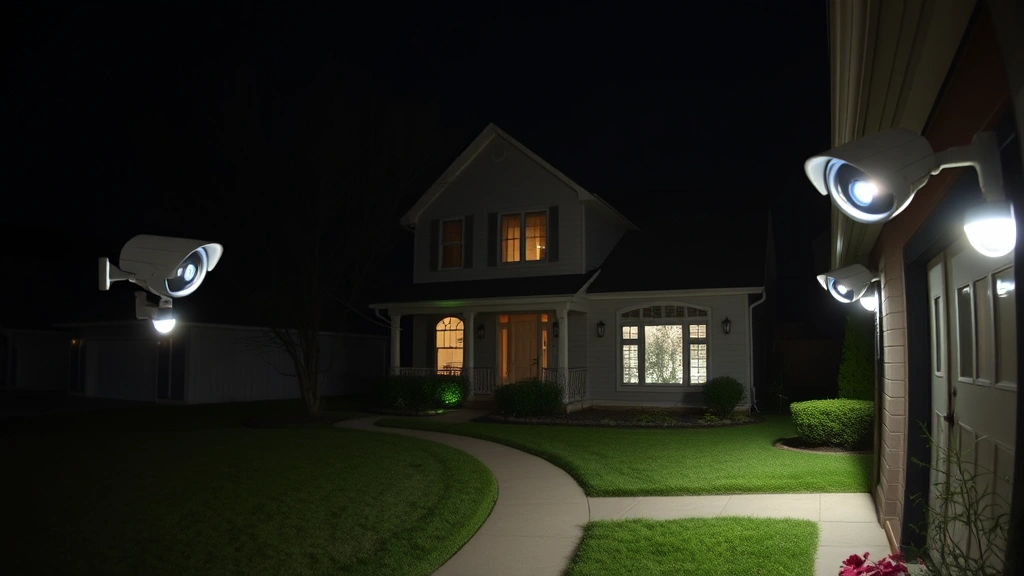
Position cameras strategically to maximize coverage while minimizing blind spots. Overlooking obvious installation mistakes—like pointing cameras toward bright sunlight—causes false alerts and wasted bandwidth. Test night vision capabilities in actual darkness rather than dimly-lit conditions to ensure adequate illumination.
Document installation details including camera IP addresses, firmware versions, and configuration settings. Maintain this documentation for troubleshooting and security audits. When upgrading systems, securely erase old devices’ storage to prevent data recovery by previous owners.
Cloud Storage vs Local Recording
Cloud storage offers convenience—access footage from anywhere, automatic backups, and no local hardware maintenance. However, cloud storage introduces dependencies on manufacturer infrastructure, internet connectivity, and subscription fees. Your footage travels through networks outside your control, increasing exposure to potential breaches.
Local recording using NVR or DVR systems stores footage on hardware within your home network. This approach eliminates cloud dependencies and subscription costs but requires larger upfront investment and local storage management. Local systems offer superior privacy since footage never leaves your premises unless explicitly exported.
Hybrid approaches combine local storage with cloud backup, providing redundancy while controlling primary storage location. If internet connectivity fails, local storage continues recording. Periodic cloud uploads preserve footage even if local hardware fails or becomes damaged.
Storage capacity calculations determine how long footage persists before overwriting. 4K cameras generate approximately 2TB per month at standard frame rates. 1080p systems require roughly 200GB monthly. Calculate your retention requirements—do you need footage accessible for 30 days or 90 days?—then select storage capacity accordingly.
Budget Options Without Compromising Safety
Premium security doesn’t require premium pricing. Several best outdoor security camera systems offer excellent protection at reasonable costs. Wyze, Eufy, and Reolink all provide solid security fundamentals at price points significantly below premium brands.
Eufy cameras emphasize local processing and encrypted cloud backup. The company’s privacy-first approach means footage processes locally before uploading, reducing exposure during transmission. Eufy systems typically cost 30-40% less than Logitech equivalents while maintaining comparable security standards.
Reolink’s NVR-based systems eliminate ongoing subscription costs while maintaining security. Initial investment (typically $300-600 for 4-camera systems) seems higher than cloud alternatives, but five-year total costs prove significantly lower when accounting for subscription fees. Many users recover initial investment within 3-4 years compared to subscription-based systems.
Budget considerations shouldn’t justify purchasing from manufacturers with documented security issues. Extremely inexpensive cameras from unknown brands often lack proper encryption, receive infrequent updates, and demonstrate poor vulnerability response practices. Saving $50-100 on initial purchase proves false economy if your system becomes compromised.
Prioritize security features over aesthetic appeal. Premium finishes and compact designs sometimes sacrifice security components like proper heat dissipation for electronics or adequate space for encryption hardware. Focus investments on verified encryption, regular updates, and manufacturer reputation rather than design elements.
FAQ
What makes a camera system truly secure?
Security combines multiple factors: end-to-end encryption for data transmission, strong authentication with 2FA, regular automatic firmware updates, local network access options, and manufacturer transparency regarding vulnerabilities. No single feature determines security; comprehensive approach across all components creates robust protection.
Should I choose wired or wireless cameras?
Wired systems eliminate wireless vulnerability vectors but require professional installation and careful cable routing. Wireless systems offer installation flexibility but depend on Wi-Fi security. Hybrid approaches using wired power with hardwired network connectivity provide optimal security while maintaining installation convenience.
How often should firmware be updated?
Monthly updates represent acceptable minimum frequency. Systems receiving quarterly or less frequent updates accumulate security debt, remaining vulnerable to known exploits. Automatic updates that install without user intervention provide best protection since they don’t depend on user diligence.
Can I use outdoor cameras without cloud services?
Yes. Local NVR/DVR systems with network access provide full functionality without cloud dependencies. This approach offers superior privacy and eliminates subscription costs, though it requires larger upfront investment and local storage management responsibility.
What resolution do I actually need?
Resolution depends on identification requirements. For facial recognition, 4K or high-quality 2K provides necessary detail. For perimeter monitoring and general activity detection, 1080p suffices. Balance resolution against storage capacity and network bandwidth constraints.
How do I protect my camera system from hackers?
Change default credentials immediately, enable two-factor authentication, isolate cameras on separate network segments, keep firmware current, use strong unique passwords, avoid port forwarding unless essential, and regularly audit access logs. Network segmentation provides crucial protection by limiting attacker access if cameras become compromised.
Are Chinese manufacturer cameras safe?
Manufacturer origin matters less than security practices. Reputable Chinese companies like Reolink and Eufy implement strong encryption and transparent security policies. Conversely, some Western manufacturers practice poor security hygiene. Evaluate individual companies’ security track records rather than making blanket geographic assumptions.
What’s the difference between IP and analog cameras?
IP (internet protocol) cameras transmit digital signals over networks, offering remote access and integration with smart home systems. Analog cameras use coaxial cables for local transmission only. IP cameras provide superior functionality and security when properly configured, though they introduce network dependencies.