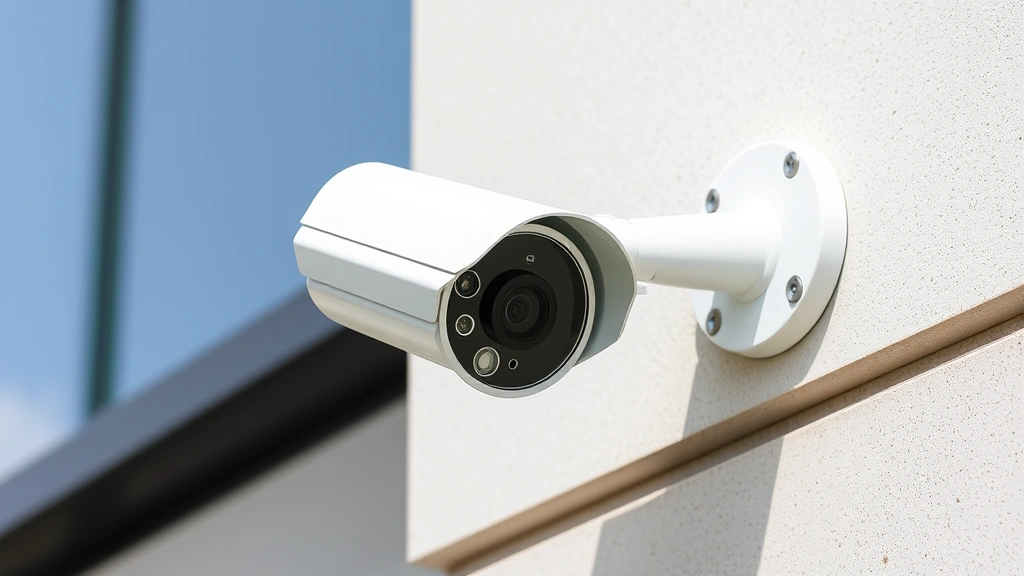
Improve Security Footage? Expert Advice Inside
Poor quality security footage has become a critical vulnerability in modern cybersecurity and physical safety strategies. When surveillance cameras fail to capture clear, actionable footage, organizations face compounded risks: criminals evade identification, investigations stall, and potential cyber threats go undetected. Whether you’re managing a corporate facility, retail space, or critical infrastructure, understanding how to improve security footage quality directly impacts your ability to respond to incidents and protect assets.
This comprehensive guide explores the technical, operational, and strategic approaches to enhancing security footage quality. We’ll examine hardware upgrades, software optimization, environmental factors, and cybersecurity considerations that distinguish professional-grade surveillance from ineffective systems. By implementing these expert recommendations, you can transform bad security footage into a reliable security asset.
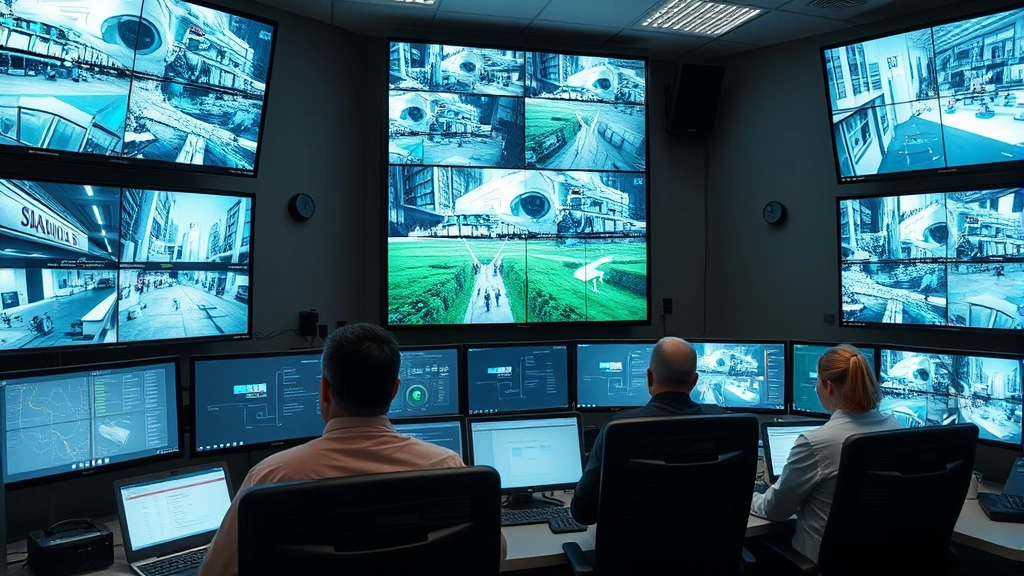
Understanding Why Security Footage Quality Matters
Security footage serves multiple critical functions in modern risk management. Beyond simple deterrence, high-quality video is essential for forensic analysis, incident investigation, legal proceedings, and threat identification. When footage quality deteriorates—through pixelation, motion blur, poor color accuracy, or darkness—the entire security infrastructure becomes compromised.
Poor footage quality creates cascading problems. Investigators cannot identify suspects accurately, law enforcement cannot process cases effectively, and organizations lose valuable intelligence about breach patterns or security incidents. Additionally, degraded footage may be inadmissible in legal proceedings, rendering expensive surveillance systems useless when you need them most.
The relationship between footage quality and cybersecurity extends beyond simple visibility. Integrated security systems that connect to networks face vulnerabilities when poorly configured or maintained. Legacy systems with bad footage often indicate neglected security protocols that could expose your entire infrastructure to cyber threats. By improving footage quality, you’re simultaneously strengthening your overall security posture.
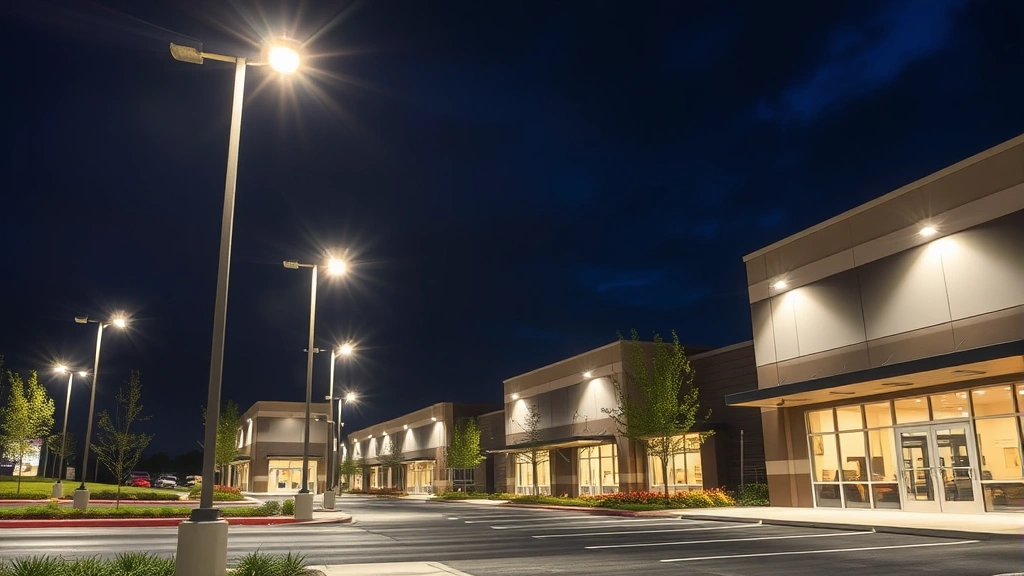
Hardware Upgrades for Clearer Footage
Modern security cameras offer dramatically improved image quality compared to older systems. If your facility relies on cameras more than five years old, hardware upgrades should be your priority. Contemporary IP cameras deliver superior resolution, dynamic range, and low-light performance that transforms surveillance capabilities.
Camera Sensor Technology
The camera sensor determines fundamental image quality. Modern sensors use progressive scan technology instead of interlace scanning, eliminating motion artifacts and improving clarity. Look for cameras with 1/1.3-inch sensors or larger, which capture significantly more light and detail than smaller 1/2.8-inch sensors. Sony, Hikvision, and Axis Communications manufacture premium sensors that excel in challenging conditions.
Megapixel count matters, but resolution alone doesn’t guarantee quality. A 4MP camera with excellent optics often outperforms an 8MP camera with inferior lenses. Professional-grade cameras typically offer 2MP for focused monitoring, 4MP for general surveillance, and 8MP or higher for wide-area coverage requiring detail extraction.
Lens Quality and Specifications
Your camera is only as good as its lens. Poor lens quality introduces aberrations, distortion, and reduced contrast that no post-processing can fully correct. Invest in cameras with multi-element glass lenses from established manufacturers. Avoid plastic lenses in security applications—they degrade image quality and fail prematurely in temperature fluctuations.
Consider variable focal length lenses (varifocal) that allow adjustment after installation. Fixed lenses are cheaper but inflexible; varifocal lenses cost more but adapt to changing surveillance needs without camera replacement. For critical areas, motorized zoom lenses enable remote adjustment and tracking capabilities.
Video Codec and Processing
Modern cameras use H.265 (HEVC) codec instead of older H.264 standards. H.265 delivers equivalent quality at half the bitrate, reducing bandwidth and storage costs while improving performance. Cameras with dedicated video processing chips encode footage more efficiently than software-based solutions, maintaining quality while reducing system load.
Camera Placement and Positioning Strategies
Even excellent cameras produce poor footage when positioned incorrectly. Strategic placement transforms surveillance effectiveness and directly addresses bad security footage problems.
Optimal Angles and Coverage
Position cameras to capture faces at angles between 30-45 degrees rather than straight-on, which minimizes glare and reflections. Mount cameras at heights of 7-10 feet for general surveillance, enabling clear facial recognition while remaining difficult to disable. For areas requiring identification, position cameras perpendicular to entry/exit points rather than parallel.
Avoid positioning cameras directly into bright light sources, windows, or reflective surfaces. Backlighting creates silhouettes that obscure identifying features. Instead, position light sources behind cameras or use cameras with wide dynamic range (WDR) capability to handle mixed lighting conditions.
Coverage Overlaps and Blind Spots
Comprehensive coverage prevents criminals from exploiting blind spots. Design your system with 10-15% coverage overlap between adjacent cameras, creating redundancy and continuous tracking capability. Map your facility’s layout and identify potential blind spots before installation—corners, alcoves, stairwells, and areas behind obstacles require special attention.
Use wide-angle lenses for general areas and narrower lenses for high-value zones. A common mistake is over-relying on wide-angle cameras that sacrifice detail for coverage. Balance coverage breadth with identification capability by deploying both wide-angle and focused cameras in strategic combinations.
Lighting Solutions for Better Visibility
Insufficient lighting causes more bad security footage than any other factor. Darkness overwhelms camera sensors, forcing them to amplify noise, reduce frame rates, and produce grainy, unusable video. Strategic lighting transforms surveillance in low-light environments.
Infrared and Thermal Solutions
Infrared (IR) illumination enables night vision without visible light, preserving darkness for covert monitoring while delivering clear footage. Modern IR cameras use LED arrays that provide consistent illumination without heat generation or power consumption issues of older systems. Thermal imaging cameras detect heat signatures and excel in complete darkness, fog, or obscured conditions—essential for perimeter security.
Match IR illumination to camera specifications. Most professional cameras support IR wavelengths of 850nm or 940nm. Ensure IR range matches your surveillance area; inadequate range produces dark, unusable footage. Reflective surfaces and moisture can interfere with IR performance, requiring careful positioning and regular maintenance.
Visible Light Optimization
Improve existing lighting before investing in IR systems. Install LED lighting fixtures that provide consistent, flicker-free illumination without the color temperature issues of older sodium vapor or fluorescent lights. LED fixtures consume less power and generate less heat, making them ideal for facility upgrades.
Position lighting to minimize shadows and reflections. Place lights above and slightly behind camera positions to illuminate subjects without creating backlighting problems. Use motion-activated supplemental lighting for areas with variable activity levels, balancing energy efficiency with security needs.
Color Performance in Low Light
Advanced cameras maintain color accuracy in low-light conditions through improved sensors and processing. Older cameras default to black-and-white in darkness, losing color-based identification information. Modern low-light color cameras preserve identifying details like clothing color, vehicle paint, and signage—critical for investigation and suspect identification.
Resolution and Frame Rate Optimization
Resolution and frame rate directly impact footage quality and usability. Understanding these specifications prevents over-specification and ensures your system captures necessary detail.
Resolution Selection
Resolution requirements depend on surveillance objectives. For general monitoring and deterrence, 1080p (2MP) suffices. For identification requirements, 4MP or higher is necessary. Wide-area surveillance of parking lots or perimeters benefits from 4-8MP cameras that capture detail across large spaces. Critical zones like cash registers or access points require 4MP minimum for facial recognition.
Avoid the common mistake of selecting maximum resolution without corresponding network and storage capacity. Higher resolution demands greater bandwidth, storage space, and processing power. A 12MP camera streaming continuously consumes 3-4 times more resources than a 2MP camera, potentially degrading system performance or limiting recording duration.
Frame Rate Considerations
Frame rate (fps) affects motion smoothness and detail capture. Standard frame rates are 24fps (cinema), 30fps (NTSC), and 25fps (PAL). For general monitoring, 30fps is standard. High-motion areas like entrances or vehicle traffic benefit from 60fps, reducing motion blur and improving identification capability. However, doubling frame rate doubles bandwidth and storage requirements.
Variable frame rate technology adjusts fps based on motion detection. High-motion scenes record at 60fps while static areas drop to 15fps, optimizing bandwidth without sacrificing quality. This approach balances detail capture with resource efficiency.
Video Compression and Storage Management
Video compression significantly impacts footage quality and system performance. Improper compression creates artifacts and degrades image quality, while efficient compression preserves quality while reducing storage demands.
Bitrate and Bandwidth Optimization
Bitrate determines how much data represents each second of video. Higher bitrate preserves more detail but consumes more bandwidth and storage. Professional systems typically use 4-8 Mbps for 4MP cameras at 30fps. Insufficient bitrate (below 2 Mbps) creates compression artifacts, pixelation, and poor motion quality. Excessive bitrate (above 12 Mbps) wastes resources without meaningful quality improvement.
Calculate total bandwidth requirements before system deployment. A 16-camera installation at 5 Mbps each requires 80 Mbps total bandwidth. Insufficient network infrastructure forces bitrate reduction, directly causing bad security footage. Upgrade network infrastructure alongside camera improvements to realize quality benefits.
Storage Solutions and Retention
Determine storage requirements based on retention policies and footage usage. Calculate: (Bitrate in Mbps × 3,600 seconds × hours per day × retention days) ÷ 8 = storage in GB. A 16-camera system at 5 Mbps storing 30 days of continuous video requires approximately 21TB of storage. Network-attached storage (NAS) systems provide scalability and redundancy for critical installations.
Implement tiered storage with high-performance SSD drives for active recording and standard HDD drives for archive storage. This approach balances performance and cost. Ensure storage systems include RAID protection to prevent data loss from drive failures.
Cybersecurity Considerations for Surveillance Systems
Security footage systems increasingly face cyber threats. Poor footage quality often correlates with inadequate cybersecurity practices that expose your entire infrastructure. Securing surveillance systems is essential for protecting both footage and connected networks.
Network Security and Access Control
Segregate surveillance systems on dedicated networks separate from general IT infrastructure. This network isolation prevents compromised office computers from accessing camera systems and restricts attacker lateral movement. Implement VLAN technology to create virtual network boundaries between surveillance and other systems.
Deploy strong authentication requiring unique usernames and complex passwords for camera access. Enable multi-factor authentication for administrative functions. Change default credentials immediately—many security breaches occur because systems retain manufacturer default usernames and passwords.
Firmware and Software Updates
Outdated firmware represents a critical vulnerability. Manufacturers regularly release security patches addressing discovered vulnerabilities. Establish update protocols requiring firmware patches within 30 days of release. Delay updates only when compatibility issues exist, and resolve those issues immediately.
Many bad security footage systems result from outdated firmware causing performance degradation, codec errors, or streaming failures. Regular updates improve stability, fix bugs affecting video quality, and patch security vulnerabilities. Schedule updates during low-activity periods to minimize operational disruption.
Encryption and Data Protection
Encrypt surveillance footage in transit and at rest. Use HTTPS/TLS for camera connections and encrypted storage for recorded video. This prevents unauthorized access to sensitive footage and protects privacy. Encryption also ensures footage integrity—encrypted data cannot be altered without detection, critical for legal proceedings.
Implement access logging that records who accessed footage, when, and what they viewed. Regular audits of access logs detect unauthorized surveillance or data theft. This audit trail protects against both external attackers and internal threats.
Review the CISA cybersecurity guidance for surveillance system hardening best practices. CISA provides comprehensive resources on securing operational technology systems including surveillance infrastructure.
Software Enhancement Tools and Technologies
Modern software tools improve footage quality after capture, though they cannot fully compensate for hardware limitations. Strategic software enhancement complements hardware improvements.
Video Analytics and Intelligent Processing
Advanced analytics software enhances surveillance through object detection, behavior analysis, and automated alerts. These tools identify potential threats in real-time, reducing reliance on continuous human monitoring. Motion detection reduces recording volume by only capturing footage during activity—essential for storage efficiency.
Facial recognition and license plate recognition technologies extract identifying information automatically. These capabilities transform raw footage into actionable intelligence. However, recognition accuracy depends on underlying footage quality—poor camera footage produces unreliable recognition results.
Image Enhancement Technologies
Post-processing software improves footage quality through noise reduction, contrast enhancement, and detail sharpening. While these tools cannot recover lost information, they can make existing footage more usable. However, enhancement cannot substitute for proper hardware and lighting—it’s a supplement, not a solution.
Wide Dynamic Range (WDR) processing corrects exposure issues in mixed-lighting conditions. Cameras with hardware WDR capability handle transitions between bright and dark areas better than software-only solutions. If hardware WDR isn’t available, software WDR can partially compensate for difficult lighting.
Integration with Security Platforms
Modern security management software integrates surveillance with access control, alarm systems, and threat intelligence. This integration enables automated responses—when motion is detected at a secure entrance, systems can automatically lock doors, alert security personnel, and begin recording. Visit ScreenVibe Daily Blog for technology trend analysis that may inform system selection.
Maintenance and Regular Testing Protocols
Most bad security footage results from preventable maintenance failures. Established testing and maintenance protocols ensure systems perform reliably.
Routine Maintenance Tasks
Clean camera lenses monthly using microfiber cloths and lens cleaning solution. Dust, insects, and environmental debris accumulate on lenses, creating haze that degrades image quality. This simple maintenance task dramatically improves footage clarity.
Check camera housings for moisture accumulation, corrosion, or damage. Weatherproof housings deteriorate, allowing moisture inside cameras. Replace damaged housings immediately—internal moisture destroys sensors and electronics. Verify mounting hardware remains secure; loose cameras drift out of alignment, creating misaligned coverage.
Performance Testing and Validation
Establish quarterly testing protocols verifying all cameras function correctly. Test each camera by reviewing live footage, checking resolution and frame rate specifications, and verifying coverage areas. Document any degradation and prioritize repairs.
Conduct annual full-system tests including failover scenarios. Verify backup systems function if primary recording fails. Test storage capacity calculations to ensure retention meets policy requirements. Review access logs for unauthorized access attempts.
Documentation and Monitoring
Maintain detailed documentation of all cameras including model, specifications, installation date, and maintenance history. Track firmware versions and update dates. This documentation supports troubleshooting and replacement planning.
Monitor system performance metrics including disk usage, network bandwidth, and camera connectivity status. Automated alerts notify administrators of problems before they degrade service. Proactive monitoring prevents bad security footage by catching issues before they impact operations.
The NIST Cybersecurity Framework provides guidance on monitoring and maintenance practices applicable to surveillance infrastructure.
FAQ
What causes bad security footage quality?
Bad security footage typically results from inadequate lighting, poor camera placement, insufficient camera specifications, improper compression settings, or outdated hardware. Network bandwidth limitations, firmware issues, and lens contamination also degrade quality. Often multiple factors combine—dark environments with low-resolution cameras and aggressive compression create unwatchable footage.
How much does improving security footage cost?
Costs vary dramatically based on facility size and current system condition. Camera upgrades range from $300-$2,000 per camera. Lighting improvements cost $500-$5,000 per area. Complete system replacements for small facilities range $5,000-$15,000; large facilities may exceed $100,000. However, these investments provide ROI through improved incident response and reduced liability.
Can software improve existing bad footage?
Software can enhance existing footage through noise reduction and contrast adjustment, making marginal footage more usable. However, software cannot recover detail lost due to insufficient resolution or extreme darkness. Software enhancement supplements hardware improvements but cannot substitute for proper cameras, lighting, and placement.
How often should security systems be updated?
Firmware should be updated within 30 days of release. Complete system reviews should occur annually, with hardware assessments every 3-5 years. Maintenance tasks like lens cleaning should occur monthly. Quarterly testing verifies system functionality and identifies degradation.
What resolution do I need for facial recognition?
Effective facial recognition typically requires 4MP minimum, with 8MP providing better results. Resolution alone doesn’t guarantee recognition accuracy—lighting, camera angle, and subject distance also matter significantly. Test your specific system before relying on recognition for critical security decisions.
Is encryption necessary for surveillance systems?
Yes, encryption is essential for protecting sensitive surveillance footage and preventing unauthorized access. Unencrypted footage transmitted over networks can be intercepted and viewed by unauthorized parties. Encryption protects privacy and ensures footage integrity for legal proceedings. The NIST Cybersecurity Framework emphasizes encryption for protecting sensitive data including surveillance footage.
What’s the difference between IP and analog cameras?
IP cameras transmit digital video over networks, offering superior image quality, scalability, and integration capabilities. Analog cameras transmit signals through coaxial cables with lower resolution and limited functionality. Modern installations overwhelmingly use IP cameras due to better performance, though legacy analog systems may be upgraded with hybrid recorders supporting both technologies.
How do I prevent cybersecurity threats to surveillance systems?
Implement network segregation, strong authentication, regular firmware updates, and encryption. Monitor access logs for unauthorized activity. Change default credentials immediately. Disable unnecessary features and services. Consult CISA guidance on securing networked devices for comprehensive hardening procedures applicable to surveillance infrastructure.


