Is Your Home Safe? Alliance Security Insights
Your home is more than just a physical structure—it’s where your family lives, where your most valuable possessions reside, and where you should feel completely secure. Yet many homeowners remain unaware of critical vulnerabilities that could compromise their safety and privacy. Alliance Security has emerged as a trusted resource for understanding modern home security threats, from traditional break-ins to sophisticated cyber attacks targeting smart home devices. This comprehensive guide explores the multifaceted aspects of home security, helping you assess whether your living space truly offers the protection you and your family deserve.
The landscape of home security has transformed dramatically over the past decade. It’s no longer sufficient to simply install a deadbolt and call it a day. Today’s threats encompass physical intrusions, digital vulnerabilities, and a complex intersection of both. Smart home technology—while offering unprecedented convenience—has introduced new attack vectors that many homeowners don’t fully understand. This article breaks down the essential components of modern home security, offering actionable insights to strengthen your defenses.
Understanding Modern Home Security Threats
The first step toward comprehensive home security is recognizing the diverse threats facing modern households. According to CISA (Cybersecurity and Infrastructure Security Agency), residential properties face escalating risks from both traditional and cyber-based attacks. Physical threats remain persistent—burglary, home invasion, and package theft continue to plague neighborhoods across the country. However, the emergence of Internet-connected devices has created an entirely new category of vulnerabilities.
Smart home devices, from security cameras to intelligent thermostats, collect and transmit sensitive data across your home network. When improperly secured, these devices become entry points for attackers seeking to surveil your activities, steal personal information, or gain access to your home network. A single compromised device can serve as a foothold for lateral movement throughout your digital infrastructure, potentially exposing financial data, health information, and other sensitive details.
The convergence of physical and cyber threats means that comprehensive home security requires expertise in both domains. A burglar might use social engineering to trick you into revealing your security code, or a cybercriminal might disable your smart lock remotely. Understanding these interconnected threats is essential for developing a robust security strategy.
Physical Security Fundamentals
Despite the rise of digital threats, fundamental physical security remains non-negotiable. The foundation of any home security system begins with basic access control—ensuring that unauthorized individuals cannot easily enter your property. Doors and windows represent your primary perimeter defense and deserve serious attention.
Quality deadbolt locks, typically Grade 1 or Grade 2 rated, provide significantly more resistance to forced entry than standard locks. Door reinforcement plates, strike plate upgrades, and solid core or metal doors substantially increase the effort required to breach your entry points. For windows, security bars, reinforced locks, and laminated glass can deter opportunistic burglars who seek easy targets.
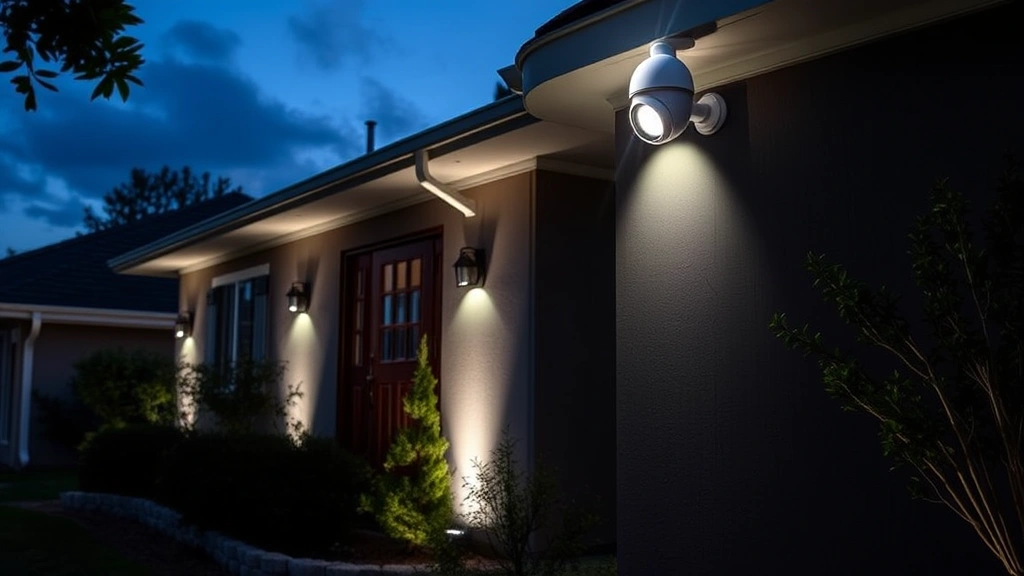
Strategic lighting plays a crucial role in deterring criminal activity. Motion-activated floodlights eliminate dark areas where intruders might hide, while landscape lighting removes concealment opportunities. The goal is to make your home appear well-maintained and protected—criminals typically target properties that appear vulnerable and unmonitored.
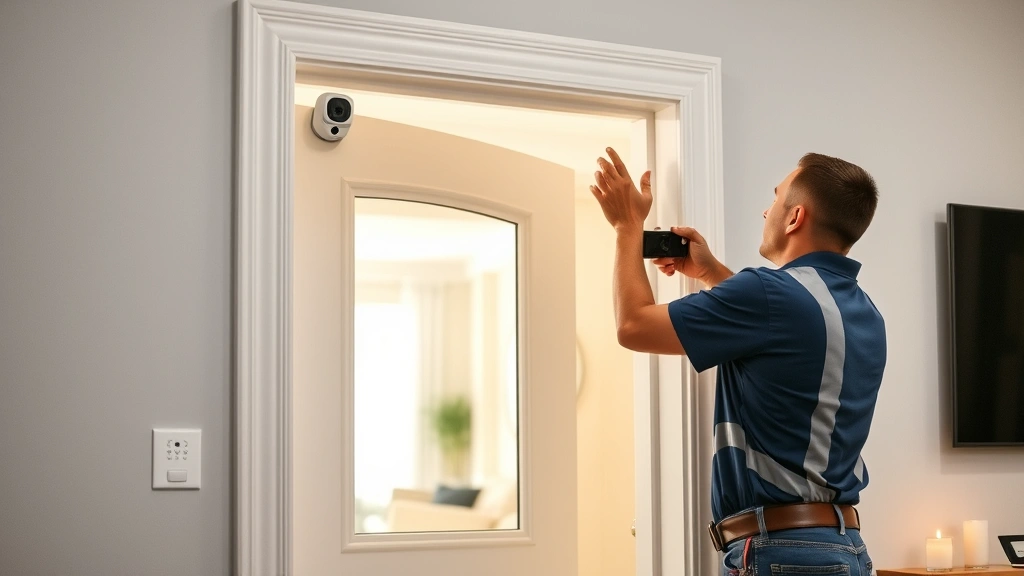
Visible security measures, even if not fully operational, serve as psychological deterrents. Security system signs, camera housings, and alarm company stickers communicate that your home has protective measures in place. However, these should complement genuine security infrastructure, not replace it entirely.
Consider the concept of defense in depth—multiple layers of security that work together. Your first layer might be a well-lit perimeter with visible security measures. Your second layer includes robust locks and reinforced entry points. Your third layer consists of monitored alarm systems and surveillance cameras. This layered approach means that even if an attacker breaches one layer, additional obstacles remain.
Cybersecurity for Smart Homes
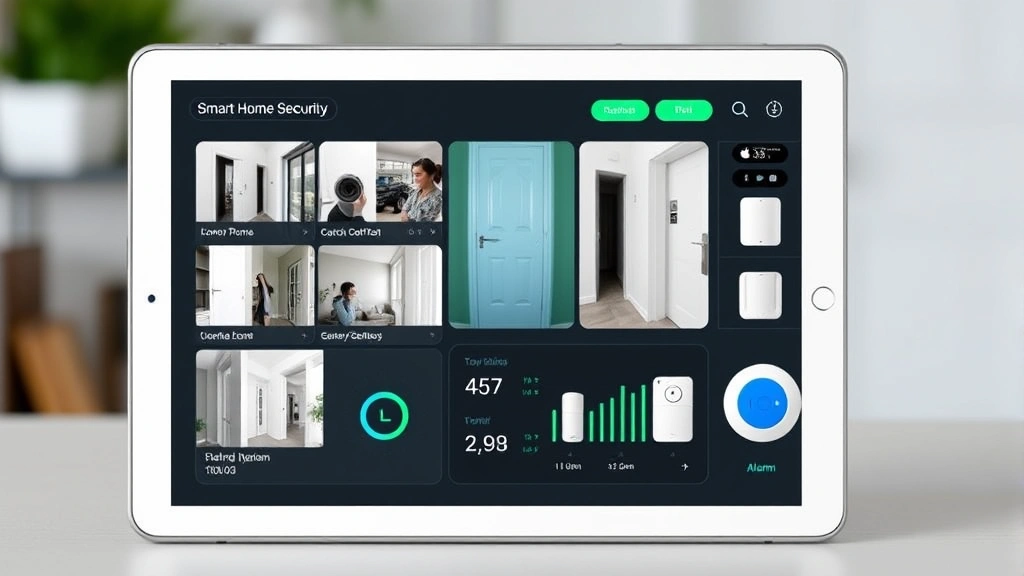
Smart home technology offers remarkable convenience—controlling lights, locks, thermostats, and cameras from your smartphone. However, this convenience comes with responsibility. Each connected device represents a potential security vulnerability that requires proper configuration and maintenance.
The first cybersecurity principle for smart homes is device inventory and assessment. Document every connected device in your home, including its manufacturer, model, and current firmware version. Many homeowners underestimate how many devices connect to their networks—smart TVs, refrigerators, doorbells, security systems, and voice assistants all require security attention.
Firmware updates represent a critical maintenance task that many users neglect. Manufacturers regularly release updates that patch security vulnerabilities discovered after devices ship. Delaying or ignoring these updates leaves your devices exposed to known exploits. Enable automatic updates whenever possible, or establish a regular schedule for manual updates.
Default credentials pose an enormous risk in smart home environments. Manufacturers often ship devices with standard usernames and passwords that are publicly documented. The first action upon installing any smart device should be changing these default credentials to strong, unique passwords. This simple step prevents attackers from accessing your devices using well-known credentials.
Network segmentation—isolating smart home devices on a separate network from computers containing sensitive data—adds another layer of protection. If a smart bulb becomes compromised, attackers cannot easily pivot to your computer or financial accounts. Many modern routers support guest networks or VLANs that facilitate this segmentation.
Consider consulting NIST guidelines on IoT security for detailed technical recommendations on securing internet-connected devices in residential environments.
Network Security and WiFi Protection
Your home WiFi network serves as the backbone connecting all digital devices and smart home systems. A compromised network allows attackers to intercept communications, steal data, and control connected devices. Securing your network is therefore foundational to overall home security.
WiFi encryption should be your first priority. Enable WPA3 encryption if your router supports it; if not, WPA2 represents the minimum acceptable standard. WEP and WPA encryption are obsolete and provide inadequate protection. Strong encryption ensures that data transmitted between your devices and router remains unreadable to eavesdroppers.
Your router’s administrative credentials deserve the same attention as device passwords. Change the default admin password immediately upon installation—this prevents unauthorized access to your network configuration. Consider disabling remote management features that allow administration from outside your home network, which eliminates an attack vector.
Disable WPS (WiFi Protected Setup) if your router supports it. While intended to simplify device connection, WPS introduces vulnerabilities that attackers can exploit to crack your WiFi password. The security gained from disabling WPS far outweighs the minor convenience loss.
Regular router firmware updates mirror the importance of device updates. Manufacturers release patches addressing discovered vulnerabilities, and delaying these updates leaves your entire network exposed. Some modern routers support automatic firmware updates—enable this feature if available.
Consider implementing a guest network for visitors and less-trusted devices. This network operates separately from your primary network, preventing guests from accessing sensitive devices or data. Visitors can connect without learning your primary network password, and any compromise of a guest device doesn’t threaten your main network.
DNS security represents an often-overlooked aspect of network protection. Your router typically uses your ISP’s DNS servers, which may not prioritize security. Switching to security-focused DNS providers like Cloudflare’s 1.1.1.1 or Quad9 provides protection against malicious sites and phishing attacks at the network level.
Access Control and Monitoring Systems
Modern access control systems extend far beyond traditional door locks. Smart locks, video doorbells, and security cameras create a comprehensive monitoring and control infrastructure that deters criminals and provides evidence if incidents occur.
Smart locks offer convenience and security benefits, but require careful configuration. Ensure that only authorized individuals have access codes or digital keys. Regularly review access logs to identify any unauthorized attempts. Change access codes periodically, especially after guests or service providers visit. Some smart locks support temporary codes that automatically expire—an excellent feature for contractors or short-term visitors.
Video doorbells and security cameras serve multiple purposes. They deter criminal activity through visible surveillance, provide evidence if incidents occur, and allow remote monitoring of your property. Position cameras to cover entry points, driveways, and other high-value areas. Ensure adequate lighting for nighttime video quality—infrared cameras help, but visible lighting produces superior image clarity.
Cloud storage for security footage raises privacy and security considerations. Evaluate your provider’s encryption standards, data retention policies, and privacy practices. Consider whether you prefer local storage, cloud storage, or hybrid approaches. Local storage keeps footage on your property but requires manual backup and larger storage capacity. Cloud storage offers convenience and remote accessibility but depends on internet connectivity and third-party security practices.
Security system monitoring—whether professional 24/7 monitoring or smartphone alerts—provides rapid response capabilities. Professional monitoring ensures that authorities are notified immediately if alarms trigger, even if you’re unable to respond. Smartphone alerts allow you to verify incidents before alerting authorities, reducing false alarm costs and embarrassment.
Ensure that your security system integrates properly with your access control devices. A unified system where cameras, locks, alarms, and sensors communicate seamlessly provides superior situational awareness and response capabilities compared to disconnected systems.
Emergency Preparedness
Comprehensive home security includes preparing for emergencies beyond typical break-ins. Natural disasters, medical emergencies, fires, and other crises require advance planning and preparation.
Develop a family emergency plan that addresses various scenarios—fires, severe weather, medical emergencies, and security incidents. Ensure that all family members understand the plan, know evacuation routes, and understand their roles. Practice the plan periodically so that responses become automatic during stressful situations.
Maintain emergency supplies including first aid kits, flashlights, batteries, water, non-perishable food, and important documents in waterproof containers. Store backup power supplies for critical devices like security systems and medical equipment. A generator or battery backup system ensures that your security infrastructure remains operational during power outages.
Document your valuable possessions through photography or video. Store these records securely—either in cloud storage or a physical location outside your home. If theft or disaster occurs, this documentation supports insurance claims and helps law enforcement investigations.
Establish communication protocols for family members during emergencies. Designate an out-of-area contact person who family members can call if local phone systems become overloaded. Discuss how you’ll reunite if separated, where you’ll go if evacuation becomes necessary, and how you’ll communicate during extended outages.
Review your homeowner’s or renter’s insurance regularly to ensure adequate coverage for your valuables and liability. Discuss security measures with your insurance agent—some policies offer discounts for homes with monitored security systems, reinforced entry points, or other protective measures.
FAQ
What’s the most important first step in improving home security?
Assess your current vulnerabilities through an honest evaluation of entry points, locks, lighting, and digital devices. Many homeowners discover that basic improvements—upgrading door locks, improving lighting, and securing WiFi—address the most critical risks with minimal investment.
Should I invest in professional monitoring or smartphone alerts?
This depends on your risk tolerance and preferences. Professional monitoring ensures 24/7 response even if you’re unable to react, while smartphone alerts require your active participation. Many homeowners benefit from combining both approaches—professional monitoring for critical incidents and smartphone alerts for real-time awareness.
How often should I update smart home device firmware?
Check for updates monthly at minimum, though automatic updates are preferable. Enable automatic updates whenever manufacturers support this feature. Critical security updates should be applied immediately upon availability, even if they require manual installation.
Is it safe to use cloud storage for security camera footage?
Cloud storage is safe when providers implement strong encryption, maintain transparent privacy policies, and receive independent security audits. Evaluate multiple providers and understand their security practices before storing sensitive footage in the cloud.
What should I do if I suspect a break-in?
Prioritize personal safety above all else. If you suspect an active break-in, evacuate immediately and contact emergency services from a safe location. Don’t attempt to confront intruders or conduct a thorough inspection until law enforcement confirms the property is secure. Document everything you notice and provide detailed information to responding officers.
How can I test my home security system’s effectiveness?
Work with your security provider to conduct regular system tests. Verify that all sensors function properly, cameras capture clear footage, and monitoring systems respond correctly. Simulate various scenarios—door openings, motion detection, alarm activation—to ensure all components operate as intended.
What’s the relationship between home security and cybersecurity?
Modern home security requires expertise in both physical and cyber domains. Smart locks, cameras, and alarms depend on cybersecurity to function properly. A compromised network might allow attackers to disable your security system or surveil your activities, making cybersecurity integral to physical security effectiveness.
For additional resources on residential security best practices, consult the FBI’s Cyber Division and ISSA (Information Systems Security Association) for professional guidance on security implementation and threat awareness.
Your home security posture requires ongoing attention and adjustment as threats evolve and technology advances. Regular assessment, timely updates, and continuous education ensure that your home remains a secure sanctuary for you and your family. By understanding the interconnected nature of physical and cyber threats, implementing layered defenses, and maintaining vigilant security practices, you can significantly reduce your vulnerability to the diverse threats facing modern homes.


