
Solar Security Cameras: Expert Buying Guide for Outdoor Wireless Systems
Solar-powered security cameras represent a paradigm shift in outdoor surveillance technology, combining renewable energy independence with advanced cybersecurity features. As residential and commercial properties increasingly adopt wireless security solutions, understanding the intersection of solar power efficiency and threat protection has become essential. This comprehensive guide examines the best outdoor wireless security camera systems powered by solar energy, analyzing both hardware capabilities and critical security considerations that protect your surveillance infrastructure from unauthorized access.
The proliferation of IoT devices in home security ecosystems creates unique vulnerabilities that cybercriminals actively exploit. Solar-powered cameras, while offering unparalleled flexibility in placement and installation, introduce additional attack vectors through their wireless connectivity, cloud integration, and battery management systems. By selecting properly secured systems and implementing robust configuration practices, property owners can leverage solar technology without compromising their cybersecurity posture.
Understanding Solar Camera Security Architecture
Solar-powered security cameras operate within a complex ecosystem where power management directly impacts security resilience. Unlike traditional wired systems drawing continuous power from electrical infrastructure, solar cameras depend on battery charge cycles, solar panel efficiency, and intelligent power allocation algorithms. This dependency creates security implications that manufacturers must address through sophisticated design practices.
The fundamental security challenge involves maintaining consistent connectivity and encryption protocols despite fluctuating power availability. When battery levels drop below operational thresholds, systems may disable encryption, reduce update frequencies, or compromise authentication mechanisms to conserve energy. Reputable manufacturers implement tiered security protocols that prioritize critical functions—authentication, encryption, threat detection—while gracefully degrading non-essential features during low-power scenarios.
Wireless transmission introduces vulnerabilities absent in hardwired installations. Solar cameras typically communicate via WiFi or proprietary wireless protocols, exposing data streams to interception, man-in-the-middle attacks, and signal jamming. The best systems employ AES-256 encryption for video transmission, certificate-based authentication, and mechanisms to prevent unauthorized device pairing. Additionally, robust implementations separate camera operation from cloud connectivity, ensuring local recording functionality persists even when internet connectivity fails.
Battery management systems themselves present attack surfaces. Compromised firmware controlling charge cycles could drain batteries intentionally, rendering cameras inoperative during critical security events. This vulnerability underscores the importance of secure boot mechanisms, firmware verification processes, and tamper-evident design principles that alert users to unauthorized modifications.
Top Solar Wireless Camera Systems for 2024
Reolink Argus 3 Pro leads the market for comprehensive solar integration combined with enterprise-grade security. This system features 4MP resolution, two-way audio, advanced motion detection, and encrypted local storage capability via microSD cards. The accompanying Reolink Solar Panel provides sufficient charging capacity to maintain perpetual operation in most climates. Critically, Reolink implements local processing for object detection, reducing reliance on cloud services and minimizing data exposure. The system supports ScreenVibeDaily Blog community discussions regarding setup optimization, though security configuration requires manual hardening beyond default settings.
Eufy SoloCam S340 represents another leading option, emphasizing privacy through local AI processing and minimal cloud dependency. The camera delivers 2K resolution, solar charging capability, and sophisticated human detection algorithms that reduce false alerts. Eufy’s architecture stores sensitive processing locally, never transmitting unencrypted video to external servers. The system supports strong password policies, two-factor authentication, and regular firmware updates through automated channels.
Sunforce Solar Security Camera System provides budget-conscious users with fundamental solar-powered surveillance. While offering respectable 1080p resolution and motion detection, this platform requires careful network isolation and configuration to achieve adequate security posture. Users must implement strong WiFi passwords, disable unnecessary features, and regularly monitor for unauthorized access attempts.
Wyze Cam Outdoor with solar charging offers affordability but demands significant security hardening. The platform’s cloud-dependent architecture and history of security incidents necessitate network segmentation, regular firmware updates, and consideration of security best practices that extend beyond standard consumer configurations.
Critical Security Features to Evaluate
When selecting the best outdoor wireless security camera system solar powered, prioritize these non-negotiable security attributes:
End-to-End Encryption Implementation: Verify that video streams employ AES-256 or equivalent military-grade encryption throughout transmission. Systems implementing encryption only during internet transit remain vulnerable during WiFi transmission within home networks. Examine whether manufacturers publish encryption specifications and submit to independent security audits.
Local Processing and Storage Capabilities: Cameras performing object detection, motion analysis, and threat assessment locally reduce cloud dependency and minimize sensitive data exposure. Look for systems supporting encrypted local storage via microSD cards or attached network storage. This architecture ensures surveillance continues functioning during internet outages while preventing cloud providers from accessing raw video feeds.
Authentication Mechanisms: Robust multi-factor authentication prevents unauthorized account access that could expose camera feeds or enable remote compromise. Evaluate whether systems support authenticator apps, hardware security keys, or certificate-based authentication beyond simple passwords. Avoid platforms relying solely on email-based password recovery, which introduces account takeover vulnerabilities.
Firmware Update Protocols: Automatic security updates delivered through signed, encrypted channels protect against disclosed vulnerabilities. Examine manufacturer update frequency, transparency regarding security patches, and mechanisms preventing rollback to vulnerable versions. Platforms allowing manual firmware downgrades introduce risks of intentional regression to exploitable versions.
Network Isolation and Segmentation: Solar cameras should operate on segregated network segments separate from personal computers, smartphones, and sensitive IoT devices. This architectural separation prevents compromised cameras from pivoting to access banking systems, healthcare data, or other critical devices. Evaluate router capabilities supporting VLAN implementation and device-level firewall rules.
Review CISA security advisories for specific camera models before purchasing, as government cybersecurity agencies regularly publish vulnerability disclosures affecting consumer devices.
Installation and Network Hardening Best Practices
Technical installation extends far beyond physical mounting. Proper network configuration determines whether your surveillance system enhances or compromises overall security posture.
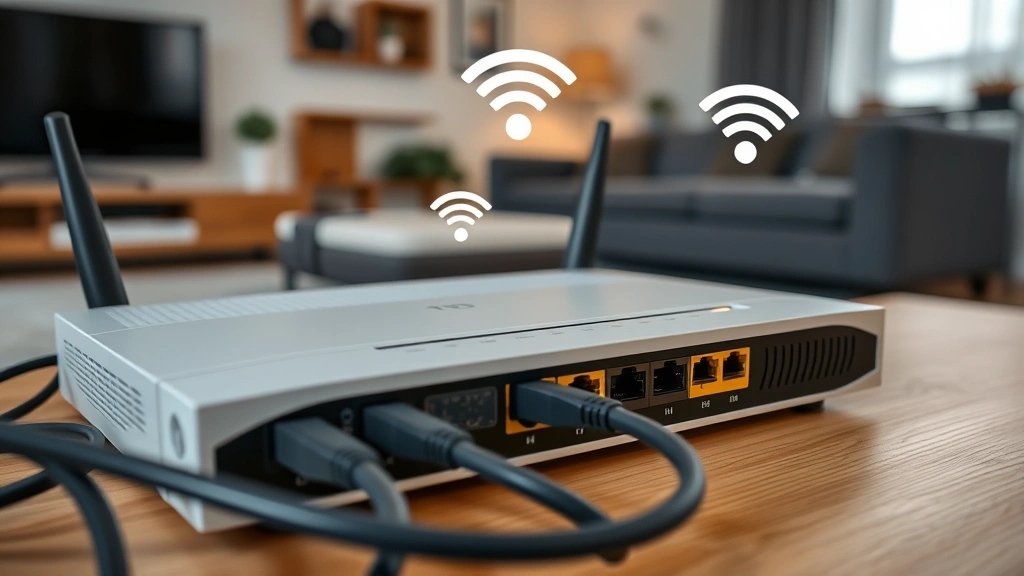
WiFi Network Segregation: Create dedicated guest networks for IoT devices including solar cameras, isolating them from networks containing computers and smartphones. Most modern routers support multiple SSIDs with distinct security policies. Configure the IoT network with WPA3 encryption (or WPA2 if WPA3 unavailable), strong passwords exceeding 20 characters, and hidden SSID broadcast to reduce reconnaissance attack surface.
Implement MAC address filtering on router access control lists, restricting network connectivity to authorized camera hardware. While not impenetrable, this measure prevents casual unauthorized access and adds forensic value by identifying unexpected devices attempting connection.
Firewall Configuration: Restrict outbound connectivity from cameras to manufacturer cloud services using firewall rules. Many systems function adequately with only local network access, eliminating cloud transmission entirely. When cloud connectivity proves necessary, implement application-layer filtering to permit only encrypted HTTPS traffic to legitimate company domains, blocking suspicious external communication.
Router Security Hardening: Update router firmware immediately upon availability, disable UPnP (Universal Plug and Play) which permits devices to automatically forward ports, and change default administrative credentials. Disable remote management features allowing external access to router interfaces. These foundational practices prevent attackers from reconfiguring network policies or gaining administrative access.
Password and Credential Management: Employ unique, complex passwords for each camera’s administrative interface, separate from WiFi credentials and primary user accounts. Utilize password managers to generate and securely store these credentials, preventing password reuse that could compromise multiple systems if any single service experiences breach. Document credential storage locations securely for recovery purposes.
Two-Factor Authentication Activation: Enable two-factor authentication on associated cloud accounts, even if cloud features remain minimally utilized. This protects against credential stuffing attacks where attackers attempt passwords compromised from other services.
Maintenance and Firmware Management
Post-installation security requires ongoing maintenance preventing degradation of protection measures over time.
Firmware Update Discipline: Establish monthly schedules for checking and installing available firmware updates. Subscribe to manufacturer security mailing lists receiving notifications of critical patches. Update during scheduled maintenance windows when camera unavailability causes minimal disruption. Never delay security updates to maintain continuous operation, as vulnerabilities pose greater risk than temporary downtime.
Document firmware versions before and after updates, maintaining change logs for forensic investigation if security incidents occur. Some manufacturers permit firmware rollback; disable this capability if available to prevent intentional regression to vulnerable versions.
Regular Security Audits: Quarterly, review camera access logs examining for unauthorized login attempts or unexpected connections. Most systems provide activity histories revealing access patterns and anomalies. Investigate failed authentication attempts representing potential brute-force attacks, and modify credentials if suspicious activity appears.
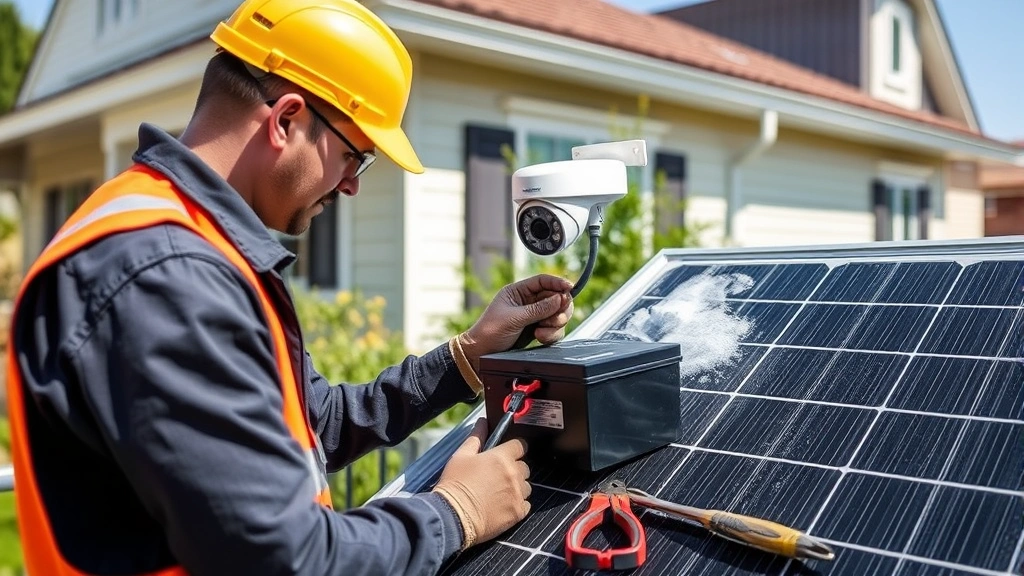
Solar Panel and Hardware Maintenance: Maintain solar panels free from dirt, debris, and snow that reduce charging efficiency and potentially indicate tampering. Inspect camera housings for signs of physical interference, loose connections, or water ingress that could compromise operation. Replace weatherstripping and protective seals as they degrade, preventing moisture intrusion that creates short circuits and enables physical tampering.
Battery Health Monitoring: Track battery performance metrics, noting gradual capacity reduction indicating aging. Most systems display battery voltage and charge status; document these values monthly to identify premature degradation suggesting manufacturing defects or intentional sabotage. Replace batteries proactively before failure rather than reactively after complete discharge.
Consult NIST cybersecurity guidelines for comprehensive recommendations on IoT device management and security maintenance practices applicable to solar camera systems.
Network Monitoring: Implement basic network monitoring using router-provided tools or third-party applications that detect unusual device behavior. Monitor bandwidth consumption from cameras; sudden spikes may indicate unauthorized access or malware exfiltrating data. Examine DNS queries identifying suspicious external domains contacted by camera systems.
FAQ
What encryption standard should I prioritize in solar camera selection?
AES-256 encryption represents the current gold standard for video transmission security. Verify manufacturers publish encryption specifications and undergo independent security audits. Avoid systems employing proprietary encryption schemes lacking public cryptographic review.
Can solar cameras function during winter or cloudy climates?
Quality solar systems maintain operation year-round through battery reserve capacity and efficient power management. However, performance degrades in consistently cloudy regions or northern latitudes with limited winter sunlight. Evaluate system specifications for your climate zone before purchasing, ensuring battery capacity provides 2-3 days autonomy during extended low-light periods.
How do I prevent unauthorized access to my wireless security cameras?
Implement strong, unique passwords; enable two-factor authentication; segregate cameras on dedicated networks; disable cloud features when unnecessary; maintain current firmware; and monitor access logs regularly. These layered defenses significantly reduce compromise risk.
Should I disable cloud features entirely for maximum security?
Local storage via microSD cards provides excellent privacy benefits, though cloud backup offers recovery protection if physical devices experience theft or destruction. Consider hybrid approaches: utilize local encryption storage as primary archive while maintaining cloud backup for disaster recovery, ensuring cloud-stored footage remains encrypted with keys you control.
What should I do if I discover unauthorized camera access?
Immediately change all administrative passwords, review access logs identifying compromise duration, disconnect the camera from network, update firmware to latest version, reset to factory defaults with new credentials, and implement network segmentation preventing similar compromise. Report the incident to the manufacturer and monitor for related vulnerabilities.
Are solar cameras more vulnerable than wired systems?
Solar cameras introduce battery management and wireless transmission attack surfaces absent in wired systems. However, properly configured solar systems can achieve equivalent or superior security through local processing, encrypted storage, and network isolation. The critical variable remains implementation quality rather than technology choice.
How often should I update solar camera firmware?
Check for updates monthly and install critical security patches immediately. Manufacturers typically release updates quarterly, with emergency patches addressing disclosed vulnerabilities appearing as needed. Subscribe to security notifications ensuring you receive alerts for urgent patches requiring immediate attention.
What role does the solar panel play in camera security?
Solar panels primarily enable operational independence from electrical infrastructure. However, they also require physical security—ensure panels remain accessible only to authorized personnel and inspect regularly for tampering. Compromised panels could intentionally discharge batteries, disabling cameras during critical events.


