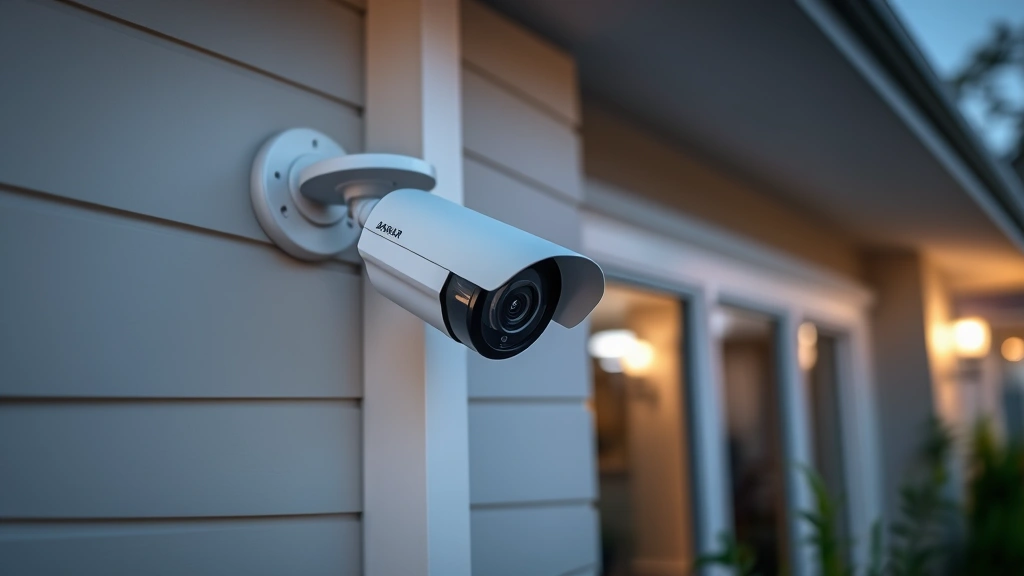
Best Outdoor Security Camera Without Subscription: Expert Recommendations
In an increasingly connected world, outdoor security cameras have become essential for protecting homes and businesses. However, many consumers face a critical decision: should they invest in systems requiring expensive monthly subscriptions, or seek alternatives that offer robust security without ongoing fees? The answer lies in understanding both the technology and the threat landscape that makes subscription-free cameras an increasingly viable option for security-conscious property owners.
Subscription-based camera systems have dominated the market for years, locking users into recurring payments that can exceed $10-15 monthly per camera. This financial model, while profitable for manufacturers, creates a barrier to comprehensive property protection. Fortunately, advances in local storage technology, cloud-free processing, and open-source security standards have made subscription-free outdoor security cameras a legitimate choice for those prioritizing privacy and cost-effectiveness. This guide explores the best options available, examining both hardware capabilities and cybersecurity implications of different approaches.
Why Choose Subscription-Free Security Cameras
The shift toward subscription-free security solutions represents more than a cost-saving measure—it reflects a fundamental change in how consumers approach property protection. Subscription-free cameras eliminate recurring fees, allowing you to invest once and enjoy continuous protection without worrying about billing cycles or service interruptions due to payment issues.
From a cybersecurity perspective, subscription-free systems often provide superior privacy controls. Cameras that don’t transmit footage to third-party cloud servers reduce the attack surface for hackers. According to research from CISA (Cybersecurity and Infrastructure Security Agency), connected devices that minimize external data transmission present fewer opportunities for unauthorized access or data breaches. When your security footage remains on local storage devices or private networks, you maintain complete control over sensitive video data.
Additionally, subscription-free models provide greater independence and flexibility. You’re not locked into proprietary ecosystems or dependent on manufacturer cloud services. If a company discontinues a product line or changes terms of service, your cameras continue functioning normally. This independence is particularly valuable for long-term security investments where reliability matters more than trendy features.
Top Outdoor Security Cameras Without Subscription
Several manufacturers have developed excellent outdoor security cameras that operate without mandatory subscriptions. These options balance performance, durability, and cost-effectiveness:
- Reolink RLC-810A: A professional-grade camera offering 4MP resolution, dual-lens technology, and local storage via microSD card or NAS (Network Attached Storage). The camera supports RTSP protocol, allowing integration with third-party software while maintaining privacy.
- Wyze Cam v3: An affordable option providing 1080p video, night vision, and local storage capabilities. While Wyze offers optional cloud services, cameras function independently with microSD card recording.
- Amcrest UltraHD: Delivers 4K resolution with local storage options, weatherproof construction, and no subscription requirements for basic functionality. The system supports open standards for greater flexibility.
- Hikvision DS-2CD2143G2-I: A commercial-grade camera designed for professional installations, featuring advanced analytics and local storage without cloud dependency.
- Uniview IPC322SR-DVS28: Offers 2MP resolution, intelligent motion detection, and microSD card storage with excellent weather resistance ratings.
Each of these cameras prioritizes local recording capabilities, ensuring footage remains accessible even if internet connectivity fails. This redundancy is crucial for security applications where continuous monitoring matters.
Local Storage vs Cloud Storage Considerations
Understanding storage options is fundamental to choosing the right subscription-free camera system. Local storage methods include microSD cards, external hard drives, and Network Attached Storage (NAS) devices. These approaches keep footage physically in your possession, eliminating cloud storage risks.
MicroSD card storage offers simplicity and affordability, supporting 64GB to 512GB capacity depending on camera specifications. However, cards have limited lifespan—typically rated for 500,000 to 1,000,000 write cycles—and require periodic replacement. Larger capacity cards provide extended recording periods before overwriting old footage.
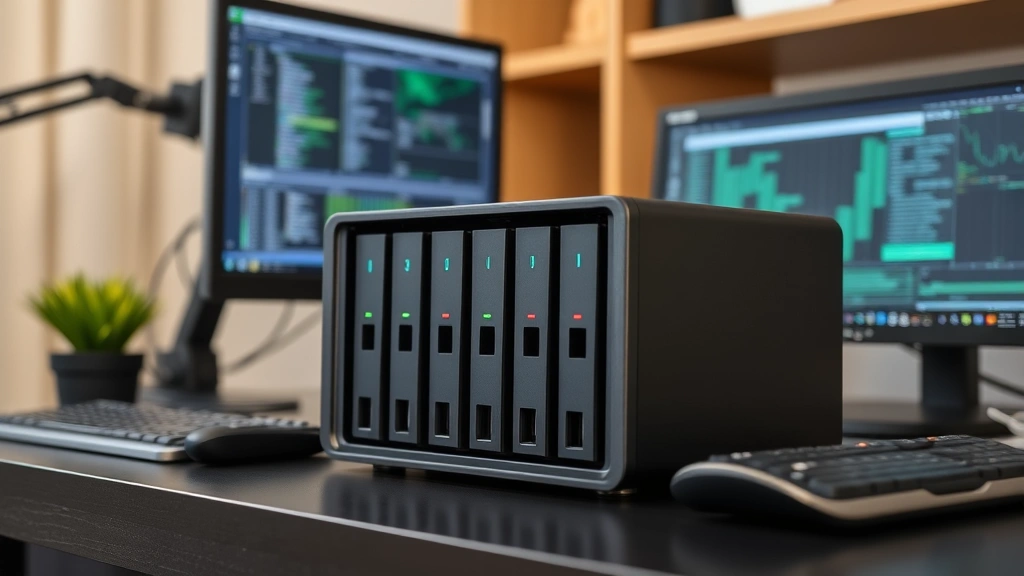
Network Attached Storage (NAS) solutions provide more robust long-term storage, supporting multiple cameras simultaneously. A quality NAS device can store months of footage while offering redundancy through RAID configurations. Following NIST cybersecurity guidelines, NAS systems should include encryption, access controls, and regular backup procedures. This approach is ideal for properties requiring comprehensive surveillance coverage.
External hard drives represent a middle-ground option, providing larger capacity than microSD cards while remaining more affordable than dedicated NAS systems. However, they’re more susceptible to physical damage and require careful handling.
The critical advantage of local storage over cloud services involves data sovereignty and privacy. Your footage never leaves your property or trusted local network, preventing unauthorized access by third parties, hackers, or data brokers. This approach aligns with privacy-first security principles increasingly expected by security-conscious consumers.
Privacy and Cybersecurity Features to Prioritize
When selecting subscription-free cameras, prioritize models incorporating robust security features. Encryption capabilities should be non-negotiable—look for cameras supporting HTTPS connections and encrypted local storage. This protects footage from interception during transmission and prevents unauthorized access to stored files.
Firmware update mechanisms are equally important. Manufacturers should provide regular security patches addressing newly discovered vulnerabilities. Check whether cameras support automatic updates and whether the company maintains active security research programs. According to CISA vulnerability alerts, outdated camera firmware represents a significant security risk.
Password protection and authentication controls prevent unauthorized local access. Ensure cameras support strong password requirements and consider models enabling two-factor authentication for remote access. Disable unnecessary features—if you don’t need cloud connectivity, disable it entirely to reduce attack vectors.
Look for RTSP (Real Time Streaming Protocol) support, allowing integration with open-source monitoring software like Frigate or Home Assistant. These platforms provide advanced analytics, intelligent motion detection, and customizable alerts without proprietary limitations. RTSP support indicates manufacturer commitment to open standards and user control.
Physical security features matter too. Ensure cameras include tamper detection and secure mounting mechanisms preventing unauthorized removal or repositioning. Vandal-resistant housings protect against deliberate damage in high-risk environments.
Installation and Maintenance Best Practices
Proper installation significantly impacts both performance and security. Network segmentation is crucial—isolate security cameras on a separate network from computers containing sensitive data. This prevents compromised cameras from providing backdoor access to critical systems. Configure firewall rules restricting camera communication to necessary protocols only.
Position cameras strategically to maximize coverage while minimizing blind spots. Outdoor cameras should have clear sightlines to entry points, perimeter areas, and valuable property. Ensure weatherproof mounting with proper drainage to prevent water damage. Cable management and concealment protect against tampering—hide network cables and power lines where possible.
Establish a regular maintenance schedule including:
- Monthly lens cleaning to maintain image clarity
- Quarterly firmware updates when available
- Storage device health monitoring and replacement planning
- Network connectivity verification and bandwidth assessment
- Access log review for unauthorized login attempts
Document all system configurations, passwords (stored securely in a password manager), and camera locations. This documentation proves invaluable if devices require replacement or troubleshooting.
Comparing Total Cost of Ownership
While initial hardware costs matter, total cost of ownership encompasses several factors. A $200 camera with a $10 monthly subscription costs $320 annually and $3,200 over five years. Subscription-free cameras costing $300-500 upfront may be more economical long-term, especially when protecting multiple entry points.
Storage costs should be calculated into the comparison. A 256GB microSD card costs approximately $30-50 and requires replacement every 2-3 years depending on recording quality and duration. A 4-bay NAS system costs $400-800 initially but can support 8-16 cameras simultaneously, amortizing costs across multiple devices.
Power consumption represents an ongoing operational cost. Most quality outdoor cameras consume 5-15 watts continuously. Over a year, this translates to $5-15 in electricity costs per camera at average utility rates. Solar-powered options reduce this expense but introduce additional upfront investment.
Professional installation, if required, typically costs $100-300 per camera. DIY installation saves money but requires technical competency and proper safety precautions, especially for roof-mounted cameras.
When comparing costs with subscription services, remember that threat intelligence reports increasingly highlight security risks associated with cloud-dependent systems. The cost savings from avoiding subscriptions often justifies slightly higher hardware investments in exchange for superior privacy and security posture.
Consider also the resale value of your security system. Subscription-free cameras with open standard support maintain utility even if original manufacturers discontinue support. Cloud-dependent systems often become unusable when companies terminate services, representing total investment loss.
Integrating Cameras with Broader Security Systems
Subscription-free cameras integrate effectively with comprehensive home security strategies. Combine outdoor cameras with smart door locks, motion sensors, and alarm systems for layered protection. Open-source platforms like Home Assistant enable unified control across diverse devices without cloud dependencies.
Video analytics software enhances camera capabilities. Frigate, an open-source NVR (Network Video Recorder) system, provides AI-powered person detection, vehicle recognition, and intelligent alerts without requiring cloud processing. This approach maintains privacy while delivering advanced functionality typically associated with expensive subscription services.
Integration with mobile notifications ensures you receive alerts regardless of location. Configure cameras to send alerts when motion is detected during specific hours or in designated zones. Smart notification systems reduce false alarms from weather, animals, or passing vehicles—common frustrations with less sophisticated monitoring.
Documentation of your monitoring system helps with insurance claims and law enforcement investigations. Maintain detailed logs of significant events, including timestamps and relevant footage. This documentation proves valuable if security incidents occur.

Addressing Common Concerns
Many potential buyers worry about technical complexity with subscription-free systems. Modern cameras have simplified interfaces—most support web browsers and mobile apps for straightforward configuration. If you can set up a WiFi router, you can likely configure a security camera. Manufacturers increasingly provide excellent documentation and community support forums.
Concerns about recording quality are outdated. Current 2K and 4K cameras capture sufficient detail for identifying individuals and vehicles. Night vision technology has improved dramatically, with infrared and starlight sensors providing clear footage in complete darkness. Audio recording, when needed, should comply with local laws—many jurisdictions require consent from recorded individuals.
Weather durability concerns are legitimate but addressed through proper camera selection. Look for IP67 ratings (dust and water resistant) and operating temperature ranges matching your climate. Quality outdoor cameras function reliably in extreme conditions from arctic cold to desert heat.
Concerns about being “locked out” of your own system are valid criticisms of cloud-dependent services. Subscription-free systems eliminate this risk entirely. Your footage remains accessible as long as your local storage and network infrastructure function—systems entirely within your control.
FAQ
Do subscription-free cameras provide cloud backup options?
Yes, many subscription-free cameras support optional cloud services while maintaining local recording as the primary backup. This hybrid approach provides redundancy—if local storage fails, cloud footage remains available. However, local storage should be your primary method, with cloud serving as secondary backup only.
How long does footage typically remain stored on microSD cards?
Storage duration depends on resolution, frame rate, and compression. A 256GB card recording 1080p at 15 fps typically stores 7-10 days of continuous footage. Higher resolutions reduce this to 2-4 days. NAS systems with larger capacity provide weeks or months of retention.
Can I access footage remotely with subscription-free cameras?
Yes, cameras supporting RTSP and HTTPS enable secure remote access through VPN connections or dedicated mobile apps. Access remains fully under your control without relying on manufacturer cloud services. VPN access provides the security benefits of a subscription-free system while maintaining remote viewing convenience.
What happens if my internet connection fails?
Local recording continues uninterrupted. Footage stores on microSD cards or NAS devices regardless of internet status. Remote access becomes unavailable, but comprehensive protection continues. This is a significant advantage over cloud-dependent systems that become non-functional without internet connectivity.
Are subscription-free cameras compatible with smart home systems?
Many quality models support integration with Home Assistant, OpenHAB, and other open-source platforms. Check for RTSP support and ONVIF compatibility—these standards ensure broad ecosystem compatibility. Avoid proprietary systems limiting integration options.
How often should I update camera firmware?
Check for updates monthly and install them promptly, especially security patches. Critical vulnerabilities discovered in camera firmware pose significant risks. Establish a routine checking manufacturer websites or enabling automatic updates where available.
What’s the advantage of a NAS over microSD card storage?
NAS systems support redundancy through RAID configurations, protecting against drive failure. They accommodate multiple cameras, offer larger capacity, and provide better performance for simultaneous recording and playback. For installations with 3+ cameras, NAS becomes cost-effective compared to replacing multiple microSD cards.
Can I use subscription-free cameras in commercial environments?
Absolutely. Many professional-grade cameras like Hikvision and Uniview models are designed specifically for commercial installations. They support advanced features, multiple storage options, and integration with professional monitoring software. Commercial applications often benefit most from subscription-free models due to large camera counts and long-term cost savings.


