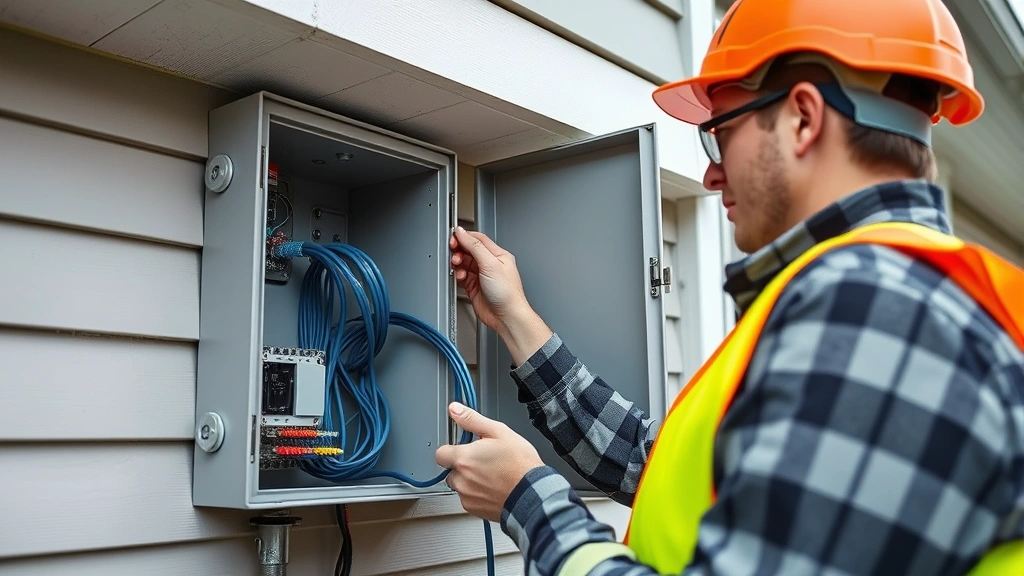
AI Security Cameras: Expert Installation Tips for Maximum Protection
Artificial intelligence has fundamentally transformed how we approach residential and commercial security. Modern AI security camera systems now leverage machine learning algorithms to detect threats with unprecedented accuracy, distinguishing between genuine security risks and false alarms caused by weather, animals, or passing vehicles. When properly installed and configured, these intelligent systems become force multipliers for your security infrastructure, operating 24/7 to protect your property, assets, and loved ones.
The difference between a mediocre AI camera installation and an expertly executed one often determines whether your system will successfully prevent incidents or merely record them after the fact. Proper placement, network configuration, power management, and security hardening are critical components that separate professional installations from amateur setups. This comprehensive guide walks you through essential installation practices that security professionals use to maximize the effectiveness and longevity of AI-powered surveillance systems.
Whether you’re upgrading existing security infrastructure or building from scratch, understanding these expert techniques will help you avoid costly mistakes and ensure your AI security camera investment delivers genuine protection rather than false confidence.
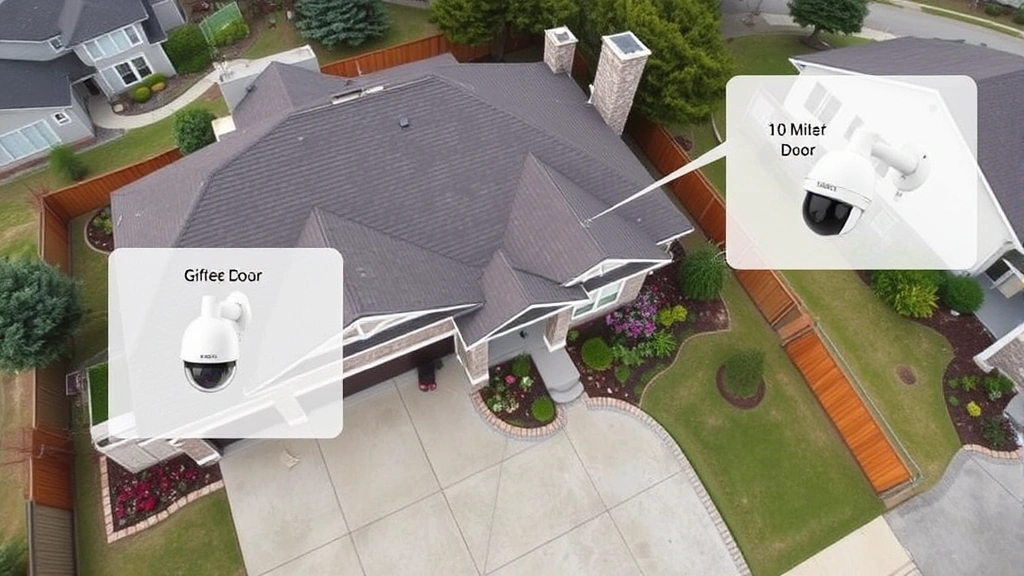
Pre-Installation Planning and Site Assessment
Before purchasing a single camera or running cable, conduct a thorough site assessment. Walk your property at different times of day, noting lighting conditions, potential blind spots, and areas requiring surveillance. Identify entry points—doors, windows, garage openings—where AI detection capabilities prove most valuable. Consider weather patterns, seasonal changes in vegetation, and how these factors affect camera performance throughout the year.
Create a detailed site map documenting camera positions, cable routes, network equipment locations, and power outlets. This planning phase prevents costly reinstallations and ensures your system covers critical areas effectively. Measure distances from proposed camera locations to your network switch and power sources. Calculate total cable runs to ensure you purchase adequate supplies. Professional installers typically add 20-30% extra cable length to account for routing inefficiencies and future expansion.
Assess your existing network infrastructure. Determine bandwidth availability, current device count, and whether your internet connection supports multiple 4K AI cameras streaming simultaneously. A residential broadband connection rated for 100 Mbps may struggle with three high-resolution AI cameras when other household devices compete for bandwidth. Commercial properties require even more rigorous network capacity planning.
Document environmental hazards that could damage equipment. Note areas prone to temperature extremes, moisture exposure, dust accumulation, or electromagnetic interference. This assessment directly influences equipment selection and cable shielding requirements. Understanding these factors before installation prevents premature equipment failure and performance degradation.
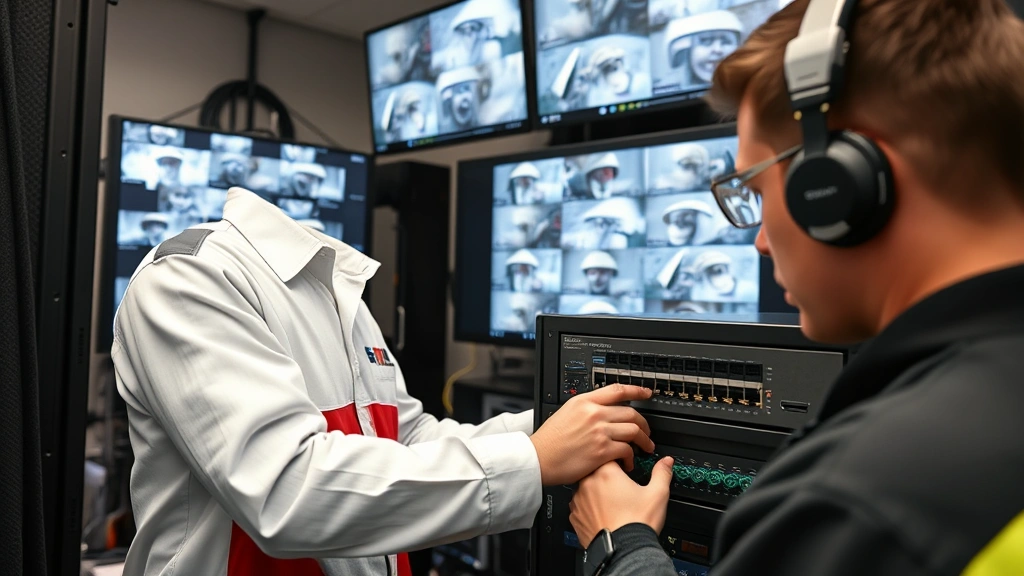
Network Infrastructure Requirements
Your AI security camera system is only as strong as its underlying network. Modern AI cameras generate substantial data through continuous video processing, object detection, and analytics. Ethernet connections provide superior reliability compared to wireless alternatives, particularly for mission-critical installations. Use Cat6A or Cat6e cabling rated for your installation environment—outdoor runs require UV-resistant jacketing and proper conduit protection.
Implement network segmentation by placing cameras on a dedicated VLAN (Virtual Local Area Network) separate from your primary home or business network. This architecture prevents compromised cameras from accessing sensitive devices and limits lateral movement if a security breach occurs. Configure your network switch to support Power over Ethernet (PoE), which simplifies installation by delivering power and data through a single cable.
Install a managed PoE switch with sufficient ports for your camera count plus future expansion. Quality matters significantly—enterprise-grade switches provide better stability, firmware update support, and security features than consumer-grade alternatives. Ensure your switch supports your camera’s power requirements; high-resolution AI cameras may exceed standard PoE budgets, requiring PoE+ (30W) or PoE++ (60-90W) capability.
Configure your network with strong security practices. Change all default credentials immediately after setup. Enable WPA3 encryption on any wireless networks, though hardwired connections remain preferable for security cameras. Implement network access controls, allowing cameras to communicate only with designated recording devices and management interfaces. This restriction prevents unauthorized access to your video surveillance system, protecting both privacy and security.
Consider deploying a local network attached storage (NAS) device or dedicated video management system rather than relying entirely on cloud storage. Local storage provides redundancy, eliminates bandwidth bottlenecks, and maintains video access even during internet outages. Many professional installations combine local storage with cloud backup for comprehensive data protection.
Optimal Camera Placement Strategies
Strategic camera placement determines whether your AI security camera system effectively detects threats or merely records events after they occur. Position cameras to capture faces clearly when possible—AI facial recognition requires adequate resolution and lighting to function effectively. Mount cameras 8-10 feet high at entry points, angled slightly downward to capture facial features while maintaining wider area coverage.
Eliminate backlit scenarios where subjects appear as dark silhouettes against bright backgrounds. If backlighting is unavoidable, position cameras to the side rather than directly facing bright light sources. This angle preserves detail in subject faces while maintaining situational awareness of the broader area. Use supplemental lighting strategically—infrared illuminators help AI systems detect movement in darkness without creating obvious visible light that announces camera presence.
Avoid placing cameras where they point directly at windows, reflective surfaces, or other cameras. These placements create glare, reflection, and IR washout that degrades image quality and confuses AI detection algorithms. Test camera views during different lighting conditions before finalizing mounting positions. What looks acceptable in daylight may become unusable at night or during overcast conditions.
Mount perimeter cameras to capture approaching threats rather than receding figures. Position driveway cameras to capture vehicle license plates as vehicles enter, not as they leave. This placement philosophy ensures your AI system captures the most forensically valuable imagery for identifying threats and supporting investigations.
Create overlapping coverage in high-risk areas without leaving significant gaps. However, avoid excessive redundancy in low-risk zones where single coverage suffices. This balanced approach maximizes detection capability while minimizing system complexity and maintenance burden. Document all camera positions, angles, and coverage areas in a system diagram for future reference and troubleshooting.
Power Supply and Backup Solutions
Reliable power delivery is non-negotiable for security systems. While PoE simplifies installation by combining power and data, ensure your power budget accounts for peak demand. Calculate total wattage of all cameras, switches, and supplemental equipment. Many installers underestimate power requirements, leading to voltage drops and intermittent camera failures. Use dedicated PoE power supplies rather than sharing circuits with high-current devices like HVAC systems or electric vehicle chargers.
Implement uninterruptible power supply (UPS) backup for your network equipment and recording devices. A quality UPS maintains system operation during brief power outages and allows graceful shutdown during extended outages, protecting data integrity. Size your UPS to support at least 30 minutes of operation, providing adequate time for graceful system shutdown or restoration of primary power. Enterprise installations often require 2-4 hours of backup power depending on monitoring requirements.
Install surge protection on all power circuits feeding security equipment. Lightning strikes and power surges damage sensitive electronics rapidly. Properly graded surge suppressors rated for your installation environment provide essential protection. Outdoor equipment benefits from additional surge protection at the point where power enters buildings.
Create redundancy in critical systems. Dual internet connections through different providers (fiber and cable, for example) ensure your AI security system remains operational even if one connection fails. Backup cellular connectivity through a 4G/5G modem provides emergency communication capability when primary internet fails. These redundancies matter most during incidents when security monitoring becomes genuinely critical.
Consider solar-powered supplemental lighting for outdoor cameras in areas with adequate sunlight. This approach reduces electrical load while improving night vision performance through supplemental illumination. Properly sized solar systems eliminate recurring electricity costs for outdoor lighting while enhancing overall system reliability.
Security Hardening Best Practices
An improperly secured AI security camera system creates security liabilities rather than assets. Hackers actively target surveillance systems for network access, data theft, and denial-of-service attacks. Implement robust security measures from initial installation rather than retrofitting security later.
Update firmware immediately after installation and establish a regular update schedule. Manufacturers release security patches addressing newly discovered vulnerabilities. Delaying updates leaves systems exposed to known exploits. Enable automatic security updates when available, particularly for critical systems. According to CISA guidance on industrial control systems, unpatched systems represent the leading cause of successful cyberattacks.
Implement strong authentication across all interfaces. Use unique, complex passwords for each camera, network switch, and management interface. Enable multi-factor authentication wherever supported. Avoid default credentials entirely—change them before connecting systems to networks. Consider using a password manager to maintain secure, unique credentials across your security infrastructure.
Disable unnecessary services and ports. If your AI security camera doesn’t require remote access, disable remote management features. Restrict administrative access to specific IP addresses or networks. This principle of least privilege limits attack surface and reduces exploitation opportunities. Review security settings quarterly, disabling features no longer required and re-evaluating access permissions.
Encrypt video data both in transit and at rest. Use TLS/SSL encryption for all camera communications. Encrypt stored video on your NAS or cloud storage. This encryption protects video privacy and prevents unauthorized access even if physical security is compromised. Encryption also supports compliance with data protection regulations like GDPR and CCPA.
Monitor your security system for anomalous behavior. Establish baseline traffic patterns and alert on deviations. Unusual data flows, failed login attempts, or unexpected configuration changes may indicate compromise. Many professional security systems include intrusion detection capabilities that flag suspicious activities automatically.
Integration with Smart Home Systems
Modern AI security cameras integrate seamlessly with smart home platforms, enabling automated responses to detected threats. This integration transforms your AI security camera system from passive recording device into active security infrastructure. When your system detects a person at your front door, it can automatically unlock smart locks for authorized visitors, activate lighting, or trigger alarm systems for unauthorized intrusion attempts.
Select cameras and management software supporting your chosen smart home platform—whether Apple HomeKit, Google Home, Amazon Alexa, or proprietary systems. Compatibility matters significantly for long-term usability. Ensure integration maintains security standards; smart home integrations should never reduce security hardening or require weaker authentication.
Create automation rules for common scenarios. Nighttime mode might disable motion alerts in low-traffic areas while maintaining high sensitivity near entry points. Vacation mode could trigger alerts for any detected movement. Integration with lighting systems creates the appearance of occupancy even during absences, deterring opportunistic threats. These automations enhance security while reducing false alerts that plague many installations.
However, recognize that smart home integration adds complexity and potential security risks. Each integration point becomes a potential attack vector. Disable unnecessary integrations and review permissions regularly. Ensure your smart home hub itself receives regular security updates and hardening.
Consider visiting the Screen Vibe Daily Blog for broader home technology insights that complement your security system knowledge.
Maintenance and Monitoring Protocols
Professional installation represents just the beginning of your security journey. Ongoing maintenance and monitoring ensure systems remain effective throughout their operational lifespan. Establish a quarterly maintenance schedule including lens cleaning, cable inspection, and firmware verification. Dust and environmental contaminants degrade image quality over time, reducing AI detection accuracy.
Test your system regularly by simulating detected scenarios. Walk past cameras to verify motion detection works properly. Review recorded footage to confirm image quality meets expectations. Test alert notifications to ensure they reach intended recipients. These tests catch configuration errors and failures before they matter during actual security incidents.
Monitor system logs for errors, warnings, or unusual activity. Most professional systems generate detailed logs documenting all events, configuration changes, and system health metrics. Analyze these logs regularly, investigating anomalies promptly. Early detection of failing equipment allows planned replacement rather than emergency repairs during critical moments.
Maintain detailed documentation of your entire system—equipment models, firmware versions, network configuration, camera positions, and automation rules. This documentation proves invaluable when troubleshooting problems, training new staff, or expanding systems. Update documentation whenever changes occur.
Stay informed about emerging threats and security best practices. Subscribe to security advisories from your equipment manufacturers and NIST cybersecurity guidelines that apply to surveillance systems. Security threats evolve continuously, and maintaining awareness helps you adapt your system to emerging risks.
Consider professional monitoring services for mission-critical installations. Professional monitoring centers provide 24/7 surveillance, incident response, and law enforcement coordination when threats occur. These services prove particularly valuable for commercial properties where security incidents carry significant liability implications.
Backup your system configuration and video archives regularly. Store backups in geographically separate locations to protect against localized disasters. Test backup restoration procedures periodically to ensure you can recover from failures. Many organizations discover their backup systems don’t actually work when they need them most.
FAQ
What bandwidth does an AI security camera require?
High-resolution AI cameras typically require 5-15 Mbps per camera depending on resolution, frame rate, and compression settings. A system with three 4K cameras might consume 30-45 Mbps during active recording, plus overhead for management traffic. Ensure your internet connection provides sufficient bandwidth for simultaneous streaming, cloud backup, and routine household internet usage.
How do I prevent false alerts from weather and animals?
Advanced AI detection algorithms distinguish between genuine threats and environmental factors like rain, wind-blown debris, and animals. However, proper camera positioning and appropriate sensitivity configuration remain essential. Position cameras to minimize false triggers from moving vegetation. Configure detection zones to ignore known false-positive areas. Many systems allow training AI models on your specific environment, improving accuracy over time.
Can I install AI security cameras myself or should I hire professionals?
DIY installation works for straightforward setups with wireless cameras and basic requirements. However, professional installation offers significant advantages for hardwired systems requiring cable routing, network integration, and security hardening. Professionals ensure optimal camera placement, proper network configuration, and security implementation that DIY installers often overlook. The modest additional cost typically provides superior long-term results.
How long should I retain recorded footage?
Retention requirements depend on your specific needs and local regulations. Commercial properties often maintain 30-90 days of continuous recording. Residential systems might retain 7-14 days depending on storage capacity. Increase retention periods for areas with frequent incidents or high-value assets. However, recognize that storing excessive footage creates privacy concerns and increases breach impact if security is compromised.
What should I do if my AI security camera is compromised?
Immediately isolate the affected camera from your network. Change all related credentials and review system logs for unauthorized access. Determine how compromise occurred—outdated firmware, weak credentials, or network exposure. Update firmware and reconfigure security settings before reconnecting. If valuable data was accessed, consider professional forensic analysis to understand breach scope and implement preventive measures. Review CISA incident response resources for comprehensive guidance.
Are cloud-based or local storage solutions more secure?
Both approaches offer distinct advantages. Local storage maintains complete data control and eliminates internet dependency but requires physical security and backup management. Cloud storage provides geographic redundancy and professional security management but relies on third-party security practices and requires continuous internet connectivity. Many expert installations combine both—local storage for immediate access and redundancy, cloud backup for disaster recovery and long-term retention.
How do I ensure my AI security camera system complies with privacy regulations?
Understand applicable regulations in your jurisdiction—GDPR in Europe, CCPA in California, and various state privacy laws elsewhere. Implement privacy controls like masking sensitive areas, limiting video retention, and restricting access. Post appropriate notices informing people they’re being recorded. Maintain detailed records of video access and retention decisions. Consult legal counsel familiar with surveillance regulations in your area to ensure full compliance.


