Table of Contents
Introduction
Picture this: you’re checking your email over morning coffee when you notice something that makes your stomach drop. That “urgent” message from your bank asking you to verify your account? It’s fake. And if you’d clicked that link, your entire financial life could’ve been turned upside down in minutes.
Here’s the thing—your email isn’t just another app on your phone. It’s the digital key to your entire life. Banking alerts, work documents, family photos, password resets for every account you own. When hackers get into your email, they don’t just see your messages. They get access to everything.
The numbers are pretty sobering. Every single day, millions of people receive phishing emails designed to steal their information. And these aren’t the obvious “Nigerian prince” scams anymore—modern cyber attacks are incredibly convincing. They’ll copy your bank’s exact logo, use your real name, and even reference recent transactions. It’s honestly kind of terrifying how good they’ve gotten.
But here’s some good news: you don’t have to be a cybersecurity expert to protect yourself. Start with the basics, like understanding how to create strong passwords. I know, I know—everyone talks about passwords. But there’s a reason for that. A strong, unique password is like having a really good lock on your front door. It won’t stop every determined criminal, but it’ll keep out most of the opportunists.
Now, even the best password isn’t bulletproof on its own. That’s where two-factor authentication comes in—think of it as adding a security camera to that good lock. When someone tries to log into your account, you’ll get a text or notification asking if it’s really you. Setting it up might seem complicated, but guides like how to setup two-factor authentication break it down into simple steps. Trust me, those extra 30 seconds of setup could save you months of headaches later.
And then there’s phishing—probably the biggest threat you’ll face. These emails are like digital con artists. They’ll pretend to be Amazon telling you about a suspicious order, or Microsoft saying your account needs updating. The scary part? They look completely legitimate. Learning how to detect phishing emails isn’t just helpful—it’s essential. Once you know what to look for, you’ll start spotting the red flags everywhere.
What You’ll Learn in This Guide
We’re going to walk through everything you need to know to keep your email safe. No tech jargon, no overcomplicated theories—just practical stuff that actually works.
- Understanding Email Security Risks: We’ll explore the common threats such as phishing, malware, and impersonation tactics that target email users and organizations, helping you stay aware and prepared.
- Implementing Strong Authentication Measures: Learn why strong, unique passwords and enabling two-factor authentication are fundamental and how to set them up correctly for maximum protection.
- Recognizing and Avoiding Suspicious Content: Get detailed guidance on how to identify phishing emails, safely handle attachments and links, and avoid falling victim to scams.
- Utilizing Advanced Security Tools and Practices: Discover additional measures like encryption, spam filters, and regular software updates to bolster your defense against cyberattacks.
By the time you finish reading this, you’ll have a clear action plan. No more wondering if that email is legitimate or worrying about whether your accounts are secure. You’ll know exactly what steps to take and why they matter.
We’ll also dig into why email accounts have become such popular targets for criminals. Spoiler alert: it’s not just about reading your messages. Your email is often the master key that unlocks everything else. Understanding how network security software fits into the bigger picture helps too. And if you’re running a business, we’ll touch on how modern solutions like cloud computing can both help and complicate your security efforts—there are real advantages in business security if you know how to use them right.
Look, email security doesn’t have to be overwhelming. You don’t need a computer science degree or expensive software to protect yourself. What you need is knowledge—and the confidence to put it into practice. Whether you’re protecting just your personal accounts or securing communications for your entire team, the principles are the same. Ready to take control? Let’s get started.
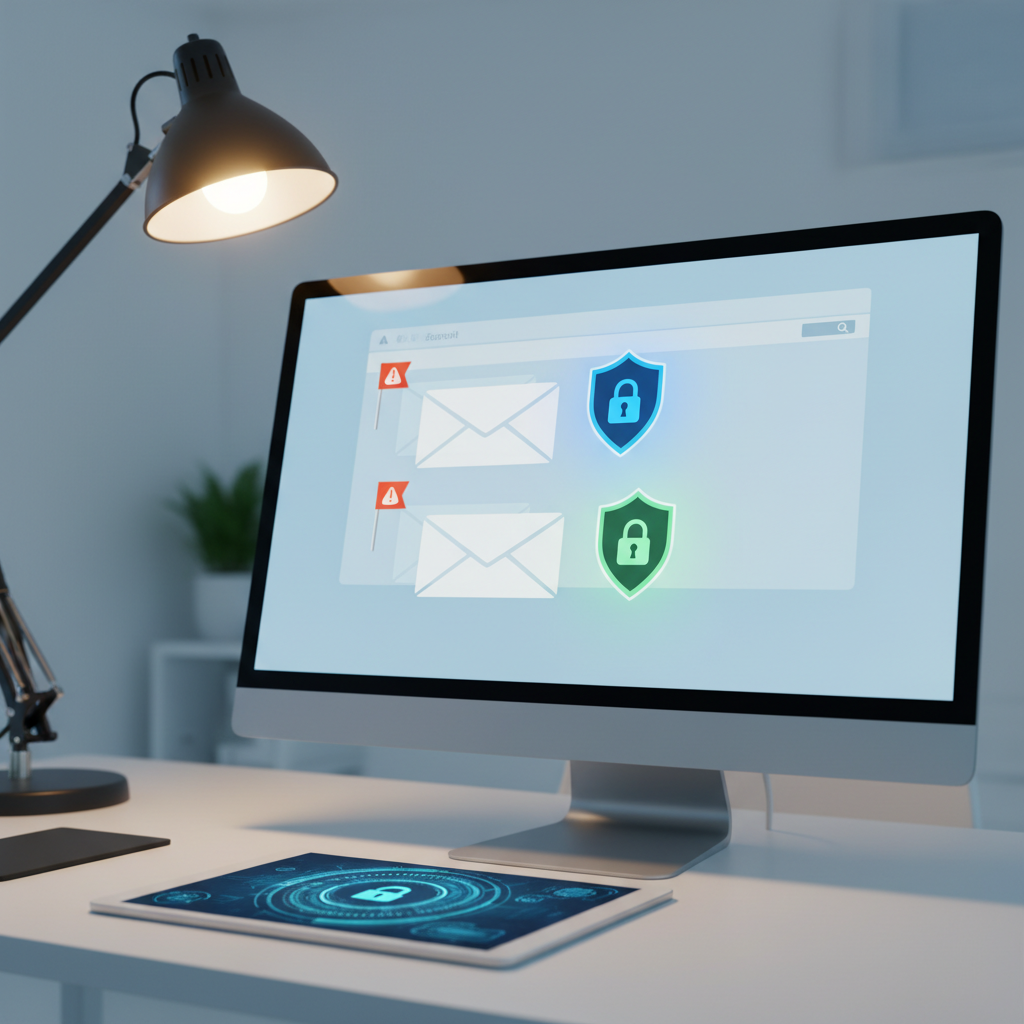
Now that we’ve covered the basics, let’s dive deeper into email security—because honestly, this stuff matters more than most people realize. Your email isn’t just where you get newsletters and work updates. It’s become the number one target for cybercriminals who want to mess with your life. We’re going to walk through the real threats you face every day, then show you exactly how to protect yourself. Think of this as your practical guide to not becoming another victim.
Understanding Email Security Risks
Here’s the uncomfortable truth: cybercriminals love email. Why? Because it works. They’ve turned email into their favorite playground, and they’re getting scary good at what they do. Every day, they’re cooking up new ways to trick you into clicking the wrong link, downloading the wrong file, or sharing information you definitely shouldn’t share.
The big threats you need to know about include phishing attacks (those sneaky emails pretending to be from your bank), malware that hitchhikes on attachments, Business Email Compromise scams that target company executives, and email spoofing where attackers basically wear a digital mask to look like someone you trust. Sound overwhelming? It doesn’t have to be. Once you know what to look for, these attacks become much easier to spot. Learning how to detect phishing emails is like developing a sixth sense—you’ll start noticing red flags before they become problems.
But here’s what catches most people off guard: sometimes the biggest vulnerabilities aren’t the fancy hacking techniques you see in movies. They’re simple things like using “password123” or not setting up that extra security step your email provider keeps bugging you about. Smart organizations know this, which is why they invest in proper risk assessment and train their people. Tools like cybersecurity risk assessment tools help identify weak spots before the bad guys do. And here’s the thing—cyber threats keep evolving, so your defenses need to evolve too.
Common Email Threats to Be Aware Of
Let’s break down the main threats you’re likely to encounter. Knowing these inside and out gives you a serious advantage:
- Phishing Attacks: These are the con artists of the digital world. They’ll send you emails that look exactly like the real thing—your bank, Amazon, PayPal, you name it. They want your passwords, credit card numbers, or any personal info they can get their hands on. The scary part? Some of these fakes are so good, they fool security experts.
- Malware and Ransomware: Think of these as digital viruses with attitude. They sneak in through email attachments or links, then either steal your data or lock up your files until you pay a ransom. Some of the nastiest computer disasters start with someone innocently opening an email attachment.
- Business Email Compromise (BEC): This is the big money scam. Criminals target company executives or finance teams, pretending to be the CEO asking for an urgent wire transfer. These scams cost businesses billions every year because they’re incredibly convincing.
- Email Spoofing and Impersonation: Imagine someone wearing a perfect mask of your best friend’s face. That’s basically what email spoofing does—attackers make their emails look like they’re coming from someone you trust completely. Always double-check when something feels off.
The good news? Once you know these tricks exist, you’re already ahead of the game. Criminals count on people being caught off guard. Now let’s talk about building your defenses.
Essential Best Practices for Email Security
Protecting your email doesn’t require a computer science degree. It just requires some smart habits and a few simple security measures that pack a serious punch. We’re talking about stuff like creating passwords that would make a hacker cry and setting up that extra security step that stops them cold even if they crack your password.
Strong passwords are your first line of defense, but let’s be real—most people’s idea of a “strong” password isn’t nearly strong enough. If you’re still using variations of your pet’s name plus your birth year, we need to talk. Check out our guide on how to create strong passwords that actually protect you instead of just meeting the minimum requirements.
Then there’s two-factor authentication, or 2FA as the cool kids call it. This is like having a bouncer at the door of your email account. Even if someone steals your password, they still can’t get in without that second piece of proof (usually a code sent to your phone). It’s one of those simple changes that makes a huge difference. Our step-by-step guide on how to setup two-factor authentication makes it easy, even if you’re not particularly tech-savvy.
Key Aspects of Email Security Best Practices
Here’s your action plan—four things that will dramatically improve your email security starting today:
- Use Strong, Unique Passwords: Every account needs its own complex password. Yes, it’s a pain to remember them all (that’s what password managers are for), but using the same password everywhere is like using the same key for your house, car, and office. When one gets compromised, everything gets compromised.
- Enable Two-Factor Authentication (2FA): This is your security superpower. It’s like having a second lock that only you have the key to. Even if hackers get your password, they’re still locked out. Set this up everywhere you can—email, banking, social media, the works.
- Be Cautious with Email Links and Attachments: When in doubt, don’t click. Hover over links to see where they really go. If an email seems suspicious, call or text the person who supposedly sent it. Five minutes of verification beats months of cleaning up after a breach.
- Keep Software Updated: Those update notifications aren’t just annoying—they’re security patches that fix holes hackers love to exploit. Set up automatic updates wherever possible. Your future self will thank you when you’re not dealing with a compromised system.
These aren’t just recommendations—they’re your digital survival kit. Master these basics, and you’ll be more secure than 90% of email users out there. Ready to take your security to the next level? Let’s explore some advanced protection strategies that really lock things down.
Here’s the thing about email security—it’s become absolutely critical to everything we do online. Your email isn’t just where you get newsletters and family updates anymore. It’s the key to your bank accounts, work files, personal photos, and basically your entire digital life. Throughout this guide, we’ve walked through some pretty scary stuff: phishing scams that are getting craftier by the day, malware that can wreck your computer, business email attacks that cost companies millions, and spoofing tricks that fool even tech-savvy people. The bad guys? They’re not taking breaks. They’re constantly cooking up new ways to catch you off guard. But here’s the good news—you’re not helpless.
Strong security doesn’t have to be complicated, but it does need to be smart. Think of it like locking your house—you wouldn’t use the same flimsy lock on every door, right? Same goes for passwords. Each email account deserves its own complex, unique password that would make a hacker’s head spin. And those passwords? Change them regularly, especially if something feels off. Now, here’s where things get really interesting: two-factor authentication. It’s like having a security guard who asks for ID even after you’ve used your key. Sure, it adds an extra step, but that tiny inconvenience can save you from a massive headache later. When it comes to clicking links or downloading attachments, become your own detective. Who sent this? Does it feel legitimate? When in doubt, don’t click—verify first. But let’s not stop at the basics. Email encryption might sound fancy, but it’s like sending your messages in a locked box that only the right person can open. Spam filters and malware protection? Think of them as your digital bodyguards, working 24/7 to keep the bad stuff out. And those software updates you keep putting off? They’re actually security patches fixing holes that hackers love to exploit.
Sometimes though, you need to call in the pros. If you notice weird activity—emails you didn’t send, login attempts from strange locations, friends saying they got sketchy messages from you—don’t wait. Get help fast. IT professionals and security experts exist for exactly these moments. They can stop the bleeding, lock things down, and set you up stronger than before. Stay curious about cybersecurity trends too. This stuff changes faster than social media algorithms, and what worked last year might not cut it today.
Ready to turn all this knowledge into action? Let’s start with the foundation. Head over to our guide on how to create strong passwords and give your accounts the protection they deserve. Next up, tackle how to setup two-factor authentication—trust me, future you will thank present you for this one. Want to become a phishing detection ninja? Our comprehensive guide on how to detect phishing emails will teach you to spot the sneaky tricks before they get you. And if you’re responsible for a team, don’t leave them hanging—check out our practical cybersecurity training for employees that actually makes sense in the real world.
While we’re talking about building a bulletproof digital strategy, don’t overlook how cloud computing can actually boost your security game. Modern cloud solutions offer enterprise-level protection that most small businesses could never afford on their own. Curious about how this fits into your bigger picture? Take a look at the advantages of cloud computing in business and see how these tools can work alongside your email security efforts.
Taking control of your email security feels pretty empowering once you get started. You’re not just protecting random data—you’re safeguarding your reputation, your business, your peace of mind. Cybersecurity isn’t a one-and-done deal, though. It’s more like staying in shape—you’ve got to keep at it. Review your defenses regularly, stay curious about new threats, and never underestimate what a little proactive thinking can do. Every step you take today makes tomorrow (and every day after) a little bit safer.
Frequently Asked Questions
-
What is the most effective way to prevent email phishing?
- Enabling two-factor authentication combined with careful verification of email senders before clicking links or opening attachments significantly reduces phishing risks.
-
How often should I update my email password?
- Passwords should be changed every 3-6 months or immediately if you suspect a security breach to maintain strong account protection.
-
Can encryption prevent all email security risks?
- While encryption protects email contents from unauthorized access, it does not guard against threats like phishing or malware, so multiple layers of security are necessary.
-
What should I do if I receive a suspicious email?
- Do not click any links or download attachments. Verify the sender independently and report the email to your IT team or email service provider for investigation.
-
Is it safe to use public Wi-Fi for accessing email?
- Public Wi-Fi can expose your data to interception; always use a VPN when accessing email on public networks for enhanced security.