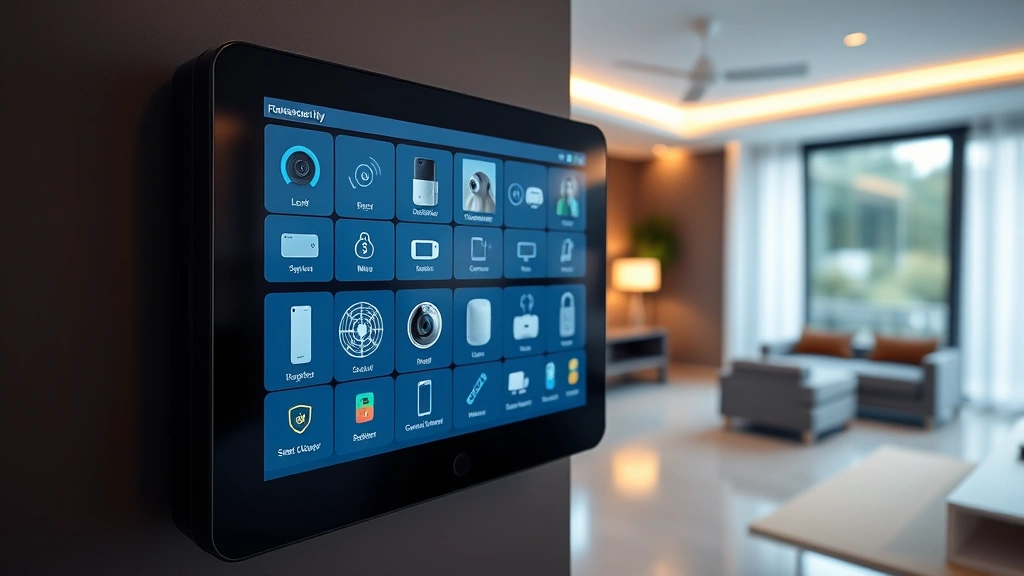
Top Home Security for 2025: Expert Insights on Cyber Protection
Home security in 2025 extends far beyond traditional locks and alarm systems. As cyber threats evolve at an unprecedented pace, protecting your residential network and connected devices has become as critical as securing your front door. The average household now contains 15-20 internet-connected devices, from smart thermostats to security cameras, creating an expanded attack surface that cybercriminals actively exploit. This comprehensive guide examines the latest home security technologies, threat landscapes, and expert recommendations for safeguarding your digital and physical spaces in 2025.
The intersection of physical security and cybersecurity has blurred considerably. Your home security system’s effectiveness depends equally on robust authentication protocols, encrypted communications, and regular firmware updates as it does on motion sensors and video surveillance. Understanding these interconnected layers is essential for making informed decisions about your home’s protection strategy.
Understanding Modern Home Security Threats
The threat landscape for residential properties has transformed dramatically. According to CISA (Cybersecurity and Infrastructure Security Agency), home networks are increasingly targeted for credential harvesting, ransomware deployment, and botnet recruitment. Attackers recognize that residential security systems often lack the robust defenses found in enterprise environments, making them attractive entry points for sophisticated threat actors.
Common threats targeting homes in 2025 include:
- IoT Device Exploitation: Smart cameras, doorbells, and thermostats with default or weak credentials become command-and-control nodes
- Wi-Fi Network Compromise: Unencrypted communications and outdated router firmware enable man-in-the-middle attacks
- Phishing and Social Engineering: Targeted attacks compromising smart home credentials through email and messaging
- Ransomware on Connected Devices: Attackers encrypt security system data to demand payment
- Privacy Breaches: Video surveillance footage and audio recordings leaked through insecure cloud storage
Understanding these threats contextualizes why selecting the right security approach matters for your household infrastructure. The best home security systems address both physical intrusions and cyber vulnerabilities simultaneously.
Smart Home Device Security Best Practices
Smart home devices represent your home security system’s greatest vulnerability and strength simultaneously. Devices like smart locks, cameras, and sensors provide unprecedented convenience and monitoring capabilities, yet each connected device multiplies potential attack vectors if not properly secured.
Essential Smart Device Security Measures:
- Change Default Credentials Immediately: Manufacturers ship devices with documented default usernames and passwords. Attackers use automated tools to scan for these unchanged defaults across thousands of residential networks
- Enable Two-Factor Authentication: Any smart home device supporting 2FA should have it activated, adding a second verification layer beyond passwords
- Firmware Updates: Manufacturers regularly release security patches addressing discovered vulnerabilities. Enable automatic updates or check monthly for patches
- Network Segmentation: Isolate IoT devices on separate network VLANs from computers and smartphones containing sensitive personal data
- Disable Unnecessary Features: Turn off remote access, cloud storage, and microphone functionality if not actively used
The NIST Cybersecurity Framework recommends treating home networks with the same rigor applied to business infrastructure. This means implementing identity and access management principles even in residential settings.
When evaluating smart home security devices, verify that manufacturers publish security documentation, maintain active vulnerability disclosure programs, and demonstrate commitment to timely patches. Brands investing in comprehensive security practices typically maintain transparent communication about discovered threats and remediation timelines.
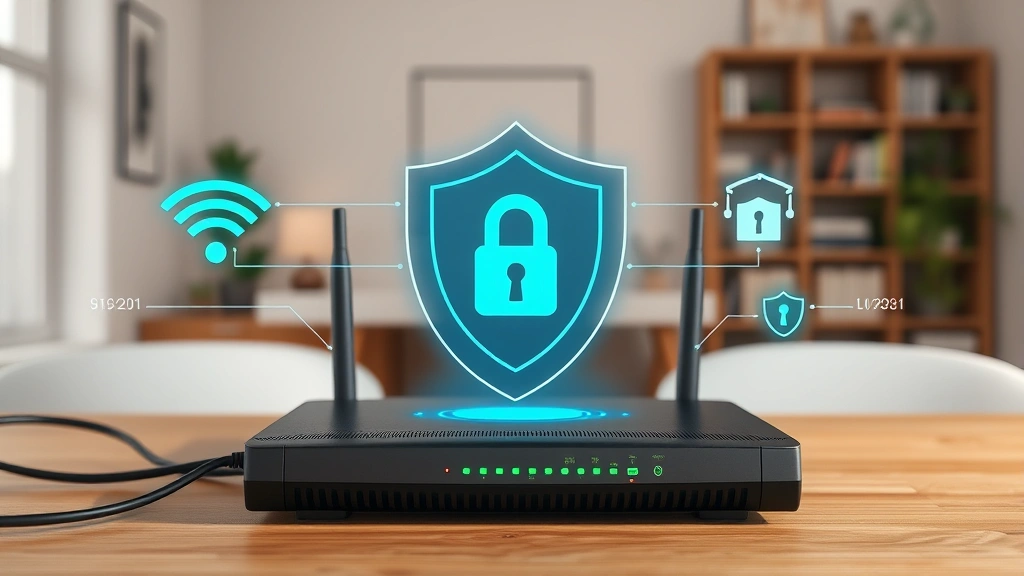
Network Protection Fundamentals
Your home network represents the backbone of all connected security devices. A compromised network renders even the most sophisticated individual device protections ineffective.
Critical Network Security Components:
- Router Security: Update router firmware monthly, change default admin credentials to complex passwords, disable UPnP if not required, and enable WPA3 encryption (or WPA2 if WPA3 unavailable)
- DNS Protection: Configure DNS filtering to block known malicious domains before requests reach your devices. Services like Cloudflare’s 1.1.1.1 for Families provide free filtering
- Firewall Configuration: Enable router firewall, establish inbound rules blocking unnecessary ports, and monitor outbound traffic for suspicious activity
- Guest Network Isolation: Maintain separate guest networks for visitors, preventing access to primary network containing security devices
- VPN Implementation: Use VPN services when accessing home security systems remotely, encrypting traffic from public networks
Security researchers have documented widespread exploitation of misconfigured home networks. Shodan searches regularly reveal thousands of exposed security cameras, network storage devices, and smart home hubs accessible to anyone with internet access. These exposures result from neglected router security and port forwarding misconfigurations.
Video Surveillance and Privacy Considerations
Video surveillance represents the most visible component of modern home security, yet it creates significant privacy and security implications if improperly deployed.
Video System Security Priorities:
- Encrypted Video Transmission: Ensure cameras transmit footage over encrypted channels (HTTPS/TLS). Unencrypted video streams can be intercepted and viewed by unauthorized parties
- Local Storage Options: Consider systems storing video locally on NVRs (Network Video Recorders) rather than relying exclusively on cloud services, reducing exposure of sensitive footage
- Access Control: Implement granular permission controls limiting which family members access which cameras, and audit access logs regularly
- Notification Alerts: Configure alerts for unauthorized access attempts or unusual viewing patterns indicating potential compromise
- Privacy Masking: Enable privacy zones obscuring windows, neighboring properties, and streets to address privacy concerns while maintaining security
The FBI’s Internet of Things guidance specifically addresses video surveillance security, noting that compromised cameras frequently serve as entry points for broader network attacks.
When selecting video surveillance systems, prioritize manufacturers with established track records addressing security vulnerabilities. Avoid budget brands with minimal security documentation or unresponsive vulnerability disclosure processes.
Access Control Systems for 2025
Smart locks and access control represent critical security layers, yet they introduce unique cyber risks requiring careful implementation.
Smart Lock Security Considerations:
- Authentication Methods: Multi-factor authentication combining biometrics, PINs, and physical keys provides superior security to single-factor systems
- Offline Functionality: Ensure locks operate via backup power and local authentication if network connectivity fails, preventing lockouts during outages
- Audit Logging: Maintain detailed logs of all lock access attempts, enabling detection of unauthorized access patterns
- Encrypted Communications: Verify locks communicate with hubs using industry-standard encryption protocols (AES-256 minimum)
- Tamper Detection: Select locks with physical tampering sensors and notification capabilities
Biometric authentication technologies continue advancing, with fingerprint and facial recognition becoming increasingly sophisticated. However, these systems require robust spoofing defenses and secure storage of biometric templates. Selecting locks from manufacturers with dedicated security teams ensures ongoing protection against emerging attack techniques.
Integration and Automation Security
Home security system integration creates powerful automation capabilities while introducing centralized points of failure if not properly secured. When multiple systems connect through central hubs or cloud platforms, compromising that integration point compromises all connected devices.
Integration Security Best Practices:
- Hub Security: Treat central hubs (Amazon Alexa, Google Home, Apple Home) with extreme security rigor—they often control multiple systems simultaneously
- Automation Rule Auditing: Regularly review automated rules and triggers, ensuring no unexpected automations were created by attackers
- API Key Management: Limit API permissions to minimum required access levels, rotate keys regularly, and store securely
- Third-Party Integration Vetting: Before connecting third-party services, research their security practices and data handling policies
- Disconnection Capabilities: Maintain ability to disconnect systems from central platforms if compromise is suspected
The concept of comprehensive security evaluation applies equally to home automation platforms. Just as you research products thoroughly before adoption, security platforms warrant detailed investigation of their threat response capabilities and security transparency.
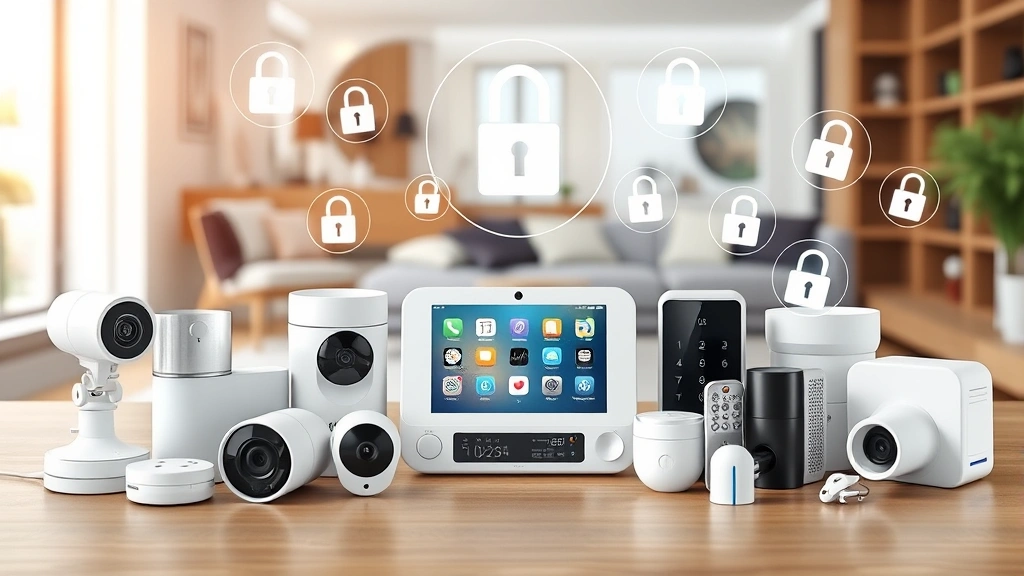
Professional vs. DIY Installation
Selecting between professional security system installation and DIY approaches significantly impacts long-term security effectiveness and maintenance burden.
Professional Installation Advantages:
- Security experts design systems accounting for your specific property layout and threat model
- Professional installers understand network architecture and optimize device placement
- Monitoring services provide rapid response to security events
- Warranty and liability protection covers system failures
- Regular maintenance and firmware updates handled by service providers
DIY Installation Advantages:
- Lower initial costs and flexibility to upgrade components gradually
- Complete system control without dependence on service providers
- Ability to customize systems to specific privacy and security preferences
- Learning opportunity to deepen security knowledge
For most households, hybrid approaches work optimally—combining professional design consultation with DIY installation and self-maintenance. This balances cost efficiency with expert guidance on security architecture.
Regardless of installation approach, developing expertise in your security system ensures you can respond effectively to threats and maintain configurations appropriately. Regular training on system operation, password management, and firmware updates is essential.
FAQ
What makes a home security system “cyber-secure” in 2025?
Cyber-secure home security systems implement encryption for all communications, require strong authentication (ideally multi-factor), maintain detailed audit logs, receive regular firmware updates from manufacturers, support network segmentation, and include physical tamper detection. The system should function offline if network connectivity fails and allow users to disconnect components if compromise is suspected.
How often should I update smart home device firmware?
Check for firmware updates monthly at minimum. Security-critical updates should be applied immediately upon release. Enable automatic updates whenever possible. Manufacturers typically announce security patches through official channels—subscribe to manufacturer security notifications for timely alerts.
Are cloud-based security systems safer than local systems?
Both approaches offer distinct security tradeoffs. Cloud systems benefit from manufacturer-managed security infrastructure and automatic updates, but introduce data exposure risks. Local systems retain data within your home but require you to maintain security patches. Hybrid approaches—storing footage locally while maintaining cloud backup—often provide optimal balance.
What should I do if I suspect my home security system is compromised?
Immediately change all system passwords from a clean device on a different network. Review access logs for unauthorized activity. Check for unexpected automations or device additions. Disconnect the system from your network and contact the manufacturer’s security team. Consider professional security assessment if compromise is confirmed.
How does network segmentation improve home security?
Network segmentation isolates IoT devices on separate VLANs from computers and smartphones containing sensitive data. If an attacker compromises a smart camera, segmentation prevents lateral movement to personal computers or financial systems. This containment strategy dramatically limits potential damage from individual device compromises.
What credentials should I prioritize changing first?
Prioritize changing credentials for devices controlling physical access (smart locks), central hubs coordinating multiple systems, and cloud accounts managing your security infrastructure. These represent highest-value targets offering attackers maximum leverage and access.