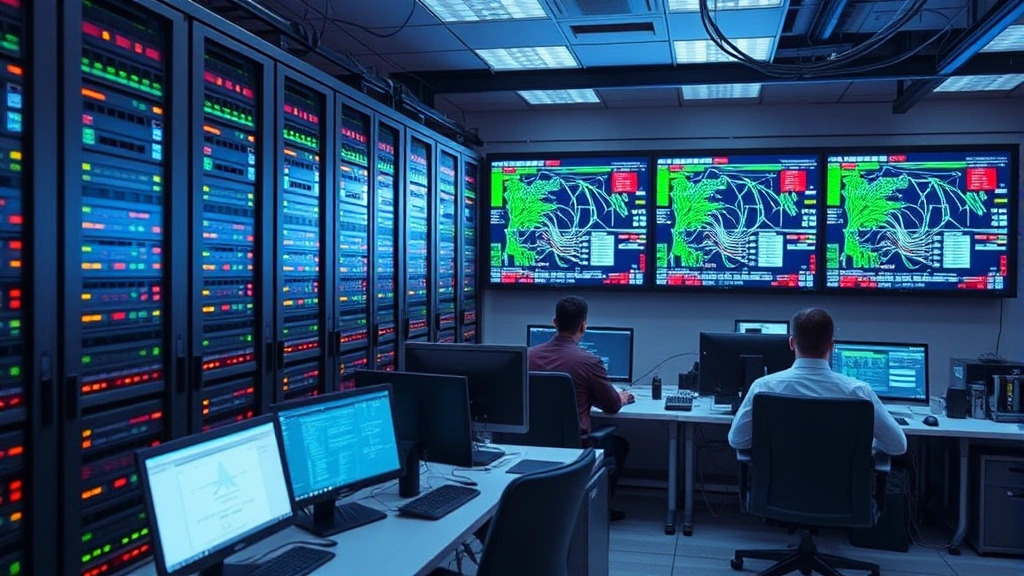
Top Cyber Protection for Security Cameras: Expert Guide
Modern commercial security camera systems have become critical infrastructure for businesses, yet they represent one of the most vulnerable entry points in organizational networks. Cybercriminals increasingly target surveillance systems to gain unauthorized access, steal footage, or launch broader attacks against connected infrastructure. Understanding the cybersecurity landscape for video surveillance is no longer optional—it’s essential for protecting your business assets and maintaining operational integrity.
A compromised security camera system can expose your organization to data theft, physical security breaches, regulatory violations, and reputational damage. The stakes have never been higher, as threat actors recognize that poorly secured cameras provide direct pathways into corporate networks. This comprehensive guide examines the best practices, technologies, and strategies for protecting your commercial security infrastructure from evolving cyber threats.
Understanding Security Camera Vulnerabilities
Commercial security camera systems face multiple layers of cyber threats that extend far beyond simple unauthorized viewing. Modern IP cameras contain embedded systems running proprietary or Linux-based operating systems, making them potential targets for exploitation. The Cybersecurity and Infrastructure Security Agency (CISA) regularly documents vulnerabilities affecting surveillance equipment, with hundreds of critical issues identified annually.
Default credentials remain one of the most pervasive vulnerabilities in deployed camera systems. Manufacturers often ship devices with hardcoded or easily guessable usernames and passwords, and many organizations never change these defaults. Attackers use automated scanning tools to identify cameras with default credentials, gaining immediate administrative access. Once compromised, cameras become staging points for lateral movement into corporate networks, data exfiltration, or deployment of malware.
Unpatched firmware vulnerabilities represent another significant risk category. Camera manufacturers release security patches addressing buffer overflows, authentication bypasses, and remote code execution flaws. However, many organizations lack systematic patch management procedures for surveillance infrastructure, leaving systems exposed long after patches become available. The complexity increases when considering that some legacy camera systems may never receive patches, creating permanent security liabilities.
Man-in-the-middle (MITM) attacks targeting unencrypted video streams pose substantial risks. If your security infrastructure transmits footage without encryption, attackers positioned on your network can intercept, modify, or redirect video data. Additionally, insecure remote access capabilities—allowing technicians or administrators to view cameras from external networks—create attack vectors if those connections lack proper security controls.
Network Segmentation and Isolation
The most effective defense strategy involves treating your security camera system as a separate, secured network segment rather than integrating it directly into your corporate infrastructure. Network segmentation creates air-gapped or restricted-access zones that limit the damage if a camera becomes compromised. This architectural approach prevents attackers from using a breached camera as a pivot point to access sensitive business systems.
Implementing a dedicated VLAN (Virtual Local Area Network) for surveillance equipment isolates camera traffic from general corporate networks. This segmentation allows you to apply stricter firewall rules, monitor traffic patterns more effectively, and restrict which devices can communicate with cameras. A properly configured VLAN prevents cameras from initiating outbound connections to unknown destinations, detecting attempts to exfiltrate data or download malware.
Physical network separation provides even stronger protection than logical segmentation. Deploying surveillance systems on completely independent networks—separate switches, routers, and internet connections—eliminates any network pathways for attackers to transition from cameras to critical business systems. While more expensive, this approach offers maximum security for organizations handling highly sensitive operations or operating in regulated industries.
Implement strict ingress and egress filtering on the surveillance network segment. Cameras should only communicate with designated recording servers, management systems, and authorized viewing clients. Block all other traffic, preventing cameras from connecting to internet services, downloading files, or communicating with external command-and-control infrastructure. This whitelist approach significantly reduces attack surface by denying unauthorized network activity regardless of the threat vector.
Document all network connections for your surveillance system, including IP addresses, ports, and communication protocols. Maintain this documentation as part of your security posture, enabling rapid detection of unauthorized connections or unusual traffic patterns. Regular network audits should verify that actual connections match documented specifications, identifying rogue devices or unexpected network activity.
Encryption Standards for Video Data
Video encryption protects footage confidentiality during transmission and storage, preventing unauthorized viewing or modification. Modern commercial systems should employ industry-standard encryption protocols like AES-256 for stored footage and TLS 1.2 or higher for transmitted data. Verify that your chosen system supports these standards and that encryption cannot be disabled through configuration changes.
End-to-end encryption ensures that video data remains encrypted from the camera sensor through transmission, storage, and retrieval. This approach protects against threats at every stage, including attackers positioned on your network, compromised storage systems, or unauthorized cloud service access. Some advanced systems implement encryption where cameras encrypt footage before transmission, and only authorized systems possess decryption keys.
Transport Layer Security (TLS) should protect all connections between cameras, recording servers, management interfaces, and viewing clients. TLS versions below 1.2 contain known vulnerabilities and should be disabled entirely. Implement strong cipher suites that exclude outdated algorithms, ensuring that encrypted connections resist cryptanalysis and provide forward secrecy—even if encryption keys are compromised, past communications remain protected.
Certificate management becomes critical when implementing TLS throughout your surveillance infrastructure. Deploy a certificate authority to issue valid certificates for all systems, preventing man-in-the-middle attacks where adversaries impersonate legitimate devices. Implement certificate pinning where clients verify specific certificates rather than trusting any certificate issued by recognized authorities, adding an additional layer of protection against compromised certificate authorities.
Storage encryption protects recorded footage on servers and backup systems. Full-disk encryption using BitLocker, FileVault, or LUKS ensures that if physical storage is stolen or accessed without authorization, footage remains unreadable. Additionally, implement encryption for backup copies stored off-site or in cloud services, maintaining confidentiality across your entire footage retention infrastructure.
Authentication and Access Control
Strong authentication mechanisms prevent unauthorized access to cameras and management systems. Multi-factor authentication (MFA) should protect all administrative access, requiring something you know (password), something you have (authenticator app, security key), and ideally something you are (biometric). MFA significantly raises the bar for attackers, making credential compromise insufficient for gaining system access.
Implement role-based access control (RBAC) that grants users only the minimum permissions necessary for their responsibilities. Security guards might view live footage but lack recording deletion rights. Technicians might access firmware settings but cannot modify user accounts. Administrators possess full access but should use administrative credentials only for privileged operations, performing routine tasks with standard accounts. This principle of least privilege limits damage if any account becomes compromised.
Disable or remove default accounts that come with cameras and recording systems. Change all default passwords to strong, unique credentials—at least 16 characters combining uppercase, lowercase, numbers, and special characters. Store these credentials securely using a password manager rather than writing them down or storing them in unencrypted documents. Consider using hardware security keys for administrative access, providing protection against phishing attacks and credential theft.
Implement session management controls that automatically terminate idle sessions after defined timeout periods. Administrative users should not remain logged into systems indefinitely, as this extends the window for unauthorized access if an attacker gains physical or remote access to a workstation. Log all authentication attempts, including failures, enabling detection of brute-force attacks or unusual access patterns.
Audit user accounts regularly, removing access for departed employees or users with changed responsibilities. Maintain an authoritative inventory of accounts with assigned access levels and business justifications. Review this inventory quarterly, identifying orphaned accounts or excessive permissions that should be revoked. Many security breaches occur through accounts belonging to terminated employees or contractors who retain access through oversight.
Firmware Management and Updates
Establishing a systematic firmware update process is fundamental to maintaining camera security. Manufacturers release patches addressing newly discovered vulnerabilities, and deploying these patches promptly closes attack windows before adversaries can exploit flaws. Develop a patch management policy defining how frequently you check for updates, test patches before deployment, and document all installations.
Subscribe to security advisories from camera manufacturers and CISA vulnerability notifications, ensuring you learn about critical issues affecting your systems. Many manufacturers provide security mailing lists or RSS feeds announcing patches. Integrate these notifications into your security monitoring workflow so critical updates receive immediate attention.
Test firmware updates in a controlled lab environment before deploying to production systems. Firmware updates occasionally introduce compatibility issues, cause unexpected behavior changes, or temporarily impact system performance. Testing identifies these problems before they affect operational systems, allowing you to schedule updates appropriately or identify alternative solutions if updates prove problematic.
Implement a phased rollout strategy for firmware updates, deploying to a small subset of cameras first, monitoring for issues, then gradually expanding to remaining systems. This approach limits the impact if an update proves problematic, allowing you to pause deployment and investigate issues before affecting your entire surveillance infrastructure. Document the update process, including baseline configurations before updates, enabling rapid rollback if necessary.
For legacy cameras that no longer receive firmware updates, develop a replacement timeline ensuring these systems are phased out systematically. Legacy systems without security patches represent permanent vulnerabilities that cannot be remediated through configuration changes. Budget for equipment replacement as part of your cybersecurity program, recognizing that older systems pose unacceptable risks regardless of other security controls.
Monitoring and Threat Detection
Continuous monitoring of your surveillance infrastructure enables detection of compromise attempts, unauthorized access, or unusual behavior. Implement comprehensive logging that captures all authentication attempts, configuration changes, footage access, and network connections. These logs provide forensic evidence if incidents occur and enable pattern analysis identifying suspicious activity.
Deploy network intrusion detection systems (IDS) or intrusion prevention systems (IPS) monitoring traffic to and from your surveillance network segment. These systems analyze network packets, identifying known attack patterns, suspicious protocols, or unusual communication behaviors. Configure them specifically for surveillance systems, defining baseline traffic patterns and alerting when actual traffic deviates from expectations.
Monitor camera resource utilization—CPU, memory, and network bandwidth—for anomalies indicating compromise. Compromised cameras may exhibit elevated CPU usage from running malware, unusual network traffic sending data to external systems, or memory exhaustion from buffer overflow exploits. Establish baseline metrics for normal operation, then alert when actual utilization significantly exceeds these baselines.
Implement centralized logging that aggregates logs from all surveillance components—cameras, recording servers, management systems, and network devices. A centralized system enables correlation analysis, detecting attack sequences that individual log analysis might miss. Store logs on separate systems with restricted access, preventing attackers from deleting evidence if they compromise surveillance infrastructure.
Deploy user and entity behavior analytics (UEBA) tools that establish behavioral baselines for camera access and usage. These systems detect when users access cameras from unusual locations, at unusual times, or in unusual quantities. UEBA identifies insider threats and compromised accounts that would escape notice through traditional rule-based monitoring.
Vendor Selection Criteria
Choosing the right vendor for your commercial security camera system significantly impacts your security posture. Evaluate vendors based on their security commitment, development practices, and responsiveness to discovered vulnerabilities. Vendors that prioritize security demonstrate this through secure development practices, regular security audits, and transparent vulnerability disclosure processes.
Request security documentation from vendors, including threat models, security assessments, and penetration test results. Vendors confident in their security practices willingly share this information with potential customers. Be cautious of vendors who refuse to discuss security or claim their systems are “unhackable”—no system is completely secure, and vendors should acknowledge this while demonstrating how they address risks.
Verify that vendors provide regular firmware updates and maintain support for systems for reasonable periods. Some vendors discontinue support for older models within a few years, leaving customers with unsupported, unpatched systems. Choose vendors with multi-year support commitments and transparent end-of-life policies, ensuring your investment remains secure throughout its operational lifespan.
Evaluate vendor transparency regarding security incidents. Vendors should publicly disclose vulnerabilities, explain impacts, and provide timely patches. Avoid vendors with histories of hiding security issues or slow patch development. Industry reputation matters—check security research publications, vulnerability databases, and security forums for discussions of vendor practices.
Consider vendors offering professional security services, including security assessments, configuration reviews, and monitoring assistance. Some specialized cybersecurity firms provide surveillance system security audits, identifying misconfigurations and vulnerabilities in deployed systems. Investing in professional assessment, particularly during initial deployment, prevents security gaps that could take months or years to discover through operational monitoring.
When evaluating the best commercial security camera system for your organization, prioritize vendors demonstrating genuine security commitment through transparent practices, regular updates, comprehensive documentation, and responsive vulnerability management. Security should never be an afterthought or secondary feature—it must be foundational to system design and operation.
Integration with your broader security infrastructure matters significantly. Your cameras should integrate with security information and event management (SIEM) systems, enabling correlation with other security data. Cameras should support standard protocols and APIs rather than proprietary interfaces, preventing vendor lock-in and enabling flexible system architecture.
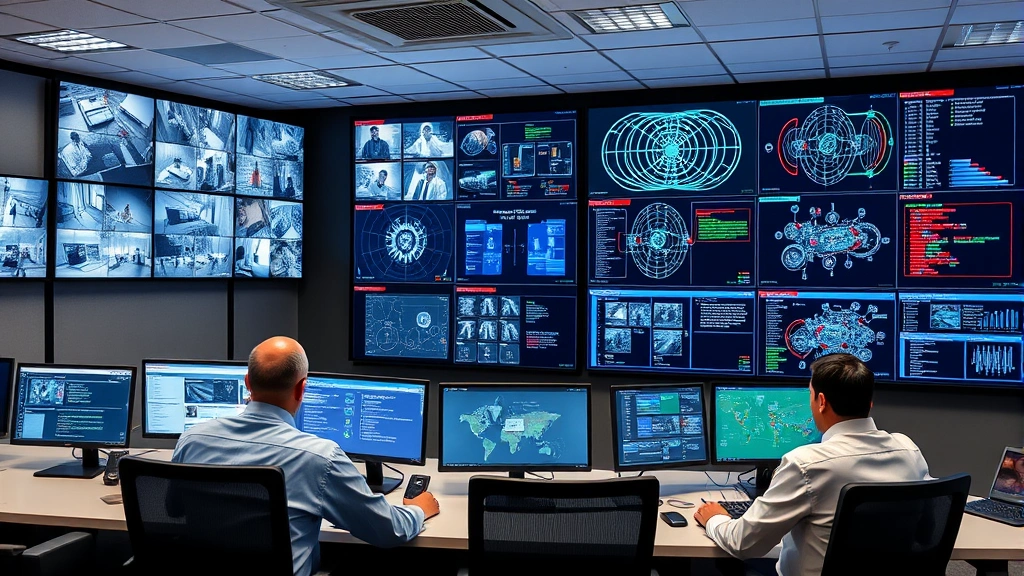
Implementation of these security principles requires organizational commitment, technical expertise, and ongoing investment. Many organizations underestimate the resources required for proper surveillance security, treating it as a simple installation task rather than an ongoing security program. Success requires dedicated personnel, regular training, and executive support ensuring that security remains prioritized alongside operational requirements.
Consider engaging security consultants with specific surveillance system expertise to guide your deployment. These professionals understand threat landscapes specific to surveillance infrastructure and can design systems resistant to current and anticipated threats. The cost of professional guidance typically proves minimal compared to costs associated with security incidents, data breaches, or regulatory violations resulting from inadequate security.
FAQ
What makes security cameras vulnerable to cyber attacks?
Security cameras are vulnerable due to default credentials, unpatched firmware, weak authentication, unencrypted communications, and insecure remote access capabilities. Many organizations treat cameras as low-priority devices not requiring security updates, leaving known vulnerabilities unpatched. Additionally, cameras often connect to corporate networks without proper segmentation, enabling attackers to use compromised cameras as pivot points for accessing sensitive systems.
How can I protect my camera system from ransomware?
Protect against ransomware through network segmentation isolating cameras from critical systems, regular backups stored offline, strong authentication preventing unauthorized access, and monitoring for unusual encryption or file modification activity. Implement least-privilege access so compromised accounts cannot encrypt all footage. Maintain offline backup copies of critical footage, ensuring ransomware cannot destroy all records. Your organization’s data protection strategy should include surveillance footage as critical data requiring backup and recovery capabilities.
Should I use cloud-based or on-premises recording?
Both approaches require security implementation, but each presents different risks. Cloud-based systems transfer security responsibility to vendors—verify their encryption, access controls, and compliance certifications. On-premises systems require you to manage security directly, including physical security, network security, and patch management. Many organizations use hybrid approaches, maintaining critical footage on-premises while using cloud systems for redundancy or remote access. Choose based on your risk tolerance, compliance requirements, and available expertise.
How often should I update camera firmware?
Establish a patch management policy requiring critical security patches within 30 days of release, important patches within 60 days, and routine updates within 90 days. Critical vulnerabilities enabling remote code execution or authentication bypass require immediate attention. Subscribe to vendor security advisories enabling rapid notification of critical issues. Test patches before production deployment, but never delay critical patches excessively due to testing requirements—vulnerabilities pose greater risk than potential update-related issues.
What compliance standards apply to surveillance security?
Compliance requirements vary by industry and jurisdiction. HIPAA requires encryption and access controls for healthcare surveillance. PCI-DSS applies if cameras monitor payment processing areas. GDPR and similar privacy regulations require data protection for surveillance footage capturing individuals. NIST Cybersecurity Framework provides comprehensive guidance applicable across all industries. Consult legal and compliance teams to identify specific requirements affecting your organization, then ensure your surveillance security implementation satisfies these requirements.
How do I detect if my cameras have been compromised?
Signs of compromise include unusual network traffic, unexpected configuration changes, missing or corrupted footage, cameras becoming unresponsive, or unusual camera behavior like unexpected reboots. Implement continuous monitoring of camera health, network activity, and access logs. Establish baseline metrics for normal operation, then alert when actual behavior deviates significantly. Conduct regular security assessments examining camera firmware versions, configuration settings, and user accounts, identifying unauthorized changes. If compromise is suspected, isolate affected cameras immediately, preserve logs for forensic analysis, and engage cybersecurity professionals for investigation.
What’s the difference between security camera systems and surveillance systems?
While often used interchangeably, security cameras are individual devices capturing video, while surveillance systems encompass cameras, recording infrastructure, storage, management software, and viewing interfaces. Complete surveillance system security requires protecting all components—cameras alone cannot be secure if recording servers lack encryption or management interfaces lack authentication. When selecting the best commercial security camera system, evaluate the entire ecosystem, not just individual camera specifications.
Should I hire security professionals to audit my surveillance system?
Professional audits provide significant value, particularly for organizations lacking internal expertise. Security professionals conduct vulnerability assessments, review configurations against security best practices, perform penetration testing, and provide remediation recommendations. For organizations handling sensitive data or operating in regulated industries, professional audits demonstrate due diligence and help identify risks before incidents occur. The cost of professional assessment typically proves minimal compared to costs associated with security breaches, making audits a worthwhile investment.


