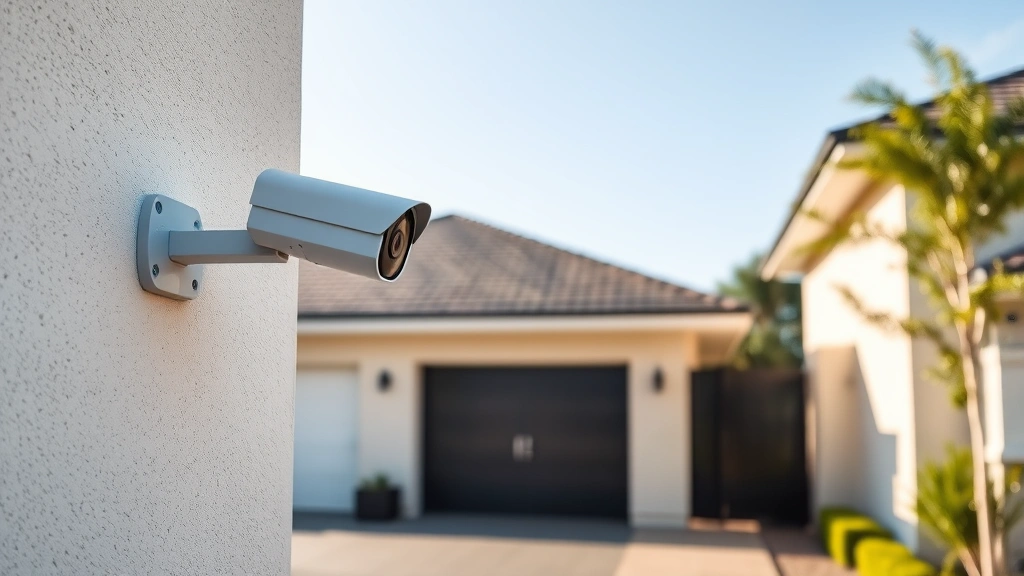
Best Cellular Security Camera? Tech Guru’s Top Picks
Cellular security cameras have revolutionized home and business surveillance by eliminating the need for traditional wired connections. Whether you’re monitoring a remote property, vacation home, or business location without reliable internet infrastructure, cellular security cameras offer unprecedented flexibility and reliability. These devices use cellular networks to transmit footage directly to your smartphone or cloud storage, providing real-time alerts and 24/7 monitoring capabilities regardless of WiFi availability.
In today’s threat landscape, securing your property requires more than just physical locks. Cybersecurity experts emphasize that surveillance systems themselves must be protected from unauthorized access, data breaches, and network vulnerabilities. When selecting a cellular security camera, you must consider not only recording quality and battery life but also encryption standards, firmware update frequency, and privacy safeguards. This comprehensive guide explores the best cellular security cameras available today while highlighting critical security considerations that many consumers overlook.
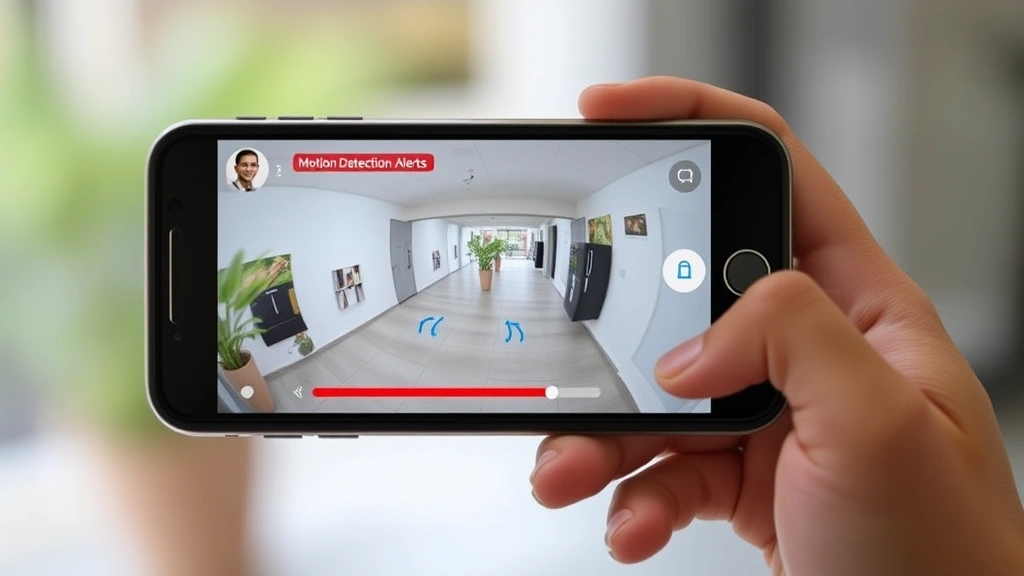
Why Cellular Security Cameras Matter for Modern Protection
Traditional security systems rely on internet connectivity through WiFi or ethernet connections, making them vulnerable when networks fail or during connectivity outages. Cellular security cameras operate independently using LTE, 4G, or 5G networks, ensuring continuous monitoring even when your primary internet goes down. This redundancy is essential for properties in rural areas, construction sites, or temporary installations where wired connectivity isn’t feasible.
The cybersecurity implications are significant. According to CISA (Cybersecurity and Infrastructure Security Agency), IoT devices including security cameras represent critical vulnerabilities in residential and commercial networks. Cellular cameras that maintain encrypted connections to dedicated cellular networks reduce exposure to local WiFi security breaches. However, this doesn’t eliminate the need for robust authentication and encryption protocols at the camera level.
Modern cellular cameras offer features that traditional systems cannot match: instant mobile notifications, cloud-based storage with automatic backup, two-way audio communication, night vision capabilities, and motion detection algorithms powered by artificial intelligence. When you’re away from your property, real-time alerts provide immediate awareness of potential threats, allowing you to contact authorities or take preventive action within seconds rather than hours.
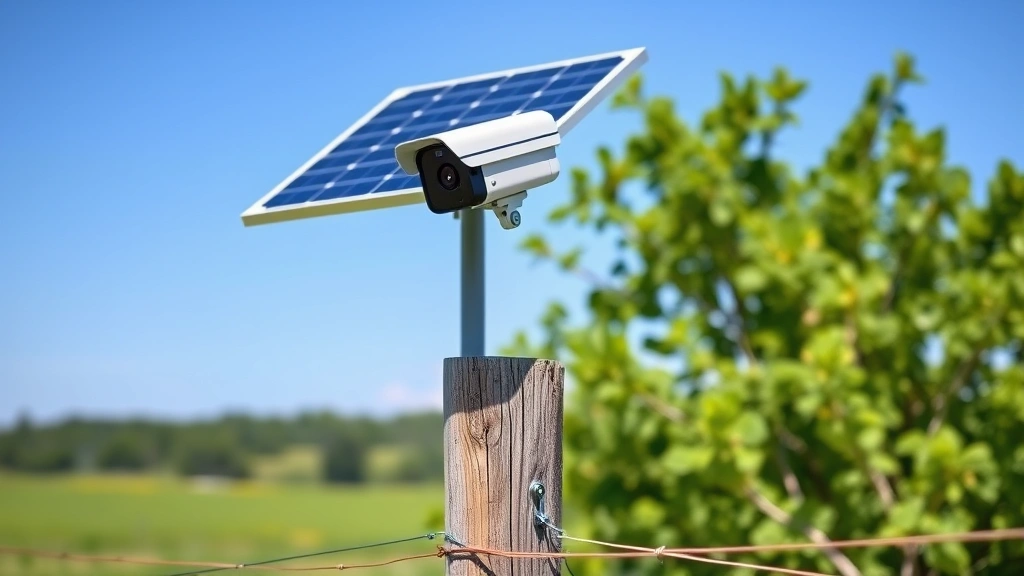
Battery longevity represents another critical advantage. Premium cellular cameras utilize solar charging panels and advanced power management, extending operational periods to 6-12 months between charges. This extended functionality makes cellular cameras ideal for monitoring vacation properties, equipment at remote job sites, or backup monitoring for main residences.
Top Cellular Security Camera Models Reviewed
Reolink Go Series stands as an industry leader for cellular surveillance. These cameras feature 4MP resolution, 100% wire-free installation, and optional solar panels for continuous operation. The Reolink Go connects via dual SIM LTE networks, providing automatic failover if one network experiences issues. Encryption protocols meet military-grade standards, and the camera stores footage locally on microSD cards as a secondary backup to cloud storage. Reolink’s mobile application allows users to view live streams, receive motion alerts, and adjust settings remotely with multi-user access control.
Arlo Essential Cellular emphasizes simplicity and integration with existing smart home ecosystems. This camera delivers 2K resolution, 110-degree field of view, and weatherproof construction rated for extreme temperatures. The battery lasts up to 6 months with standard use, and Arlo’s cloud platform provides 30-day rolling storage with optional extended plans. The system includes intelligent person detection, which filters false alerts triggered by animals or weather conditions, reducing notification fatigue.
Eufycam S330 combines cellular backup with WiFi connectivity, offering flexibility for properties with intermittent internet. The dual-network approach ensures monitoring continues even if your primary connection fails. This camera features 2K video, advanced motion detection with human recognition, and local storage on encrypted microSD cards. Eufy’s privacy-focused approach stores most processing locally, minimizing data transmission to cloud servers.
Wyze Cam Outdoor Pro provides budget-conscious consumers with cellular capabilities through optional LTE modules. While not purely cellular, this camera offers excellent value with 2K resolution, color night vision, and AI-powered person detection. The modular approach allows users to add cellular functionality only to cameras in remote locations, optimizing overall system costs.
Samsung SmartThings Cam integrates deeply with Samsung’s smart home ecosystem. This cellular-capable camera offers 1080p resolution, continuous recording options, and intelligent alerts that distinguish between people, animals, and vehicles. The system supports encrypted end-to-end communication and provides local backup storage independent of cloud infrastructure.
Security Features You Cannot Ignore
When evaluating cellular security cameras, authentication mechanisms represent your first line of defense against unauthorized access. Look for cameras supporting two-factor authentication, biometric login options, and granular permission controls. These features prevent attackers from gaining access even if they obtain your password through phishing or data breaches.
Encryption standards deserve careful scrutiny. Cameras should use AES-256 encryption for stored footage and TLS 1.2 or higher for data transmission. This ensures that even if attackers intercept network traffic, they cannot decode your video feeds or access sensitive information. Verify that the manufacturer publishes encryption specifications rather than claiming security without technical details.
Firmware update frequency indicates the manufacturer’s commitment to security patching. Reputable camera manufacturers release security updates monthly or quarterly, addressing newly discovered vulnerabilities. Automatic update capabilities ensure your camera receives patches without requiring manual intervention. Avoid manufacturers that haven’t released firmware updates within 12 months, as these devices likely contain known security flaws.
Privacy controls determine what happens to your video data. Some manufacturers analyze footage server-side for person detection, meaning your video briefly passes through company servers. Others process video locally, keeping footage completely private. If privacy is paramount, prioritize cameras with local processing capabilities and optional cloud storage rather than mandatory cloud analysis.
Network segmentation capabilities allow you to isolate your security camera on a separate network from computers and smartphones containing sensitive data. This limits damage if the camera becomes compromised. Look for cameras supporting both 2.4GHz and 5GHz WiFi bands, allowing you to place cameras on dedicated networks away from your main devices.
Installation and Network Considerations
Cellular camera installation requires understanding your local network coverage. Before purchasing, verify LTE or 5G coverage at your property using carrier coverage maps. Some locations have dead zones where cellular signal remains unreliable. Contact your cellular provider to confirm minimum signal strength requirements for video streaming.
SIM card selection impacts ongoing costs and service reliability. Most cellular cameras support standard SIM cards from any carrier, allowing you to choose plans with the best coverage and pricing. Some manufacturers offer pre-installed SIMs with bundled data plans, which simplify setup but may cost more long-term. Compare multi-year costs before committing to bundled options.
Battery placement and solar panel orientation significantly affect operational lifespan. Install solar panels on south-facing surfaces (in northern hemisphere) with minimal shading throughout the day. Even partial shade from trees or structures reduces solar charging efficiency by 40-60%. Position batteries in weatherproof enclosures protected from temperature extremes, which degrade battery performance.
Network bandwidth requirements vary by camera model and recording resolution. High-resolution cameras streaming continuously consume 1-3GB of cellular data daily. If your plan includes limited data, enable motion-triggered recording rather than continuous surveillance. Motion detection modes typically use 100-500MB daily, dramatically extending your plan’s usefulness.
Mounting hardware must accommodate your specific property structure. Cellular cameras typically weigh 200-400 grams, requiring secure mounting brackets rated for wind loads and vibration. Use stainless steel or galvanized hardware in coastal areas where salt corrosion accelerates deterioration. Ensure mounting locations provide clear sightlines to areas you want monitored while avoiding direct sun glare on lenses.
Cost Analysis and Value Comparison
Cellular security camera costs include initial hardware investment, ongoing cellular service, cloud storage, and optional accessories. Budget models cost $100-150 with basic features, while premium systems reach $300-500 for advanced capabilities. Determine your budget before comparing models to avoid feature creep leading to overspending.
Cellular service plans range from $5-20 monthly depending on data allowances and coverage. Some manufacturers partner with carriers to offer bundled plans at discount rates. Calculate three-year total cost of ownership including hardware, service, and storage before deciding. A $200 camera with $10/month service costs $560 over three years, while a $100 camera with $20/month service costs $820 over the same period.
Cloud storage costs vary significantly based on video retention periods and resolution. Budget $3-8 monthly for 30-day rolling storage of high-resolution footage. Some manufacturers include limited free storage (typically 7-30 days) before requiring paid upgrades. Evaluate whether free storage meets your needs or if extended retention justifies subscription costs.
Value extends beyond price to include reliability, customer support, and feature longevity. Established manufacturers like Reolink, Arlo, and Eufy provide multi-year software support, ensuring your camera receives updates for 4-6 years. Newer or lesser-known brands may discontinue support after 2-3 years, leaving your camera vulnerable to newly discovered security flaws.
Privacy Protection and Data Security
Video surveillance inherently raises privacy concerns for occupants and visitors. Establish clear policies about where cameras operate and what footage gets retained. Avoid filming bathrooms, bedrooms, or private areas where reasonable privacy expectations exist. Inform household members and guests that surveillance is active, both for ethical reasons and to ensure legal compliance with two-party consent recording laws in your jurisdiction.
Data breach risks increase whenever video travels through cloud servers. NIST cybersecurity guidelines recommend minimizing data exposure by storing sensitive footage locally whenever possible. Use cloud storage only for important events rather than continuous recording. Enable automatic deletion of cloud footage after 30 days unless specific incidents require longer retention.
Account security directly impacts your camera’s vulnerability to compromise. Use strong, unique passwords for each camera system and enable two-factor authentication universally. Avoid reusing passwords across different services, as data breaches at one company often lead to compromised accounts elsewhere. Update passwords annually and immediately after any suspected security incident.
Third-party app integrations introduce additional security risks. Limit integrations to essential services and review permissions carefully before authorizing access. Some smart home platforms request permission to delete footage or modify camera settings—verify that integrations truly need these permissions before granting them. Regularly audit connected applications and revoke access to unused services.
Legal considerations vary by jurisdiction regarding surveillance of shared spaces. Apartment dwellers must avoid filming hallways or common areas where neighbors have privacy expectations. Business owners must comply with employee consent requirements in two-party consent states. Consult local regulations before installing cameras to avoid legal complications.
FAQ
What cellular carrier should I choose for my security camera?
Select the carrier with strongest coverage at your property location. Check coverage maps from Verizon, AT&T, and T-Mobile to identify which network provides best signal strength. Many users benefit from dual-SIM cameras supporting multiple carriers simultaneously, providing automatic failover if one network experiences outages.
How much cellular data does a security camera consume?
Continuous 2K resolution streaming uses approximately 2-3GB daily. Motion-triggered recording typically consumes 100-500MB daily depending on activity levels. Check your camera’s specifications for exact bandwidth requirements and select a cellular plan with sufficient data allowance to avoid overage charges.
Can I use a security camera without cloud storage?
Yes, most cellular cameras support local storage via microSD cards, eliminating cloud storage requirements. Local storage provides better privacy and doesn’t depend on internet connectivity for footage access. However, local storage limits accessibility when you’re away from the property and vulnerable to physical theft if someone steals the camera.
How do I prevent hackers from accessing my security camera?
Enable two-factor authentication, use strong unique passwords, keep firmware updated, disable unnecessary features, and segment your network. Monitor account activity for suspicious login attempts and enable alerts for access from unfamiliar devices. Review your privacy settings regularly to ensure unwanted third-party integrations don’t exist.
What resolution do I need for identifying faces?
At least 2K (1440p) resolution is required for reliable facial identification at distances beyond 6 feet. 4K cameras provide better detail at greater distances. However, lighting conditions, camera angle, and subject cooperation significantly impact identification capability regardless of resolution.
Are cellular cameras more secure than WiFi cameras?
Cellular cameras reduce exposure to local WiFi network compromises by using dedicated cellular networks. However, cellular and WiFi cameras face similar risks at the cloud server level. Security depends more on encryption standards, authentication mechanisms, and firmware update frequency than network type. Properly configured WiFi cameras can be equally secure as cellular alternatives.


