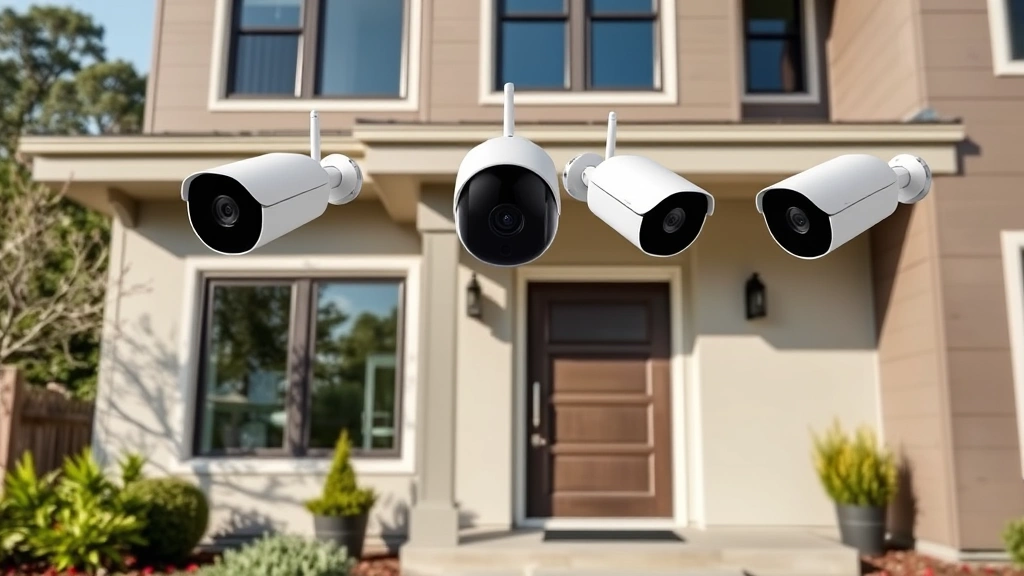
Arlo Security System: Expert Review & Insights
The Arlo home security system has emerged as one of the most comprehensive and user-friendly solutions for residential and commercial property protection. As cyber threats continue to evolve and home security becomes increasingly digitized, understanding the capabilities, vulnerabilities, and best practices for systems like Arlo is essential for every homeowner. This expert review examines the technical architecture, security features, and critical considerations that should inform your decision when selecting a home security platform.
With millions of connected devices now securing homes worldwide, the intersection of convenience and cybersecurity has never been more critical. The Arlo platform offers wireless cameras, smart sensors, and cloud-based monitoring capabilities that promise seamless integration into modern smart homes. However, as with any internet-connected device, understanding both the protective benefits and potential security risks is paramount. This comprehensive guide provides the insights you need to make an informed decision about whether Arlo meets your security requirements.
Understanding Arlo’s Core Architecture
Arlo, owned by Netgear, operates on a distributed architecture that combines edge computing with cloud-based processing. The system relies on local hub devices that communicate with wireless cameras via proprietary mesh networking protocols. Unlike purely cloud-dependent systems, this hybrid approach allows cameras to function even when internet connectivity is temporarily disrupted, though full features require active cloud connectivity.
The platform’s backbone consists of several key components: wireless cameras equipped with motion sensors and night-vision capabilities, hub devices that serve as network coordinators, mobile applications for remote monitoring, and Arlo’s cloud infrastructure for storage and analysis. Each component plays a crucial role in the overall security posture. The hub devices, in particular, function as critical security gatekeepers, managing encryption protocols and local network communication before data is transmitted to cloud servers.
Understanding this architecture is vital because it determines where security vulnerabilities might exist and how data flows through the system. When evaluating the Arlo home security system, recognize that security depends on the strength of each individual component and the integrity of their interconnections. A weakness in any single element—from camera firmware to hub encryption—can compromise the entire system’s effectiveness.
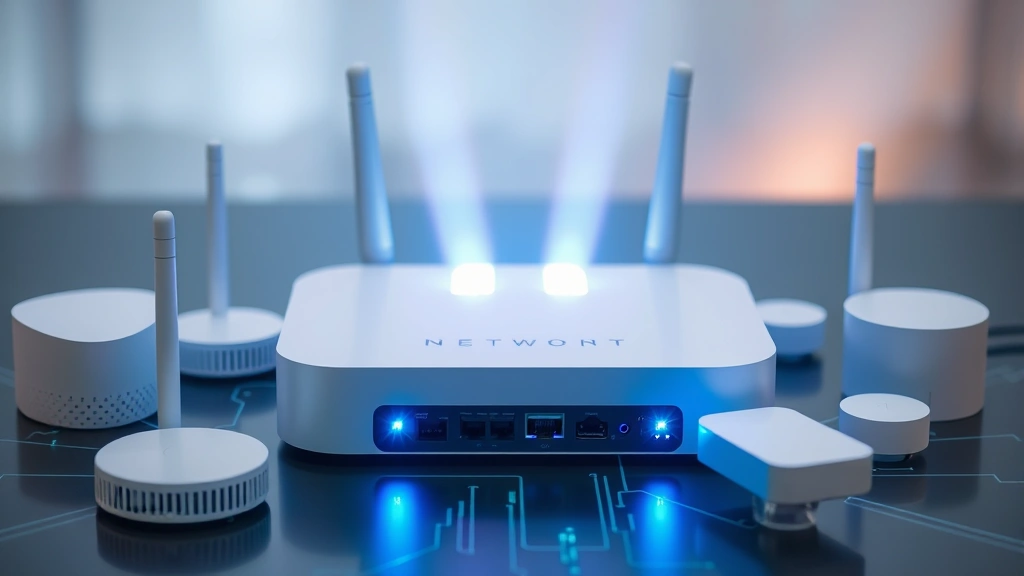
Camera Models and Specifications
Arlo offers several camera models designed for different use cases and security requirements. The Arlo Pro series provides 2K resolution with advanced motion detection, while the Arlo Ultra models deliver 4K video quality suitable for identifying fine details in security footage. Essential and Arlo Video Doorbell models round out the product lineup, each with distinct capabilities and price points.
Key specifications to evaluate include video resolution, field of view, frame rate, and low-light performance. Higher resolution cameras capture more detail, which proves invaluable when security footage needs to identify specific individuals or read license plates. The 160-degree field of view on most Arlo cameras provides comprehensive coverage of entry points and common approach vectors. Night-vision capabilities utilizing infrared LED technology enable surveillance in complete darkness without requiring supplemental lighting that might alert potential intruders.
Battery life represents another critical specification for wireless models. Most Arlo cameras operate for 3-6 months on a single charge, depending on activity levels and feature usage. This extended battery life reduces maintenance burden but also means understanding when batteries require replacement to prevent surveillance gaps. The wired versions eliminate battery concerns entirely, making them suitable for permanent installations where power access is available.
Motion detection sensitivity and activity zones allow users to customize monitoring parameters, reducing false alerts while maintaining security. Two-way audio communication enables real-time interaction with individuals on your property, adding an active deterrent component to passive recording capabilities.
Security Features and Encryption
Encryption represents the foundation of any modern security system’s protection against unauthorized access. Arlo implements AES-128 encryption for video streams transmitted between cameras and hub devices, and TLS 1.2 encryption for cloud communications. This encryption standard, while acceptable, represents the minimum threshold for contemporary security requirements. NIST guidelines recommend examining whether your security provider implements encryption standards that exceed baseline requirements for sensitive applications.
The authentication mechanism for accessing Arlo accounts relies on username and password credentials, with optional two-factor authentication (2FA) available through email and SMS. Enabling 2FA significantly increases account security by requiring a second verification method, dramatically reducing the risk of unauthorized access even if credentials are compromised. This represents a critical security practice that every user should implement immediately upon account creation.
Firmware updates play a vital role in maintaining security posture. Arlo releases security patches regularly to address newly discovered vulnerabilities. Automatic update functionality ensures that devices receive patches without requiring manual intervention, though users should verify that automatic updates are enabled in their system settings. Delayed or missed updates create windows of vulnerability that sophisticated attackers can exploit.
The hub device’s local processing capabilities provide an additional security layer by handling encryption operations locally rather than relying entirely on cloud-based processing. This distributed security model reduces the attack surface by minimizing the amount of unencrypted data transmitted across the internet. However, the security of this local processing depends on the hub device receiving timely security updates and being physically protected from unauthorized access.
Cloud Storage and Data Protection
Arlo’s cloud infrastructure stores video recordings, event data, and user information on servers managed by Netgear. Understanding how this data is protected is essential for evaluating privacy risks. The company implements standard data center security practices including physical access controls, environmental monitoring, and redundant systems to prevent data loss.
Storage encryption ensures that video files remain encrypted at rest, meaning that even if someone gains unauthorized access to storage systems, the encrypted data remains unintelligible without proper decryption keys. Arlo’s implementation includes key management systems that separate encryption keys from the encrypted data, following security best practices outlined in NIST Special Publication 800-57.
Retention policies determine how long recordings remain accessible. Arlo offers tiered storage plans ranging from 30 days to unlimited cloud storage, depending on subscription level. Understanding your retention needs helps prevent situations where critical security footage is automatically deleted before being reviewed or archived. For security-critical applications, maintaining local backup copies of important recordings provides an additional safeguard against data loss.
Data access controls limit which personnel within Arlo’s infrastructure can access user video data. Role-based access control ensures that employees only access information necessary for their specific functions. However, recognizing that any cloud-based system requires trusting the service provider with sensitive information is important when evaluating privacy implications.
Installation and Setup Security
The initial installation process significantly impacts long-term security effectiveness. Arlo’s wireless setup process uses Wi-Fi Protected Setup (WPS) or manual network configuration to connect cameras to the hub device. WPS, while convenient, presents known security vulnerabilities that can be exploited by attackers within range. Manually entering Wi-Fi credentials through the mobile app represents a more secure configuration approach.
Network segmentation during installation improves overall security posture. Connecting Arlo devices to a separate guest network or dedicated IoT network isolates them from computers and devices storing sensitive personal information. This architectural approach limits the damage potential if an Arlo device is compromised, preventing attackers from pivoting to more valuable targets within your home network.
Default credentials and hardcoded passwords represent a common vulnerability class in IoT devices. Arlo requires users to create unique passwords during initial setup, eliminating this threat vector. However, ensuring that passwords meet complexity requirements—including uppercase letters, numbers, and special characters—significantly improves resistance to brute-force attacks.
Router and network security settings deserve attention during installation. Enabling WPA3 encryption on your Wi-Fi network (or WPA2 if WPA3 is unavailable) provides the strongest wireless security available. Disabling WPS on your router prevents attackers from exploiting this known vulnerability to gain network access.
Integration with Smart Home Ecosystems
Modern home security extends beyond cameras to include smart locks, lighting systems, sensors, and voice assistants. Arlo integrates with major platforms including Amazon Alexa, Google Assistant, and Apple HomeKit, enabling coordinated security responses. This integration allows creating automation routines where security events trigger specific actions—for example, activating lights when motion is detected.
Integration security depends on the authentication protocols used between systems. OAuth 2.0 and similar token-based authentication systems provide better security than password sharing. When connecting Arlo to other platforms, review the permissions being granted and ensure that you understand what access is being provided. Some integrations may request broader permissions than necessary for their specific function.
Voice assistant integration introduces additional security considerations. Enabling voice commands to arm or disarm security systems requires careful consideration of who might have access to that voice assistant. Family members, guests, and even attackers who can hear your voice assistant might be able to issue security commands. Many users prefer restricting security-critical commands to mobile app access only, which requires device-specific authentication.
Redundancy in security operations proves valuable when integrating multiple systems. Rather than relying solely on automation, maintaining manual override capabilities ensures that you can always control your security system regardless of whether integration systems are functioning properly.
Performance in Real-World Conditions
Laboratory specifications differ significantly from real-world performance. Environmental factors including temperature extremes, humidity, precipitation, and electromagnetic interference all affect system reliability. Arlo cameras operate effectively in temperature ranges from 14°F to 122°F, making them suitable for most climates, though extreme conditions may reduce battery life or affect lens clarity.
Wi-Fi signal strength and stability directly impact camera performance. Cameras located far from hub devices may experience connectivity issues, delayed notifications, or dropped video feeds. Site surveys before installation help identify optimal camera placement that balances coverage requirements with reliable wireless connectivity. CISA security guidance recommends testing wireless connectivity thoroughly before finalizing camera placement.
Network bandwidth consumption affects overall home network performance. Video streaming from multiple cameras simultaneously requires substantial bandwidth, potentially impacting other internet activities. Understanding your internet connection speed and capacity helps prevent situations where security monitoring consumes all available bandwidth.
Motion detection accuracy varies based on environmental conditions, sensitivity settings, and object characteristics. Reflective surfaces, shadows, and moving vegetation can trigger false alerts, while small animals or distant pedestrians might fail to trigger detection. Tuning motion detection settings through activity zones and sensitivity adjustments reduces false positives while maintaining threat detection capability.
Privacy Considerations and Best Practices
Deploying security cameras raises legitimate privacy concerns for both residents and visitors. Best practices require informing household members and guests that video recording is occurring. Posting visible notices about surveillance demonstrates transparency and respects privacy expectations. Directing cameras to focus on entry points and external boundaries rather than windows and private areas balances security needs with privacy protection.
Data retention policies should align with actual security needs. Retaining months of footage for events that occurred weeks ago creates unnecessary privacy risks without corresponding security benefits. Regularly reviewing and deleting outdated footage implements the security principle of data minimization—collecting and retaining only information necessary for legitimate purposes.
Access control to security footage deserves careful consideration. Limiting which household members can view recordings, and to what extent, prevents misuse of the surveillance system. Some users implement policies where only specific trusted individuals have access to archived footage, while others allow broader access to real-time monitoring but restrict historical viewing.
Third-party access requests represent an important privacy consideration. Law enforcement agencies may request access to security footage during investigations. Understanding Arlo’s policies regarding such requests and your legal rights in your jurisdiction helps prepare for these situations. Many security experts recommend maintaining local backups of critical footage to ensure you retain copies even if cloud-based records are accessed by authorities.
Comparing Alternatives
The home security market includes numerous competitors offering similar capabilities. Ring, Google Nest, Wyze, and traditional security companies each provide distinct advantages and trade-offs. Ring, owned by Amazon, integrates deeply with Alexa ecosystems but has faced criticism regarding privacy policies. Google Nest offers tight integration with Google services but requires a Google account for full functionality. Wyze provides budget-friendly options with fewer advanced features but minimal cloud storage costs.
When comparing the Arlo home security system with alternatives, evaluate specific requirements including number of cameras, storage needs, integration requirements, and budget constraints. Each platform implements security and privacy measures differently, so direct comparison of security features proves necessary. FTC security alerts provide guidance on evaluating IoT device security across multiple platforms.
Professional monitoring services represent another consideration. Some users prefer human security monitoring where trained operators respond to alerts, contacting emergency services when appropriate. Arlo primarily focuses on self-monitoring through mobile app notifications, though integration with professional monitoring services is possible through third-party providers. This distinction affects response times and the level of professional involvement in security incident response.
Scalability and future expansion should factor into platform selection. Arlo’s modular approach allows adding cameras and sensors over time, making it suitable for phased security implementation. However, evaluating whether your chosen platform can grow with your security needs prevents costly system replacements as requirements evolve.
Maximizing Security Effectiveness
Implementing the Arlo home security system effectively requires more than hardware installation. Developing a comprehensive security strategy that incorporates physical security measures, access controls, and monitoring practices creates layered protection that’s more resilient than any single system. Combining Arlo surveillance with secure locks, alarm systems, and neighborhood awareness provides defense-in-depth architecture.
Regular security audits help identify gaps in coverage or overlooked vulnerabilities. Periodically reviewing camera placement, checking that all devices are receiving security updates, and verifying that access controls remain appropriately configured maintains security posture over time. Security degrades through neglect, so establishing routine maintenance schedules prevents complacency.
Incident response planning prepares you for security events. Determining in advance what actions you’ll take if suspicious activity is detected—whether contacting law enforcement, reviewing footage, or alerting neighbors—enables rapid, effective response when incidents occur. Documentation of any security events provides valuable information for law enforcement investigations and insurance claims.
Staying informed about emerging threats and security best practices ensures that your security approach remains current. Threat intelligence reports and security advisories provide early warning of new vulnerabilities affecting home security systems. Subscribing to security updates from Arlo and monitoring cybersecurity agencies keeps you informed about relevant threats.
Frequently Asked Questions
Is Arlo truly secure against hacking?
Arlo implements industry-standard encryption and security measures that protect against most common attack vectors. However, no system is completely immune to sophisticated attacks. Enabling two-factor authentication, maintaining updated firmware, using strong passwords, and following security best practices significantly reduce hacking risk. The platform’s security record shows that vulnerabilities are patched promptly when discovered.
Can Arlo cameras work without internet?
Arlo cameras can function locally without internet connectivity using the hub device as a local coordinator. However, full features including mobile app access, cloud storage, and remote viewing require active internet connection. For complete surveillance during internet outages, local recording to the hub provides limited backup capability.
How much data does Arlo consume?
Bandwidth consumption depends on resolution, frame rate, and number of active cameras. A single 2K Arlo camera typically consumes 2-4 Mbps during active recording. Multiple cameras recording simultaneously can easily consume 10+ Mbps, potentially impacting other internet activities on slower connections. Understanding your available bandwidth before installation prevents performance issues.
What happens if my Arlo subscription expires?
Cameras continue functioning locally and recording to the hub device if internet connectivity is available. However, cloud features including cloud storage, remote viewing through mobile apps, and notifications cease functioning. Subscription renewal restores these features, though cloud storage retention may be lost depending on subscription terms.
Can I use Arlo outdoors in winter?
Arlo cameras operate in cold temperatures down to 14°F. However, extreme cold reduces battery life significantly and can affect lens clarity through condensation. Battery-powered cameras may require winter-specific maintenance including more frequent battery changes. Wired models eliminate battery concerns but still experience reduced performance in extreme cold.
Does Arlo record audio?
Arlo cameras record audio along with video, though this capability is regulated by privacy laws that vary by jurisdiction. Some regions require consent from all parties before recording conversations. Reviewing local regulations before enabling audio recording prevents legal issues. Many users disable audio recording to address privacy concerns.


