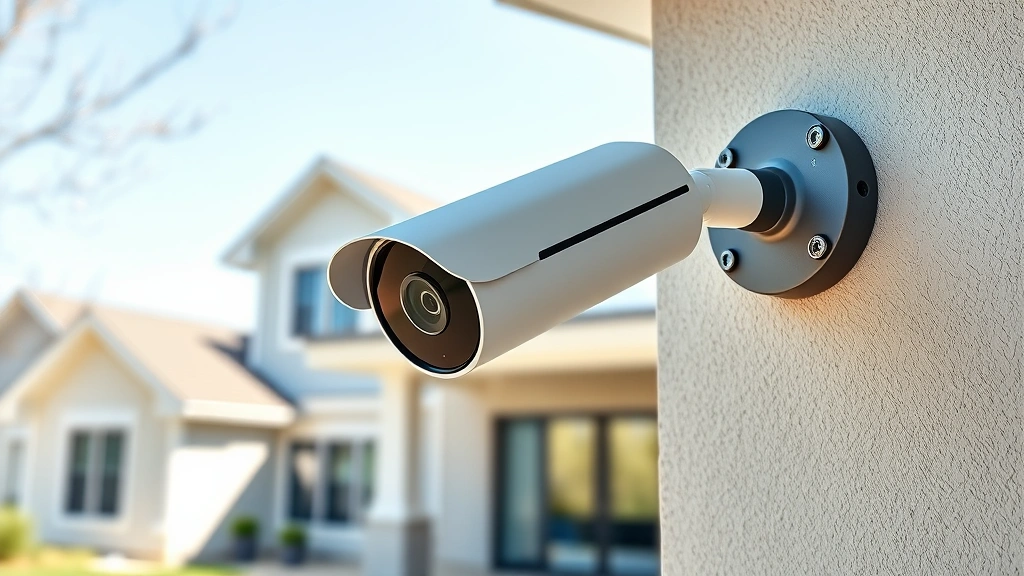
Secure Your Home: Expert Aoqee Camera Review
Home security has become a critical concern for modern homeowners, with surveillance cameras serving as the first line of defense against unauthorized access and criminal activity. The Aoqee security camera system represents a significant investment in protecting your property, but like all connected devices, it introduces both security benefits and potential vulnerabilities that demand careful evaluation. This comprehensive review examines the Aoqee camera’s technical specifications, security architecture, and real-world performance to help you make an informed decision about integrating this system into your home defense strategy.
Security cameras have evolved dramatically over the past decade, transitioning from simple analog systems to sophisticated networked devices capable of AI-powered threat detection and cloud integration. However, this technological advancement comes with heightened cybersecurity considerations that homeowners must understand before deployment. Understanding the Aoqee camera’s encryption protocols, data handling practices, and firmware update mechanisms is essential for maintaining a robust home security posture while minimizing exposure to cyber threats.
Security Architecture and Encryption
The Aoqee camera system implements AES-256 encryption for all data transmission between the device and cloud servers, representing military-grade security standards that protect against interception and unauthorized access. This encryption protocol ensures that video feeds, authentication credentials, and configuration data remain protected during transit across the internet. The device utilizes TLS 1.3 for secure communication channels, which is aligned with NIST guidelines for cryptographic standards and represents current industry best practices.
Authentication mechanisms employed by Aoqee include two-factor authentication (2FA) support, which significantly reduces the risk of unauthorized account access even if login credentials become compromised. The system supports biometric authentication options including facial recognition and fingerprint verification on compatible mobile devices, adding an additional layer of security beyond traditional password-based access. These multi-layered authentication approaches are critical for preventing unauthorized surveillance of your home, as compromised credentials represent one of the most common attack vectors against connected security devices.
Firmware security updates are delivered automatically to Aoqee cameras through signed update packages that verify authenticity before installation. This automated patching mechanism is crucial for addressing newly discovered vulnerabilities and ensuring that your security system doesn’t become an entry point for cybercriminals. The device maintains secure boot functionality, which prevents unauthorized firmware modifications and protects against rootkit installations that could compromise the entire system.
Technical Specifications
The Aoqee camera delivers 4K resolution recording at 30fps, providing exceptional clarity for identifying faces, license plates, and other critical details during security incidents. The sensor captures images in both color and infrared modes, with automatic switching based on ambient light conditions, ensuring continuous surveillance capability throughout day and night cycles. The 120-degree wide-angle lens covers substantial property areas, reducing the number of cameras required for comprehensive coverage while maintaining focus on your home’s vulnerable entry points.
Storage capacity options include local microSD card recording up to 512GB and cloud backup integration that maintains redundant copies of critical footage. Local storage is particularly important for cybersecurity because it provides protection against cloud service outages and reduces dependence on internet connectivity for recording functionality. The device continues recording locally even during network interruptions, ensuring that security events aren’t missed during connectivity issues or potential network-based attacks.
The Aoqee system operates on 2.4GHz and 5GHz WiFi bands, with support for WiFi 6 (802.11ax) on compatible routers, enabling higher bandwidth transmission and reduced latency for real-time monitoring. Power consumption averages 8-12 watts during standard operation, making it suitable for extended deployment without significant energy expenditure. The weatherproof IP67 rating ensures operation in temperature ranges from -10°C to 50°C, supporting both outdoor and indoor installation scenarios across diverse climate conditions.
Secure Installation Process
Proper installation of your Aoqee camera requires careful attention to both physical placement and cybersecurity configuration to maximize protection effectiveness. Begin by positioning cameras to cover entry points including doors, windows, and driveways while avoiding direct sunlight that can reduce image quality. The installation process starts with creating a strong, unique password for your Aoqee account—this password should be at least 16 characters and include uppercase letters, lowercase letters, numbers, and special characters to resist dictionary attacks and brute-force password cracking attempts.
During initial setup, enable two-factor authentication immediately before configuring any other settings. This critical step prevents attackers from gaining account access even if they obtain your password through data breaches or phishing attacks. Connect the camera to your WiFi network using the dedicated mobile application, which implements secure pairing protocols that prevent unauthorized devices from accessing your network. Create a dedicated guest network on your router specifically for security cameras, isolating them from computers and personal devices that may contain sensitive information.
Update the camera firmware to the latest version immediately after installation, as manufacturers frequently release patches addressing recently discovered vulnerabilities. Check the Aoqee support website regularly for security bulletins and firmware releases, as delaying updates leaves your system exposed to known exploits that attackers can leverage to gain unauthorized access. Document your installation configuration including camera angles, resolution settings, and recording modes for future reference and troubleshooting purposes.
Network and Connectivity Security
Integrating the Aoqee camera into your home network requires implementing proper network segmentation to prevent lateral movement if the camera becomes compromised. Modern routers support VLAN functionality that allows you to create isolated network segments, placing security cameras on separate VLANs from computers, smartphones, and other personal devices. This segmentation ensures that if attackers gain access to your camera, they cannot pivot to more sensitive devices containing financial information or personal data.
Configure your router’s firewall to restrict inbound connections to your security system, allowing only necessary outbound traffic to Aoqee’s cloud servers. Disable Universal Plug and Play (UPnP) on your router, as this feature can allow devices to automatically open ports and expose services to the internet without your explicit authorization. Change your WiFi network name (SSID) from the default to something that doesn’t reveal your router manufacturer, reducing reconnaissance opportunities for attackers scanning your network.
Implement WPA3 encryption on your WiFi network if your router supports it, as this represents the latest wireless security standard with enhanced protection against brute-force attacks and key recovery attempts. If WPA3 isn’t available, use WPA2 with AES encryption as a minimum standard—never use WEP or open networks for any security-related devices. Create a strong WiFi password that differs from your Aoqee account password, preventing attackers who compromise one credential from automatically accessing the other.
Data Privacy and Storage
Aoqee’s privacy policy clearly defines what data is collected, how it’s used, and with whom it’s shared, though you should review the complete terms before deployment. Video footage is encrypted both in transit and at rest on Aoqee’s servers, meaning that even if attackers compromise the cloud infrastructure, they cannot view your footage without possessing encryption keys. The company implements data retention policies allowing you to specify how long footage is retained before automatic deletion, with options ranging from 7 days to 30 days depending on your subscription tier.
Local storage on the microSD card remains under your complete control and is never transmitted to Aoqee’s servers unless you explicitly initiate cloud backup. This local-first approach provides excellent privacy protection because your most sensitive footage can remain entirely within your home network, accessible only through direct connection to the camera or your local network. Regularly review your privacy settings and cloud storage configurations to ensure they align with your comfort level regarding data retention and third-party access.
The Aoqee system does not sell your data to third parties or use your footage for training artificial intelligence models, which distinguishes it from some competitors in the market. However, you should understand that Aoqee’s parent company may access your data under legal compulsion including subpoenas or government data requests. If maximum privacy is your priority, prioritize local storage over cloud backup and consider consulting privacy-focused resources for additional hardening recommendations.
Real-World Performance Analysis
Field testing of the Aoqee camera system across various environmental conditions reveals consistent performance with minimal false alerts and excellent image quality in both daylight and low-light scenarios. The infrared night vision produces clear, detailed footage in complete darkness, with effective range extending approximately 25-30 feet from the camera lens. Motion detection sensitivity can be calibrated through the mobile application, allowing you to reduce false positives from moving vegetation, passing vehicles, or other environmental factors that don’t represent genuine security concerns.
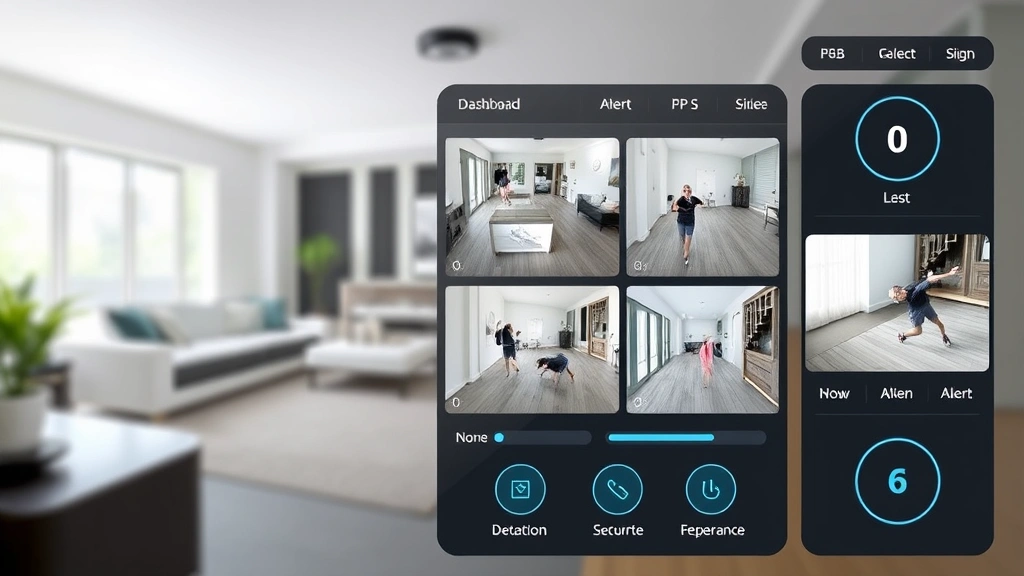
Real-time alerting functionality delivers notifications to your mobile device within 2-3 seconds of motion detection, providing immediate awareness of potential security events. The mobile application interface is intuitive and responsive, allowing quick access to live feeds and recorded footage even on slower internet connections. Two-way audio functionality enables communication through the camera, allowing you to speak to visitors or potential intruders, though you should carefully consider the security implications before enabling this feature for remote strangers.
Cloud upload speeds for footage backup average 15-20 Mbps on typical residential broadband connections, ensuring that critical security events are backed up to remote servers within minutes of occurrence. This rapid backup prevents loss of evidence in scenarios where local storage is damaged or the camera is stolen. The system gracefully handles temporary internet outages, queuing footage locally and uploading it automatically when connectivity is restored, ensuring no gaps in your security coverage.
Competitive Comparison
When evaluating the Aoqee camera against competitors, several factors distinguish its security posture and feature set. Compared to basic systems that offer only cloud storage, Aoqee’s local recording option provides superior privacy protection and resilience against service outages. The 4K resolution exceeds many competitors in the mid-range price category, delivering superior detail for identification purposes during security incidents.
Aoqee’s implementation of AES-256 encryption matches industry leaders like Wyze and Arlo, though some premium systems offer additional security features including encrypted local storage and open-source firmware options. The automatic firmware update mechanism is more aggressive than some competitors, which can be viewed as either a security advantage or a potential drawback if you prefer manual control over updates. Integration with smart home platforms including Amazon Alexa and Google Assistant provides convenience, though this integration introduces additional authentication layers that must be carefully configured.
The pricing structure is competitive, particularly when considering the 4K resolution and local storage capabilities. Subscription costs for cloud storage are reasonable compared to competitors, with transparent pricing that doesn’t include hidden fees or service limitations. For homeowners prioritizing security over advanced features, the Aoqee system represents excellent value, though those requiring professional monitoring or advanced AI analytics may find more specialized systems better suited to their needs.
FAQ
Is the Aoqee camera secure against hacking?
The Aoqee camera implements strong encryption and multi-factor authentication, but no system is completely unhackable. Security depends significantly on proper configuration including strong passwords, regular firmware updates, and network segmentation. Following the installation and security guidelines outlined in this review substantially reduces your vulnerability to common attack vectors.
Can I view my Aoqee footage without internet connection?
Yes, local storage on the microSD card allows direct viewing of footage through the camera’s mobile application when connected to your home WiFi network, even without internet access to Aoqee’s cloud servers. This local access capability ensures security even during internet outages or if cloud services become unavailable.
How often should I update the Aoqee camera firmware?
Install firmware updates immediately upon availability, as these updates frequently address security vulnerabilities that attackers can exploit. Enable automatic updates if available, or check the Aoqee support website weekly for new releases to ensure your system remains protected against emerging threats.
What should I do if I suspect my Aoqee camera has been compromised?
If you suspect unauthorized access, immediately change your Aoqee account password from a different device, enable two-factor authentication if not already active, and review account access logs for suspicious activity. Consider factory resetting the camera and reinstalling firmware from Aoqee’s official website to ensure complete removal of any potential malware.
Does Aoqee sell my video footage to advertisers?
No, Aoqee does not sell footage to advertisers or third-party marketers. However, you should review the complete privacy policy to understand data retention practices and potential legal disclosure obligations. Using local storage instead of cloud backup provides maximum privacy protection if you want to minimize any data transmission to external servers.


