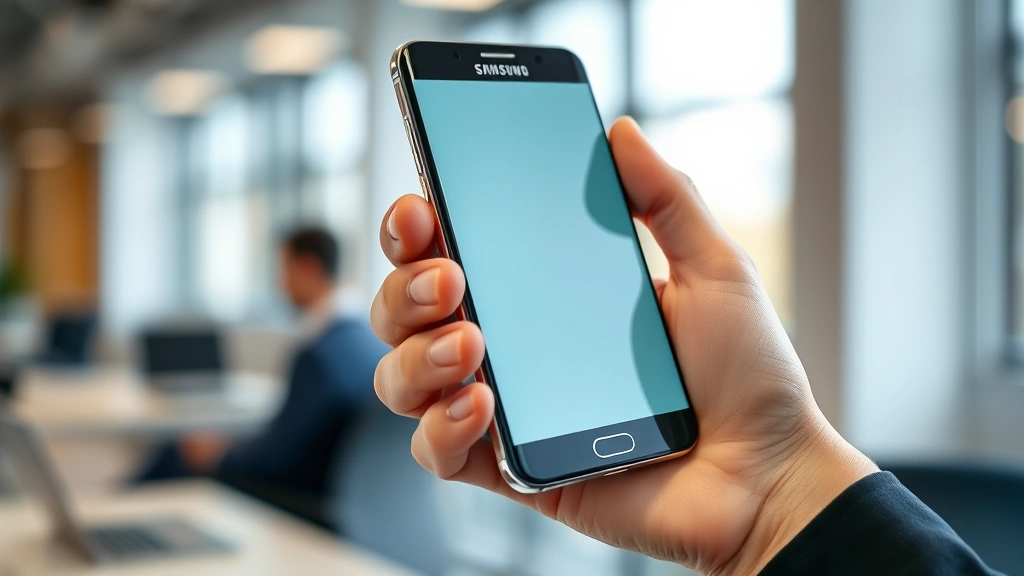
Accidental Touch Protection: Samsung’s Top Feature for Enhanced Device Security
Samsung has revolutionized mobile device interaction by implementing sophisticated accidental touch protection mechanisms that safeguard user data and prevent unintended actions. This comprehensive feature set addresses a critical vulnerability in modern touchscreen technology—the susceptibility to inadvertent screen contact that can compromise security, trigger unwanted commands, or expose sensitive information. As cyber threats evolve and personal devices become repositories of increasingly sensitive data, Samsung’s commitment to preventing accidental interactions represents a crucial layer of defense in the broader cybersecurity ecosystem.
Accidental touch protection operates at the intersection of hardware engineering and software intelligence, utilizing advanced algorithms to distinguish between intentional user gestures and random contact with the device screen. Whether you’re carrying your phone in a pocket, holding it during a call, or navigating while wearing gloves, Samsung’s protection mechanisms work silently in the background to ensure that unwanted touches don’t trigger security-sensitive actions or expose confidential information to unauthorized parties.
Understanding Accidental Touch Protection
Accidental touch events represent a frequently overlooked security vulnerability in mobile device ecosystems. Every unintended screen contact carries potential consequences—from unlocking sensitive applications to initiating financial transactions, deleting critical data, or exposing private communications. Traditional touchscreen technology cannot inherently distinguish between deliberate user input and inadvertent contact, creating a security gap that malicious actors or simple human error can exploit.
Samsung recognized this vulnerability and invested heavily in developing intelligent detection systems that analyze multiple data points simultaneously. These systems evaluate touch pressure, duration, location patterns, and contextual device state to determine whether contact represents genuine user intention or accidental interference. The technology operates across multiple Samsung device categories, from flagship Galaxy smartphones to tablets and wearables, creating a comprehensive security posture across the entire Samsung ecosystem.
The importance of this feature becomes immediately apparent when considering typical usage scenarios. Pocket activation—where a device inadvertently activates while stored in clothing—represents one of the most common accidental touch situations. During pocket activation events, the device might trigger voice assistants, open applications, or worst case, initiate calls or messages without user knowledge. Samsung’s integrated approach to device security ensures these scenarios don’t compromise user data or privacy.
Samsung’s Advanced Protection Technology
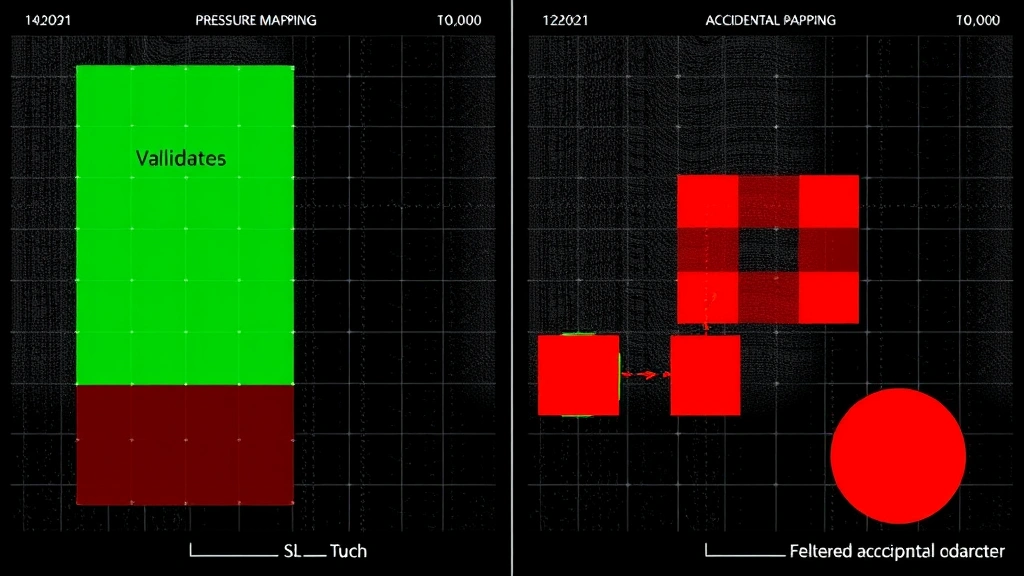
Samsung’s accidental touch protection employs multiple complementary technologies working in concert to provide robust defense against unintended interactions. The system begins with pressure-sensitive analysis, which evaluates the force applied during screen contact. Genuine user taps and swipes typically apply consistent, measured pressure, while accidental touches often register erratic or insufficient pressure patterns that the system immediately recognizes as non-intentional.
The second critical component involves temporal analysis—examining the duration and frequency of touch events. Accidental contacts tend to be brief and irregular, whereas intentional interactions follow predictable patterns. Samsung’s algorithms maintain statistical profiles of each user’s natural interaction patterns, continuously learning and adapting to individual behavior while maintaining high sensitivity to anomalous contact.
A third sophisticated element incorporates contextual awareness, which considers the device’s current state and activity. When your device is locked, the system applies stricter validation criteria before allowing unlock attempts. During calls or video recording, the system recognizes that accidental facial contact might occur and adjusts sensitivity accordingly. This adaptive approach prevents legitimate activities from being blocked while maintaining security.
Samsung also implements proximity sensing technology that detects when the device is near the user’s face during calls. This prevents cheek presses or ear contact from triggering unintended actions. The technology integrates with the device’s ambient light sensors and proximity detectors to create a comprehensive understanding of how the phone is being held and used.
Additionally, Samsung’s machine learning algorithms continuously analyze touch patterns across millions of devices to identify emerging accidental touch signatures. This collective intelligence allows the system to improve protection across the entire Samsung user base, with updates distributed through regular software releases. The system can distinguish between the characteristic patterns of pocket activation, bag-related friction, and inadvertent finger contact with remarkable accuracy.
Security Implications and Threat Prevention
From a cybersecurity perspective, accidental touch protection addresses several critical threat vectors that extend beyond simple user frustration. Unintended authentication bypass represents a significant concern, where accidental touches might unlock devices or grant access to sensitive applications without proper user verification. Samsung’s protection mechanisms ensure that security-critical actions—particularly biometric authentication and payment authorization—cannot be triggered by random contact.
Consider the implications of accidental touch events in financial applications. A single errant screen contact could potentially confirm a transaction, authorize a payment, or transfer funds without the user’s knowledge or consent. This represents a direct financial security threat that extends beyond data privacy into actual monetary loss. Samsung’s technology requires intentional, verified interaction for all security-sensitive operations, effectively eliminating this attack surface.
The threat landscape also encompasses scenarios where accidental touches might expose sensitive information. Unlocking your device in public spaces through pocket activation could reveal confidential messages, financial data, or personal communications to nearby observers. CISA guidelines on device security emphasize the importance of preventing unauthorized access through all potential vectors, including unintended user interactions.
Furthermore, accidental touch protection contributes to data integrity preservation. Unintended deletion, modification, or transmission of data represents a serious concern in enterprise environments where Samsung devices are widely deployed. The protection mechanisms ensure that critical business operations cannot be disrupted by random screen contact, maintaining the reliability and trustworthiness of mobile device platforms.
Samsung’s approach also addresses denial-of-service scenarios where accidental touches might repeatedly trigger actions that consume battery, bandwidth, or processing resources. By filtering out non-intentional input, the system ensures that device resources remain available for legitimate user activities and security functions.
Key Implementation Features
Samsung integrates accidental touch protection through several distinct features that work together seamlessly. Palm rejection technology represents one of the most visible implementations, automatically detecting when your palm or hand heel rests on the screen during normal usage. This proves particularly valuable during typing on virtual keyboards, where hand contact with screen edges is inevitable. The system distinguishes between intentional finger input and incidental palm contact with sophisticated precision.
The edge rejection feature prevents accidental activation from touches near screen edges, where accidental contact is most common. This proves especially useful for devices with curved display edges, where grip-related contact frequently occurs. The system creates virtual exclusion zones around screen perimeters, allowing legitimate edge-based gestures while filtering accidental contact.
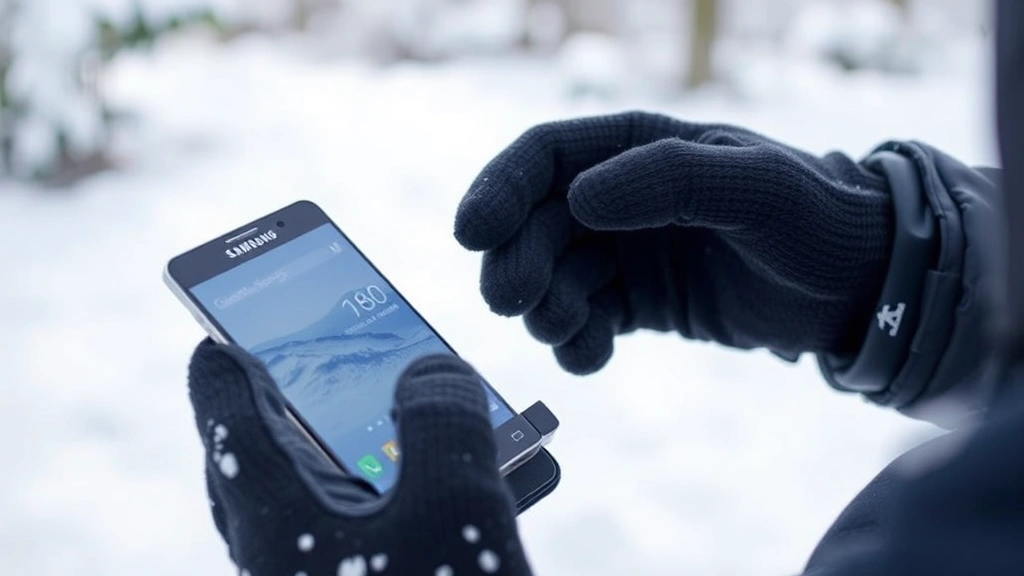
Samsung’s glove mode addresses specific scenarios where protective gear prevents normal touchscreen interaction. Rather than requiring users to disable security features, the system intelligently adapts to gloved input patterns, maintaining protection while enabling functionality. This proves particularly valuable in cold weather conditions or professional environments where protective equipment is standard.
The touch sensitivity adjustment feature allows users to customize protection levels based on their specific usage patterns. Users who frequently experience pocket activation or bag-related false touches can increase sensitivity thresholds, while others preferring maximum responsiveness can reduce filtering. This personalization ensures that protection never comes at the cost of usability.
Additionally, Samsung implements gesture verification for security-critical actions. Rather than allowing single touches to confirm sensitive operations, the system requires deliberate gesture sequences—such as swipe patterns or multi-touch confirmations—that accidental contact cannot replicate. This effectively eliminates accidental triggering of high-risk functions.
Real-World User Benefits
The practical advantages of Samsung’s accidental touch protection extend across diverse user scenarios and daily usage patterns. Pocket and bag safety represents the most immediately noticeable benefit, as users can confidently carry their devices without fear of inadvertent activation. This eliminates the stress of wondering whether your phone might have made unexpected calls, sent unintended messages, or accessed sensitive applications while stored away.
For users who frequently engage with content consumption and interactive applications, accidental touch protection ensures uninterrupted experiences. Whether scrolling through media, reading documents, or navigating applications, the system silently filters background contact without disrupting intentional interaction. Users can focus entirely on their intended activities without worrying about accidental triggers.
The feature proves invaluable during phone calls, where ear and cheek contact is inevitable. Rather than accidentally triggering speaker mode, ending calls prematurely, or activating voice commands, the system maintains call stability and prevents unintended actions. This contributes to more natural, stress-free communication experiences.
Users with accessibility needs particularly benefit from this technology. Individuals with tremors, involuntary movements, or other conditions that cause unintended screen contact can utilize Samsung devices with confidence. The sophisticated filtering ensures that their devices respond reliably to intentional input while disregarding involuntary contact, improving device accessibility and usability.
Business professionals using Samsung devices appreciate the protection against accidental transmission of sensitive communications. The system ensures that confidential emails, financial data, or strategic information cannot be accidentally sent through errant screen touches, maintaining professional integrity and preventing costly data breaches.
Best Practices for Maximum Protection
While Samsung’s accidental touch protection operates automatically, users can optimize their experience through deliberate practices. Regular software updates remain critical, as Samsung continuously refines protection algorithms based on real-world usage data and emerging threat patterns. Maintaining current software ensures access to the latest detection improvements and security enhancements.
Users should configure touch sensitivity settings appropriately for their specific usage patterns. Those experiencing frequent false positives should experiment with different sensitivity levels until finding optimal balance between protection and responsiveness. Conversely, users in high-risk environments should consider maximum sensitivity settings despite slight responsiveness trade-offs.
Implementing additional biometric authentication provides complementary security layers. Combining accidental touch protection with fingerprint or facial recognition ensures that even if accidental touches somehow bypass touch filtering, secondary authentication prevents unauthorized access. This multi-layered approach represents best practice in modern device security.
Users handling sensitive information should enable additional security features such as secure folders or encrypted storage, which work synergistically with accidental touch protection. These features ensure that even if protected content is accidentally accessed, it remains encrypted and inaccessible without proper authentication.
Regular device maintenance and screen care supports optimal touch sensor performance. Keeping screens clean and free from dust or debris ensures that protection algorithms receive accurate input data, maintaining system reliability. Damaged touch sensors can produce erratic signals that might confuse protection algorithms, so prompt repair of screen damage proves important.
For enterprise deployments, security policy enforcement through mobile device management platforms ensures consistent accidental touch protection settings across organizational fleets. IT administrators can configure standardized sensitivity levels and security requirements, ensuring uniform protection standards while preventing user-initiated modifications that might weaken security.
Users should also understand their device’s protection capabilities through familiarity with settings and documentation. NIST cybersecurity guidelines emphasize that user awareness of security features significantly enhances their effectiveness. Understanding how and why accidental touch protection works builds confidence in relying on these systems.
FAQ
How does Samsung’s accidental touch protection differ from competitor solutions?
Samsung’s implementation combines multiple detection methodologies—pressure analysis, temporal pattern recognition, contextual awareness, and machine learning—into an integrated system that continuously improves. Competitors often employ single-dimension approaches, whereas Samsung’s multi-layered strategy provides superior accuracy and adaptation to individual usage patterns. The integration across Samsung’s entire device ecosystem also ensures consistent protection experience across phones, tablets, and wearables.
Can accidental touch protection prevent all unintended screen interactions?
While Samsung’s technology is highly sophisticated and effective, no system achieves 100% accuracy in all scenarios. The protection mechanisms filter the vast majority of accidental touches while maintaining responsiveness for intentional input. Users should still practice good device handling habits—such as securing devices in pockets appropriately and avoiding excessive pressure on screens—to minimize accidental contact probability.
Does enabling accidental touch protection impact device performance or battery life?
Samsung optimized protection algorithms to operate efficiently without meaningful performance degradation. The touch filtering processes run in dedicated hardware subsystems rather than consuming primary processor resources. Battery impact is negligible, as the system doesn’t require additional sensors or significant computational overhead. Protection remains active continuously without user-noticeable performance reduction.
How can users verify that accidental touch protection is functioning correctly?
Users can test protection by attempting deliberate accidental touches—such as gentle palm presses or brief finger taps near screen edges—and observing that these don’t trigger unintended actions. Testing with locked devices specifically ensures that protection prevents unauthorized access attempts. Samsung’s diagnostic tools can also verify touch sensor functionality and protection system status for advanced users.
What should users do if they experience problems with touch responsiveness despite accidental touch protection?
Users experiencing responsiveness issues should first verify that touch sensitivity settings align with their preferences, adjusting if necessary. Cleaning the screen thoroughly often resolves issues caused by debris interfering with sensors. If problems persist, checking for software updates ensures access to latest algorithm improvements. Contacting Samsung support can help diagnose potential hardware issues requiring professional service.
Does accidental touch protection work when the device is in sleep mode?
Samsung’s protection mechanisms operate continuously, including when the device is locked or in sleep mode. The system actively filters accidental touches to prevent unintended wake-up or activation of security-critical functions. This ensures comprehensive protection across all device states, preventing pocket activation even when the device is not actively in use.
Can accidental touch protection be customized for specific applications?
While system-level settings apply globally, many individual applications implement their own touch validation mechanisms that complement Samsung’s protection. Users can also configure per-application security settings through Samsung’s security dashboard. This allows customization where specific applications might require different responsiveness characteristics while maintaining base-level accidental touch filtering across the system.
How does accidental touch protection integrate with Samsung’s broader security ecosystem?
Accidental touch protection represents one component of Samsung’s comprehensive security strategy, working alongside features like Knox security platform, biometric authentication, and encrypted storage. These systems function synergistically, with accidental touch protection preventing unauthorized access initiation while Knox and biometric systems provide secondary verification. This layered approach creates robust defense against diverse threat vectors.


