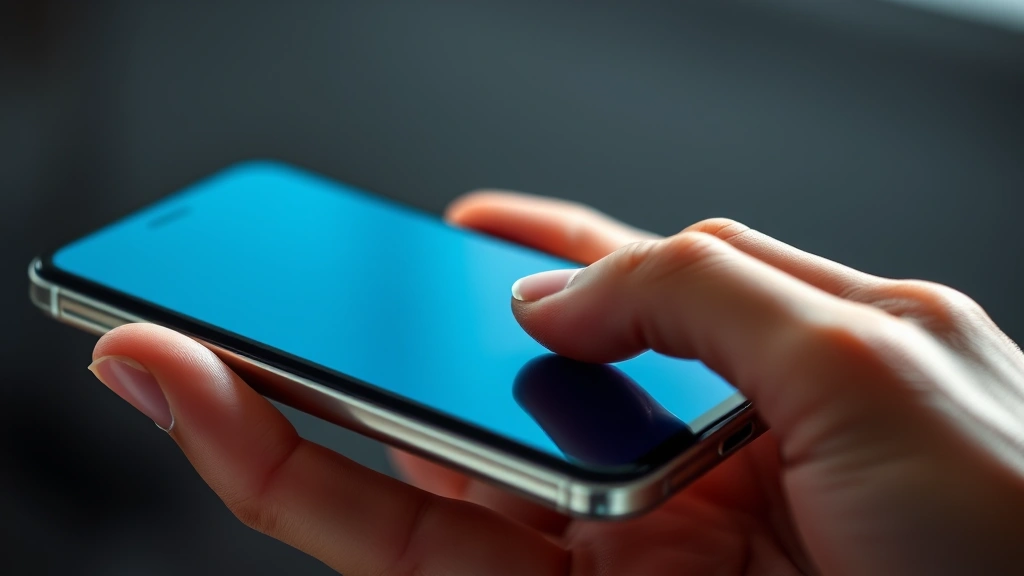
Accidental Touch Protection: Expert Guide to Securing Your Digital Devices
In our increasingly connected world, the threat landscape extends far beyond traditional cyber attacks. One often-overlooked vulnerability that poses significant security risks is accidental touch protection—the mechanisms and strategies designed to prevent unintended interactions with your devices that could compromise sensitive data or trigger unauthorized actions. Whether you’re navigating a smartphone, tablet, or touchscreen interface, accidental touches represent a genuine security concern that demands attention from both individual users and enterprise administrators.
Accidental touches occur when unintended finger contact or palm strikes activate functions, unlock applications, or initiate transactions without explicit user consent. This seemingly minor issue cascades into serious security implications: unauthorized access to banking applications, accidental message sends to wrong recipients, inadvertent photo sharing, or worse—malicious actors exploiting these vulnerabilities to manipulate device behavior. The intersection of physical interaction design and cybersecurity creates a complex challenge that requires comprehensive understanding and proactive mitigation strategies.
This expert guide explores the multifaceted dimensions of accidental touch protection, examining how security professionals, device manufacturers, and individual users can collaborate to minimize risks while maintaining usability. From understanding the technical foundations to implementing practical safeguards, we’ll equip you with actionable knowledge to protect your digital ecosystem against this underestimated threat vector.
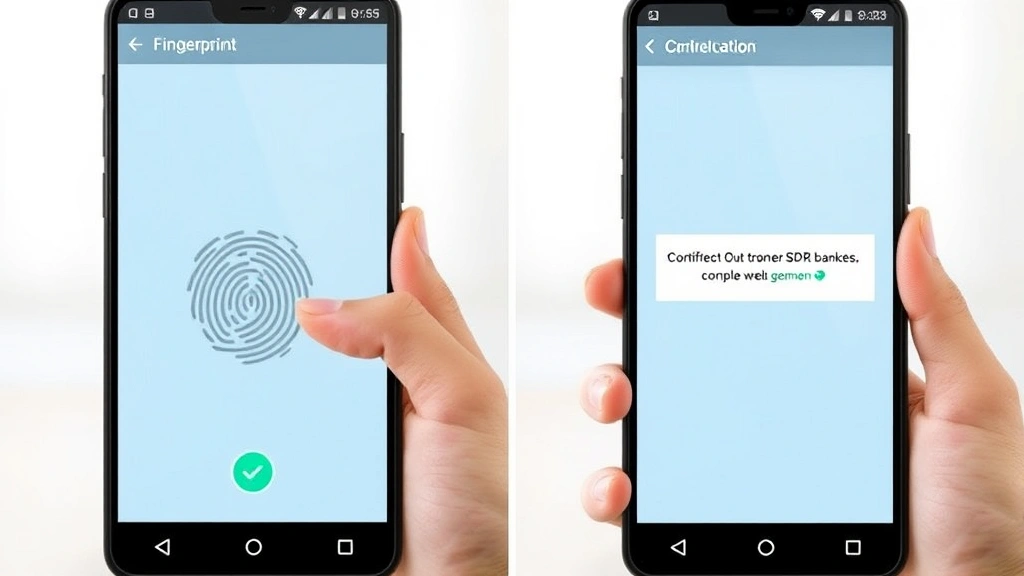
Understanding Accidental Touch Vulnerabilities
Accidental touch vulnerabilities stem from the fundamental design of capacitive touchscreen technology, which detects electrical conductivity rather than physical pressure. This sensitivity, while enabling intuitive interaction, creates opportunities for unintended activation when fingers, palms, or objects inadvertently contact the screen surface. Understanding these vulnerabilities requires examining both the hardware architecture and software response mechanisms that govern touchscreen behavior.
Modern smartphones and tablets employ sophisticated touch detection systems that continuously scan for electrical changes across the display surface. However, these systems operate within predefined sensitivity thresholds—settings that balance responsiveness with false-positive prevention. When users hold devices naturally, their palms frequently approach or contact screen edges, creating what security researchers term “palm rejection challenges.” Device manufacturers address this through software algorithms that attempt to distinguish intentional touches from accidental contact based on pressure intensity, contact area, and temporal patterns.
The complexity intensifies when considering contextual factors: users typing on virtual keyboards frequently trigger adjacent keys; individuals holding devices during conversations may accidentally activate voice commands; athletes using fitness trackers experience constant unintended touches during movement. Each scenario presents distinct technical challenges, as the device must differentiate between deliberate interaction and environmental noise without requiring explicit user intervention.
When exploring device security fundamentals, it’s helpful to reference our comprehensive ScreenVibe Daily Blog for additional technical insights. Additionally, understanding how interfaces work across different media—from mobile devices to entertainment platforms—provides valuable context for comprehensive protection strategies.
Security Implications and Risk Assessment
The security ramifications of inadequate accidental touch protection extend throughout the digital ecosystem, affecting individual privacy, financial security, and organizational data integrity. When devices respond to unintended touches, attackers can exploit this vulnerability through several sophisticated attack vectors that move beyond traditional cybersecurity domains.
Financial Transaction Risks: Banking and payment applications represent prime targets for accidental touch exploitation. A single unintended confirmation tap could authorize unauthorized transfers, approve suspicious transactions, or modify account settings. Financial institutions implement additional verification layers—biometric authentication, transaction confirmation screens, time-based delays—specifically because accidental activation poses genuine threats to customer assets.
Data Exposure Vulnerabilities: Accidental touches can navigate users into sensitive applications containing personal information, medical records, or confidential business data. A misdirected tap might open photo galleries, contact lists, or email applications, exposing information to shoulder surfers, family members, or colleagues in shared spaces. In enterprise environments, this risk multiplies exponentially when employees work in collaborative settings.
Unauthorized Command Execution: Voice assistants, automation routines, and connected IoT devices respond to accidental activation with concerning frequency. An unintended touch triggering “Hey Siri” or “OK Google” could initiate smart home commands, make unauthorized calls, or access sensitive voice-activated services. Security researchers have documented cases where accidental touches activated emergency services, created privacy violations through unauthorized recording, or triggered expensive automated purchases.
Authentication Bypass Scenarios: Lock screen vulnerabilities compound accidental touch risks. Devices with inadequate screen protection mechanisms may allow unintended swipes to bypass security prompts, access emergency features, or trigger backup authentication methods. Biometric systems themselves can be accidentally activated, creating confusion about device state and user intent.
To understand broader security contexts, exploring movie review evaluation methodologies demonstrates how critical thinking about information sources applies across all security domains.
Device-Level Protection Mechanisms
Manufacturers implement multiple hardware and firmware-level solutions to combat accidental touch vulnerabilities, creating layered defense strategies that operate transparently within normal device operation. These mechanisms represent the foundational security posture for touch-enabled devices.
Palm Rejection Technology: Advanced touchscreen controllers employ machine learning algorithms that analyze touch patterns to distinguish palms from intentional finger contact. These systems examine multiple parameters simultaneously: contact area (palms typically register larger surface areas than fingertips), pressure distribution, location relative to screen edges, and temporal patterns. When algorithms detect probable palm contact, the device suppresses touch signals before they reach the operating system, preventing accidental activation entirely.
Edge Exclusion Zones: Devices designate screen perimeter regions as “dead zones” where touch input receives minimal or no processing. These exclusion zones prevent palm contact during natural device holding from triggering interface elements. However, security professionals must balance this protection against accessibility requirements, as users with different hand sizes or grip preferences may need customizable exclusion parameters.
Pressure Sensitivity Implementation: Devices incorporating 3D Touch or similar pressure-sensing technology can differentiate between light accidental contact and deliberate pressing. Applications requiring sensitive operations—financial transactions, security settings modifications, irreversible actions—can mandate pressure-based activation, effectively requiring intentional user engagement beyond simple touching.
Temporal Filtering: Touch processing algorithms incorporate timing analysis to identify and suppress rapid, repeated touches characteristic of accidental activation. When multiple touches occur within milliseconds in proximity to one another, the device recognizes this pattern as likely accidental and implements debouncing mechanisms that delay or ignore redundant input.
Moisture and Environmental Detection: Modern devices incorporate capacitive sensors that detect moisture, sweat, and environmental conditions affecting touch accuracy. When moisture levels exceed thresholds, devices may reduce touch sensitivity, implement additional filtering, or temporarily disable certain functions until environmental conditions normalize.
Software Solutions and Best Practices
Beyond hardware implementation, operating systems and applications provide software-level protections that users can configure and optimize to strengthen accidental touch defense. These solutions operate within the application layer, allowing granular control over how devices respond to touch input.
Accessibility and Gesture Controls: Modern operating systems offer customizable touch sensitivity settings that users can adjust based on personal needs and environmental conditions. Accidental touch protection features specifically designed for accessibility—such as “Shake to Undo” functionality, touch hold delays, and gesture complexity requirements—effectively reduce false positives for all users. Enabling these features creates friction against unintended activation while maintaining accessibility for users with motor control challenges.
Application-Level Confirmation Mechanisms: Developers implementing sensitive operations must incorporate explicit confirmation requirements that prevent single-tap execution of critical functions. Two-step verification, confirmation dialogs with cancel options, and mandatory time delays between activation and execution create security barriers against accidental touch exploitation. Best practices dictate that destructive, financial, or privacy-sensitive operations require multiple distinct user gestures or explicit confirmation.
Screen Lock and Timeout Policies: Aggressive lock screen implementation represents fundamental accidental touch protection strategy. Devices configured with short timeout periods automatically lock screens during idle intervals, preventing unintended touches from accessing sensitive applications or data. Enterprise mobile device management solutions enforce mandatory timeout policies, ensuring consistent protection across organizational deployments.
Gesture Complexity Requirements: Applications can require complex, multi-step gestures for accessing sensitive features rather than simple taps. Swipe patterns, multi-finger gestures, or sequential taps create intentionality requirements that accidental touches cannot satisfy. This approach leverages the probability that authentic users consciously execute deliberate gesture sequences, while random touches rarely replicate such patterns.
Biometric Reauthentication: For operations with substantial security implications, requiring fingerprint, facial recognition, or other biometric verification after accidental touch detection creates definitive authentication barriers. This approach acknowledges that accidental touches may bypass initial protections but implements secondary verification that confirms user identity and intent before executing sensitive operations.
Enterprise Implementation Strategies
Organizations managing mobile device fleets must implement comprehensive accidental touch protection policies that extend beyond individual device configuration. Enterprise-scale strategies address diverse user populations, varying threat models, and complex operational requirements.
Mobile Device Management (MDM) Policies: Enterprise administrators deploy MDM solutions that enforce standardized touch sensitivity configurations, mandatory screen timeouts, and gesture complexity requirements across organizational devices. These centralized policies ensure consistent protection regardless of individual user preferences, reducing security variance that could create vulnerabilities. MDM platforms enable administrators to push updates, monitor compliance, and respond to emerging threats across entire device populations.
Security Awareness Training: Organizations should educate users about accidental touch vulnerabilities and mitigation strategies. Training programs demonstrating common scenarios—pocket activation of applications, accidental message sends, unintended financial transactions—help users understand risks and adopt protective behaviors. Effective training emphasizes that accidental touch protection represents shared responsibility between users and technology infrastructure.
Application Security Review: Enterprise development teams must evaluate applications for accidental touch vulnerabilities during security assessment phases. Code reviews should examine touch event handling, verify confirmation mechanisms for sensitive operations, and assess whether applications implement appropriate friction against unintended activation. Security testing should include scenarios simulating accidental touches to identify and remediate vulnerabilities before production deployment.
Incident Response Procedures: Organizations should establish procedures addressing accidental touch incidents. When users report unauthorized transactions, unintended message sends, or suspicious account activity potentially caused by accidental touches, incident response teams must investigate systematically, determine whether accidental activation occurred, and implement corrective measures including transaction reversal, message recall, or account security restoration.
Vendor Evaluation and Selection: Procurement teams should prioritize devices and applications demonstrating robust accidental touch protection. Security requirements specifications should mandate specific protection mechanisms, testing certifications, and vendor documentation of touch sensitivity implementation. This approach ensures that organizational device purchases support comprehensive security posture.
Emerging Technologies and Future Solutions
The cybersecurity landscape continually evolves as researchers develop innovative approaches to accidental touch challenges. Emerging technologies promise enhanced protection mechanisms that maintain usability while strengthening security posture.
Advanced Machine Learning Models: Next-generation devices employ sophisticated neural networks trained on massive datasets of intentional and accidental touch patterns. These models achieve unprecedented accuracy in distinguishing user intent from environmental noise, enabling more aggressive touch processing without increasing false negatives. Federated learning approaches allow devices to improve models locally while preserving privacy by avoiding centralized data collection.
Multimodal Biometric Integration: Devices combining multiple biometric modalities—facial recognition, fingerprint scanning, behavioral biometrics—with touch input create multifactor authentication requirements that effectively eliminate accidental activation risks for sensitive operations. Continuous authentication systems monitor user behavior patterns, dynamically adjusting security requirements based on detected anomalies.
Contextual Awareness Systems: Future devices will incorporate environmental sensors detecting usage context—motion acceleration indicating device movement, proximity sensors identifying nearby objects, ambient light analysis suggesting pocket or bag storage. These contextual signals enable devices to predict accidental touch probability and preemptively reduce touch sensitivity or disable specific functions during high-risk scenarios.
Haptic Feedback Enhancement: Advanced haptic systems provide rich tactile feedback confirming intentional touch registration, allowing users to distinguish between accidental contact and registered input. Precision haptic feedback also enables developers to implement haptic-based confirmation mechanisms requiring specific tactile patterns before executing sensitive operations.
Understanding how technology intersects with user experience—similar to how famous movie quotes influence cultural narratives—helps contextualize how security features integrate with human-device interaction. Additionally, exploring late-night show production demonstrates how complex systems manage multiple simultaneous inputs—a principle applicable to managing diverse touch signals.
For authoritative guidance on device security standards, consult CISA (Cybersecurity and Infrastructure Security Agency) resources. Organizations should also reference NIST Cybersecurity Resource Center guidelines for comprehensive security frameworks. Security researchers contribute valuable insights through platforms like SecurityWeek, which publishes emerging threat analysis. For mobile security specifically, ESET cybersecurity research provides detailed threat assessments. Additionally, Dark Reading offers in-depth analysis of contemporary security challenges.
FAQ
What exactly constitutes an accidental touch?
An accidental touch represents any unintended interaction with a touchscreen interface that occurs without deliberate user action. This includes palm contact during natural device holding, pocket activation when devices are stored, inadvertent swipes during transitions, or incidental contact from other objects. Distinguishing accidental touches from intentional input represents the core technical challenge in implementing effective protection mechanisms.
How can I verify whether my device includes adequate accidental touch protection?
Test your device by intentionally triggering accidental touches in various scenarios: hold your device naturally and observe whether palm contact activates interface elements; place your device in your pocket and check whether movement generates unintended commands; use your device while wearing gloves to assess how the device responds to non-standard input. Additionally, review your device’s accessibility settings to identify available touch sensitivity customizations. Consult your device manufacturer’s security documentation for detailed information about implemented protection mechanisms.
Can accidental touches compromise my financial security?
Yes, inadequately protected financial applications represent significant vulnerability vectors. However, most modern banking applications implement multiple security layers—biometric authentication, transaction confirmation screens, time delays—that prevent single accidental touches from completing unauthorized transactions. Nevertheless, users should remain vigilant about device security, maintain strong passwords, enable biometric authentication, and regularly monitor account activity for suspicious transactions.
What role does software updates play in accidental touch protection?
Operating system and application updates frequently include improvements to touch detection algorithms, palm rejection accuracy, and gesture recognition. Manufacturers continuously refine these mechanisms based on user feedback and emerging research. Maintaining current software versions ensures your device benefits from the latest protection enhancements. Organizations should prioritize timely patching and updates to maximize security posture across device fleets.
How do enterprise organizations address accidental touch risks?
Enterprises implement comprehensive strategies including centralized mobile device management policies, mandatory touch sensitivity configurations, aggressive screen timeout requirements, application security review processes, and user training programs. Additionally, organizations establish incident response procedures addressing accidental touch incidents and prioritize vendor selection based on security capabilities. This multifaceted approach creates organizational resilience against accidental touch vulnerabilities.
Are there accessibility concerns with enhanced accidental touch protection?
Aggressive protection mechanisms can inadvertently reduce accessibility for users with motor control challenges, tremors, or other physical limitations. Modern devices address this tension through customizable settings allowing users to adjust protection levels based on personal requirements. Organizations must balance security requirements against accessibility needs, implementing solutions that protect sensitive operations while maintaining usability for diverse user populations.


