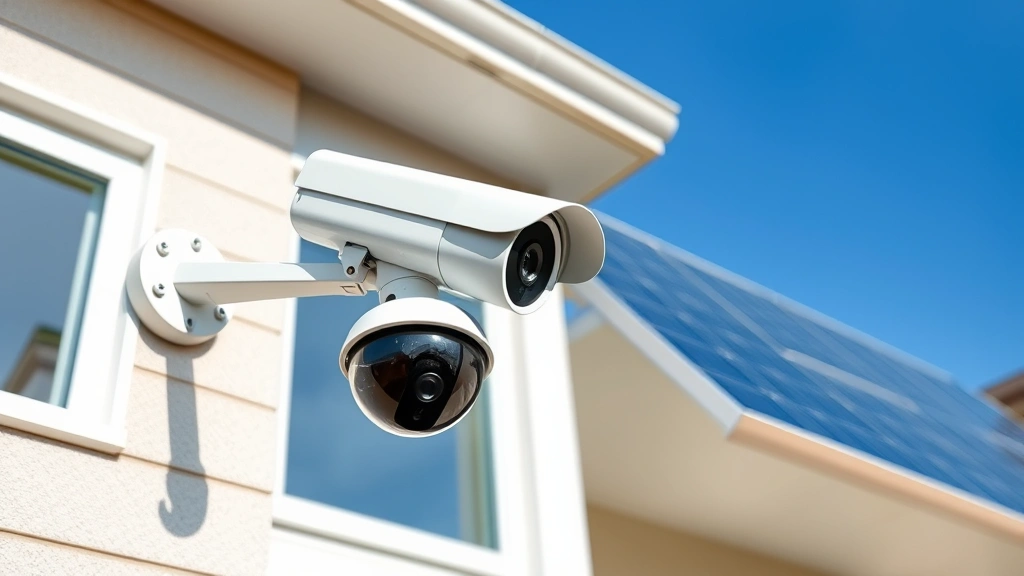
Top Solar Security Cameras: Expert Reviews and Comprehensive Buyer’s Guide
Solar-powered security cameras represent a significant advancement in home and property protection technology, combining renewable energy efficiency with robust surveillance capabilities. As cyber threats continue to evolve, understanding the security features and vulnerabilities of these devices has become essential for homeowners and business operators alike. Unlike traditional wired systems, solar cameras offer flexibility in installation while maintaining continuous monitoring through battery storage and photovoltaic charging.
The intersection of IoT security and solar technology creates unique challenges that demand careful evaluation. Modern solar security cameras must balance convenience with cybersecurity resilience, ensuring that your surveillance infrastructure doesn’t become an entry point for malicious actors. This comprehensive guide examines the top solar security camera systems available today, analyzing their security protocols, performance metrics, and real-world applications.
What Makes Solar Security Cameras Secure?
Solar security cameras function as networked devices, which means they’re inherently vulnerable to cyber attacks if not properly configured. The primary security distinction between basic and premium models lies in encryption standards, firmware update mechanisms, and authentication protocols. End-to-end encryption (E2EE) should be your baseline requirement, ensuring that video feeds cannot be intercepted during transmission to cloud servers or mobile applications.
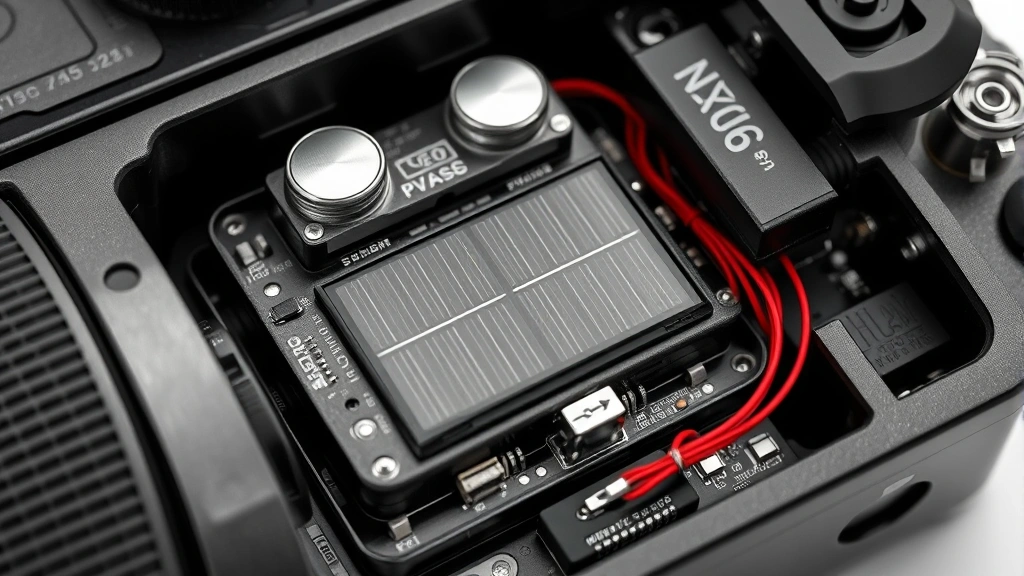
Battery-powered systems present additional security considerations. The solar charging component must be physically secure to prevent tampering, while the battery management system requires protection against firmware manipulation. Leading manufacturers implement secure boot mechanisms and cryptographic signing for firmware updates, following guidelines established by CISA (Cybersecurity and Infrastructure Security Agency).
Power management vulnerabilities often go overlooked in security assessments. If a solar camera’s power system can be disabled through physical tampering or environmental manipulation, the surveillance capability collapses entirely. Premium models incorporate redundant power pathways and low-power alert systems that notify owners of potential system compromise.
Top Solar Camera Systems Reviewed
Reolink Argus 3 Pro: This system combines dual-lens capability with advanced AI detection, distinguishing between humans, animals, and vehicles. Security-wise, it supports 256-bit AES encryption and allows local storage via microSD cards, reducing cloud dependency. The system operates independently from cloud services if configured properly, addressing privacy concerns. Battery capacity provides 6-12 months of operation between charges depending on usage patterns.
The Reolink ecosystem integrates with NIST cybersecurity framework principles through regular firmware updates and vulnerability disclosure programs. However, users should implement strong unique passwords and enable two-factor authentication across all accounts.
Arlo Essential Solar: Arlo’s system emphasizes cloud integration with military-grade encryption for video transmission. The solar panel design optimizes charging efficiency in various weather conditions, with battery backup lasting 6 months in moderate-use scenarios. The platform supports CVE (Common Vulnerabilities and Exposures) patching through automatic updates, though this requires active internet connectivity.
One consideration: Arlo’s reliance on cloud storage means your video feeds traverse external servers. While encryption protects transmission, you’re entrusting a third party with sensitive footage. Review their privacy policy carefully before deployment.
Sunforce Solar Security System: This budget-conscious option provides solid baseline security without premium features. It includes 1080p resolution and basic motion detection. The trade-off: fewer encryption options and longer firmware update cycles. Suitable for secondary monitoring or less critical locations, but not recommended as primary security infrastructure.
EZVIZ LC1C: EZVIZ positions itself as a balanced choice between functionality and security. The system supports H.265 video compression, reducing bandwidth requirements and lowering exposure windows during transmission. Battery life reaches 8 months with optimal solar positioning. The mobile app implements certificate pinning, preventing man-in-the-middle attacks on authentication tokens.
EZVIZ has published security documentation detailing their encryption implementations and vulnerability response procedures, which is a positive indicator of security maturity.
Security Features You Must Prioritize
Encryption Standards: Verify that any system you select implements TLS 1.2 or higher for all network communications. Legacy systems using TLS 1.0 or unencrypted connections create significant risk. Request documentation confirming encryption protocols before purchase.
Authentication Mechanisms: Multi-factor authentication (MFA) should be non-negotiable. SMS-based MFA is acceptable, but authenticator apps provide superior protection against SIM-swapping attacks. Biometric authentication adds another security layer for mobile access.
Local Storage Capability: The ability to store footage locally on microSD cards or connected storage reduces dependence on cloud services. This architecture provides resilience against service interruptions and reduces exposure of your video data to third-party servers. Verify that local encryption is implemented independently of cloud features.
Firmware Update Mechanisms: Choose manufacturers with documented security update timelines. Check whether they publish CVE disclosures and provide patches within reasonable timeframes. Automatic update capabilities are preferable to manual processes, reducing the window of vulnerability from discovered exploits.
Default Credential Removal: The system should force password changes during initial setup, preventing the common vulnerability of devices shipped with default credentials. This addresses a primary attack vector exploited by botnet operators.
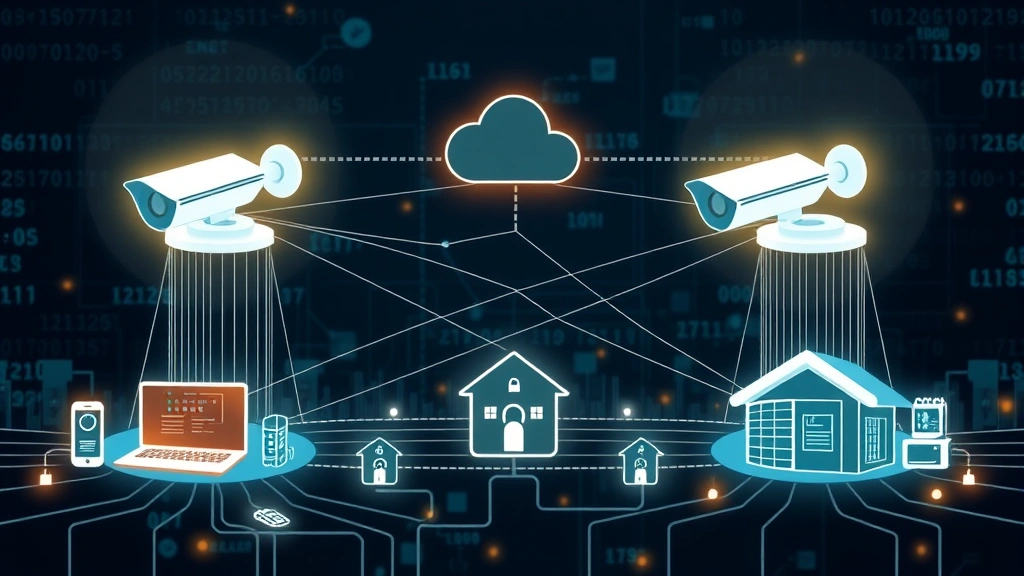
Network Segmentation Support: Premium systems support VLAN (Virtual Local Area Network) isolation, allowing you to segregate camera traffic from your main network. This containment strategy limits lateral movement if a camera is compromised.
Installation Best Practices
Proper installation directly impacts security resilience. Begin by positioning cameras where physical tampering is difficult. Solar panels should be mounted at angles that prevent easy removal while maintaining optimal charging efficiency. Use tamper-evident seals on connection points to detect unauthorized access attempts.
Network configuration requires careful attention. Connect your solar camera system to a dedicated WiFi network separate from devices handling sensitive data like banking or healthcare information. Implement strong WPA3 encryption on your WiFi network—WPA2 is acceptable but less robust against modern attacks.
Change all default passwords immediately upon setup. Create unique, complex credentials exceeding 16 characters with mixed character types. Store credentials in a password manager rather than writing them down or reusing passwords across systems. Review the CISA guidance on strong passwords for additional recommendations.
Disable cloud features if you don’t require them. This eliminates transmission of video to external servers and reduces your attack surface. Many users benefit from local-only operation with periodic manual review of footage.
Enable all available security features including motion detection alerts, night vision, and person detection. Configure these to send notifications to multiple devices, ensuring you’re alerted if the primary receiving device is compromised.
Common Vulnerabilities and Mitigation
Default Credential Exploitation: Thousands of internet-connected cameras remain accessible with factory credentials. Attackers systematically scan for devices using common default username/password combinations. Mitigation: Change credentials immediately and verify the system forces this during setup.
Unencrypted Video Transmission: Older systems may transmit video without encryption, allowing network eavesdropping. Verify your system uses HTTPS/TLS for all communications. Test by monitoring network traffic with tools like Wireshark to confirm encryption is active.
Firmware Vulnerabilities: Solar cameras receive infrequent security updates compared to smartphones or computers. Manufacturers may abandon products after 3-5 years, leaving known vulnerabilities unpatched. Select brands with established track records of supporting products for extended periods.
Cloud Service Breaches: If your camera footage is stored in cloud services, you’re dependent on that provider’s security. Major breaches have exposed millions of security camera feeds. Minimize cloud storage by using local recording and only uploading critical events.
Physical Tampering: Solar panels can be covered, removed, or damaged to disable the system. Install cameras in locations where tampering is visible and difficult. Use mounting hardware that requires tools to remove, creating a deterrent against casual interference.
WiFi Network Compromise: If your home WiFi is breached, attackers gain direct access to cameras on that network. Implement strong WiFi encryption, disable WPS (WiFi Protected Setup), and regularly audit connected devices. Consider creating a separate network specifically for IoT devices.
Denial of Service Attacks: Attackers can flood your camera with network traffic, exhausting battery reserves and preventing legitimate use. Some systems offer rate limiting and DDoS protection—verify these features are enabled in your configuration.
Understanding emerging threat intelligence related to camera systems helps you stay informed about new vulnerabilities affecting your equipment.
Frequently Asked Questions
Are solar security cameras safe from hacking?
Solar cameras are as vulnerable to hacking as any networked device. Safety depends entirely on implementation. Systems with strong encryption, regular updates, unique credentials, and proper network configuration provide excellent protection. Basic systems with poor security practices remain vulnerable regardless of solar capability.
Can solar cameras work without internet?
Yes. Many models support local storage and operation without cloud connectivity. This actually improves security by eliminating external data transmission. You’ll sacrifice remote viewing capabilities but gain privacy and resilience against cloud service outages.
How long do solar camera batteries last?
Quality batteries typically provide 6-12 months between charges in moderate climates with adequate sunlight. Cold climates, heavy cloud cover, and high-usage scenarios reduce this timeframe. Battery capacity directly impacts how long the system operates during extended sunless periods.
What’s the difference between local and cloud storage?
Local storage keeps footage on microSD cards or connected drives under your physical control. Cloud storage transmits footage to external servers managed by the manufacturer. Local storage provides better privacy and resilience but limits remote access. Cloud storage enables access from anywhere but creates third-party data exposure risks.
Do I need professional installation?
Most solar cameras support DIY installation, but professional installation ensures optimal positioning, secure network configuration, and proper credential management. If you’re uncomfortable with network security concepts, professional installation is worth the investment.
How do solar cameras compare to wired systems?
Wired systems provide constant power and typically support higher resolution, but require extensive installation work. Solar systems offer flexibility and easier deployment but depend on battery capacity and sunlight availability. Security features vary by model regardless of power source.
Should I use a VPN with my solar camera?
Using a VPN for remote access to your camera system adds encryption protection, but most modern cameras already implement HTTPS/TLS. A VPN is beneficial if your internet service provider allows traffic inspection or if you access cameras on public WiFi networks.
What firmware update frequency should I expect?
Premium manufacturers release security patches quarterly or when vulnerabilities are discovered. Budget models may receive updates annually or less frequently. Check the manufacturer’s track record before purchasing—this is a strong indicator of long-term security support.


