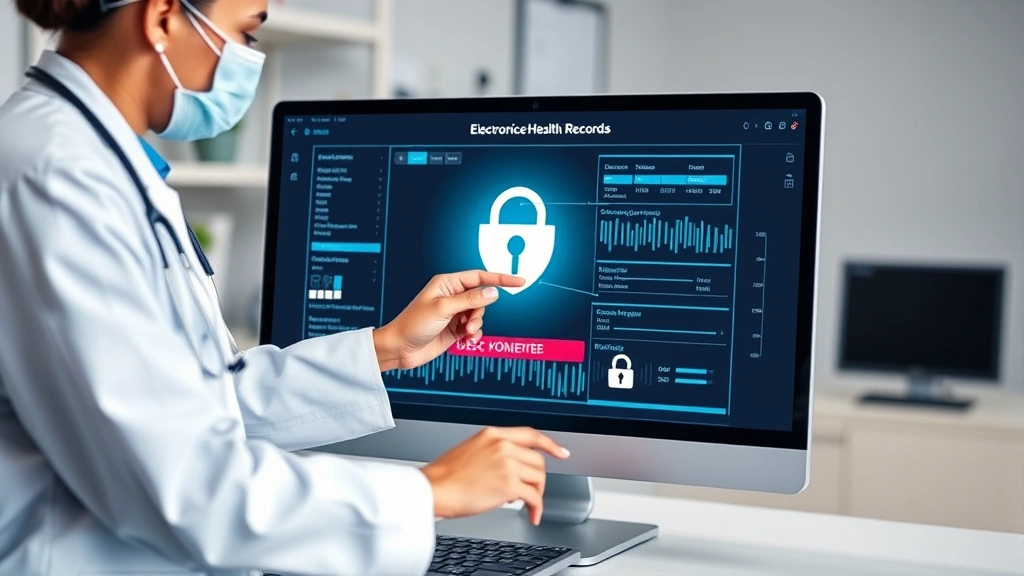
Azalea Health Login: Ensuring Secure Access to Your Healthcare Data
Healthcare organizations handle some of the most sensitive information in existence—patient medical records, insurance details, and personal health identifiers. Azalea Health, a comprehensive healthcare management platform, serves thousands of medical practices and clinics across the United States. Securing access to this system is paramount, as unauthorized breaches could compromise patient privacy and violate critical healthcare regulations like HIPAA. In this guide, we’ll explore everything you need to know about maintaining secure access to your Azalea Health login credentials and protecting your organization’s sensitive healthcare data.
The healthcare industry remains a prime target for cybercriminals, with data breaches increasing year over year. According to recent threat intelligence reports, healthcare organizations experience breaches at rates significantly higher than other sectors. Your Azalea Health login represents a critical access point to protected health information (PHI), making it essential to implement robust security practices at both the individual and organizational levels.
Understanding Azalea Health Security Requirements
Azalea Health operates within a strict regulatory framework designed to protect patient information. HIPAA compliance requirements mandate that all access to healthcare systems be properly authenticated, authorized, and audited. Your organization must understand these requirements to implement appropriate security controls around your Azalea Health login system.
The platform requires user authentication mechanisms that verify identity before granting access to any patient records or sensitive configuration settings. This means your login credentials serve as the first line of defense against unauthorized access. Organizations using Azalea Health must establish clear policies regarding who has access, what data they can view, and how their activities are monitored.
According to CISA (Cybersecurity and Infrastructure Security Agency), healthcare organizations should implement identity and access management controls that align with NIST cybersecurity frameworks. This includes establishing role-based access controls (RBAC) where different staff members receive permissions appropriate to their job functions. A front-desk receptionist, for example, should not have access to detailed clinical notes or billing information beyond what their role requires.
Azalea Health supports integration with enterprise directory services like Active Directory, enabling centralized identity management across your organization. This approach reduces the number of separate passwords staff members must remember and simplifies access revocation when employees leave your organization.
Creating Strong Login Credentials
The foundation of secure access begins with strong, unique credentials. Your Azalea Health login password should follow established best practices for complexity and length. Security experts recommend passwords of at least 12-16 characters containing uppercase letters, lowercase letters, numbers, and special characters.
Avoid common mistakes when creating passwords for your healthcare system access:
- Dictionary words: Never use words found in standard dictionaries, as these are vulnerable to brute-force attacks using specialized password-cracking tools
- Personal information: Don’t incorporate birthdays, anniversaries, or names of family members into your password
- Sequential patterns: Avoid keyboard patterns like “qwerty” or numerical sequences like “123456”
- Reused passwords: Never use the same password across multiple systems, especially for healthcare platforms handling PHI
- Predictable variations: Don’t simply add numbers or special characters to existing passwords you’ve used before
Password managers designed for healthcare environments can help generate and securely store complex passwords. Tools like Bitwarden, 1Password, or LastPass with enterprise features allow your team to maintain strong, unique credentials without writing them down or reusing them across systems. These solutions provide encrypted vaults where passwords are stored locally or in secure cloud environments.
When establishing your secure login practices across your organization, create a password policy that requires regular changes—typically every 60-90 days for healthcare systems. However, avoid forcing excessive password changes, as research shows this leads staff to create weaker passwords or write them down, undermining security.
Multi-Factor Authentication Implementation
Multi-factor authentication (MFA) represents one of the most effective defenses against unauthorized access to your Azalea Health account. Even if someone obtains your password, they cannot access your account without the second authentication factor.
Azalea Health supports several MFA methods:
- Time-based One-Time Passwords (TOTP): Authenticator apps like Google Authenticator, Microsoft Authenticator, or Authy generate six-digit codes that expire after 30 seconds. These work offline and provide strong security without relying on cellular networks
- SMS-based verification: Text messages sent to your registered phone number provide a second verification step, though this method is less secure than TOTP due to SIM-swapping vulnerabilities
- Hardware security keys: Physical devices like YubiKeys or Titan Security Keys provide the highest level of protection against phishing attacks
- Push notifications: Authenticator apps can send push notifications to your mobile device for approval or denial of login attempts
- Biometric authentication: Some implementations support fingerprint or facial recognition when using mobile devices
Organizations should mandate MFA for all staff members accessing patient information through Azalea Health. NIST Special Publication 800-63B emphasizes that MFA should be required for accounts with access to sensitive information. This is not optional for healthcare systems—it’s a critical control.
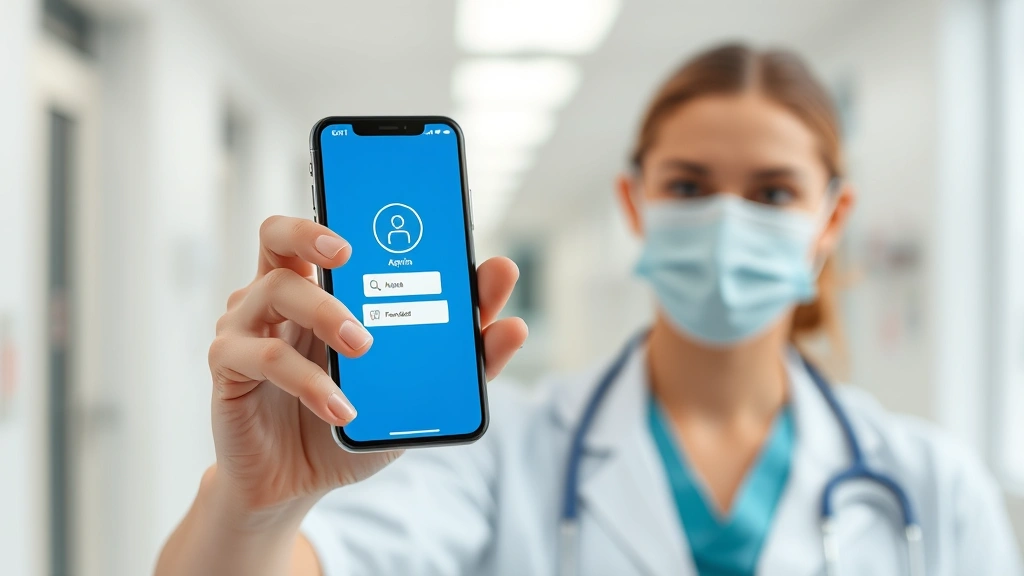
Enable MFA immediately after accessing your Azalea Health account for the first time. Document the recovery codes provided during setup and store them in a secure, separate location. These codes allow account recovery if you lose access to your primary authentication method.
Best Practices for Password Management
Effective password management extends beyond initial creation. Your organization must establish ongoing practices that maintain the security of your Azalea Health login throughout your staff’s tenure.
Implement these password management best practices:
- Regular rotation schedule: Establish a documented schedule for password changes, communicating expectations clearly to all staff
- Change upon access: Require all new hires to change their temporary initial password immediately upon first login
- Never share credentials: Establish a strict policy prohibiting password sharing between staff members. If multiple people need access, create individual accounts for each user
- Secure storage: Never write passwords on sticky notes or store them in unencrypted documents. Use dedicated password management solutions
- Immediate revocation: Remove access immediately when staff members leave your organization or change roles
- Breach response: If you suspect your password has been compromised, change it immediately and notify your IT security team
When implementing secure login procedures across your healthcare organization, create clear documentation that staff can reference. Many security breaches occur not through sophisticated attacks but through simple negligence—leaving systems unlocked, writing passwords down, or sharing credentials to “help out” a colleague.
Your IT team should monitor for suspicious login patterns. Alerts should trigger if someone attempts to access Azalea Health from unusual geographic locations, at unusual times, or from unfamiliar devices. Most modern healthcare platforms support anomaly detection that flags these activities automatically.
Recognizing and Preventing Phishing Attacks
Phishing remains the most common attack vector for compromising healthcare system access. Cybercriminals send emails designed to look like legitimate Azalea Health communications, requesting that staff members “verify” their credentials on a fake login page.
Healthcare staff should learn to recognize phishing attempts targeting your organization:
- Urgent language: Messages claiming your account will be locked or suspended unless you act immediately are typically phishing attempts
- Mismatched URLs: Hover over links to verify they lead to legitimate Azalea Health domains. Phishing links often use domains like “azalea-health-verify.com” or similar variations
- Requests for credentials: Legitimate Azalea Health communications will never request your password via email
- Generic greetings: Real system notifications address you by name; phishing emails often use “Dear User” or similar generic language
- Suspicious attachments: Be cautious of unexpected attachments, especially executable files or documents requesting macro enablement
- Grammar and formatting issues: Many phishing emails contain obvious spelling errors or unusual formatting
Staff should verify suspicious emails by contacting your IT department directly using known contact information, never by replying to the suspicious email. Your organization should provide security awareness training that includes interactive phishing simulations, helping staff develop instinctive recognition of these attacks.
According to FBI Cyber Division reports, healthcare organizations experience phishing attacks at rates three times higher than other industries. This makes ongoing staff education essential for protecting your Azalea Health login credentials.
Secure Network Access Protocols
Your Azalea Health login credentials are only as secure as the network over which you transmit them. Always access Azalea Health through secure, encrypted connections.
Follow these network security practices:
- Use HTTPS only: Verify that Azalea Health connections use HTTPS (indicated by a padlock icon in your browser). Never access the system through unencrypted HTTP
- Avoid public Wi-Fi: Don’t access healthcare systems from public networks, coffee shops, or airports. Use your organization’s secured Wi-Fi or a VPN
- VPN usage: If accessing Azalea Health remotely, use your organization’s corporate VPN to encrypt all traffic between your device and your healthcare facility
- Device security: Only access Azalea Health from devices that are kept up-to-date with security patches and running current antivirus software
- Screen privacy: Be aware of your surroundings when accessing patient information. Position your screen to prevent shoulder surfing
- Session timeouts: Configure automatic logout after periods of inactivity to prevent unauthorized access if you step away from your computer
Your organization should enforce these network policies through technical controls. VPN requirements can be enforced at the network level, blocking Azalea Health access from non-VPN connections. Certificate pinning can prevent man-in-the-middle attacks that attempt to intercept login credentials.
When implementing remote access security measures, ensure your staff understands that healthcare data security is their responsibility. Each person who accesses Azalea Health plays a role in protecting patient privacy.

Regular Security Audits and Compliance
Maintaining secure access to Azalea Health requires ongoing monitoring and regular security assessments. Your organization should conduct quarterly or semi-annual audits of access logs, reviewing who accessed what information and when.
Establish these audit practices:
- Access reviews: Regularly verify that staff members still need their current access levels. Remove access for people who have changed roles or left the organization
- Privileged account monitoring: Staff with administrative access to Azalea Health require enhanced monitoring. Log all their activities and review logs for suspicious behavior
- Login pattern analysis: Look for unusual access times, locations, or volumes of data access that might indicate compromise
- Failed login attempts: Review logs of failed login attempts. Multiple failed attempts might indicate someone trying to guess passwords
- Compliance documentation: Maintain records of your security practices and audit results to demonstrate HIPAA compliance to regulators and auditors
Work with your Azalea Health system administrator to configure detailed logging of all access. These logs should capture username, timestamp, IP address, and what data was accessed. Retain logs for at least one year, as required by HIPAA regulations.
Your organization should conduct annual security risk assessments that specifically evaluate the security of your Azalea Health implementation. This might include penetration testing, vulnerability scanning, or third-party security audits. Healthcare IT security firms specialize in assessing healthcare system security and can provide expert guidance on strengthening your access controls.
Consider implementing Security Information and Event Management (SIEM) solutions that aggregate logs from Azalea Health and other systems, automatically detecting suspicious patterns that manual review might miss. These tools can alert your security team in real-time when unusual activity occurs.
Frequently Asked Questions
What should I do if I forget my Azalea Health password?
Most organizations have a self-service password reset feature accessible from the Azalea Health login page. You’ll typically need to verify your identity by answering security questions or confirming your email address. If your organization doesn’t offer self-service reset, contact your IT department or Azalea Health administrator. Never share your password with colleagues who might reset it for you, as this compromises security.
Can I use the same password I use for other systems?
Absolutely not. Healthcare systems like Azalea Health handle sensitive patient information and must have unique, strong passwords. If you use the same password across multiple systems and one system is breached, attackers can access all your accounts. Each system should have a distinct, complex password managed through a secure password manager.
How often should I change my Azalea Health password?
Most healthcare organizations require password changes every 60-90 days, following NIST guidelines. However, if you suspect your password has been compromised, change it immediately. Don’t wait for your scheduled change date. Your organization’s security policy should specify the exact requirements for your environment.
What is multi-factor authentication and why is it necessary?
Multi-factor authentication requires two or more forms of verification before granting access—typically something you know (password) and something you have (authenticator app or security key) or something you are (biometric data). MFA prevents unauthorized access even if someone obtains your password. It’s essential for healthcare systems because the consequences of unauthorized access to patient data are severe.
What should I do if I suspect my login credentials have been compromised?
Change your password immediately using a secure device and connection. Notify your IT security team and your organization’s HIPAA compliance officer. They may need to review access logs to determine if unauthorized access occurred. If patient data was accessed, your organization has legal obligations to notify affected patients and regulatory authorities.
Is it safe to access Azalea Health from my personal mobile device?
Only if your personal device meets your organization’s security requirements: current operating system updates, password protection, antivirus software, and VPN usage. Many healthcare organizations require Mobile Device Management (MDM) enrollment for any device accessing patient information. Check your organization’s mobile device policy before accessing Azalea Health from personal devices.
What happens when I leave my job?
Your organization should immediately disable your Azalea Health account on your last day of employment. Your IT team will revoke all access credentials and ensure you cannot log in. This is critical for preventing former employees from accessing patient data after they leave. Proper offboarding procedures are essential for maintaining healthcare data security.


