Beating ATL Security: Frequent Flyer Insights for Hartsfield Airport Security Lines
Atlanta Hartsfield-Jackson International Airport (ATL) stands as one of the world’s busiest aviation hubs, processing millions of passengers annually through its security checkpoints. For frequent flyers and business travelers, navigating the Transportation Security Administration (TSA) screening process efficiently has become essential to maintaining schedules and reducing airport stress. Understanding the operational patterns, technology implementations, and strategic timing at ATL can significantly improve your airport experience while maintaining the highest security standards.
Security screening at major airports like Hartsfield represents a critical intersection of cybersecurity infrastructure, biometric systems, and data protection protocols. As travelers become more digitally connected, the systems managing airport security face increasingly sophisticated threats. This comprehensive guide explores how to navigate ATL’s security landscape efficiently while remaining aware of the digital security measures protecting your personal information throughout the screening process.
Understanding ATL’s Security Infrastructure
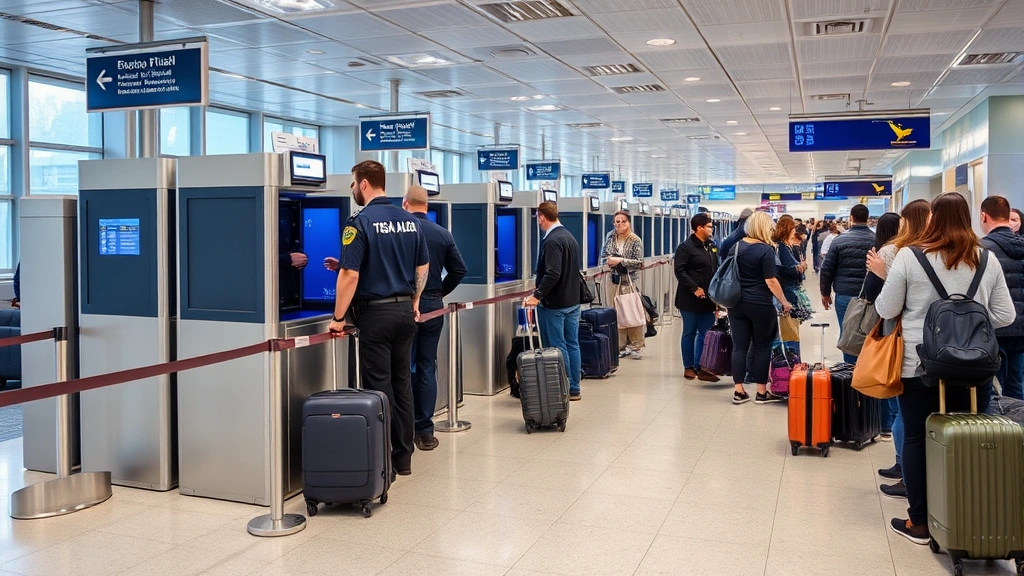
Hartsfield-Jackson International Airport operates one of the most technologically advanced security ecosystems in North America. The airport manages approximately 275,000 passengers daily across its terminals, requiring sophisticated checkpoint management systems that balance security effectiveness with operational efficiency. The TSA operates multiple screening lanes equipped with advanced imaging technology, explosive detection systems, and credential verification hardware.
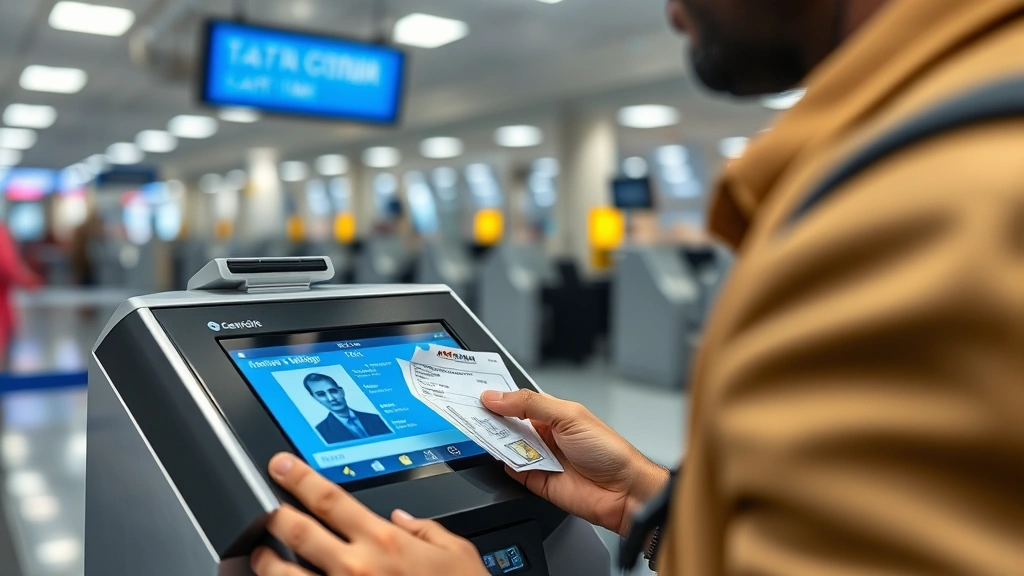
The airport’s security architecture integrates several interconnected systems: credential authentication technology (CAT) units verify traveler documents, advanced imaging technology (AIT) scanners detect prohibited items, and explosive trace detection (ETD) equipment screens for threats. These systems communicate through networked databases that store traveler information, flight schedules, and security clearance status. Understanding how these systems operate helps travelers prepare appropriately and move through checkpoints efficiently.
ATL’s checkpoints feature different operational configurations depending on terminal location and time of day. The airport maintains primary security checkpoints in each concourse, with secondary screening areas positioned strategically to handle overflow during peak travel periods. The Transportation Security Administration continuously updates screening procedures based on emerging threat intelligence and operational data analysis.
TSA PreCheck and Expedited Screening Programs
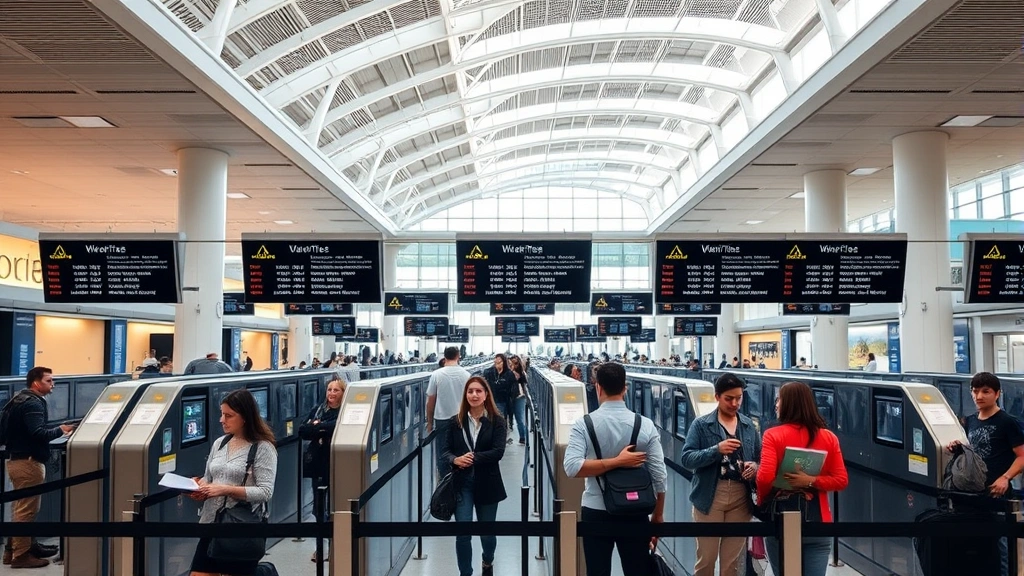
TSA PreCheck membership represents the most accessible expedited screening program available to frequent travelers at ATL. The program requires passing a background investigation and biometric processing, resulting in membership that permits expedited screening at over 200 U.S. airports including all Hartsfield checkpoints. PreCheck members maintain separate screening lanes featuring less stringent carry-on restrictions and streamlined procedures that typically reduce screening time by 50-70%.
Beyond standard PreCheck, ATL offers access to additional trusted traveler programs including Global Entry and NEXUS, which provide reciprocal PreCheck benefits alongside international expedited processing. Enrollment in these programs requires more extensive background vetting but delivers comparable security line advantages. The investment in program membership typically pays dividends within 2-3 trips for frequent flyers.
The biometric data collected during enrollment—fingerprints, photographs, and facial recognition information—undergoes secure processing through TSA systems. This data storage and handling follows NIST cybersecurity guidelines to protect traveler privacy while enabling rapid identity verification at checkpoints. Understanding these privacy protections provides assurance that enrollment represents a secure investment in travel convenience.
Peak Hours and Strategic Timing
ATL experiences predictable traffic patterns that frequent travelers can exploit strategically. Early morning hours (5:00 AM – 7:00 AM) typically feature shorter security lines as the airport handles overnight international arrivals and early business travelers. Mid-morning periods (10:00 AM – 12:00 PM) present moderate congestion, while afternoon hours (2:00 PM – 5:00 PM) experience peak traffic volumes. Evening hours (6:00 PM – 9:00 PM) show renewed congestion during business traveler departures.
Day-of-week patterns significantly impact security line lengths. Monday through Thursday mornings generally feature consistent moderate traffic, while Friday afternoons and weekend mornings experience substantial congestion. Holiday periods and summer travel seasons create extended peak periods requiring additional buffer time. The TSA website provides real-time security wait time information for ATL checkpoints, enabling travelers to time their airport arrival strategically.
Terminal-specific variations also influence checkpoint efficiency. Domestic terminals typically process higher volumes than international terminals, creating differential wait times. Travelers with flexibility can choose less-congested checkpoints or alternative terminals when permitted by their airline routing.
Digital Security Considerations for Air Travel
Modern air travel integrates numerous digital touchpoints where your personal information transmits across networked systems. From initial flight booking through airport security screening and boarding, your data passes through multiple databases and checkpoint verification systems. Understanding the cybersecurity landscape protecting this information helps you make informed decisions about digital security during travel.
The systems managing airport security operate on networks that require robust protection against cyber threats. TSA checkpoint computers communicate with federal databases containing traveler information, flight manifests, and security clearance status. These networks utilize encryption protocols and access controls to prevent unauthorized data access. However, travelers should remain vigilant about protecting their own digital information throughout the airport experience.
Personal devices present the most significant security risk during airport travel. Airport WiFi networks, while convenient, often lack encryption protections making them vulnerable to data interception. Travelers should avoid accessing sensitive financial or personal accounts on airport networks. The Cybersecurity and Infrastructure Security Agency (CISA) recommends using virtual private networks (VPNs) when accessing internet services in public locations like airports.
Mobile Applications and Checkpoint Technology
TSA has deployed mobile technologies that streamline the checkpoint experience while introducing new security verification capabilities. The TSA mobile application enables travelers to upload identification documents for digital verification, reducing physical document handling at checkpoints. Digital identification systems integrate facial recognition technology that verifies traveler identity against document photographs, reducing processing time while maintaining security effectiveness.
The Mobile Driver’s License (mDL) initiative, currently available in select states, permits travelers to present digital identity credentials at checkpoints instead of physical documents. This technology encrypts identity information on mobile devices and transmits it securely to TSA verification systems. Adopting mDL technology reduces document fraud risks while accelerating checkpoint processing.
However, these digital conveniences introduce new privacy considerations. Facial recognition data, biometric information, and identity credentials transmitted through mobile applications require stringent protection against unauthorized access. Travelers should understand what information these applications collect and how it’s stored. The Electronic Frontier Foundation provides detailed analysis of privacy implications associated with airport biometric systems.
When using TSA checkpoint applications and services, travelers should verify they’re accessing legitimate TSA platforms. Fraudulent applications mimicking official TSA services could collect sensitive information for malicious purposes. Always download applications directly from official app stores and verify the publisher as the actual TSA organization.
Biometric Systems and Privacy Protection
Biometric screening at ATL utilizes facial recognition technology that compares your physical appearance against identity documents and government databases. This technology enables rapid identity verification without extensive manual document inspection. The biometric systems deployed at Hartsfield capture facial images that immediately undergo encryption and processing through secure federal networks.
The privacy framework governing airport biometric systems establishes strict data handling requirements. Facial images captured for checkpoint verification undergo temporary processing and deletion according to federal retention schedules. Data storage locations, access controls, and encryption standards follow guidelines established by the Department of Homeland Security and the TSA. However, travelers should understand that biometric data, once collected, enters government databases that may retain information beyond immediate checkpoint needs.
Privacy advocates raise legitimate concerns about the scope and duration of biometric data retention. Some travelers prefer to decline biometric screening when possible, though this typically requires additional manual verification that delays checkpoint processing. Requesting manual verification remains a traveler right, though privacy rights organizations continue advocating for stronger biometric data protections.
Understanding your privacy rights during airport security screening empowers you to make informed choices about biometric participation. The TSA maintains official documentation regarding biometric data handling, retention schedules, and traveler rights. Reviewing this information before travel enables you to navigate biometric systems with full awareness of privacy implications.
Preparing for Smooth Security Passage
Efficient checkpoint navigation begins before arriving at the airport. Preparing appropriate documentation, understanding current TSA regulations, and organizing carry-on items reduces processing time and minimizes security delays. TSA maintains updated guidance regarding prohibited items, liquid restrictions, and equipment rules that change periodically based on threat assessments and operational experience.
Documentation preparation should include verifying that your identification document remains valid and matches your airline reservation exactly. Name discrepancies between reservations and identification cause checkpoint delays requiring manual verification. If your name appears differently on documents (maiden names, middle initials), contact your airline to ensure reservations match your government-issued identification precisely.
Carry-on organization significantly impacts checkpoint processing speed. Remove laptops, tablets, and large electronics before reaching the scanning queue. Place liquids in a single quart-sized clear bag positioned at the top of your carry-on for easy access. Wear shoes and clothing that permit rapid removal if needed. Remove metal items including belts, watches, and jewelry before approaching the scanner. These simple preparations often reduce checkpoint processing time by 5-10 minutes, particularly during peak periods.
Understanding what checkpoint screeners seek helps you prepare appropriately. TSA focuses on identifying prohibited weapons, explosives, and items that could pose aviation security risks. Modern screening technology detects organic and inorganic materials, enabling screeners to identify threats efficiently. Cooperating fully with screener requests and following instructions accelerates the verification process.
For international travelers, additional documentation requirements include valid passports and any required visas. Customs and Border Protection (CBP) operates separate screening procedures for international arrivals, distinct from TSA security screening. Understanding these parallel processes prevents confusion and unnecessary delays when traveling internationally through ATL.
Arriving at appropriate times represents the most effective strategy for navigating ATL security efficiently. TSA recommends arriving 2 hours before domestic flights and 3 hours before international departures. However, during peak periods or with substantial carry-on baggage, arriving earlier provides additional security margin. Using real-time wait time information enables you to adjust arrival timing based on current checkpoint conditions.
FAQ
What documents do I need for TSA screening at ATL?
All passengers require valid government-issued photo identification such as a driver’s license, passport, or state-issued ID. For international flights, a valid passport is mandatory. Military personnel may present military ID, and individuals with enhanced driver’s licenses benefit from expedited processing. Ensure your identification matches your airline reservation exactly to avoid verification delays.
Can I bring electronics through ATL security checkpoints?
Yes, electronics including laptops, tablets, and cameras are permitted through security screening. However, TSA requires removing larger electronics from carry-on bags for separate x-ray scanning. Portable chargers with lithium batteries have specific restrictions regarding quantity and capacity. Check TSA guidelines for your specific devices before packing.
How does facial recognition at ATL security checkpoints work?
TSA checkpoint facial recognition systems capture your facial image and compare it against your identification document photograph and government databases. The process occurs automatically during standard checkpoint screening and typically completes within seconds. Your facial image undergoes encryption and follows federal retention guidelines. You may request manual verification instead of biometric screening, though this typically requires additional processing time.
What is the best time to navigate ATL security with minimal wait times?
Early morning hours (5:00 AM – 7:00 AM) and mid-morning periods (10:00 AM – 12:00 PM) generally feature shorter security lines. Avoid afternoon peak periods (2:00 PM – 5:00 PM) when possible. Check TSA real-time wait time information for current conditions. Monday through Thursday mornings typically feature more consistent traffic than weekends and Fridays.
Does TSA PreCheck membership guarantee expedited screening at ATL?
TSA PreCheck membership provides access to dedicated expedited screening lanes at all ATL checkpoints, but does not guarantee specific processing times. PreCheck lanes typically operate faster than standard lanes, but high-volume periods may still involve wait times. PreCheck benefits most significantly during peak travel periods when standard lanes experience substantial congestion.
What cybersecurity risks should I consider during airport travel?
Airport WiFi networks typically lack encryption, making them vulnerable to data interception. Avoid accessing sensitive financial accounts or personal information on airport networks. Use virtual private networks (VPNs) if internet access is necessary. Be cautious of fraudulent mobile applications mimicking official TSA services. Download applications only from official app stores and verify publisher information.
Can I decline biometric screening at TSA checkpoints?
Yes, travelers may request manual verification instead of biometric screening. However, declining biometric screening typically requires additional manual document inspection and verification procedures that extend checkpoint processing time. You maintain the right to decline biometric participation, though this choice generally results in longer security screening duration.


