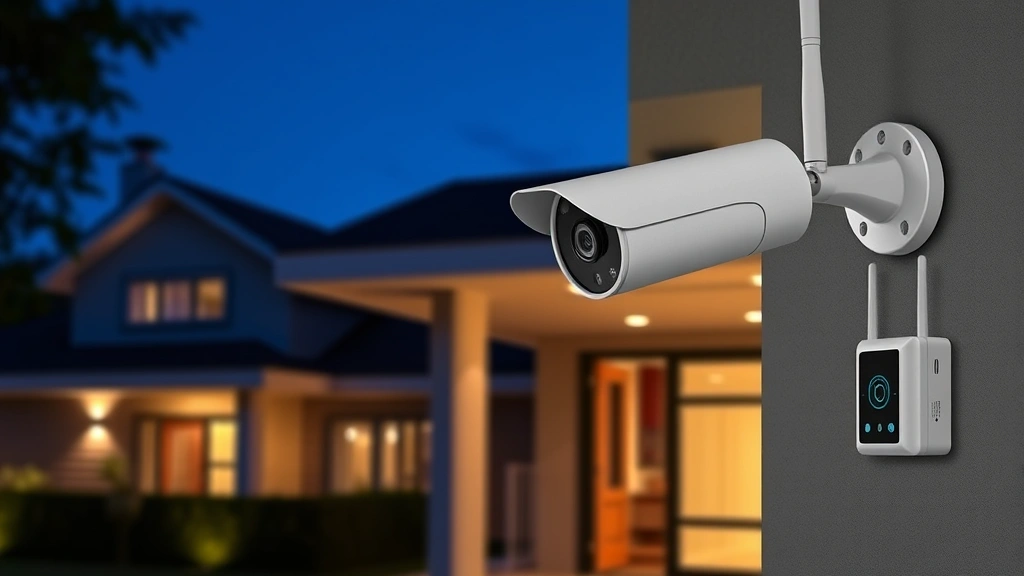
Arlo Pro 4 Review: Expert Security Insights for Modern Home Protection
The Arlo Pro 4 represents a significant advancement in residential security camera technology, combining sophisticated threat detection with user-friendly deployment. As cyber threats continue to evolve, understanding the security implications of smart home devices becomes increasingly critical for homeowners seeking comprehensive protection. This review examines the Arlo Pro 4 through a cybersecurity lens, analyzing its encryption protocols, data handling practices, and vulnerability landscape.
Home security systems serve as the first line of defense against physical intrusions, yet they simultaneously introduce new digital vulnerabilities. The Arlo Pro 4 addresses many concerns through hardware-level security features and cloud-based infrastructure, though users must understand both capabilities and limitations. Our expert analysis covers technical specifications, threat mitigation strategies, and best practices for secure deployment in your residential network.
Hardware Architecture and Physical Security Design
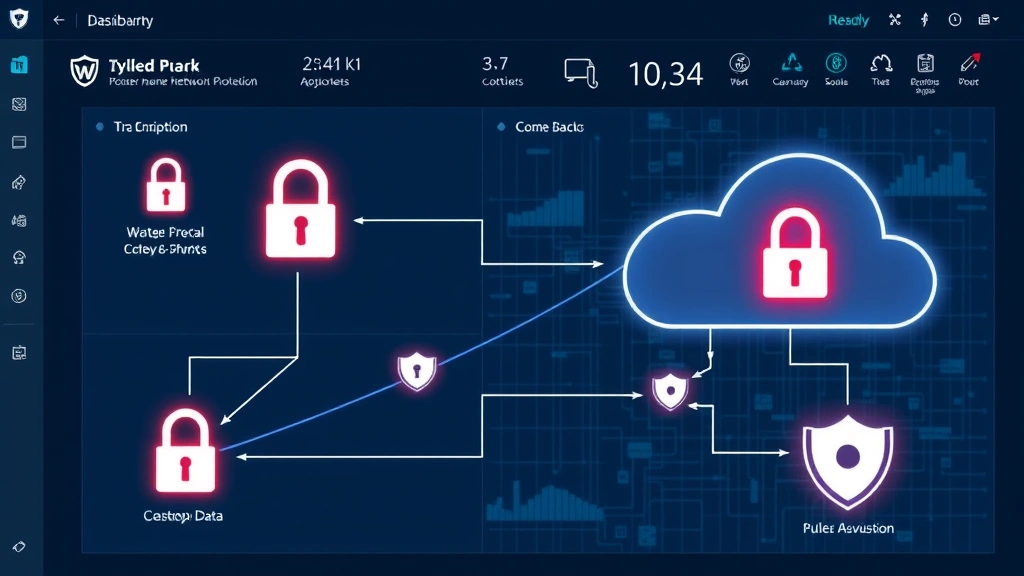
The Arlo Pro 4 employs a distributed architecture consisting of a base station hub and wireless camera units, each with distinct security responsibilities. The base station functions as the primary network gateway, managing local processing, encryption key storage, and communication protocols between cameras and cloud services. This design choice offers both advantages and considerations from a security perspective.
The camera units feature integrated processors capable of edge computing—performing threat analysis locally before transmitting data to cloud infrastructure. This approach reduces bandwidth requirements and minimizes exposure of raw video feeds during transmission. Each camera contains tamper-detection mechanisms that alert users to physical interference, a critical feature for detecting unauthorized access attempts. The weatherproof construction utilizes sealed components, reducing exposure to environmental contaminants that could compromise internal circuitry.
Battery-powered camera units in the Pro 4 lineup include secure boot mechanisms that verify firmware integrity before execution. This prevents attackers from installing malicious code during device startup. The base station incorporates hardware security modules for cryptographic operations, ensuring encryption keys never exist in unprotected memory. Understanding these physical design elements helps users appreciate the layered security approach implemented throughout the system.
Encryption Standards and Data Protection Mechanisms
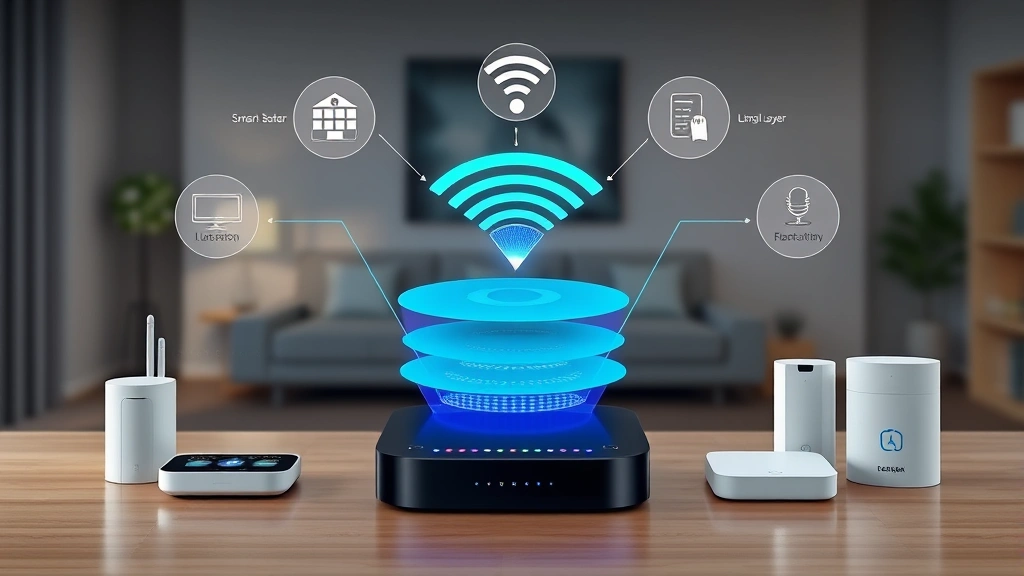
The Arlo Pro 4 implements AES-256 encryption for video data transmission and storage, meeting industry standards established by NIST guidelines for sensitive information protection. This military-grade encryption ensures that even if network traffic is intercepted, video content remains unreadable without proper decryption keys. The system employs TLS 1.2 for all cloud communications, protecting authentication credentials and session tokens from man-in-the-middle attacks.
End-to-end encryption features allow users to maintain exclusive control over decryption keys, preventing even Arlo personnel from accessing unencrypted video content. This privacy-preserving architecture represents a significant security advantage, particularly for users concerned about unauthorized surveillance. The implementation separates encryption keys from video data storage, ensuring that key compromise doesn’t automatically expose historical footage.
Local storage encryption on the base station protects recorded video from physical theft or unauthorized device access. When base stations are compromised physically, encrypted data remains protected from forensic extraction. Cloud storage employs redundant encryption with key rotation policies, limiting the window of vulnerability if encryption keys are discovered. Users should enable two-factor authentication on their Arlo accounts to prevent unauthorized access to stored video and system settings.
Network Connectivity and Wireless Security
The Arlo Pro 4 communicates via WiFi 5 (802.11ac) protocol, supporting WPA3 encryption on compatible networks. WPA3 represents the latest WiFi security standard, providing protection against brute-force attacks and dictionary attacks that could compromise network access. However, compatibility depends on router support—users with older equipment may operate on WPA2, which remains secure but offers less advanced protections.
The base station acts as a security gateway, filtering traffic between cameras and external networks. This architecture prevents direct internet access to cameras, requiring all remote connections to route through authenticated cloud services. Such design reduces attack surface by eliminating publicly accessible entry points on the camera devices themselves. Network segmentation practices should isolate IoT devices on separate networks from sensitive computing systems, reducing lateral movement risks if compromise occurs.
Mesh network capabilities in Arlo Pro 4 deployments allow multiple base stations to create redundant communication paths. While improving reliability, mesh networks introduce additional security considerations—each node becomes a potential attack target. Users should ensure all base stations receive identical security updates and employ consistent authentication credentials. Disabling WiFi Protected Setup (WPS) on connected networks eliminates a known attack vector targeting WiFi credentials.
The wireless protocol implements frequency hopping and channel rotation, making it difficult for attackers to jam or intercept communications. Real-time video feeds utilize adaptive bitrate streaming, automatically adjusting quality based on available bandwidth while maintaining encryption integrity. This prevents attackers from inferring network conditions or device status through traffic analysis.
Cloud Infrastructure and Remote Access Security
Arlo’s cloud infrastructure utilizes geographically distributed data centers with redundant security controls. Video data transits through content delivery networks (CDNs) designed to resist distributed denial-of-service (DDoS) attacks, ensuring service availability during coordinated attack attempts. The cloud platform implements rate limiting on authentication attempts, preventing brute-force attacks against user accounts.
Account security relies on strong password policies and optional two-factor authentication via authenticator applications or SMS. While SMS-based authentication offers convenience, authenticator apps provide superior security against SIM-swap attacks targeting mobile numbers. Users should enable two-factor authentication immediately upon account creation, as this single measure prevents approximately 99.9% of account compromise attempts.
Session management implements automatic timeout mechanisms, logging out users after extended inactivity periods. This reduces the window of vulnerability if a user’s device is physically compromised or left unattended. Concurrent session limits prevent attackers from maintaining persistent access after gaining credentials, as legitimate user login automatically terminates previous sessions.
The cloud platform separates authentication, authorization, and encryption key management across distinct systems. This compartmentalization ensures that compromising one system doesn’t automatically grant access to others. Arlo publishes a CISA-aligned vulnerability disclosure policy, encouraging security researchers to report issues responsibly rather than exploiting them publicly.
Vulnerability Management and Firmware Updates
The Arlo Pro 4 receives regular firmware updates addressing security vulnerabilities, performance improvements, and feature enhancements. Automatic update capabilities ensure devices remain protected against newly discovered threats without requiring manual intervention. Users should verify that automatic updates are enabled in their account settings, as this represents the most reliable method for maintaining security posture.
The update process includes integrity verification, ensuring firmware files haven’t been modified during transmission. Cryptographic signatures confirm that updates originate from legitimate Arlo sources, preventing installation of malicious code disguised as security patches. Staged rollout procedures allow Arlo to identify compatibility issues before deploying updates to all users simultaneously.
Security researchers regularly discover vulnerabilities in smart home devices, and Arlo maintains a responsible disclosure program for reporting issues. The CISA security advisories occasionally reference Arlo products, with detailed mitigation guidance. Users should monitor security news sources and Arlo’s official channels for critical vulnerability announcements.
Firmware update history should be reviewed periodically to understand what security patches have been applied. Users can access update logs through their Arlo account portal, verifying that devices remain current with the latest releases. If a device fails to update automatically, manual update options are available through the mobile application or web interface.
Integration Risks Within Smart Home Ecosystems
The Arlo Pro 4 integrates with popular smart home platforms including Amazon Alexa, Google Assistant, and Apple HomeKit. These integrations introduce additional security considerations, as they create new pathways for unauthorized access if smart home hub accounts are compromised. Users should implement strong authentication on all smart home platforms and enable two-factor authentication where available.
Voice control features allow users to arm/disarm systems and view live feeds through smart speakers. However, voice authentication lacks the security properties of credential-based authentication, making it vulnerable to voice spoofing and unauthorized commands. Disabling voice control for security-critical functions (like disarming systems) reduces risk while maintaining convenience for non-sensitive operations.
Smart home automations that trigger based on camera events create potential security loops. For example, automatically unlocking doors when motion is detected could be exploited by attackers who trigger camera events remotely. Users should carefully evaluate automation rules, ensuring they don’t create unintended access pathways. Testing automation logic with controlled triggers helps identify and eliminate dangerous scenarios before deployment.
Third-party integrations through IFTTT (If This Then That) and similar platforms should be evaluated for security implications. Each integration grants permissions to external services, potentially exposing camera feeds or system status to unvetted applications. Users should review active integrations periodically, removing any that are no longer necessary or from sources no longer trusted.
Best Practices for Secure Deployment
Implementing the Arlo Pro 4 securely requires attention to multiple layers of protection, starting with network infrastructure. Place the base station on a network segment separate from computers containing sensitive data, reducing lateral movement risks if the security system is compromised. Configure router firewall rules to restrict outbound connections from the base station to only necessary cloud endpoints, preventing data exfiltration through unexpected channels.
Password management practices directly impact account security. Users should generate unique, complex passwords for their Arlo accounts, avoiding passwords reused across multiple services. Password managers like Bitwarden, 1Password, or KeePass help maintain strong, unique credentials without requiring memorization. If an external service is breached and passwords are exposed, accounts protected by unique passwords remain secure.
Regular security audits of your Arlo deployment should occur quarterly, reviewing connected devices, active integrations, and account permissions. Remove devices from your account if they’re no longer in use, as inactive cameras still represent potential attack vectors. Disable integrations with third-party services that are no longer necessary, reducing the number of systems that could potentially expose your security camera feeds.
Monitoring account activity through login history and device access logs helps detect unauthorized access attempts. Most account compromises are discovered through unusual login locations or times. Setting up alerts for login activities from unfamiliar locations provides early warning of potential account takeover attempts.
Physical security considerations complement digital protections. Position cameras to prevent attackers from physically blocking lenses or disconnecting power supplies. Use weatherproof housing for outdoor units to prevent environmental damage that could create security vulnerabilities. Ensure base stations are placed in secure locations where unauthorized individuals cannot access them, as physical access to these devices could compromise encryption keys.
Backup power supplies for base stations ensure continued operation during power outages, maintaining security coverage when attackers might attempt intrusions. Uninterruptible power supplies (UPS) with sufficient capacity to sustain base station operation for several hours provide adequate protection. Testing backup power systems monthly ensures they function reliably when needed.
Educate household members about security practices related to the Arlo system. Family members should understand the importance of strong passwords, recognize social engineering attempts targeting security system access, and report suspicious activities. Regular security awareness discussions help maintain a security-conscious household culture.
Consider privacy implications of continuous video recording, particularly in bedrooms or bathrooms. Establish household policies about camera placement and recording practices, ensuring compliance with local privacy laws and regulations. Some jurisdictions restrict audio recording or require consent from individuals appearing in video feeds, making legal compliance essential.
FAQ
Does the Arlo Pro 4 store video footage on local servers or cloud systems?
The Arlo Pro 4 supports both local and cloud storage options. Local storage through the base station provides privacy benefits, keeping video data on your network rather than external servers. Cloud storage offers convenience and redundancy, protecting footage even if the base station is damaged or stolen. Users can configure which videos are stored locally versus in the cloud, balancing privacy and convenience preferences.
What should I do if I suspect my Arlo account has been compromised?
Immediately change your password to a strong, unique credential. Review your account activity logs for unauthorized login attempts or device additions. Enable two-factor authentication if not already active. Check integrations with third-party services and remove any that seem unfamiliar. Consider enabling login alerts to receive notifications of future access attempts. If you suspect data has been accessed, contact Arlo support for assistance with account recovery and security investigation.
How often does Arlo release security updates?
Arlo releases security updates as vulnerabilities are discovered and fixed, typically on a monthly or quarterly schedule depending on issue severity. Critical vulnerabilities may receive expedited patches released outside normal schedules. Users should enable automatic updates to ensure their devices receive patches promptly without manual intervention.
Can I use the Arlo Pro 4 without connecting to the internet?
The Arlo Pro 4 requires internet connectivity for cloud features like remote viewing and notifications. However, local recording and on-network access through the base station can function without internet for limited periods. Internet connectivity is necessary for firmware updates, account management, and most practical use cases. For enhanced privacy, users can disable cloud features and rely solely on local storage, though this limits functionality significantly.
What encryption methods does Arlo Pro 4 use?
The Arlo Pro 4 implements AES-256 encryption for video data and TLS 1.2 for cloud communications. End-to-end encryption options allow users to maintain exclusive control over decryption keys. All authentication credentials and session tokens are encrypted during transmission. The system supports WPA3 WiFi encryption on compatible networks, providing advanced wireless security.
How do I prevent unauthorized access to my Arlo camera feeds?
Enable two-factor authentication on your Arlo account immediately. Use a strong, unique password not reused across other services. Review account permissions and integrations regularly, removing unnecessary third-party access. Monitor login activity for suspicious locations or times. Keep firmware updated to receive security patches promptly. Consider disabling remote access features if you only need local network viewing capabilities.
Is the Arlo Pro 4 vulnerable to hacking?
Like all internet-connected devices, the Arlo Pro 4 could theoretically be targeted by attackers. However, the system implements multiple security layers including encryption, authentication, firmware integrity verification, and secure update mechanisms. The risk of successful compromise is significantly reduced when users follow security best practices like enabling two-factor authentication and maintaining current firmware. No device is completely immune to attack, but Arlo’s architecture minimizes practical attack vectors.
Can I access my Arlo system if my internet connection goes down?
Local network access through the base station continues functioning during internet outages, allowing viewing of cameras and system status through your home network. Cloud features like remote viewing, notifications, and cloud recording become unavailable without internet connectivity. Local storage continues recording footage during outages, protecting video data until connectivity is restored.


