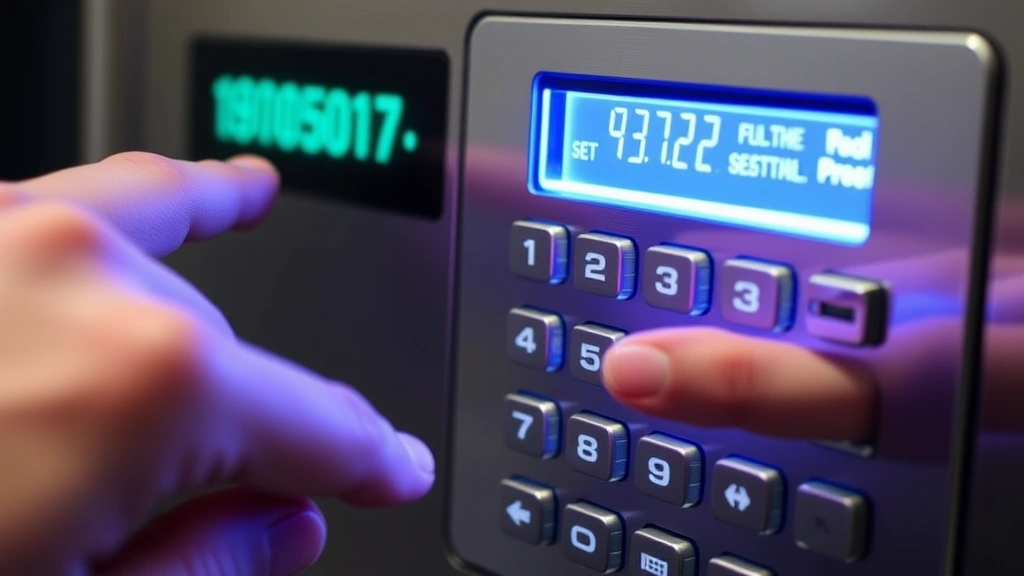
ADT Security Keypad: Expert Usage and Tips
The ADT security keypad serves as the primary interface between you and your home or business security system. Whether you’re arming your system before leaving for work, disarming it upon arrival, or managing emergency situations, understanding how to properly use your ADT security keypad is essential for maintaining comprehensive protection. This device represents the first line of interaction with your security infrastructure, making proficiency with its features not just convenient but critical for your safety.
Modern ADT security keypads have evolved significantly from simple numeric entry devices. Today’s models integrate advanced technology, customizable access codes, emergency alert functions, and real-time system status monitoring. Mastering these capabilities ensures you can respond quickly to security events while preventing accidental false alarms that can result in costly emergency response fees. This comprehensive guide walks you through everything from basic operation to advanced features that maximize your security investment.
Understanding Your ADT Security Keypad Basics
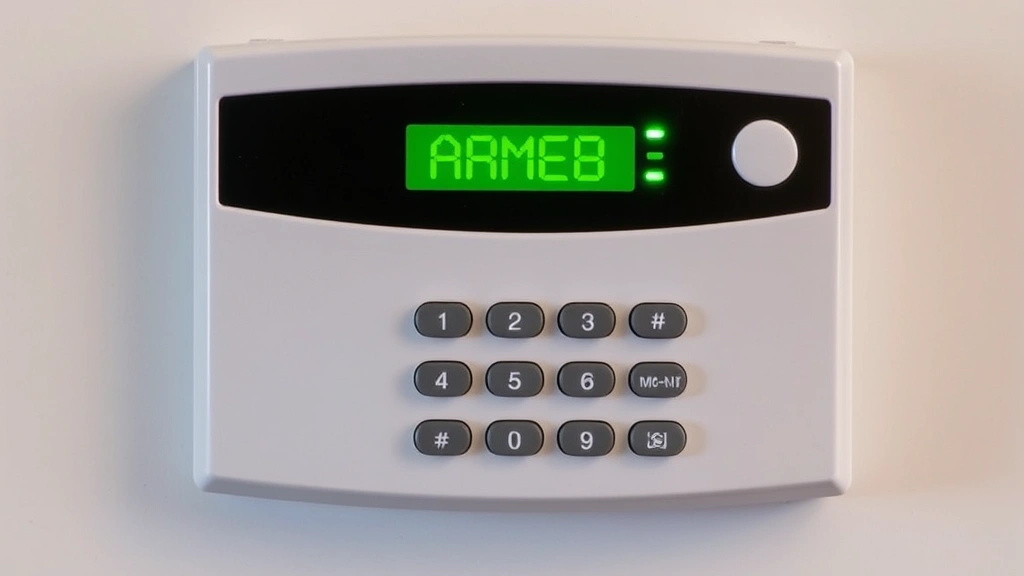
Your ADT security keypad displays vital information about your system’s status through a combination of lights, sounds, and text messages. The display screen shows whether your system is armed or disarmed, which sensors are active, battery status, and any alerts requiring attention. Understanding these indicators prevents confusion during critical moments and helps you identify potential issues before they compromise your security.
The keypad typically features a numeric keypad (0-9), function buttons for arming and disarming, and emergency buttons. Different button colors serve specific purposes: green buttons usually indicate normal functions, red buttons trigger emergency responses, and amber or yellow lights signal warnings or system faults. Familiarizing yourself with your specific keypad model ensures you can operate it instinctively, even in stressful situations.
Most ADT keypads use backlit displays that remain visible in low-light conditions, essential for nighttime operation. The speaker provides audio feedback for button presses and system notifications, while the system produces distinct chimes or beeps to indicate different states. Learning what each sound means—entry delay beeps, armed confirmation tones, or alarm activation sounds—helps you maintain situational awareness of your security system’s status at all times.
Master Code Setup and User Code Management
The master code is your primary administrative access to the ADT security keypad and system settings. During initial installation, ADT technicians typically establish a default master code, but you should immediately change this to a unique, complex code known only to you. Your master code controls all system programming, user code creation, and access to advanced features, making it the most sensitive credential in your security setup.
When creating your master code, avoid obvious patterns like sequential numbers (1234), birthdates, anniversaries, or other personally identifiable information. Instead, use a random combination of at least 6-8 digits that combines numbers in unpredictable patterns. Store this code securely—never write it on the keypad or nearby surfaces, and avoid sharing it with anyone unless absolutely necessary for system administration purposes.
User codes differ from your master code and provide controlled access to specific individuals. You can create unique codes for family members, employees, contractors, or service personnel, each with customizable permissions. Some user codes might allow full system control, while others might only permit disarming or emergency functions. This granular access control means you maintain security even when multiple people need legitimate system interaction.
The Cybersecurity and Infrastructure Security Agency (CISA) recommends treating physical security codes with the same rigor as digital passwords. Regularly audit your user codes and immediately delete codes for individuals who no longer need access. Many security breaches occur not through sophisticated attacks but through forgotten codes remaining active long after personnel changes, making code hygiene essential to your overall security posture.
Arming and Disarming Your System
Arming your ADT security system through the keypad activates all sensors and prepares your property for monitoring. Most systems offer multiple arming modes: Away mode activates all sensors when you leave, while Stay mode keeps perimeter sensors active while allowing interior movement. Night mode typically activates perimeter and glass-break sensors while keeping interior motion detectors inactive, perfect for sleeping without false alarms from restless movement.
To arm your system, enter your access code followed by the ARM button, then select your desired mode. The keypad displays confirmation, and the system produces a distinct arming tone. Before leaving your property, wait for the entry delay countdown to complete—typically 30-60 seconds—giving you time to exit without triggering the alarm. Verify that all entry points are secure before the armed status becomes active, as open doors or windows will trigger immediate alarms.
Disarming requires entering your access code followed by the DISARM button. Upon arriving home, you’ll typically have a brief window—usually 30-60 seconds—to disarm before the alarm activates. This entry delay provides time to reach the keypad and enter your code, but the exact timing varies by system configuration. If you fail to disarm within this window, the alarm sounds and monitoring stations receive notification, potentially resulting in emergency response dispatch.
Some advanced ADT keypads support partial disarming, allowing you to disable specific sensors while keeping others active. This proves valuable when you want to open a specific door or window for ventilation without triggering the alarm. Always verify your intended disarm action before confirming, as accidental alarms create unnecessary emergency responses and potential false alarm fees.
The National Institute of Standards and Technology (NIST) emphasizes that physical access control systems should be tested regularly to ensure they function correctly under various conditions. Periodically test your arming and disarming sequences during normal hours to build muscle memory and confidence, ensuring you can operate the keypad correctly even during stressful situations when seconds matter.
Emergency Functions and Panic Buttons
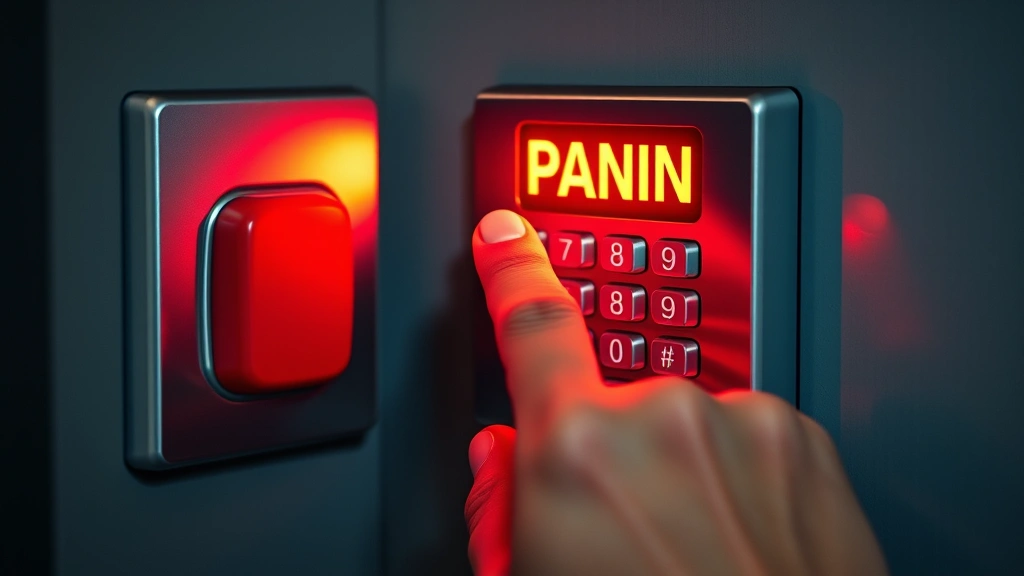
Most ADT security keypads include dedicated emergency buttons for triggering panic alarms without entering codes. These buttons—typically colored red or marked with distinctive symbols—provide immediate emergency notification to ADT’s monitoring centers. The panic button serves different purposes depending on configuration: a silent panic sends an alert to authorities without alerting potential intruders, while an audible panic produces a loud alarm to scare away threats and alert neighbors.
Silent panic buttons prove essential for situations where alerting an intruder would increase danger, such as home invasion scenarios. When activated, the keypad silently communicates with the monitoring center while you can speak through the speaker to communicate directly with operators. Audible panic buttons create maximum noise and disturbance, suitable for situations where you want to deter threats and attract attention from neighbors or passersby.
Fire and medical emergency buttons provide rapid access to emergency services without navigating menus or entering codes. Simply pressing the fire button immediately alerts fire departments and emergency responders, while the medical button notifies paramedics and emergency medical services. These dedicated buttons ensure that even under extreme stress, you can access emergency response with a single action.
Understanding panic button configurations prevents accidental activations that result in unnecessary emergency dispatch and associated false alarm fees. Many keypads require holding the panic button for 2-3 seconds to prevent accidental activation from bumping or pressing the button briefly. Ensure all household members understand when to use panic buttons and the potential consequences of false activations, balancing emergency preparedness with responsible system use.
The Federal Bureau of Investigation (FBI) notes that proper emergency response protocols save lives when individuals understand how to activate emergency systems correctly. Practice your emergency procedures annually, discussing with family members when panic buttons should be used and ensuring everyone knows the difference between various emergency alert types available on your specific keypad model.
Troubleshooting Common Keypad Issues
Keypad malfunctions can compromise your security system’s functionality, making troubleshooting skills valuable for maintaining continuous protection. Common issues include unresponsive buttons, dim or non-functional displays, missing audio feedback, and false alarms triggered by incorrect keypad operation. Understanding these problems and their solutions prevents unnecessary service calls and keeps your system operational during critical moments.
If your keypad becomes unresponsive, first check the power supply and battery backup. Most modern keypads include backup batteries that activate if primary power fails, but dead batteries prevent operation. Replace batteries according to your system manual, typically annually or when low-battery indicators appear. If the keypad still doesn’t respond after battery replacement, perform a system reset by cutting power for 30 seconds, then restoring it.
Display problems often indicate aging components or connection issues rather than complete failure. If your screen appears dim, adjust the brightness setting through the system menu—most keypads include brightness controls accessible through the master code. If the display shows garbled text or missing segments, contact your ADT monitoring service for professional diagnostics, as this may indicate hardware failure requiring replacement.
Audio feedback issues—missing beeps or silent speaker—commonly result from volume settings being too low or accidentally muted. Access your system menu through your master code and check audio settings, increasing volume if necessary. If audio remains absent after adjusting settings, the speaker may have failed and require professional replacement. Never ignore audio feedback issues, as these sounds provide critical status confirmation during operation.
False alarms triggered by keypad operation usually result from entering incorrect codes or accidentally pressing alarm buttons. Review your entry code and ensure you’re pressing the correct buttons in the proper sequence. If false alarms persist despite careful operation, contact ADT support to verify your system programming and confirm that button assignments match your expectations.
Advanced Features and Smart Integration
Modern ADT security keypads increasingly integrate with smart home systems, allowing remote arm/disarm through mobile apps and voice assistants. These advanced features provide convenience while maintaining security, letting you control your system from anywhere. However, smart integration introduces new security considerations requiring careful management of digital credentials and wireless connections.
Mobile app integration requires creating secure accounts separate from your master code, with strong passwords using uppercase, lowercase, numbers, and special characters. Never reuse passwords across different services, and enable multi-factor authentication if available. Your mobile device becomes an extension of your security system, so keep it updated with the latest security patches and maintain strict access controls over who can install the security app.
Voice assistant integration adds convenience but introduces security risks if not properly configured. Restrict voice commands to trusted users only, disable guest access to security functions, and regularly review which devices have voice control permissions. Voice assistants can inadvertently trigger commands if they misinterpret background conversations, so test voice control carefully in your home environment before relying on it for daily operation.
Wireless keypad extensions and remote monitoring capabilities expand your system’s functionality beyond the primary keypad. These devices communicate with your main system through encrypted signals, but weak encryption or improper configuration can create vulnerabilities. Ensure all wireless devices use current encryption standards and maintain firmware updates as released by ADT or your system manufacturer.
The Fortinet Threat Intelligence team regularly reports on vulnerabilities in smart home security systems, emphasizing that connected devices require the same security attention as traditional cybersecurity infrastructure. Regularly review your smart integration settings, disable features you don’t actively use, and maintain awareness of security advisories affecting your specific keypad model and connected devices.
FAQ
What should I do if I forget my master code?
Contact ADT customer service immediately with proof of system ownership. ADT can remotely reset your master code after verifying your identity, though this process may take 24-48 hours. Never attempt to bypass your system, as this may trigger alarms and complicate recovery. During the reset process, your system remains operational but you won’t have access to programming functions until your new master code is established.
Can I share my access code with family members?
Rather than sharing a single code, create individual user codes for each family member. This allows you to track who armed or disarmed the system and when, valuable for identifying security gaps or false alarm sources. Individual codes also enable you to delete access for family members who move away without changing the master code that controls all system functions.
How often should I change my keypad codes?
Change your master code at least annually, especially after any personnel changes in your household. User codes for family members can remain longer if individuals haven’t changed, but delete codes immediately when anyone with access moves away or loses authorized status. For business applications with high personnel turnover, consider changing all codes monthly or quarterly to minimize security risks.
What’s the difference between stay mode and away mode?
Away mode activates all sensors including interior motion detectors, assuming nobody is home. Stay mode deactivates interior motion sensors while keeping perimeter sensors active, allowing you to move freely inside while protecting doors and windows. Night mode typically combines perimeter and glass-break sensors with interior motion deactivation, optimized for sleeping without false alarms from normal nighttime movement.
Can my ADT keypad be hacked?
Modern ADT keypads use encrypted communication and secure code authentication, making direct hacking difficult but not impossible. The primary vulnerability comes from weak access codes or codes shared with unauthorized individuals. Protect your codes as carefully as digital passwords, avoid obvious patterns, and change codes regularly. If you suspect unauthorized access, contact ADT immediately for a security assessment.
What should I do if my keypad shows a low battery warning?
Replace the backup battery immediately according to your system manual. Low battery warnings indicate your system has limited time before backup power depletes, leaving you without emergency functionality if primary power fails. Most ADT keypads use standard batteries (AA, AAA, or 9V depending on model), available at any grocery or hardware store for quick replacement.


