Best 8 Camera Security Systems? Pro Insights Included
Security camera systems have become essential infrastructure for both residential and commercial properties. An 8 camera security system represents an optimal balance between comprehensive coverage and manageable complexity, making it an increasingly popular choice among security professionals and property owners alike. Whether you’re protecting a retail storefront, warehouse, office complex, or large residential property, understanding the nuances of multi-camera deployments directly impacts your ability to detect threats, deter criminal activity, and maintain forensic evidence when incidents occur.
The landscape of video surveillance has evolved dramatically over the past decade. Modern camera systems integrate artificial intelligence, cloud storage, remote monitoring capabilities, and advanced analytics that go far beyond simple video recording. When implementing an 8 camera configuration, you’re not just adding more sensors—you’re creating a sophisticated security ecosystem that requires strategic planning, proper installation, and ongoing maintenance. This guide provides professional insights into selecting, deploying, and optimizing an 8 camera security system for maximum protection.
Understanding 8 Camera System Architecture
An 8 camera security system requires thoughtful architectural planning to ensure comprehensive coverage without redundancy or blind spots. The primary consideration involves determining the optimal placement strategy for your specific property layout. Professional security assessments typically recommend mapping your facility’s perimeter, identifying high-value areas, entry/exit points, and potential vulnerability zones before positioning cameras.
The distributed approach of an 8 camera configuration allows you to maintain multiple layers of security. You might allocate cameras strategically: two for perimeter monitoring, two for entry points, two for interior high-value areas, and two for secondary access routes or parking facilities. This distribution ensures that even if one camera malfunctions or becomes obscured, your security posture remains substantially intact. When designing your system architecture, consider sight lines, lighting conditions, weather exposure, and potential vandalism risks for each proposed camera location.
Network architecture forms the backbone of your system’s reliability. An 8 camera system generates substantial data bandwidth, requiring either dedicated cabling or robust wireless infrastructure. Most professional installations employ Power over Ethernet (PoE) switches, which simultaneously deliver power and data through a single cable run, dramatically simplifying installation while improving reliability. Your network architecture should include redundancy—backup internet connections, failover systems, and local storage capabilities ensure that system failures don’t create security gaps.
Camera Types and Specifications
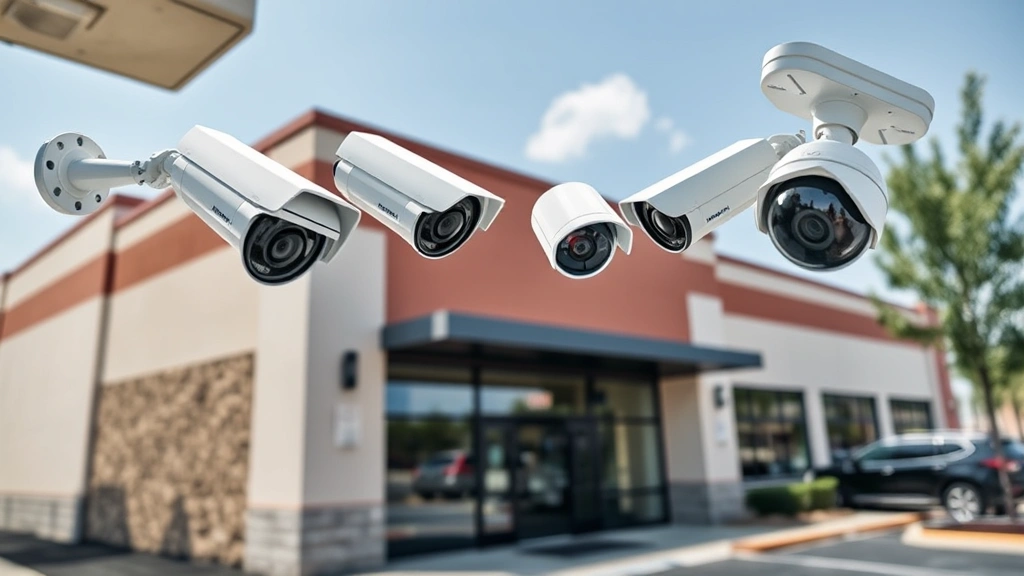
Selecting appropriate camera types for your 8 camera system significantly impacts detection capabilities and operational costs. The primary categories include turret cameras, bullet cameras, dome cameras, and PTZ (pan-tilt-zoom) models, each offering distinct advantages for different deployment scenarios.
Turret cameras provide excellent versatility for most applications. Their compact design allows discreet mounting on walls or ceilings, while their fixed lens configuration reduces maintenance requirements. Turret cameras typically offer superior image quality compared to older models and integrate seamlessly with modern network infrastructure. For an 8 camera system, turret cameras work exceptionally well for warehouse monitoring, parking lot surveillance, and facility perimeter coverage.
Bullet cameras excel in outdoor applications requiring extended range coverage. Their elongated form factor and powerful zoom capabilities make them ideal for monitoring distant areas—parking lots, building perimeters, or large open spaces. Bullet cameras typically feature superior weatherproofing and infrared capabilities, making them excellent choices for 24/7 monitoring in challenging environmental conditions.
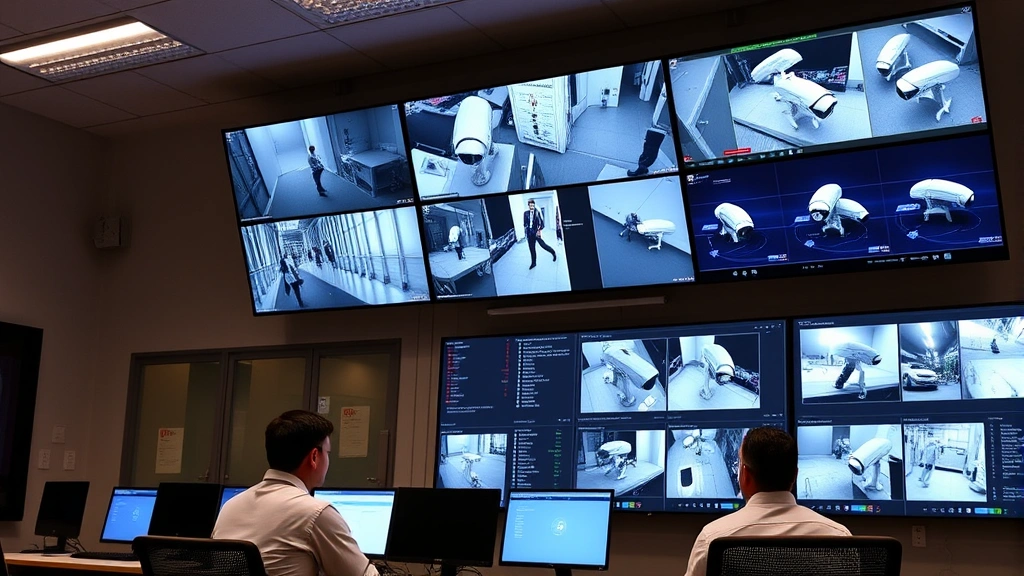
Dome cameras offer aesthetic advantages and inherent vandalism resistance due to their recessed design. They work particularly well in retail environments, offices, and facilities where appearance matters. Dome cameras also provide less obvious monitoring angles, which some organizations prefer for employee areas or customer spaces.
PTZ cameras justify inclusion in larger systems when you need active monitoring capabilities. However, PTZ models typically cost 3-5x more than fixed cameras and require more sophisticated control infrastructure. For most 8 camera systems, PTZ cameras are best reserved for specific high-priority zones requiring active tracking or detailed zoom capabilities.
Resolution specifications directly impact your ability to identify suspects or read license plates. Professional security installations typically recommend minimum 4MP (2688×1520) resolution for general surveillance, with 8MP or higher for applications requiring facial recognition or detailed identification. Your camera selection should match your security objectives—general deterrence may accept lower resolutions, while forensic identification requires premium specifications.
Infrared (IR) capabilities enable nighttime monitoring without requiring supplemental lighting. Most modern security cameras include passive infrared, though the quality varies significantly between manufacturers. For facilities requiring 24/7 monitoring, investing in cameras with robust IR performance prevents blind spots during darkness hours.
” alt=”Professional security camera dome mounted on building exterior with night vision capabilities”>
Network Infrastructure Requirements
An 8 camera security system demands robust network infrastructure to handle continuous video streaming. Most modern cameras transmit video at 5-20 Mbps per camera depending on resolution, frame rate, and compression settings. Your complete system could generate 40-160 Mbps of continuous traffic, requiring careful bandwidth planning.
Dedicated network switches with PoE capability form the foundation of professional installations. A managed PoE switch supporting 8+ ports with gigabit connectivity ensures each camera receives dedicated bandwidth and consistent power delivery. Enterprise-grade switches offer additional features like VLAN support, traffic prioritization, and redundancy protocols that prevent network congestion from degrading video quality.
Cabling infrastructure requires equal attention. Professional installations employ Cat6 or Cat6A cabling to support high-bandwidth requirements while maintaining future-proofing. Cable runs should avoid electromagnetic interference sources like high-voltage lines, transformers, or radio transmission equipment. Proper cable management prevents physical damage and ensures reliable connectivity across system lifetime.
Wireless connectivity presents tempting simplification but introduces reliability concerns. While modern mesh networks have improved, hardwired connections remain superior for security applications where reliability is non-negotiable. If wireless connectivity is necessary, implement dedicated 5GHz networks with strong encryption and redundant access points to ensure consistent signal strength across all camera locations.
Firewall and network segmentation protect your security system from unauthorized access. Your 8 camera system should operate on an isolated network segment with restricted access from general office networks. This segmentation prevents compromised workstations from directly accessing camera feeds or recording systems. Implement strong authentication, encrypted communications, and regular security updates to maintain system integrity.
Installation Best Practices
Professional installation of an 8 camera system requires systematic planning and execution. Begin with detailed site surveys documenting existing infrastructure, cable routing options, power availability, and potential mounting locations. This planning phase prevents costly mistakes and ensures efficient installation workflows.
Camera placement decisions directly impact security effectiveness. Mount perimeter cameras at heights between 8-12 feet, positioning them to capture faces at natural eye level rather than looking down from extreme angles. Ensure sufficient overlap between adjacent camera fields of view to eliminate blind spots while maintaining efficient storage utilization. Consider seasonal vegetation changes—trees and bushes may obscure cameras during certain times of year.
Weatherproofing deserves particular attention for outdoor cameras. Ensure proper cable sealing at connection points, use appropriate cable conduit in exposed areas, and position cameras to minimize direct water spray from gutters or drainage systems. Inadequate weatherproofing represents one of the most common failure modes in outdoor security installations.
Test all connections before finalizing installations. Verify video quality, night vision performance, and network connectivity for each camera individually before closing walls or ceiling access. This testing phase prevents discovering problems after installation completion when remediation becomes expensive and disruptive.
Documentation of your installation creates essential reference material for future maintenance. Record camera positions, cable routing, network assignments, and configuration settings. This documentation proves invaluable when troubleshooting issues or planning system expansions.
Storage and Recording Solutions
Recording strategy significantly impacts your system’s forensic value and operational costs. An 8 camera system operating continuously generates enormous data volumes—a single month of 4MP video at 30fps consumes approximately 1.5-2TB of storage. Your organization must decide between continuous recording, motion-triggered recording, or hybrid approaches balancing coverage with storage efficiency.
Network Video Recorders (NVRs) provide centralized recording and management for camera systems. Professional NVRs support 8+ camera streams simultaneously, offering redundant storage options, backup capabilities, and sophisticated search functions. Enterprise NVRs include features like RAID array support, automated backup to secondary storage, and recovery protocols ensuring data preservation even during hardware failures.
Storage capacity planning requires honest assessment of your retention requirements. Regulatory compliance, insurance requirements, and investigation protocols may mandate 30-90 day retention periods. Calculate your required storage capacity based on camera resolution, frame rate, and retention period, then add 20% buffer for overhead and unexpected needs.
Hybrid storage approaches combine local NVR storage with cloud backup for critical footage. This strategy ensures immediate local access for recent events while maintaining offsite copies of important recordings. Cloud storage also enables remote access to historical footage without maintaining expensive local infrastructure.
Backup protocols prevent catastrophic data loss. Implement automated daily backups of critical events to external drives or cloud storage. Test recovery procedures regularly to ensure backups remain functional—untested backups often fail when needed most.
Remote Monitoring and Access
Modern security systems must support remote monitoring, enabling security personnel to view live feeds and historical recordings from anywhere with internet connectivity. Implementing secure remote access requires careful attention to authentication, encryption, and access controls.
Virtual Private Network (VPN) technology creates encrypted tunnels for remote access, preventing unauthorized interception of video streams or system credentials. Configure VPN access with strong authentication including multi-factor verification to prevent credential compromise from enabling unauthorized access.
Mobile applications enable smartphone and tablet access to live video feeds. Professional security applications provide intuitive interfaces for reviewing footage, adjusting camera settings, and receiving alert notifications. Ensure mobile applications employ strong encryption and certificate pinning to prevent man-in-the-middle attacks.
Access control policies should implement role-based permissions limiting what different users can view or modify. Security guards might access all cameras with playback capabilities, while management receives summary dashboards and alert notifications. This granular access control prevents accidental misconfiguration or malicious modification of security settings.
Audit logging tracks all system access, creating accountability and enabling forensic investigation of unauthorized activity. Log all login attempts, configuration changes, and footage access to provide complete visibility into system usage patterns.
Integration and Analytics
Advanced analytics transform security camera systems from passive recording devices into active threat detection platforms. Modern cameras and NVRs support artificial intelligence capabilities including facial recognition, license plate reading, object detection, and behavioral analysis.
Facial recognition technology identifies known individuals within camera fields of view, enabling rapid response to security threats or VIP arrivals. Implement CISA guidelines regarding facial recognition to ensure compliance with privacy regulations and ethical deployment standards.
License plate recognition (LPR) automatically captures and logs vehicle identification information, enabling rapid investigation of incidents involving vehicular activity. LPR systems integrate with databases tracking stolen vehicles, registered sex offenders, or other subjects of interest.
Motion detection and object classification algorithms distinguish between meaningful activity and environmental changes. These capabilities prevent alert fatigue while ensuring genuine security threats receive immediate attention. NIST cybersecurity frameworks provide guidance on implementing analytics responsibly.
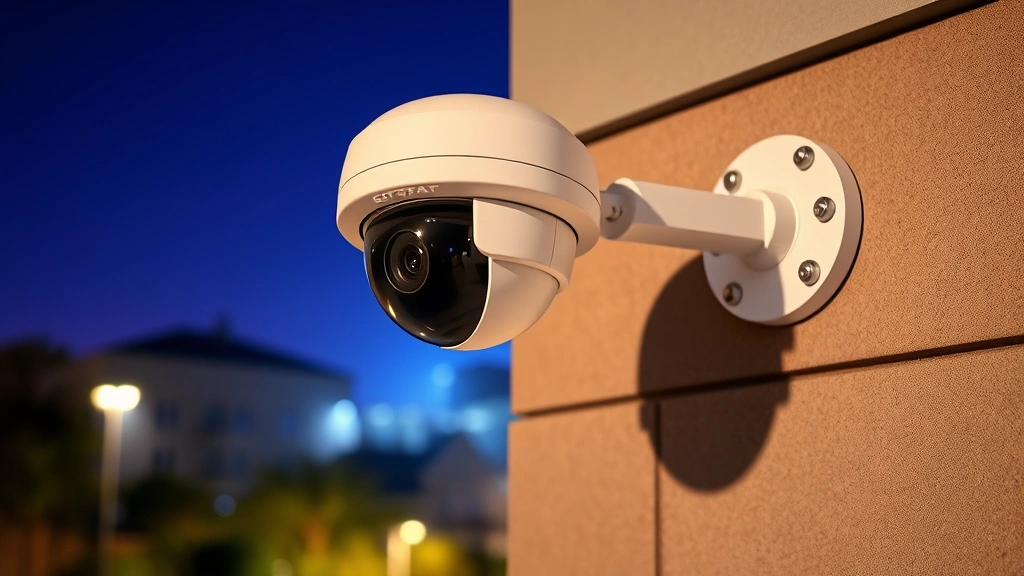
Integration with access control systems creates comprehensive security ecosystems. When someone uses a keycard to enter a restricted area, the access control system automatically triggers associated cameras to record and alert security personnel. This integration dramatically improves incident response capabilities.
” alt=”Security operations center displaying multiple camera feeds on monitoring screens with live alert indicators”>
Maintenance and Upgrades
Long-term security system success requires systematic maintenance and periodic upgrades. Establish quarterly maintenance schedules including lens cleaning, cable inspection, and firmware updates. Dirty camera lenses significantly degrade image quality, while outdated firmware introduces security vulnerabilities.
Firmware updates address security vulnerabilities, performance improvements, and feature enhancements. Implement a disciplined update process testing new firmware in controlled environments before deploying across all cameras. This approach prevents widespread outages from problematic firmware versions.
Hardware replacement planning ensures system longevity. Most cameras remain serviceable for 7-10 years, while NVR systems typically require replacement or significant upgrades every 5-7 years as storage and processing demands increase. Budget annual allocations for preventive maintenance and component replacement.
Performance monitoring tracks system health metrics including network bandwidth utilization, storage capacity trends, and camera functionality status. Automated alerts notify administrators of degrading performance or failed components before they impact security coverage.
Consider engaging professional cybersecurity consulting services for annual security audits of your camera system. External experts identify vulnerabilities and configuration issues that internal teams might overlook, ensuring your security investment delivers maximum protection.
Scalability planning enables future expansion without system redesign. Implement network architecture and NVR systems supporting easy addition of cameras as facility requirements evolve. This forward-thinking approach prevents expensive infrastructure replacement when expanding security coverage.
FAQ
What resolution should I choose for an 8 camera system?
Most professional security applications recommend 4MP minimum resolution for general surveillance and deterrence. If your security objectives include facial identification or license plate reading, invest in 8MP or higher resolution cameras. Resolution selection should balance forensic requirements with storage costs and network bandwidth limitations.
How much storage does an 8 camera system require?
Continuous recording of 8 cameras at 4MP resolution generates approximately 1.5-2TB monthly storage requirements. Your actual needs depend on resolution, frame rate, compression settings, and retention requirements. Calculate based on your specific configuration and add 20% buffer for overhead.
Can I use wireless cameras for an 8 camera system?
While wireless cameras simplify installation, hardwired systems remain superior for security applications requiring absolute reliability. If wireless deployment is necessary, implement dedicated 5GHz networks with strong encryption, redundant access points, and backup power systems. Professional security installations typically prefer hardwired PoE systems for critical applications.
What’s the typical cost of an 8 camera professional system?
Professional 8 camera systems typically range from $3,000-$8,000 depending on camera specifications, storage capacity, and installation complexity. Budget additional costs for network infrastructure, cabling, installation labor, and ongoing maintenance. Quality security systems represent long-term investments in facility protection.
How do I ensure my security system remains secure from hacking?
Implement strong authentication with multi-factor verification, maintain current firmware versions, use encrypted communications, implement network segmentation isolating cameras from general networks, and conduct regular security audits. Security research resources provide ongoing guidance on emerging threats and protective measures.
Should I include PTZ cameras in my 8 camera system?
PTZ cameras cost significantly more than fixed cameras and introduce complexity requiring skilled operation. Reserve PTZ cameras for specific high-priority zones requiring active monitoring or detailed zoom capabilities. Most 8 camera systems benefit from primarily fixed cameras with perhaps one PTZ unit for flexible coverage.
What backup systems should I implement?
Implement redundant internet connections, backup power systems (UPS), and automated offsite backups of critical footage. Test recovery procedures regularly to ensure backups function when needed. Hybrid approaches combining local NVR storage with cloud backup provide comprehensive protection against data loss.


