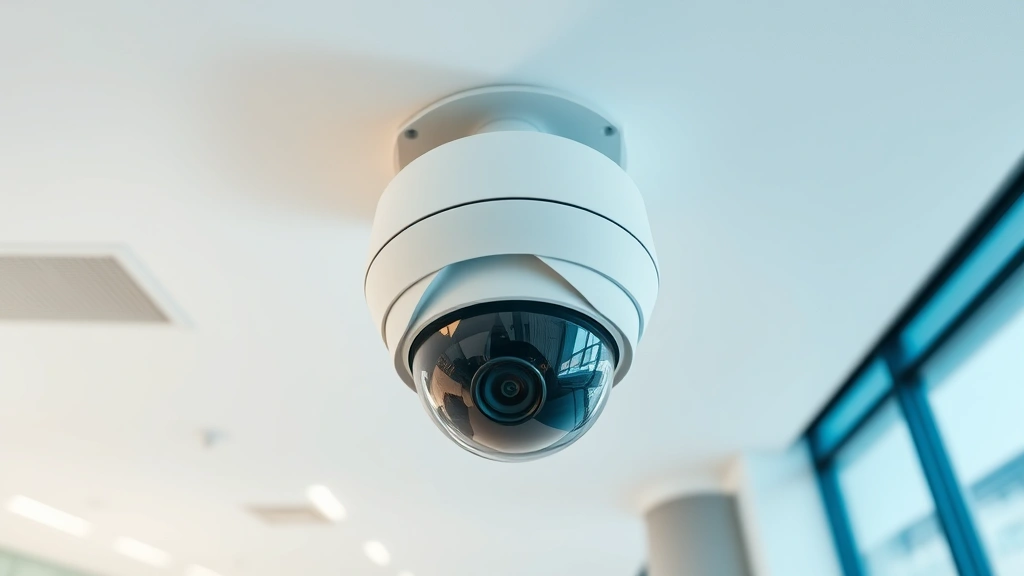
360 Degree Security Camera: Expert Setup Guide
A 360-degree security camera represents one of the most comprehensive surveillance solutions available for residential and commercial properties today. Unlike traditional fixed cameras that monitor a single direction, panoramic security systems capture complete environmental awareness in a single device, eliminating blind spots and reducing the number of cameras needed for adequate coverage. This comprehensive guide walks you through everything you need to know about selecting, installing, and securing your 360-degree camera system.
The evolution of security technology has made panoramic monitoring more accessible than ever. Modern 360-degree cameras leverage advanced sensor technology, artificial intelligence, and cloud integration to provide real-time alerts, intelligent motion detection, and seamless remote access. Whether you’re protecting a retail storefront, warehouse, office building, or residential property, understanding the technical specifications and security implications of these systems is essential for effective deployment.
Understanding 360-Degree Camera Technology
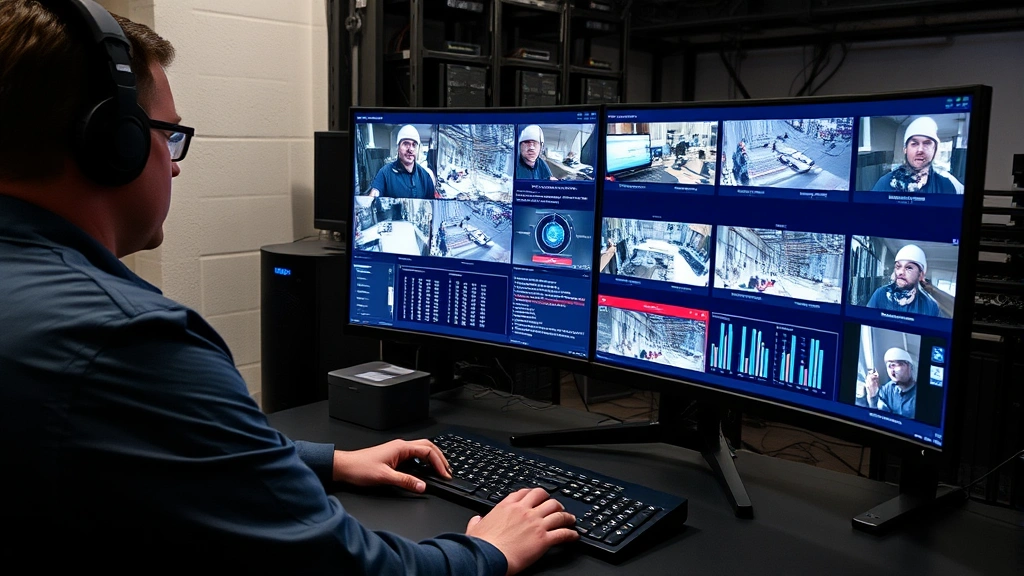
360-degree security cameras employ sophisticated optical and digital technologies to capture complete spherical coverage. These systems typically utilize one of three primary approaches: fisheye lens technology, rotating mechanisms, or multi-sensor arrays. Fisheye cameras use ultra-wide-angle lenses that distort the image across the entire field of view, then apply digital correction algorithms to create panoramic feeds. This method provides simultaneous coverage without moving parts, making it exceptionally reliable.
The sensor technology in modern 360-degree cameras has advanced dramatically. High-resolution sensors (4K to 8K capability) combined with enhanced low-light performance enable clear identification even in challenging lighting conditions. Dynamic range compression technology balances bright and dark areas simultaneously, crucial for monitoring environments with mixed lighting. Progressive scan technology eliminates motion blur, essential for tracking fast-moving objects or individuals.
Understanding the technical specifications helps you assess camera capabilities accurately. Resolution measured in megapixels directly impacts identification accuracy—a 12-megapixel camera provides significantly better detail than an 8-megapixel alternative. Frame rate (measured in frames per second) affects motion smoothness; 30fps is standard, while 60fps or higher provides superior tracking. Bit rate and compression codecs influence storage requirements and bandwidth consumption.
Connectivity options vary significantly across models. POE (Power over Ethernet) cameras simplify installation by requiring only a single cable for both power and data. Wireless models offer flexibility but introduce potential security vulnerabilities. Cloud-connected systems enable remote access but raise privacy and data protection concerns. Hybrid approaches combining local storage with cloud backup provide redundancy and enhanced security.
Selecting the Right Camera for Your Needs
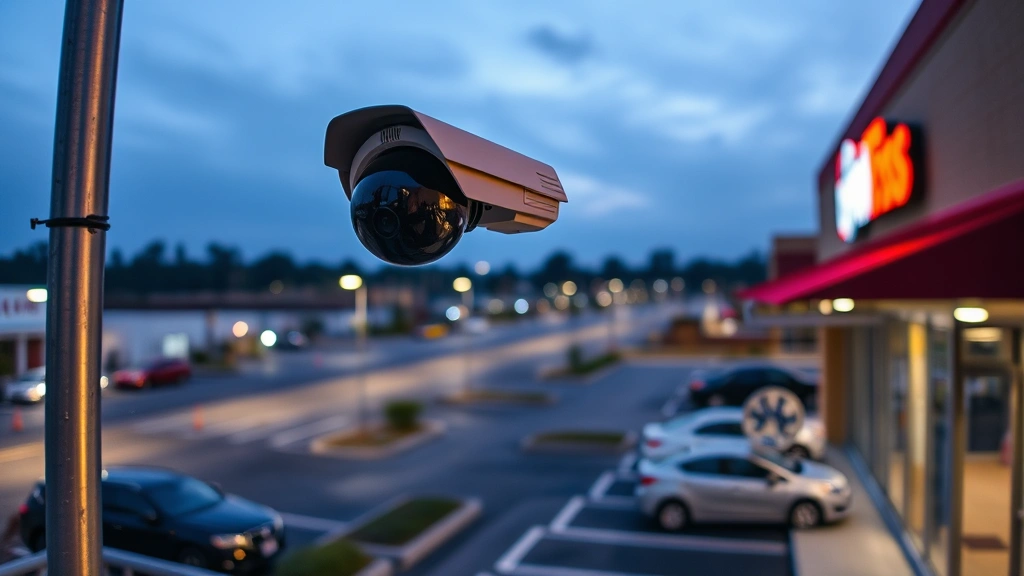
Choosing an appropriate panoramic security system requires careful assessment of your specific requirements. Begin by evaluating your monitoring environment’s physical characteristics. Indoor installations have different requirements than outdoor deployments. Outdoor cameras must withstand weather conditions, requiring robust housing rated for temperature extremes, humidity, and precipitation exposure. Indoor cameras can prioritize image quality over environmental durability.
Coverage area determines optimal camera placement and field-of-view requirements. A 360-degree camera in a central location can monitor an entire room effectively, while perimeter monitoring might require multiple units positioned strategically. Calculate the physical dimensions of areas requiring coverage and cross-reference this with manufacturer specifications regarding coverage radius at various distances.
Lighting conditions significantly impact performance. Environments with consistent, adequate lighting simplify camera selection. Areas with variable lighting—such as retail spaces with skylights or facilities with shifting sun angles—require cameras with superior dynamic range and low-light capability. Night vision functionality, whether infrared (IR) or enhanced digital processing, becomes essential for 24-hour monitoring without supplemental lighting.
Storage capacity and retention requirements influence technical specifications. Local storage via microSD cards or attached hard drives keeps data on your premises but limits capacity. Cloud storage provides scalability but introduces ongoing subscription costs and potential privacy implications. Hybrid approaches combining local backup with cloud redundancy offer optimal security.
Budget considerations extend beyond initial hardware costs. Factor in professional installation expenses, networking infrastructure upgrades, storage solutions, and ongoing maintenance. Premium brands often justify higher costs through superior image quality, reliability, and security features. However, mid-range options from reputable manufacturers frequently deliver excellent value for standard applications.
Integration capabilities with existing systems matter significantly. If you maintain existing security infrastructure, compatibility with current management platforms streamlines deployment. API support enables custom integrations with access control systems, alarm monitoring, and business management applications.
Pre-Installation Security Considerations
Before installing any security camera system, establish comprehensive security protocols. Conduct a thorough site survey identifying optimal camera placement that maximizes coverage while minimizing dead zones. Mark cable routing paths, ensuring they remain protected from environmental exposure and potential tampering. Identify network connection points and verify bandwidth availability for supporting video streams.
Cybersecurity assessment precedes physical installation. Review the camera manufacturer’s security track record by consulting CISA (Cybersecurity and Infrastructure Security Agency) vulnerability databases. Check whether the manufacturer promptly addresses disclosed security issues and provides regular firmware updates. Evaluate the company’s privacy policy regarding data collection, storage, and third-party sharing practices.
Network segmentation planning protects your broader IT infrastructure from compromised cameras. Isolate security cameras on a dedicated VLAN (Virtual Local Area Network) separate from critical business systems and personal devices. This containment strategy prevents attackers from using compromised cameras as pivot points for lateral network movement.
Access control policies must be established before deployment. Determine who requires camera access, what authorization levels they need, and how credentials will be managed. Multi-factor authentication for administrative access significantly reduces unauthorized access risks. Role-based access control ensures users can only view relevant camera feeds matching their responsibilities.
Data retention policies balance security monitoring needs with privacy obligations. Determine how long recorded footage requires retention based on regulatory requirements and organizational policy. Establish automated deletion schedules for archived footage exceeding retention periods. Document these policies in writing and communicate them to all stakeholders.
Step-by-Step Installation Guide
Physical mounting preparation begins with selecting optimal camera locations. For interior spaces, central ceiling mounting provides maximum coverage. For exterior installations, elevated positions offer superior field of view while complicating unauthorized access. Ensure mounting surfaces can support camera weight plus protective housing. Use appropriate fasteners rated for your mounting surface material—concrete anchors for masonry, studs for drywall, or specialized brackets for metal structures.
Cable management requires careful planning. Route cables through conduit or protective channels where possible, protecting them from physical damage, weather exposure, and potential sabotage. Clearly label all cables at termination points for future maintenance. Maintain strain relief at connection points to prevent cable stress damage. For outdoor installations, use weatherproof connectors and apply sealant around cable entries.
Power supply configuration depends on your camera type. POE cameras draw power directly from network cables, simplifying installation but requiring POE-capable network switches or injectors. Non-POE models require separate power connections—either AC power with appropriate voltage conversion or dedicated power supplies. Verify power specifications match your available infrastructure and include appropriate circuit protection.
Network connectivity setup demands meticulous attention to security. Connect cameras to dedicated network infrastructure separate from general-use networks when possible. Configure static IP addresses or DHCP reservations for cameras rather than relying on dynamic assignment, ensuring consistent access and simplifying troubleshooting. Disable unnecessary network services on cameras and restrict communication to required protocols only.
Initial configuration begins after physical installation and network connectivity verification. Access the camera’s web interface or management application using manufacturer-provided credentials. Immediately change default passwords to strong, unique credentials. Update firmware to the latest available version, which typically includes security patches addressing known vulnerabilities.
Video quality calibration optimizes performance for your specific environment. Adjust resolution, frame rate, and compression settings based on your bandwidth and storage capacity. Configure motion detection sensitivity to minimize false alerts while maintaining responsiveness to genuine threats. Test night vision functionality and adjust infrared intensity as needed.
Network Security and Data Protection
Securing your security camera network requires implementing multiple protective layers. Begin with encryption for all data in transit. Enable HTTPS/TLS encryption for web interface access, preventing credential interception. Configure encrypted protocols for video streaming—RTSP over TLS rather than unencrypted RTSP. Ensure all remote access utilizes VPN (Virtual Private Network) tunnels, preventing direct internet exposure of camera interfaces.
Firewall configuration restricts unauthorized access attempts. Implement ingress filtering to block unnecessary inbound connections. Configure egress filtering to prevent compromised cameras from establishing outbound connections to attacker-controlled infrastructure. Enable stateful inspection to track established connections and block unsolicited responses. Document all firewall rules and regularly audit them for unnecessary or outdated entries.
Authentication security extends beyond simple password protection. Implement multi-factor authentication for administrative access, requiring something you know (password) combined with something you possess (hardware token, authenticator app) or something you are (biometric verification). Disable remote administrative access entirely when possible, requiring local network access for configuration changes.
Firmware management prevents exploitation of known vulnerabilities. Establish a regular update schedule for camera firmware, testing updates in non-critical environments before production deployment. Subscribe to manufacturer security bulletins and NIST cybersecurity guidance to maintain awareness of emerging threats. Document firmware versions and update history for compliance and troubleshooting purposes.
Data protection protocols safeguard recorded footage. Implement encryption at rest for stored video files, preventing access even if storage media is physically compromised. Establish access logs documenting who accessed footage, when access occurred, and what was viewed. Restrict footage access to authorized personnel with legitimate business purposes. Regularly audit access logs for suspicious activity patterns.
Privacy compliance requires careful attention to regulatory requirements. Understand GDPR, CCPA, and other applicable privacy regulations governing video surveillance in your jurisdiction. Post appropriate notice of surveillance in visible locations. Establish retention policies balancing security needs with privacy obligations. Implement data minimization practices, collecting only footage necessary for legitimate security purposes.
Configuration and Optimization
Advanced configuration features enhance security effectiveness. Motion detection zones allow you to focus monitoring on specific areas, reducing false alerts from irrelevant movement. Define these zones carefully based on your monitoring objectives. Configure sensitivity levels appropriate for each zone—high sensitivity for critical areas, lower sensitivity for high-traffic regions prone to legitimate movement.
Alert configuration determines how the system notifies you of events. Email alerts provide documentation of incidents but may be delayed. Mobile push notifications offer immediate awareness but require reliable internet connectivity. Configure alert thresholds to balance responsiveness with alert fatigue—too many alerts reduce effectiveness as personnel become desensitized.
Video analytics capabilities in modern systems provide intelligent monitoring. Object detection algorithms identify people, vehicles, or specific objects of interest. Line crossing detection alerts when movement crosses predefined boundaries. Loitering detection identifies individuals remaining in an area longer than expected. Facial recognition, where legally permissible, enables identification of known individuals. Configure these features appropriately for your monitoring objectives while respecting privacy considerations.
Recording schedule optimization manages storage efficiently. Continuous recording provides complete coverage but consumes significant storage capacity. Event-based recording captures footage only when motion is detected, reducing storage requirements substantially. Hybrid approaches combining always-on recording for critical periods with motion-triggered recording during less critical times balance security with resource efficiency.
Bandwidth management prevents network congestion. Lower resolution and frame rate for less critical cameras, reserving high bandwidth for priority monitoring areas. Implement adaptive bitrate technology that adjusts video quality based on available bandwidth. Monitor network utilization regularly and upgrade infrastructure if camera traffic exceeds 30% of available bandwidth.
Maintenance and Troubleshooting
Regular maintenance preserves system performance and reliability. Schedule monthly lens cleaning to remove dust, cobwebs, and environmental debris that degrade image quality. Use soft, lint-free cloths and appropriate lens cleaning solutions—never use harsh chemicals that damage optical coatings. Inspect mounting hardware quarterly, tightening fasteners loosened by vibration or weather exposure.
Cable inspection identifies potential failure points before they cause outages. Look for damaged insulation, corrosion at connectors, and evidence of rodent damage. Replace compromised cables immediately. For outdoor installations, verify weatherproof seals remain intact and reapply sealant if deterioration is evident.
Performance monitoring detects degradation requiring intervention. Track frame rates, resolution consistency, and alert responsiveness. Compare current performance against baseline measurements from initial installation. Sudden performance drops often indicate hardware failure, malware infection, or network congestion requiring investigation.
Firmware updates require careful management. Test updates on non-critical cameras first, confirming stability before deploying across your installation. Maintain detailed records of firmware versions, update dates, and any issues encountered. Establish rollback procedures allowing reversion to previous firmware versions if updates introduce problems.
Troubleshooting connectivity issues begins with basic diagnostics. Verify network connectivity using ping tests from the camera’s IP address. Check for DHCP lease renewal failures or IP address conflicts. Review firewall logs for blocked connections. For POE cameras, verify POE power delivery using appropriate testing equipment.
Video quality issues often result from configuration rather than hardware failure. Review compression settings—excessive compression degrades image quality substantially. Verify camera lens is clean and focus is properly adjusted. Check lighting conditions and adjust camera exposure settings if underexposure or overexposure is occurring. Examine network bandwidth availability; insufficient bandwidth forces quality reduction.
Access issues typically stem from authentication or network configuration problems. Verify credentials are entered correctly, accounting for case sensitivity. Confirm user account has appropriate permissions. Check firewall rules aren’t blocking access. Test connectivity from different networks to isolate whether the problem is local or broader.
Performance degradation over time often indicates storage capacity issues. Monitor available storage space, implementing automated cleanup of old footage when capacity approaches limits. Check for memory leaks in camera software—occasional reboots can resolve these issues. Monitor CPU usage; excessive processor utilization indicates insufficient camera resources for current configuration.
FAQ
What is the optimal resolution for 360-degree security cameras?
Resolution requirements depend on your monitoring objectives. For general area monitoring, 4-megapixel cameras provide adequate detail for event documentation. For applications requiring individual identification, 8-12 megapixel or higher resolution becomes necessary. Consider your storage capacity and bandwidth availability when selecting resolution—doubling resolution increases storage and bandwidth requirements by approximately 4x.
How do I prevent my security camera from being hacked?
Implement multiple protective measures: change default passwords immediately, enable encryption for all connections, keep firmware updated, use strong authentication credentials, implement network segmentation isolating cameras from critical systems, monitor access logs for suspicious activity, and disable remote administrative access when possible. Consult CISA security recommendations for additional guidance.
Can 360-degree cameras work outdoors?
Yes, outdoor-rated 360-degree cameras are specifically designed for environmental exposure. These models feature weatherproof housing rated for temperature extremes, humidity, and precipitation. Verify cameras have appropriate IP ratings (IP66 or higher recommended for outdoor use) and are constructed from corrosion-resistant materials. Outdoor installations require more robust mounting to withstand wind and weather stress.
What storage capacity do I need for continuous recording?
Storage requirements depend on resolution, frame rate, compression settings, and retention period. A 4-megapixel camera recording at 30fps with standard compression generates approximately 200-300GB per month of continuous footage. For 30-day retention, plan for 6-9TB of storage. Cloud storage provides scalability but involves ongoing subscription costs. Hybrid local and cloud storage offers redundancy and cost efficiency.
How do I integrate my 360-degree camera with existing security systems?
Integration capability depends on your existing system and camera selection. Verify API support and compatibility before purchasing cameras. ONVIF (Open Network Video Interface Forum) compatibility enables integration with many third-party systems. Contact security system integrators for guidance on complex integrations. Many modern cameras support integration with comprehensive security platforms offering unified management.
What privacy considerations apply to 360-degree camera surveillance?
Privacy regulations vary by jurisdiction but generally require: notice to individuals being monitored, legitimate business purpose for surveillance, data minimization (collecting only necessary footage), secure storage preventing unauthorized access, retention limits automatically deleting old footage, and restricted access to authorized personnel only. Consult legal counsel regarding specific requirements in your location.


